
 Owen Bradley
 Most cameras arrive from the factory with a login like admin and a password that is either “admin”, “12345”, blank, or printed on a label anyone can photograph. Those defaults are published in manuals, indexed by search engines, and compiled into lists that automated scanners work through relentlessly. A camera left on its factory credentials and reachable from the internet is not a hypothetical risk — it is typically found within hours. Changing the default password is the single cheapest security action you can take, and this guide covers doing it properly on cameras, NVRs, and the older units already sitting on your network that you may never have touched.

Why Default Credentials Are So Dangerous
The problem is not that manufacturers ship defaults; it is that the defaults are identical across every unit of a model and freely documented. Automated scanners crawl the public internet looking for camera and recorder login pages, then try the handful of known factory combinations for that manufacturer. There is no targeting involved and no skill required. Whole websites once existed purely to index cameras still on factory logins, which is a good illustration of how routine this is.
The consequences run further than someone watching your feed. A compromised camera is a foothold inside your network, a device that can be enrolled into a botnet, and a source of footage showing your daily routine. Older units are the biggest liability, because they were often installed before anyone thought about it and have run untouched ever since.
What You Need Before You Start
Gather the camera or NVR admin app or web interface login, a computer on the same local network, and a password manager to generate and store the new credentials. Have the device model numbers to hand, and if any camera has been running for years, find its manual or the manufacturer’s support page in case a physical reset is needed. A phone with a torch helps for finding recessed reset buttons on outdoor units.
Do this on the local network rather than over a remote connection where possible. If a step goes wrong and you lose access, physical proximity to the device is what saves you.
Step-by-Step: Changing the Default Password
- Inventory every device first. List all cameras, the recorder or NVR, and any bridge or hub. Check your router’s connected-device list to catch units you had forgotten — old cameras in a shed, a garage, or an unused room are exactly the ones still on factory logins.
- Do it before connecting to the internet. On a new install, complete setup on the local network and change credentials before enabling any remote access or port forwarding. A device exposed even briefly on defaults should be treated as compromised.
- Log in with the current credentials. Use the manufacturer app or the device’s web interface at its local IP address. If the label password still works, that is your confirmation the device was never secured.
- Find the user or account settings. Look under System, Account, Users, or Security. On NVRs this is usually a User Management page listing every account on the device.
- Change the admin password to a long unique passphrase. Let a password manager generate it. Aim for length over symbol juggling, and never reuse a password from another device or service. Store it immediately, along with the device name and IP, so you can find it a year from now.
- Change the username too if the device allows it. Many scanners only try “admin” or “root”. Renaming the account defeats a surprising proportion of automated attempts on its own.
- Check for hidden or secondary accounts. Recorders frequently ship with additional accounts such as guest, user, viewer, or a service login used by installers. Each is a separate way in. Change or disable every one you do not need.
- Repeat on every camera individually. On a wired NVR system, changing the recorder password does not always propagate to the cameras themselves. Each camera usually has its own web interface and its own credentials, and each must be done separately.
- Disable services you do not use. Turn off UPnP, P2P cloud relay, Telnet, SSH, and any legacy remote protocol you have no need for. Every open service is another login prompt an attacker can reach.
- Update the firmware. Older firmware sometimes contains hardcoded accounts that no password change can remove — the only fix is the manufacturer’s patch. Apply updates after changing credentials, then confirm the new password survived the update.
- Sign out and log back in on every device. Verify the new password works from the app, the web interface, and any tablet or second phone. Then check that the old password no longer works anywhere.
- Record everything. Note each device, its location, its IP, and its new credentials in your password manager. Undocumented cameras are the ones that get skipped at the next audit.
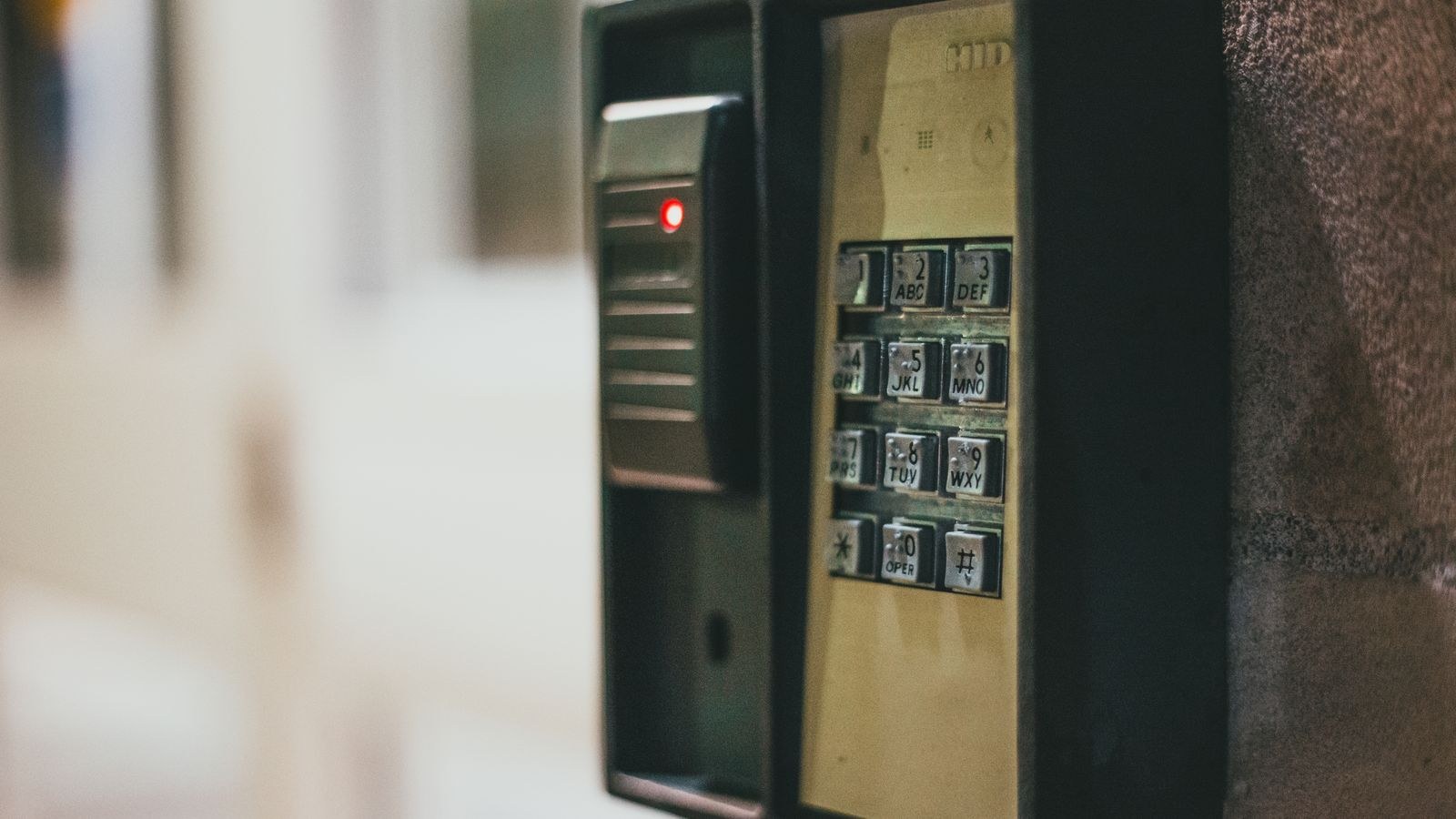
Auditing Cameras You Inherited or Forgot
Cameras that came with a house, were installed by a previous contractor, or have simply been running for six years are the highest-risk devices in most homes. The approach is straightforward. Find every device on the network, attempt to log in with the model’s documented default credentials, and if it works, you have found a problem. If nobody knows the password and the defaults have been changed by a long-gone installer, factory reset the unit using its physical reset button and set it up fresh — losing the old configuration is far better than running a device you cannot control.
Wired systems installed by contractors deserve extra scrutiny, because installers often set every camera on a job to the same convenience password. Assume that is the case unless you set the credentials yourself.
Common Mistakes to Avoid
- Changing only the NVR password. Individual cameras behind it usually keep their own factory logins and may still be reachable.
- Using the same new password on every device. One compromised camera then hands over the whole system. Unique credentials per device contain the damage.
- Choosing something memorable like the street address or a family name. Targeted guessing works more often than people expect. Generate the password instead.
- Port forwarding to a camera to get remote access. This exposes the login page directly to the internet. Use the manufacturer’s proper remote access or a VPN into your home network instead.
- Forgetting that a factory reset restores the default password. After any reset — including one triggered by a technician — the device is back on factory credentials and must be secured again.
- Leaving the guest or viewer account untouched. A secondary account with a default password is just as exploitable as the admin one.
- Skipping firmware updates. Some vulnerabilities bypass passwords entirely and are only closed by a patch.
Passwords Are One Layer of Several
Unique device credentials stop the automated scanning that accounts for the vast majority of camera compromises, but they work best alongside a properly configured network. Isolating cameras from your computers and phones, keeping remote access closed, and hardening the router all reduce what a single compromised device can reach. Our guide on how to secure a home network from hackers covers that groundwork, including segmentation and router settings that matter as much as the passwords themselves.
Hardware choice plays a role too. Systems that force a strong password during first-run setup, ship firmware updates for years, and avoid hardcoded service accounts are meaningfully safer than budget units that never move past their factory defaults. If you are evaluating what to install, the roundups of the best IP security cameras and best CCTV security cameras are a good starting point for individual units, while the best home CCTV systems and best security camera systems guides cover complete recorder-based setups where account management across multiple cameras matters most in 2026.
Frequently Asked Questions
How do I find a camera’s default password?
It is usually on a label on the device, in the quick-start guide, or on the manufacturer’s support page. If it is that easy for you to find, it is equally easy for anyone else — which is exactly why it must be changed.
What if I do not know the current password?
Use the physical reset button to return the device to factory settings, then set it up from scratch with new credentials. You will lose the existing configuration, but you regain control of the device.
Do I need to change passwords on cameras that are not internet-connected?
Yes. Anyone who reaches your local network — a compromised laptop, an insecure guest connection — can then walk straight into a camera on defaults. Local-only is not the same as safe.
How often should camera passwords be changed?
Routine rotation is less important than uniqueness and length. Change them when someone with access leaves, after any factory reset, after a technician visit, or if the manufacturer reports a breach.
Does changing the password protect against firmware vulnerabilities?
Not always. Some flaws bypass authentication entirely, and older firmware occasionally contains hardcoded accounts. Keep firmware current alongside strong credentials rather than relying on either alone.
Final Thoughts
Default credentials are the reason most home cameras get compromised, and closing that hole requires no technical skill — just thoroughness. Inventory every device including the ones you forgot, change the password and username on each individually, clear out hidden guest accounts, disable remote services you never use, update the firmware, and write everything down. Do it before the device ever touches the internet on a new install, and repeat the audit after any reset or technician visit. An hour of methodical work removes the most common attack against home security systems entirely.









