
 Owen Bradley
 A productive home office depends on more than just a laptop and a quiet room. The desk you work at, the chair you sit in, the internet connection you rely on, and the lighting around you all directly affect your comfort, focus, and long-term health. Treating these as a connected system rather than a series of separate purchases is what separates a workspace that supports you all day from one that leaves you aching by mid-afternoon. This guide walks through each core element so you can build a home office that works as hard as you do.

Starting With the Right Desk
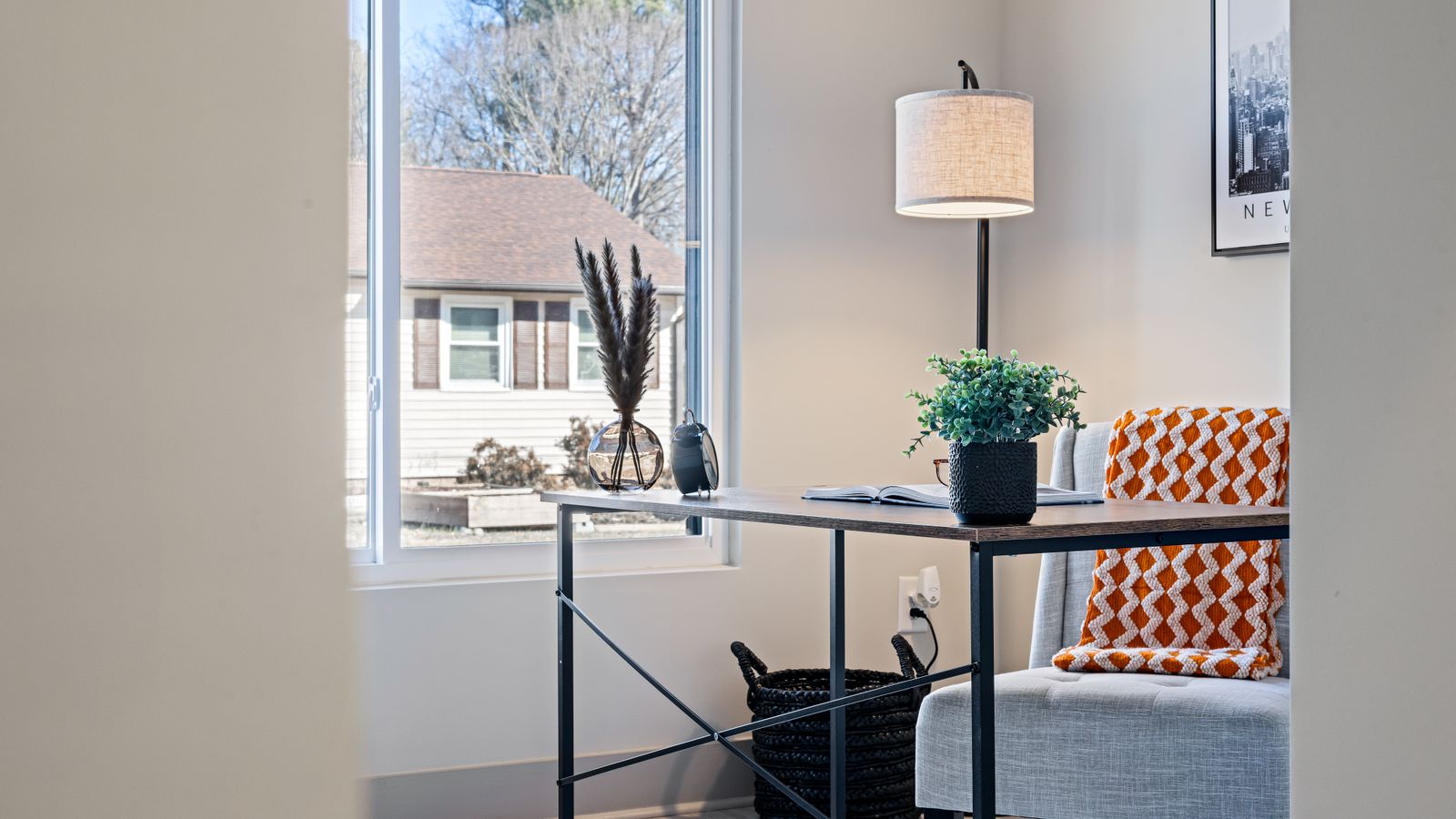
Your desk is the foundation of your workspace, and its height, size, and stability affect your posture throughout the day. A standing desk that adjusts between sitting and standing positions is increasingly popular for reducing the health risks of prolonged sitting, letting you change position without disrupting your workflow. Look at the best standing desks for home office use if you want the flexibility to alternate positions throughout the day and combat the stiffness that comes from sitting for hours.
Sizing Your Desk to Your Space
Measure your available space before choosing a desk, accounting for enough clearance to push your chair back comfortably and walk around freely. A desk that’s too large for the room creates a cramped, cluttered feeling, while one that’s too small limits your monitor setup, notes, and workflow. Consider depth as well as width, since a shallow desk can force your monitor too close to your eyes.
Surface and Cable Management
A stable, uncluttered surface with room for a monitor, keyboard, and a notepad supports focused work. Built-in or add-on cable management keeps cords tidy, which matters even more on a standing desk where cables need slack to move up and down with the surface.
Choosing the Right Office Chair
An ergonomic chair supports your lower back, keeps your hips and knees at proper angles, and adjusts to your body rather than forcing you to adapt to it. Since you’ll likely spend hours seated even with a standing desk in rotation, this is not an area to cut corners on. Review the best office desk chairs for models offering adjustable lumbar support, seat depth, and armrest height to match your body and desk setup.
Key Adjustments to Look For
Seat height, lumbar support, armrest height, seat depth, and tilt tension are the most important adjustments for everyday comfort. A chair that lets you fine-tune each of these reduces the risk of back, neck, and shoulder strain over a full workday. Breathable material and a supportive seat cushion also make long sessions more comfortable.
Matching the Chair to Your Desk
Your chair and desk work as a pair. Set your chair so your elbows rest at roughly a 90-degree angle and your feet sit flat on the floor or a footrest, then adjust your desk or monitor height to suit. A great chair paired with a poorly matched desk height still leads to strain.
Ensuring a Reliable Internet Connection
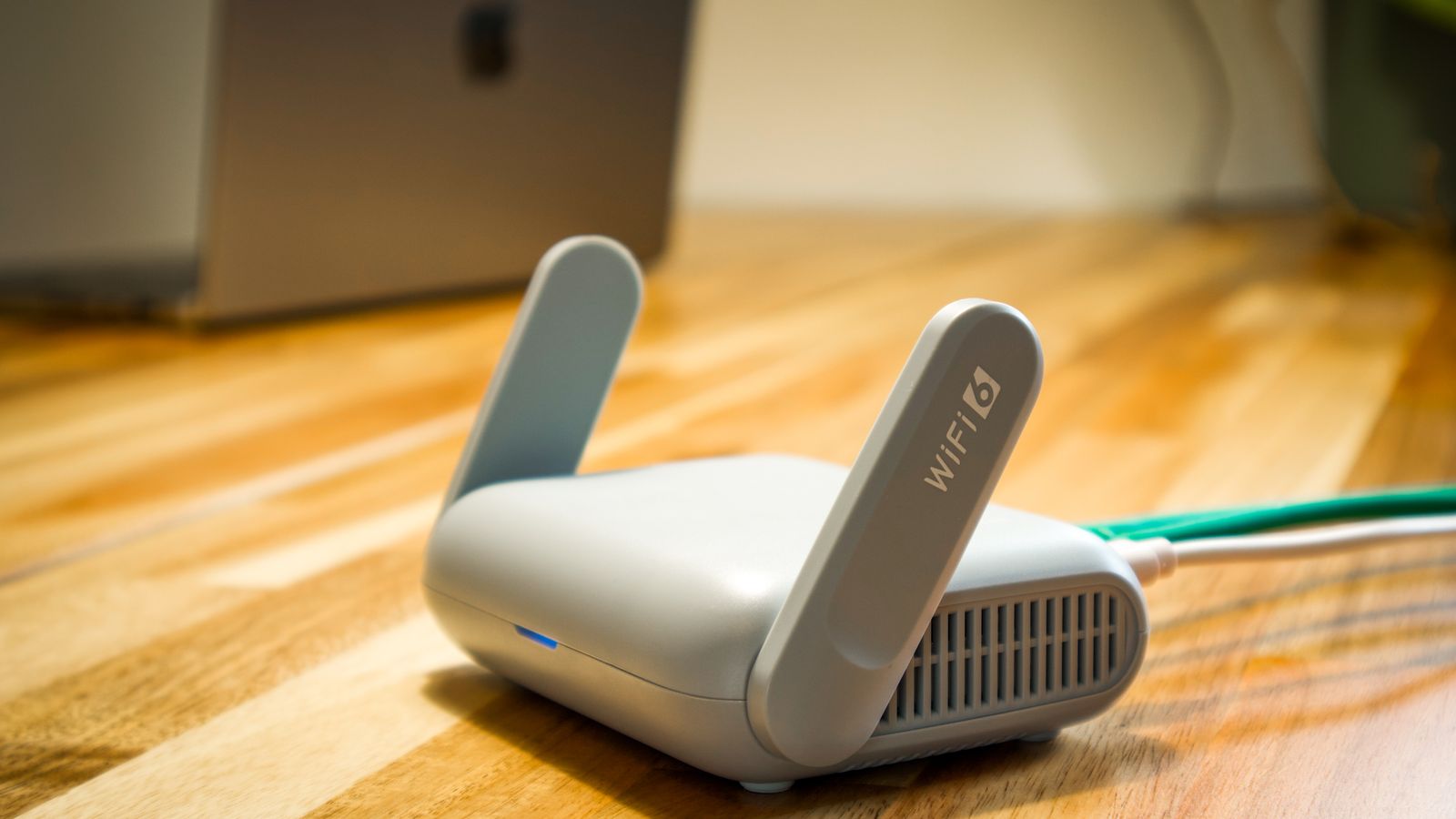
No home office setup is complete without a dependable internet connection, especially for video calls, file transfers, and cloud-based tools. A router placed too far from your desk or hidden behind furniture can quietly sabotage your workday with slow speeds and dropped calls. Consider the best wireless routers for home offices if your current setup struggles with coverage or speed during work hours, and place the router as centrally and unobstructed as possible for the strongest signal.
Wired vs Wireless for Your Desk
If your desk is within reach of an ethernet cable, wiring your computer directly delivers more consistent speeds for video calls and large uploads than relying on Wi-Fi alone, even with a strong router. For stationary work machines, a wired connection is one of the simplest reliability upgrades available.
Coverage for Larger Homes
If your office sits far from where the internet enters the home, a mesh system or a well-placed access point can eliminate the weak spots that cause calls to drop. Consistent coverage matters as much as raw speed for a smooth workday.
Getting the Lighting Right
Poor lighting contributes to eye strain, headaches, and fatigue over a long workday, especially for people who spend hours looking at a screen. Natural light is ideal when available, but a dedicated desk lamp ensures consistent, glare-free lighting regardless of the time of day or weather. Explore the best desk lamps for home office setups to find one with adjustable brightness and color temperature suited to focused work.
Avoiding Screen Glare
Position your monitor perpendicular to windows rather than facing or backing directly onto them, which minimizes glare and reflections that force your eyes to work harder throughout the day. Adjustable blinds help you control changing daylight.
Layering Your Light
Combine ambient room lighting with a focused task light on your work surface. This layered approach reduces the harsh contrast between a bright screen and a dark room, which is a common and overlooked cause of eye fatigue during evening work.
Bringing It All Together
The most effective home offices treat these elements as a connected system rather than separate purchases. A great chair paired with a poorly positioned desk still causes strain, just as a fast router won’t help if your lighting leaves you squinting by mid-afternoon. Walk through your space and evaluate each element together, adjusting desk height to your chair, router placement to your desk location, and lighting to your monitor position until the whole setup supports you comfortably.
Budget Planning
If you’re building a home office gradually, prioritize the chair and desk first, since these have the most direct impact on physical comfort and long-term health. Lighting and router upgrades are typically more affordable and can be added incrementally as budget allows, though don’t neglect them entirely, since both significantly affect daily comfort and productivity. Investing in quality where your body makes contact, then filling in the rest over time, is a sensible sequence for most people.
Ergonomics and Healthy Habits
Even the best equipment works better alongside good habits. Keep the top of your monitor near eye level, take short breaks to stand and stretch, and follow guidance like looking away from your screen periodically to rest your eyes. A well-designed space makes these habits easier, but the habits themselves are what keep you comfortable over months and years of work.
Managing Cables and Clutter
A tidy workspace supports focus, and cable management is one of the most overlooked parts of a home office. Bundle and route power and data cables along the back of your desk, use clips or a cable tray to keep them off the floor, and leave enough slack for a standing desk to move freely. Reducing visible clutter not only looks cleaner but also makes it easier to clean, adjust equipment, and avoid the small daily frustrations of tangled cords. A clear surface with only the items you actively use keeps your attention on work rather than mess.
Adding Comfort and Personal Touches
Beyond the core four elements, small additions meaningfully improve a workspace. A monitor arm frees desk space and lets you fine-tune screen height for better posture. A footrest helps shorter users keep their feet supported, and a small plant or two can make a home office feel more pleasant and less sterile. An ergonomic keyboard and mouse reduce wrist strain during long typing sessions. These touches don’t require a large budget but collectively make the difference between a space you tolerate and one you genuinely enjoy spending your workday in.
Adapting to Small Spaces
Not everyone has a dedicated room, and a productive home office can absolutely fit into a corner of a living room or bedroom. In tight spaces, prioritize a compact but adjustable desk, a supportive chair that can tuck under it, and good task lighting to define the work zone. A wall-mounted shelf or vertical storage keeps the footprint small, and choosing a router with strong coverage means you aren’t tied to being near the modem. The same principles of comfort, connectivity, and lighting apply regardless of how much room you have to work with.
Common Mistakes to Avoid
Many home offices are built around whatever furniture was already in the house rather than furniture suited to focused work, leading to chronic discomfort. Others overlook router placement, assuming Wi-Fi issues are a provider problem rather than a positioning one. Relying solely on overhead lighting without a dedicated desk lamp often leaves the work surface poorly lit even when the room looks bright. Finally, buying a great chair but never adjusting it wastes much of what you paid for.
Frequently Asked Questions
What should I prioritize first when setting up a home office?
Start with your chair and desk, since these have the biggest impact on comfort and posture during long work sessions.
Do I need a standing desk for a healthy home office?
It’s not mandatory, but alternating between sitting and standing throughout the day can reduce the health risks associated with prolonged sitting.
How can I improve my home office Wi-Fi without rewiring the house?
Repositioning your router to a central, unobstructed location, or upgrading to a stronger router or mesh system, often resolves most coverage issues without any rewiring.
What kind of lighting is best for a home office?
A combination of natural light, ambient room lighting, and an adjustable task lamp with controllable brightness and color temperature works best for reducing eye strain.
How much should I budget for a complete home office?
It varies widely, but prioritizing a quality chair and desk first, then adding router and lighting upgrades over time, lets you build a strong setup at a comfortable pace.
Final Thoughts
A well-designed home office brings together the right desk, chair, internet connection, and lighting into a single supportive workspace. Investing thoughtfully in each element, matching them to one another, and pairing them with healthy habits pays off in comfort, focus, and fewer physical aches by the end of every workday.









