
 Owen Bradley
 Most routers offer a guest network, and increasingly they offer a second one intended for smart devices. Because both sit apart from your main Wi-Fi, it is tempting to treat them as the same thing and dump visitors and light bulbs onto whichever one exists. They are not the same, and using the wrong one causes predictable problems: guests who cannot cast to the television, smart plugs that refuse to pair, or a doorbell that stops talking to its hub every time the router restarts. This guide explains what each network is designed for, how isolation levels differ, and how to split visitors from connected devices in 2026 without breaking casting, printing or your automations.
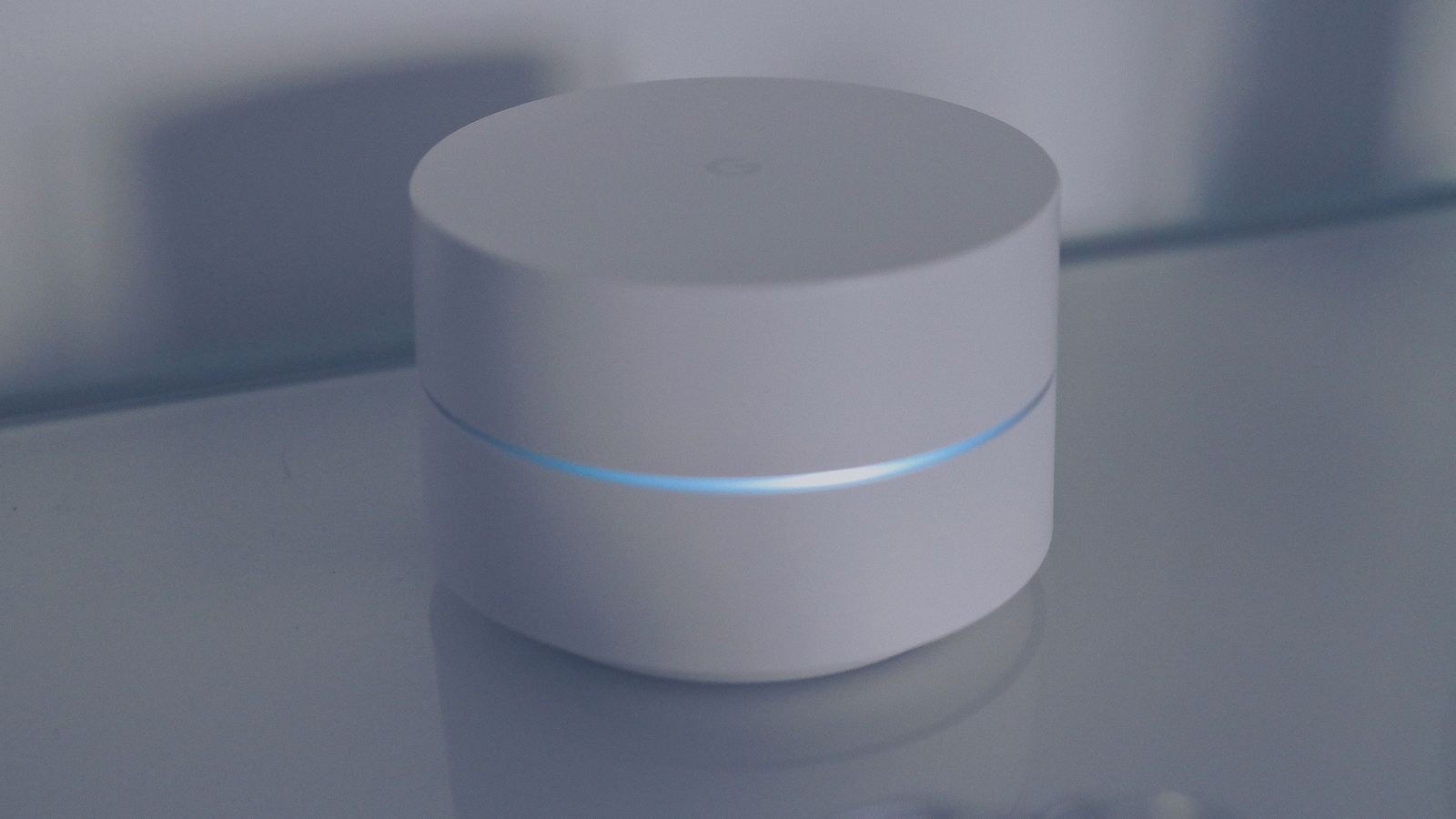
What a Guest Network Is For
A guest network exists to give visitors internet access without giving them access to you. It has its own name and password, and critically it usually enables client isolation, meaning devices on it cannot see each other or anything on your main network. A guest’s laptop gets online and nothing else: no file shares, no printer, no router admin page, no cameras.
The other purpose is credential hygiene. Once you hand out your main Wi-Fi password it spreads, gets saved in a dozen phones, and stays valid for years. A guest password can be changed monthly, or rotated after a party, without re-pairing every device you own. Many routers can also schedule a guest network to switch itself off after a set period, which is genuinely useful for tradespeople or short-term visitors.
Guest Networks Assume Devices Are Temporary
The design assumption behind a guest network is that devices come and go and never need to talk to each other. That assumption is exactly why it makes a poor home for smart devices, which need to be discovered, controlled and reached by apps and hubs continuously. If you want simple, well-behaved visitor access, the best routers with guest network support offer proper isolation, bandwidth limits and expiring passwords rather than a second network name and nothing else.
What an IoT Network Is For
An IoT network exists to contain devices you do not fully trust but do need to use. Cheap plugs, bulbs, cameras, sensors and televisions run software you cannot audit and often stop receiving updates quickly. Putting them on their own network means that if one is compromised, it cannot scan your laptop, reach your backups or attack the router’s management interface.
Unlike a guest network, an IoT network usually needs devices to talk to each other, or at least to a hub. A motion sensor triggers a light; a camera streams to a display; a hub commands a dozen accessories. Full client isolation would break most of that. So an IoT network is typically isolated from your main network but permissive within itself, which is the exact opposite of guest configuration.
There is a practical bonus too. Most inexpensive smart devices only join 2.4GHz networks, and pairing fails when a router broadcasts one combined name across both bands. A dedicated IoT network set to 2.4GHz only removes that fight permanently. Routers built for busy connected homes handle this and high client counts gracefully; our roundup of the best routers for smart home setups covers models that manage dozens of devices without slowing down.
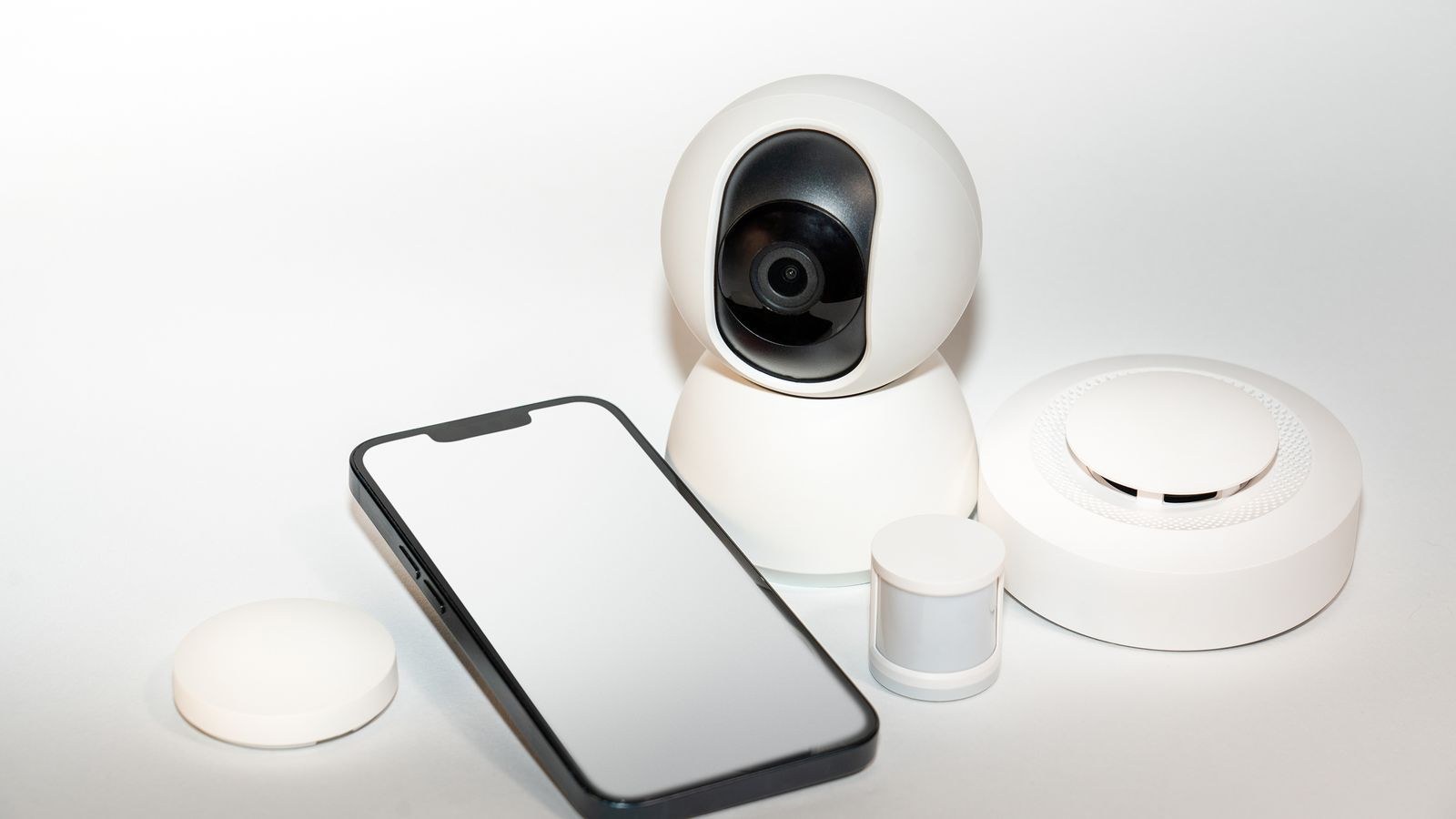
The Key Difference: Isolation Levels
Think of isolation in two directions. Isolation from the main network stops devices reaching your computers and phones. Isolation within the network stops devices reaching each other. A guest network wants both. An IoT network wants the first but usually not the second.
Many routers only offer a single toggle labelled something like “allow guests to see each other”, which forces a choice. If you have exactly one extra network available, decide which problem is bigger. A household with many visitors and only a handful of smart plugs should run it as a guest network. A household with thirty smart devices and occasional visitors should run it as an IoT network and hand guests the main password sparingly, or rotate it.
When One Extra Network Is Not Enough
The clean answer is three networks: main, IoT, guest. Mid-range and better routers increasingly support multiple additional networks, or proper virtual LANs with rules governing traffic between them. That last capability is what lets you punch a controlled hole, for example allowing your phone on the main network to reach the smart hub on the IoT network while blocking everything in the reverse direction. If you want that level of control, the best firewall routers list covers units with real policy engines instead of a single isolation checkbox.
The Things That Break, and How to Fix Them
Splitting networks breaks discovery, because the protocols that let phones find speakers, printers and televisions are designed to work within one network segment. Expect these specific problems.
- Casting stops working. Your phone on the main network cannot see a television on the IoT network. Fix it by enabling the router’s cross-network discovery option, or by keeping the television on the main network.
- Printers vanish. Put the printer wherever the computers are, not on the IoT network, unless your router can forward discovery traffic.
- Setup fails. Many smart devices must be paired from a phone on the same network. Temporarily join the IoT network with your phone during setup, then switch back.
- Guests cannot cast. This is usually intentional. If you want visitors to play music, allow discovery from the guest network to one specific device rather than opening the whole network.
- Hubs lose accessories. Keep a hub and the devices it controls on the same network; splitting them is the most common cause of unreliable automations.
A Practical Setup That Works
Start by listing devices in three groups. Group one holds anything with data worth protecting: computers, phones, tablets, network storage and the printer. Group two holds smart devices: plugs, bulbs, sensors, cameras, thermostats and the hub. Group three is visitors, which is not a device list at all but a rotating population.
Create the IoT network first, set it to 2.4GHz if your devices need that, disable client isolation within it, and block it from reaching the main network. Move your smart devices across one at a time, testing automations as you go rather than migrating everything in one evening. Then set up the guest network with full isolation, a separate password and, if available, a bandwidth cap so a visitor streaming video does not swamp the line.
Televisions and streaming sticks are the awkward middle case. They are unpatched consumer devices, which argues for the IoT network, but you cast to them constantly, which argues for the main one. If your router supports selective discovery forwarding, keep them isolated. If not, main network is the pragmatic choice.
Do Not Forget the Router Itself
Segmentation is undermined if the router’s admin interface is reachable from the guest or IoT networks. Check that management access is restricted to the main network, use an admin password different from any Wi-Fi password, disable remote administration and keep firmware current. Our list of the best secure WiFi routers favours models with long update support and locked-down management defaults, which matters more than any single setting you toggle.
Common Mistakes
The first mistake is putting smart devices on the guest network and wondering why nothing works. Client isolation is doing exactly what it was built to do; the devices simply need a different configuration. The second is creating an IoT network and then leaving half the devices on the main one because migrating them was fiddly, which delivers the inconvenience without the protection.
A third is treating the guest network as a security afterthought. It shares the same router, so a guest streaming heavily still affects everyone, and a guest network with isolation switched off is barely better than handing over the main password. Finally, many people set this up once and never revisit it, so new devices land on whichever network was easiest during setup. Adding a device is the moment to decide where it belongs.
Frequently Asked Questions
Can I use one extra network for both guests and IoT?
You can, but you must choose an isolation setting that suits one and compromises the other. With isolation on, smart devices lose the ability to talk to each other. With it off, guests can see your gadgets. Two separate networks is the better answer if your router allows it.
Does a guest network slow down my main Wi-Fi?
It shares the same radios and bandwidth, so heavy guest use affects everyone. Many routers offer bandwidth limits per guest network, which is the simplest way to prevent one visitor from monopolising the connection.
Is an IoT network actually necessary?
It does not stop devices being compromised, but it dramatically limits what happens next. Given how quickly cheap connected hardware stops receiving updates, containment is the realistic goal and segmentation is the cheapest way to get it.
Why will my smart plug not connect to the new network?
Almost always a band problem. Set the IoT network to 2.4GHz only, or temporarily disable the 5GHz band during pairing, then confirm the device stays connected afterwards.
Should the smart hub go on the IoT network?
Yes, alongside the accessories it controls, so local commands work. Then allow your phone on the main network to reach the hub specifically, rather than opening broader access between the two networks.
Final Thoughts
Guest networks and IoT networks solve different problems with similar tools. A guest network is about temporary access and total isolation, protecting you from visitors and protecting your main password from circulating. An IoT network is about permanent containment, letting untrusted devices work normally among themselves while keeping them away from anything that matters. Getting the isolation setting right for each is what separates a setup that quietly works from one that generates constant complaints about casting and pairing. If you are configuring this for the first time, our walkthrough on how to set up guest Wi-Fi on a router covers the admin steps, and choosing hardware that supports multiple isolated networks makes the whole arrangement far easier to live with in 2026.









