
 Owen Bradley
 Lag ruins competitive gaming faster than almost anything else, and most players blame their internet plan when the real culprit is often the router sitting under the TV. Understanding what actually causes lag — and which router features genuinely fix it — can save you money and frustration. This guide breaks down the technology that matters, separates marketing hype from real performance gains, and helps you choose hardware suited to your setup so your next match feels responsive instead of rubber-banded.
Understanding Lag: Latency, Jitter, and Packet Loss
Lag is a catch-all term, but three distinct issues cause it. Latency is the time it takes data to travel from your device to the game server and back, measured in milliseconds. Jitter is the variation in that latency from one moment to the next, which is why your connection can feel smooth one second and choppy the next. Packet loss happens when data simply never arrives, forcing the game to guess what happened or rubber-band your character back into position.
A router cannot make your internet connection faster than your ISP plan allows, but it can prevent your own network from adding unnecessary delay. Outdated firmware, weak processors, overloaded Wi-Fi channels, and poor Quality of Service handling all introduce latency and jitter that a good router eliminates. Knowing which of these three problems you’re actually experiencing is the first step toward fixing it, because the solution for jitter differs from the solution for raw latency.
How to Measure Your Current Performance
Before buying anything, establish a baseline. Run a ping test to your favorite game’s server region and watch not just the average number but the consistency of it. A stable 40ms is far better for gaming than a connection that bounces between 20ms and 120ms. Many games display an in-match latency and packet-loss readout, and free desktop tools can log ping over time to reveal spikes that correlate with household activity like downloads or video calls.
Wired Connections Still Win
No router feature beats a physical Ethernet cable for consistency. Wired connections avoid wireless interference entirely and typically shave several milliseconds off latency compared to even the best Wi-Fi setup. If your gaming PC or console is anywhere near the router, run a cable. For rooms further away, a wired backhaul between mesh nodes preserves much of that advantage while still allowing Wi-Fi for other devices.
When a direct cable run isn’t practical, consider the quality of the ports on the router itself. Gigabit Ethernet ports are the minimum you want, and some gaming routers include a dedicated gaming LAN port that automatically prioritizes whatever is plugged into it. That single feature can be more valuable than any wireless spec on the box for a wired gamer.
Quality of Service (QoS) That Actually Works
Quality of Service prioritizes gaming traffic over background downloads, streaming, and smart home chatter. Basic QoS just throttles bandwidth by device, which barely helps. What actually reduces lag is dynamic QoS that recognizes gaming packets in real time and gives them priority scheduling through the router’s queue, even when someone else in the house is streaming 4K video or running a large download. Look for routers that explicitly advertise gaming-aware or adaptive QoS rather than simple bandwidth caps.
Adaptive QoS works by inspecting traffic types and assigning priority tiers automatically, so a game update download won’t get the same priority as live match data. On a shared household connection, this is often the single most impactful setting you can enable, and it’s the reason two identically-specced routers can feel completely different during peak evening usage.
Bufferbloat: The Hidden Lag Source
Bufferbloat occurs when a router’s buffer fills with queued packets during heavy traffic, adding delay that spikes unpredictably. It is one of the most common causes of lag spikes during downloads or video calls happening elsewhere on the network. Modern routers that support Smart Queue Management or similar active queue management dramatically reduce bufferbloat. If you frequently notice lag only when someone else is using the internet heavily, this is almost certainly the issue, and it’s worth checking the best routers for bufferbloat when shopping.
You can test for bufferbloat using free online tools that measure latency under load rather than on an idle connection. A router that scores an A on a bufferbloat test will feel dramatically more stable during busy hours than one that scores a C or D, regardless of how high its advertised top speed is.

Wi-Fi Standards and Bands
If wireless is unavoidable, band and standard matter. The 5GHz and 6GHz bands offer far less interference and lower latency than the crowded 2.4GHz band, which is shared with countless household devices. Newer standards like Wi-Fi 6 and Wi-Fi 6E improve how routers handle multiple simultaneous connections, reducing the micro-delays that occur when a router juggles many devices at once. This matters more in busy households than in single-player setups.
For competitive play over Wi-Fi, connect your gaming device to the 5GHz or 6GHz band and reserve 2.4GHz for smart home gadgets and devices that only need light bandwidth. Splitting your network this way keeps low-priority chatter off the same band your game depends on.
Processor and Memory Inside the Router
Every router runs a small computer that processes packets, manages QoS rules, and handles security. Budget routers often use underpowered processors that struggle under load, introducing lag precisely when you need stability most. A router built for gaming or high-performance households typically has a stronger dual-core or quad-core processor and more RAM, keeping packet processing fast even with dozens of connected devices.
Processing headroom becomes especially important once you enable features like adaptive QoS, active queue management, or a VPN, all of which add computational overhead. A weak processor forced to run these features can actually add latency, so the internal hardware matters just as much as the wireless radios.
Dedicated Gaming Routers vs. Mesh Systems
Dedicated gaming routers focus on raw port prioritization, low-latency processing, and detailed traffic controls, making them ideal for a single gaming room close to the router. If you explore the best gaming routers, you’ll find models built specifically around minimizing ping in competitive titles, often with software dashboards that let you monitor and prioritize traffic in real time.
Mesh systems, on the other hand, solve a different problem: coverage. In larger homes, a weak signal in the gaming room causes far more lag than any QoS setting can fix. A well-designed mesh network with wired backhaul between nodes can deliver both strong coverage and low latency, and the best mesh routers for gaming are engineered to keep ping low even as they extend range across multiple rooms. If your gaming spot is far from where the internet enters your home, a mesh system may reduce lag more than a single high-end gaming router ever could.
Router Placement and Interference
Even the best hardware underperforms with poor placement. Keep the router elevated, centrally located, and away from thick walls, metal objects, microwaves, and other electronics that interfere with wireless signals. Avoid closets and cabinets, which trap heat and block signal. If your gaming setup is in a basement or far corner, consider whether a wired run or a mesh node is more reliable than pushing Wi-Fi through multiple walls.
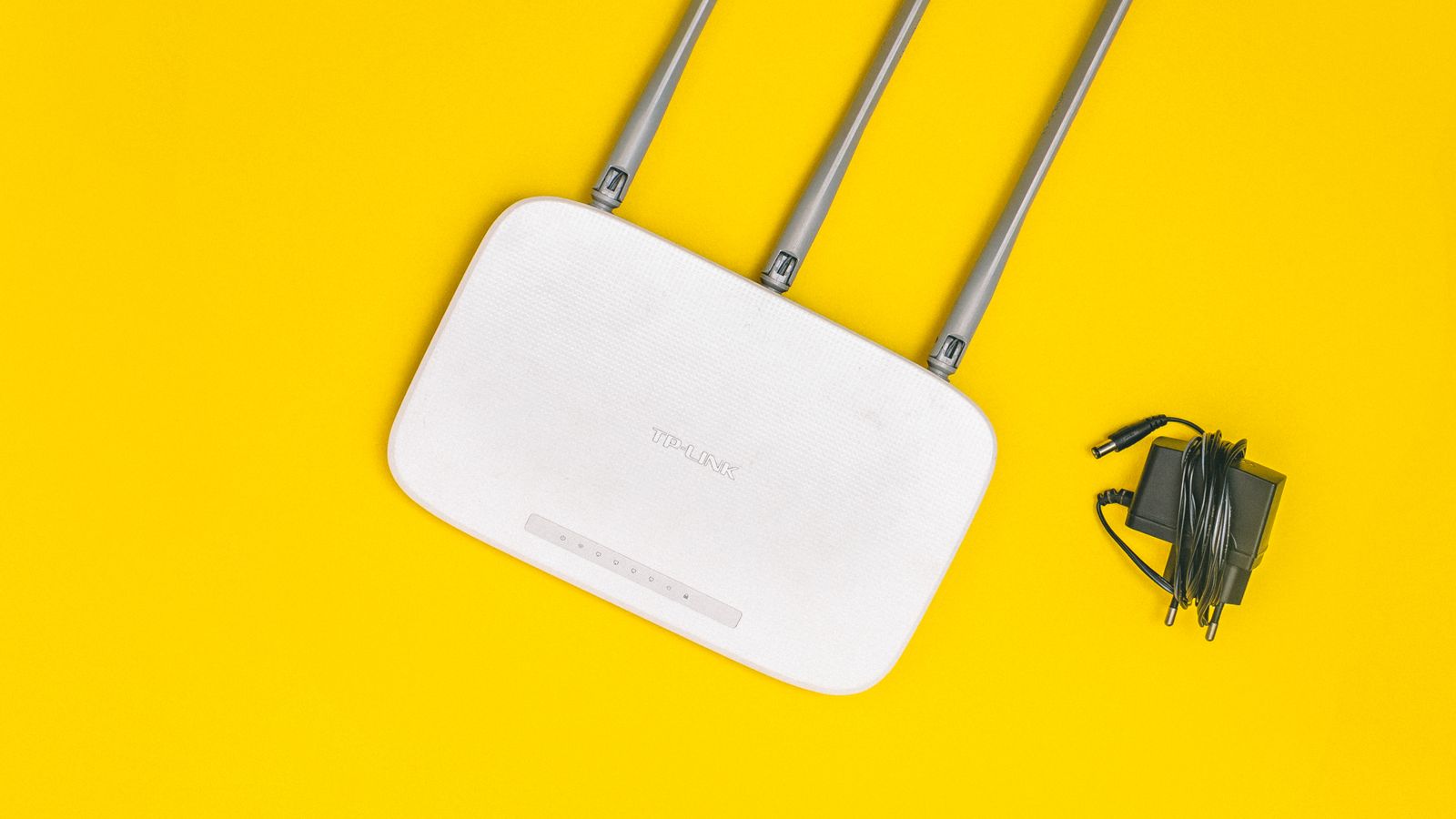
Antenna orientation also matters on routers with external antennas. Positioning some vertically and some horizontally can help the signal reach devices on different floors and orientations, since Wi-Fi radiates outward perpendicular to the antenna.
Firmware Updates and Router Age
Routers older than four or five years often lack updated drivers and security patches that also happen to improve latency handling. Manufacturers continually refine how their firmware manages queues, interference, and traffic prioritization. If your current router hasn’t received an update in over a year, that alone could be adding measurable lag to your connection, regardless of how fast your internet plan is. Enable automatic firmware updates where available so you don’t miss these improvements.
Setting a Realistic Budget
You don’t need the most expensive router on the market to notice a real improvement. A mid-range router with solid QoS, a capable processor, and current Wi-Fi standards will outperform a premium router from several years ago. Spend where it matters: processing power and active queue management, rather than flashy RGB lighting or marketing-only “gaming mode” toggles that do little beyond basic bandwidth throttling. Decide how much of your gaming happens over a wire versus wireless, and let that guide whether you prioritize port features or radio performance.
Frequently Asked Questions
Will a new router lower my ping to game servers?
A router cannot reduce the physical distance data travels to a game server, but it can eliminate the extra delay your own network adds through bufferbloat, weak processing, or wireless interference — often the biggest controllable factor in perceived lag.
Is a gaming router worth it over a regular one?
If you frequently share your connection with other heavy users, yes. Dedicated gaming routers offer stronger QoS controls and processing power that keep your traffic prioritized under load, which a basic router usually can’t match.
Does Wi-Fi 6 actually reduce lag?
It helps most in homes with many connected devices by improving how efficiently the router communicates with each one, reducing the small delays that add up in busy networks.
Should I use 2.4GHz or 5GHz for gaming?
Use 5GHz or 6GHz for gaming whenever possible. These bands are less congested and offer lower latency, while 2.4GHz is better reserved for range-dependent smart home devices.
Can bufferbloat really cause lag spikes?
Yes. Bufferbloat is one of the most overlooked causes of lag, producing latency spikes specifically when the connection is under load, which is why your game may stutter whenever someone starts a download.
Final Thoughts
Reducing lag isn’t about chasing the flashiest specs — it’s about addressing the real sources of delay: bufferbloat, weak processing, wireless interference, and poor traffic prioritization. Start with a wired connection where possible, then choose a router with genuine QoS capabilities and enough processing power to handle your household’s demands. Whether you land on a dedicated gaming router or a mesh system built for coverage, matching the hardware to your actual problem is what finally makes online play feel smooth and consistent.









