
 Owen Bradley
 Shopping for a gaming PC often means facing a wall of acronyms and numbers: CPU cores, GPU VRAM, RAM speed, clock frequencies, and more. It’s easy to feel overwhelmed or to overspend on specifications that don’t actually improve your experience. Understanding what each component genuinely does makes it far easier to choose a machine that performs well for the games you play, without wasting money on parts that won’t help your use case. This guide breaks down the three core components that shape gaming performance, plus the motherboard that ties them together.
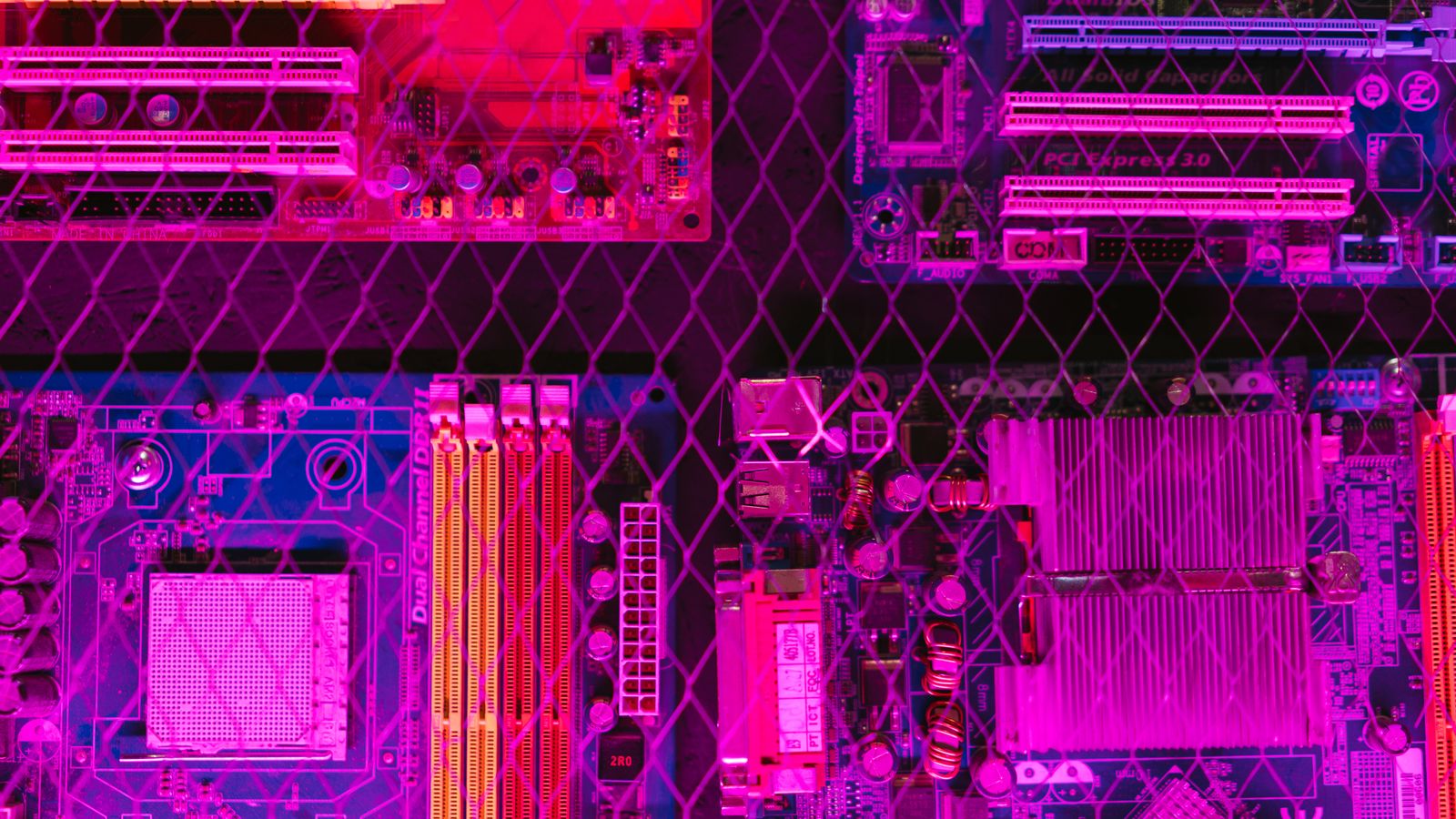
The CPU: Your PC’s Brain
The central processing unit handles the general logic and calculations that run your operating system, games, and background applications. In gaming specifically, the CPU manages tasks like game physics, artificial intelligence behavior, world simulation, and feeding instructions to the graphics card as fast as possible. A CPU that’s too weak for your GPU creates a bottleneck, where your powerful graphics card sits partially idle because the processor can’t supply data quickly enough. Comparing options among the best computer processors for gaming helps you understand which chips deliver the best balance of core count and clock speed for current titles.
Cores and Threads
More cores help with multitasking and increasingly with modern games that are designed to use multiple threads efficiently. A higher core count also benefits you if you stream, record gameplay, or run background applications while playing, since those tasks can use their own cores without stealing resources from the game.
Clock Speed
Clock speed, measured in GHz, determines how fast each core processes instructions. This matters significantly for games that lean heavily on single-thread performance, which includes many popular titles. A processor with strong per-core speed often feels snappier in games than one with many slower cores, so balance both figures rather than chasing core count alone.
The GPU: Your PC’s Graphics Engine
The graphics processing unit renders the images, textures, lighting, shadows, and effects you see on screen. It is typically the single most important component for gaming performance, especially as you increase resolution and detail settings. GPU capability is usually described in terms of VRAM capacity, architecture generation, and core count, all of which affect how well a card handles modern titles at various settings and resolutions. For most gaming builds, the graphics card deserves the largest slice of the budget.
VRAM: Why It Matters
Video RAM stores the textures, frame buffers, and data the GPU needs immediate access to. Higher resolutions and texture-heavy games require more VRAM to avoid stuttering, texture pop-in, or a hard performance cliff when memory runs out. If you plan to game at 1440p or 4K, or use high-resolution texture packs, prioritize a card with sufficient VRAM headroom so it doesn’t become a limiting factor as games grow more demanding.
Architecture and Generation
Newer GPU architectures deliver more performance and efficiency per watt and often add features like improved upscaling and ray tracing. A newer mid-range card can sometimes match or beat an older high-end one, so consider generation alongside raw specifications when comparing options.
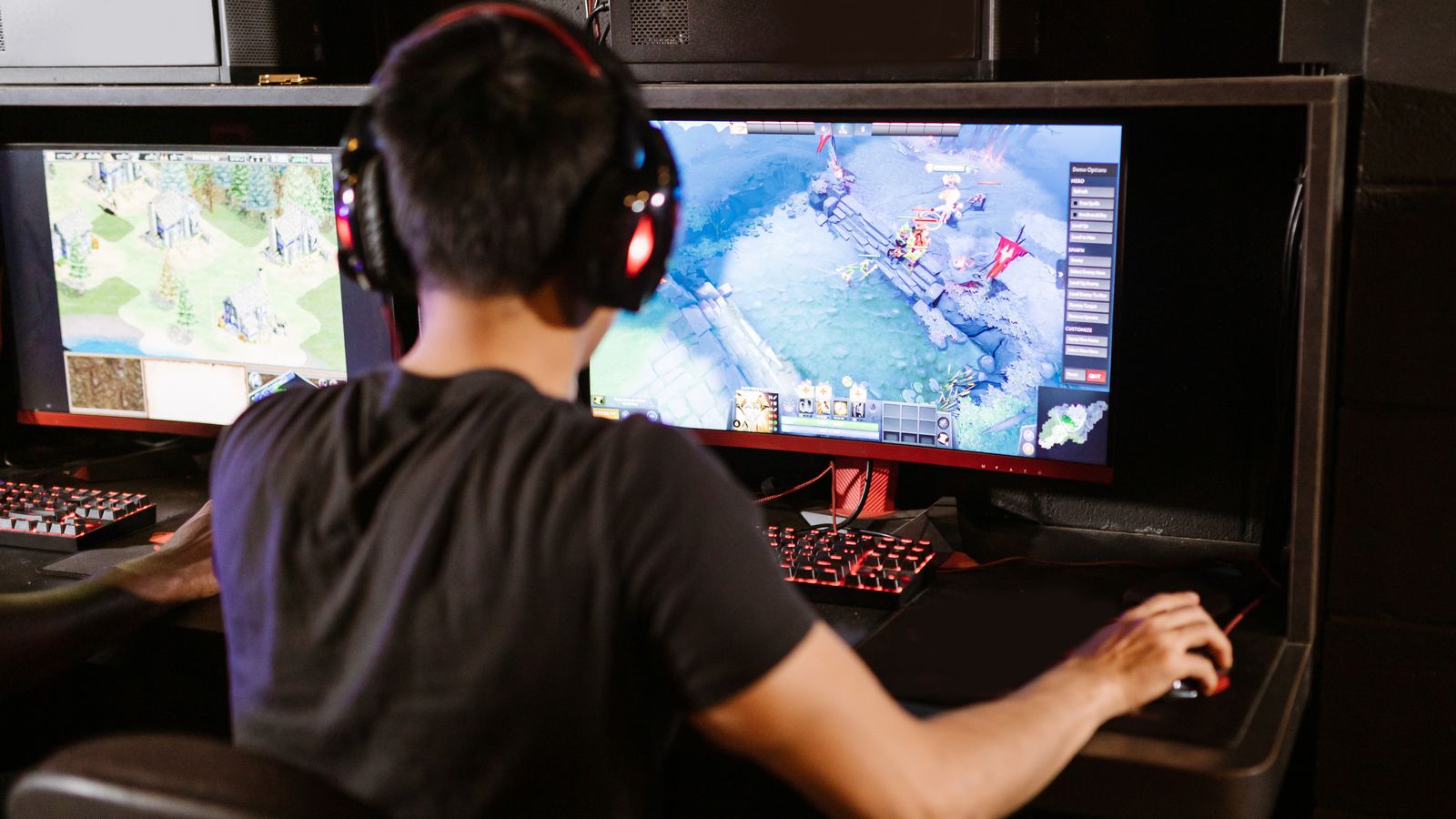
Pairing Your GPU With the Right Monitor
A powerful graphics card deserves a display that can actually showcase its output. There’s little point in producing high frame rates if your monitor can’t refresh quickly enough to display them, or in rendering at high resolution on a low-resolution screen. Pairing your build with a monitor from a list of the best computer monitors for gaming ensures you’re not leaving performance on the table with a display that can’t keep up with your frame rates or resolution. Plan the GPU and monitor together as a matched pair for the best experience.
RAM: Your PC’s Short-Term Memory
Random access memory temporarily stores the data your system is actively using, allowing near-instant access without pulling from slower storage drives. For gaming, 16GB is currently the comfortable standard that lets modern titles and your operating system run smoothly together. Stepping up to 32GB benefits heavy multitaskers, streamers running capture software alongside games, and anyone doing content creation on the same machine. Too little RAM causes stuttering and forces the system to swap data to slower storage, hurting performance noticeably.
RAM Speed and Timing
Faster RAM speeds, measured in MHz, can provide modest performance gains in certain games, particularly those that are CPU-bound and sensitive to memory bandwidth. While RAM speed isn’t as impactful as having enough capacity, matching your RAM speed and timings to what your motherboard and CPU officially support ensures you’re getting full value from your investment and stable operation. Running memory in a dual-channel configuration also improves performance over a single stick.
The Motherboard’s Role in Balancing Components
The motherboard connects and coordinates your CPU, GPU, RAM, and storage, and its chipset determines compatibility, features, and upgrade potential. A quality board ensures stable power delivery to your components and leaves room for future improvements like faster RAM, additional storage drives, or a stronger CPU down the line. Choosing a board among the best gaming computer motherboards ensures your components communicate efficiently, run reliably, and give you a clear upgrade path as your needs evolve.

Avoiding Bottlenecks
A balanced build matters far more than maxing out any single component. Pairing a top-tier GPU with a weak CPU, or a fast processor with too little RAM, wastes money because one component will constantly limit the others’ potential. Research benchmark comparisons for your specific CPU and GPU pairing at your target resolution before finalizing a build, since the ideal balance shifts depending on whether you game at 1080p, 1440p, or 4K. Higher resolutions lean more on the GPU, while lower resolutions place more demand on the CPU.
Don’t Forget Supporting Components
While CPU, GPU, and RAM define gaming performance, your power supply, storage, and cooling keep the system stable and responsive. A reliable power supply protects your investment, fast NVMe storage cuts game load times, and adequate cooling maintains peak clock speeds during long sessions. These supporting parts round out a well-built machine and shouldn’t be neglected in favor of the headline components alone.
How Resolution Changes the Balance
The ideal balance between your CPU and GPU shifts depending on the resolution you play at, which is one of the most important and least understood aspects of building a gaming PC. At 1080p, the processor does more relative work feeding frames rapidly to the graphics card, so a strong CPU matters more and the system is more likely to be CPU-limited. At 1440p and especially 4K, the graphics card shoulders far more of the load rendering all those additional pixels, making the GPU the dominant factor and reducing the CPU’s relative influence. Knowing your target resolution before you buy lets you weight your budget correctly, investing more in the GPU for high-resolution gaming or ensuring a strong CPU for high-frame-rate 1080p play.
Reading a Spec Sheet With Confidence
Armed with an understanding of these components, you can approach any spec sheet methodically. Start with the graphics card, since it defines gaming performance, and check both its model and VRAM against your target resolution. Next, confirm the CPU is capable enough to avoid bottlenecking that card, looking at both core count and clock speed. Verify that RAM capacity meets the 16GB standard and runs in dual channel, then check that storage includes fast solid-state space for your operating system and games. Finally, glance at the power supply and cooling to ensure they can support the components reliably. This top-down approach turns an intimidating list of numbers into a clear, logical evaluation.
Balancing Budget Across the Core Components
With a fixed budget, the goal is proportional spending that avoids weak links. For most gaming builds, the graphics card claims the largest share, followed by a capable CPU, then sufficient RAM, fast storage, and a reliable power supply and cooling. Resist the temptation to pour everything into one flashy component while neglecting the supporting cast, since a single underpowered part can drag down the whole system. A thoughtfully balanced allocation delivers noticeably better real-world performance than an unbalanced build at the same total price.
Frequently Asked Questions
Which matters more for gaming, the CPU or GPU?
The GPU generally has the bigger impact on frame rates and visual quality, especially at higher resolutions, but a weak CPU can bottleneck even a powerful graphics card, particularly at lower resolutions where the processor works harder. Balance both for the best results.
How much VRAM do I need for 1440p gaming?
Most 1440p gaming benefits from at least 8 to 12GB of VRAM, depending on the specific games and texture settings you plan to use. Texture-heavy titles and higher resolutions push VRAM requirements upward, so err toward more headroom if your budget allows.
Does more RAM always improve gaming performance?
Not beyond a certain point. Once you have enough RAM to comfortably run your games and background applications, typically 16GB for most gamers, additional memory provides diminishing returns for gaming specifically, though it can help content creation and heavy multitasking.
Do I need a high-end motherboard for gaming?
You need a reliable board compatible with your chosen CPU that supports your desired RAM and features, but the most expensive boards mainly add extras like additional connectivity and overclocking headroom. A solid mid-range board serves most gamers well.
What causes a bottleneck in a gaming PC?
A bottleneck occurs when one component can’t keep up with the others, such as a weak CPU limiting a strong GPU. It results in lower performance than the stronger component could deliver, which is why balanced pairings matter.
Final Thoughts
Understanding the roles of the CPU, GPU, RAM, and motherboard takes the guesswork and intimidation out of building or buying a gaming PC. Aim for a balanced configuration where no single component bottlenecks the others, prioritize your GPU and monitor pairing based on the resolution and frame rate you actually want, and ensure your CPU and RAM are matched to support it. With this knowledge, you can read a spec sheet confidently and invest your budget exactly where it will make the biggest difference to your gaming experience.









