
 Owen Bradley
 Multi-gig networking has quietly moved from data centres into living rooms. Routers now advertise 2.5GbE ports, switches have dropped to affordable prices, and internet providers increasingly sell plans that exceed a single gigabit. That combination makes it easy to assume you are falling behind with plain gigabit gear. In most homes you are not. This guide explains what a 2.5GbE router actually changes, which households genuinely benefit, what the rest of the chain has to support before you see a single extra megabit, and the cheaper upgrades that improve everyday experience far more than raising a port speed ever will.

What Multi-Gig Actually Means
Standard Ethernet on consumer gear has sat at 1Gbps for two decades. Multi-gig covers the intermediate speeds that sit above it: 2.5Gbps, 5Gbps, and 10Gbps. The important design decision behind 2.5GbE and 5GbE is that they run over the same Cat5e and Cat6 cabling already installed in millions of homes, at the same 100 metre distance. That is what made them practical. Jumping straight to 10GbE usually demands Cat6a, generates more heat, costs considerably more per port, and consumes noticeably more power.
So 2.5GbE is the pragmatic middle step. It gives two and a half times the throughput of gigabit for a modest price premium, works with the wiring you already have, and runs cool enough to sit inside a normal router chassis without extra cooling. When a router lists a 2.5G WAN port or a 2.5G LAN port, that is the capability it is describing, and the distinction between which port is which matters more than most buyers realise.
WAN Port Versus LAN Port
A 2.5G WAN port lets the router accept an internet connection faster than gigabit from your modem or fibre terminal. A 2.5G LAN port lets a device inside your home talk to the router faster than gigabit. Some routers offer only one multi-gig port that can be configured as either, which means you can have a fast internet feed or a fast internal link, but not both. Others provide a dedicated port of each type, and a few allow link aggregation to combine two gigabit ports instead. Read the port table carefully, because a model advertised as multi-gig may only solve half your problem.
The Chain Rule: Every Link Must Keep Up
Network speed is governed by the slowest element in the path. To move data at 2.5Gbps between two points, every component in between must support it: the source device’s network adapter, its cable, every switch along the way, the router, and the destination. A single gigabit switch in the middle silently caps the entire path, and nothing in the interface will warn you.
This is where most disappointing upgrades come from. Someone buys a multi-gig router, connects it to a laptop with a gigabit-only adapter through an old switch, runs a test, and sees exactly the same number as before. Before spending anything, trace the physical path of the traffic you want to accelerate and confirm each link. Cabling is usually the easy part, since Cat5e handles 2.5Gbps over normal household runs, but adapters and switches frequently are not.
What About Wi-Fi?
Wireless clients rarely need multi-gig ports for their own sake, but a fast access point can exceed gigabit in aggregate. A Wi-Fi 6E or Wi-Fi 7 router serving several high-end clients simultaneously can push more than 1Gbps of combined wireless traffic, at which point a gigabit uplink to the rest of the network becomes the constraint. This is one of the more legitimate reasons for multi-gig at home, particularly if the router acts as an access point fed by a wired backbone.
Who Genuinely Benefits Today
- Households with an internet plan above 1Gbps. Without a multi-gig WAN port you physically cannot receive what you pay for on a single connection.
- Anyone moving large files to a network drive. Video editors, photographers, and people running local backups feel the difference on every transfer.
- Homes with a fast wired backbone between floors. A multi-gig link between access points removes a common hidden bottleneck.
- Enthusiasts running virtualisation or home servers. Sustained internal traffic between machines benefits directly.
Notice what is absent from that list: ordinary streaming, gaming, video calls, and browsing. A 4K stream needs roughly 25Mbps. A competitive game needs a few megabits and cares only about latency. Even a household running several simultaneous 4K streams, multiple video calls, and a large download rarely exceeds a few hundred megabits at peak. For those homes, the models in our roundup of the best gigabit routers deliver everything the connection can use.
Matching Your Internet Plan to Your Ports
If your plan is 500Mbps or below, multi-gig on the WAN side does nothing whatsoever. If your plan is exactly 1Gbps, the picture is slightly more nuanced. Gigabit Ethernet’s practical ceiling after protocol overhead sits around 940Mbps, and many providers now provision slightly above the nominal rate, so a 2.5G WAN port can capture perhaps 5 to 10 percent more than a gigabit port on the same line. That is a real but small gain, and hardware chosen specifically for gigabit service, such as the options in our guides to the best routers for 1 gig internet and the best 1 gig routers, already extracts nearly all of it.
Above 1Gbps the calculation flips entirely. A 2Gbps or 5Gbps plan delivered to a gigabit port simply gets truncated. In that case the multi-gig WAN port is not an optimisation, it is a requirement, and the router becomes the single most important purchase in the chain. Households on those tiers should shop from lists built around sustained throughput such as the best high speed routers.
Do Not Forget the Processor
A multi-gig port is useless if the router cannot route at that rate. Forwarding 2.5Gbps requires hardware acceleration to be active, and enabling QoS, VPN, or deep inspection can drop a router out of accelerated mode and back to software processing. Manufacturers occasionally fit fast ports to modest silicon, producing a device that advertises multi-gig but cannot sustain it with features on. Look for throughput figures measured with the features you intend to run.
Local Transfers and Network Storage
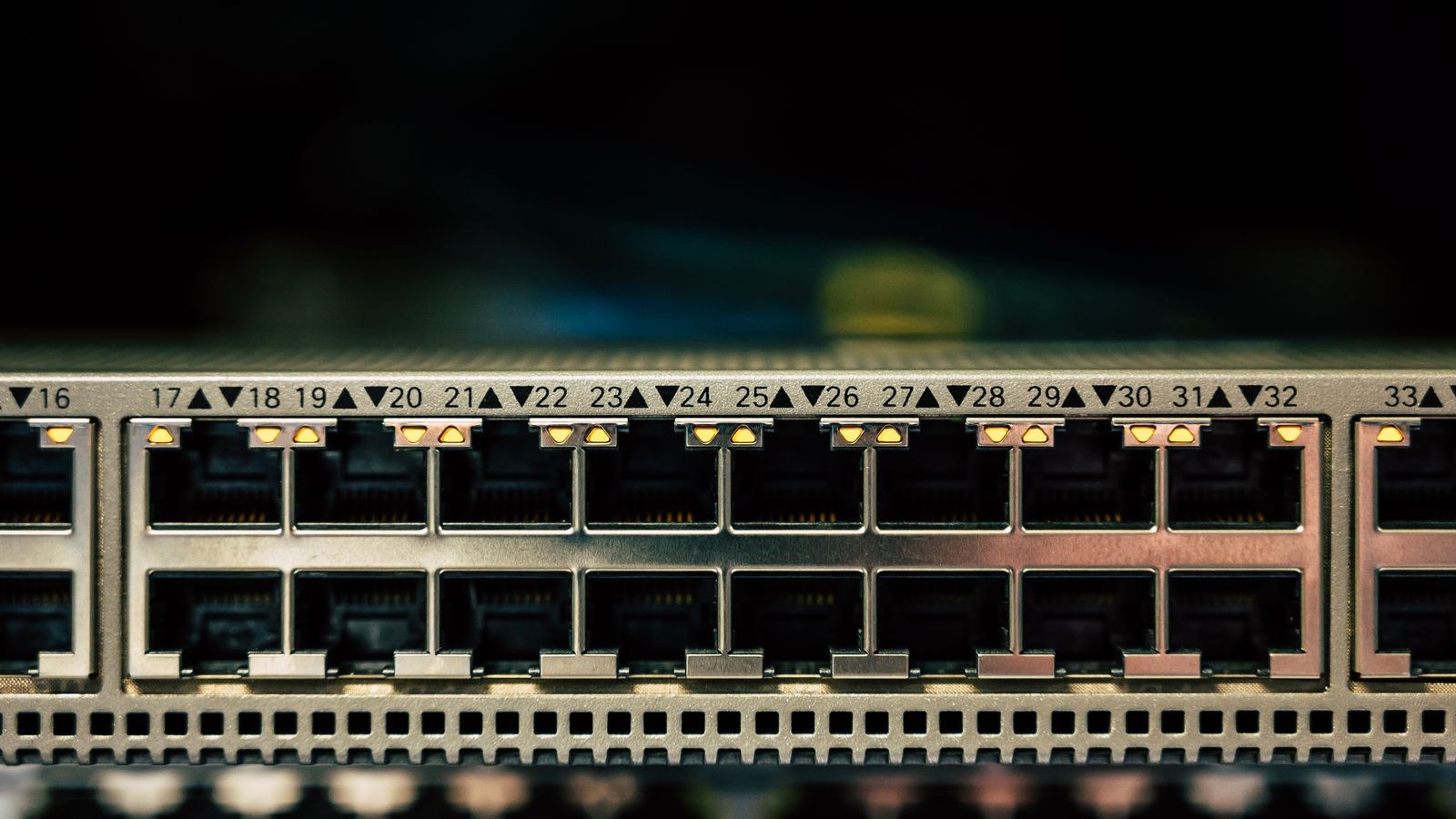
The strongest everyday case for multi-gig has nothing to do with the internet. Copying files to and from a network drive is limited by the link between your computer and that drive. On gigabit, real-world transfers top out near 110MB per second. On 2.5GbE, the same transfer can approach 280MB per second, assuming the storage itself can keep up. Backing up a large photo library or pulling a video project onto a laptop goes from a coffee break to a short pause.
The caveat is the drive. A single spinning hard disk typically sustains 150 to 200MB per second at best, so a 2.5GbE link only partly outruns gigabit. A multi-drive array or SSD-based storage genuinely saturates the connection and makes the upgrade worthwhile. If a network drive sits at the centre of your setup, our guide to the best routers for NAS covers the port configurations and link aggregation options that matter for this specific workload.
Cheaper Upgrades That Help More Households
Before spending on multi-gig, consider the changes that fix the problems people actually report. Poor coverage, buffering in a back bedroom, and video calls that break up are almost never bandwidth problems. They are wireless problems, and no port speed addresses them.
Adding a mesh node or a second access point with a wired backhaul usually transforms a home network for less than a multi-gig upgrade. Enabling well-implemented QoS eliminates the latency spikes that make a connection feel slow even when throughput is fine. Moving the router out of a cabinet and into open space can add real speed for nothing. Replacing an ageing router with any current-generation model brings better wireless standards, more efficient airtime handling, and a faster processor. Each of these will be more noticeable, more of the time, than raising a wired port from 1Gbps to 2.5Gbps.
The Cost Picture
Multi-gig commands a premium at every stage. Routers with multi-gig ports cost more than otherwise identical gigabit models. Multi-gig switches remain considerably more expensive per port than gigabit switches, which have become almost disposable. Network adapters for desktops and USB adapters for laptops add further cost per device. Upgrading a single link is affordable; upgrading a whole network is a project with a real budget.
How to Decide in Four Questions
- Is my internet plan faster than 1Gbps, or will it be soon? If yes, a multi-gig WAN port is essentially mandatory.
- Do I regularly move very large files across my own network? If yes, multi-gig LAN ports pay off immediately.
- Can every device in that path support 2.5Gbps? If not, budget for adapters and a switch as well as the router.
- Is my actual complaint about speed, or about coverage and consistency? If it is coverage, spend the money on access points instead.
Answer no to the first two and multi-gig is a future-proofing purchase rather than a functional one. That can still be reasonable if you keep routers for many years and the price gap is small, but it should be a deliberate choice rather than an assumption.
Common Mistakes to Avoid
The most common error is buying a multi-gig router and connecting it to gigabit-only equipment, then wondering why nothing changed. The second is assuming all ports on a multi-gig router are multi-gig; frequently only one is, and the rest are standard gigabit. The third is overlooking that a single shared port cannot serve as both a fast WAN and a fast LAN link at once.
Another frequent misstep is ignoring the router’s processing capability, which can make the fast port unusable once features are enabled. Finally, many buyers upgrade the wired backbone while every device that matters connects over Wi-Fi, where the real limit sits. Fixing the wireless side first almost always produces a bigger improvement for less money.
Frequently Asked Questions
Do I need a 2.5GbE router for gigabit internet?
No. A well-built gigabit router delivers virtually all of a 1Gbps plan. A multi-gig WAN port captures a small amount of extra headroom if your provider over-provisions, but the difference is minor.
Will my existing cables handle 2.5Gbps?
Almost certainly. Cat5e and Cat6 both support 2.5GbE across normal household distances, which is exactly why the standard was created. Only 10GbE typically demands newer cabling.
Does 2.5GbE improve gaming or streaming?
Not meaningfully. Games need low latency rather than high bandwidth, and even multiple 4K streams use a small fraction of gigabit. Quality-of-service settings and better wireless coverage matter far more for both.
Is it better to use link aggregation instead?
Aggregating two gigabit ports raises total capacity but does not speed up a single transfer, since each connection still travels one link. Multi-gig raises the ceiling for individual transfers, which is usually what people actually want.
Should I skip 2.5GbE and go straight to 10GbE?
Only for demanding storage work. 10GbE costs substantially more per port, runs hotter, and often requires better cabling. For homes, 2.5GbE offers most of the practical benefit at a fraction of the expense.
Final Thoughts
A 2.5GbE router is a genuine upgrade for a specific minority of homes: those on internet plans above a gigabit, those moving large files to fast local storage, and those building a wired backbone for high-throughput access points. For everyone else it is a specification that looks reassuring and changes nothing measurable, because the bottleneck lives in the wireless link or in the internet plan rather than in the wired ports. Work out which of those descriptions fits your household in 2026, verify that every device along the path can keep up before you buy, and put the money toward coverage and consistency if the honest answer is that gigabit already carries everything you do.









