Owen Bradley
 App-controlled lighting is now cheap enough that a single bulb costs less than a decent dinner, and that affordability has produced a confusing market. Some bulbs talk to your phone over Bluetooth. Others need Wi-Fi. Others need a hub that plugs into your router. Each approach has real consequences for range, reliability, speed, and whether the lights still work when your internet goes down. Choosing the wrong one is not catastrophic, but it does mean living with an app that loses connection every time you walk to the far end of the house. This guide explains how the protocols differ, what to buy for different situations, and how to build a smart lighting setup that stays pleasant to use in 2026.
The Protocols: Bluetooth, Wi-Fi, Zigbee, Thread, Matter
Bluetooth connects the bulb directly to your phone. There is no hub, no router configuration, and no cloud account required in the simplest implementations. Setup takes about a minute. The limitations are range — roughly 30 to 50 feet indoors, less through walls — and the fact that control is generally local to the phone, so you cannot switch a light on from the office. Many Bluetooth products now support Bluetooth Mesh, where bulbs relay commands to each other, extending effective range considerably as you add more devices.
Wi-Fi bulbs join your home network directly and register with the manufacturer’s cloud. That gives you remote control from anywhere, voice assistant integration, and scheduling that runs whether or not your phone is home. The costs are that each bulb consumes a network client slot — a house with 30 bulbs is a meaningful load on a consumer router — and that most Wi-Fi bulbs stop responding to app commands when your internet is down, even though the bulbs and phone are both on the same local network.
Zigbee is a low-power mesh protocol requiring a hub. Bulbs form a self-healing network among themselves, so coverage grows as you add devices. Zigbee is fast, reliable, does not burden your Wi-Fi, and continues working locally without internet. The hub is an extra purchase and an extra point of failure.
Thread is a newer low-power mesh similar in spirit to Zigbee but IP-based, requiring a border router — often built into a smart speaker or hub you may already own. Matter is not a radio at all but an application-layer standard that lets devices from different manufacturers work together across Wi-Fi and Thread. A Matter-certified bulb should pair with any Matter-compatible platform, which is the closest thing to future-proofing currently available.
Which Protocol Should You Choose?
- One to five bulbs, single room, no remote control needed: Bluetooth. Cheapest, simplest, no hub, no account.
- Five to fifteen bulbs, want voice control and schedules: Wi-Fi, ideally Matter-certified.
- Fifteen or more devices, or you want maximum reliability: Zigbee or Thread with a hub. The mesh handles scale that Wi-Fi struggles with.
- Renting, or you move often: Bluetooth or Wi-Fi bulbs, since neither requires permanent infrastructure.
- You want lights to work with no internet: Zigbee, Thread, or Bluetooth. Avoid cloud-dependent Wi-Fi bulbs.
For a straightforward starting point, our roundup of the best Bluetooth light bulbs covers hub-free options that install in a minute, and for accent lighting the best Bluetooth LED light strips comparison shows what the strip format can do.
Bulbs, Strips, and Smart Switches
The device format matters as much as the protocol.
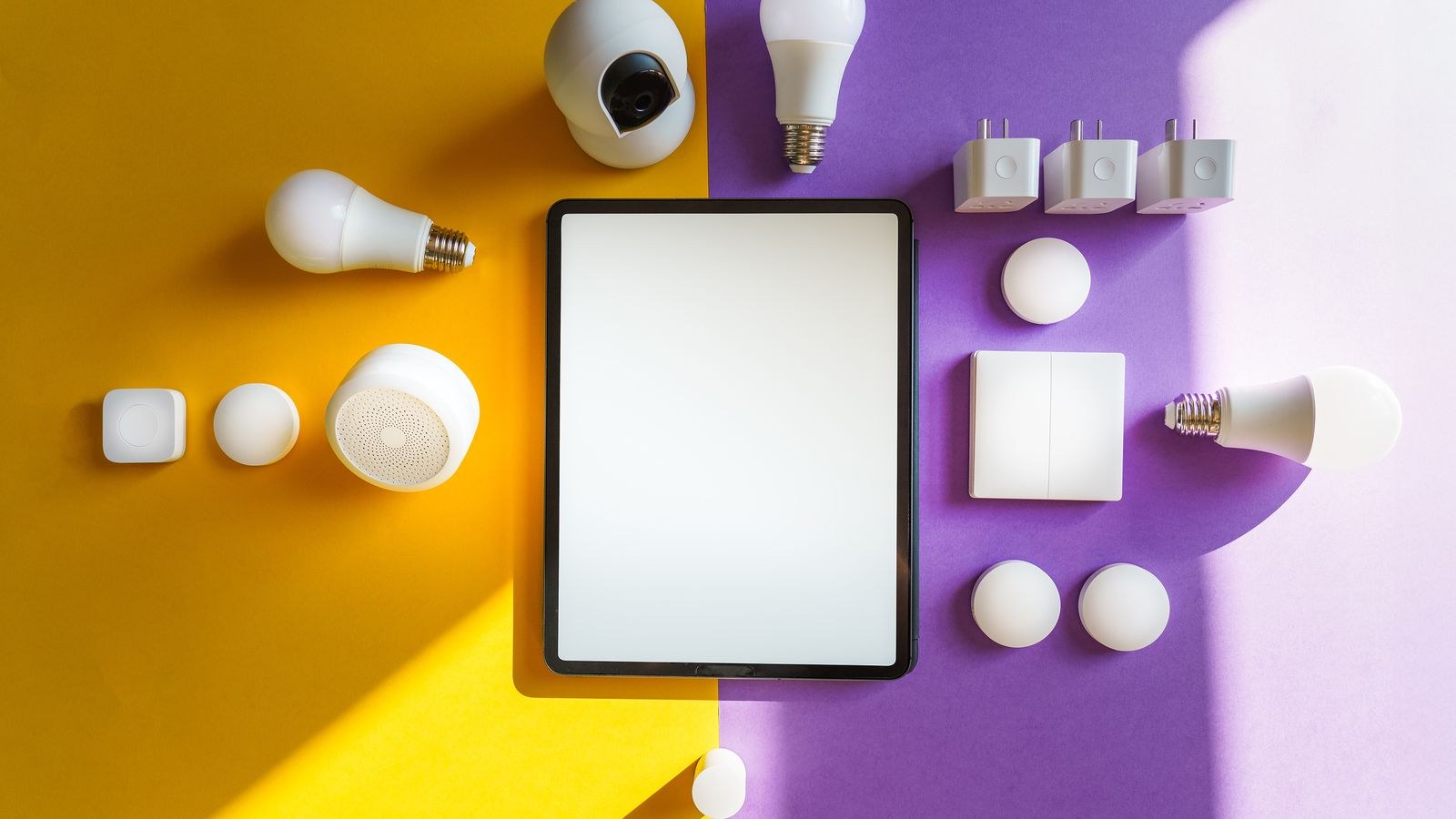
Smart bulbs replace an existing bulb and give you dimming, color temperature, and often full color in every fixture. The catch is the wall switch: if someone flips it off, the bulb loses power and becomes unreachable by app or voice. Households adopt various workarounds — switch guards, removing the toggle, or training everyone to leave it on — and none is elegant.
Smart switches and dimmers replace the wall switch itself and control ordinary bulbs. The switch keeps working manually, which family members and guests appreciate, and one switch controls an entire multi-bulb fixture at lower cost than smartening each bulb. You lose per-bulb color control, and installation requires wiring work and usually a neutral wire in the box.
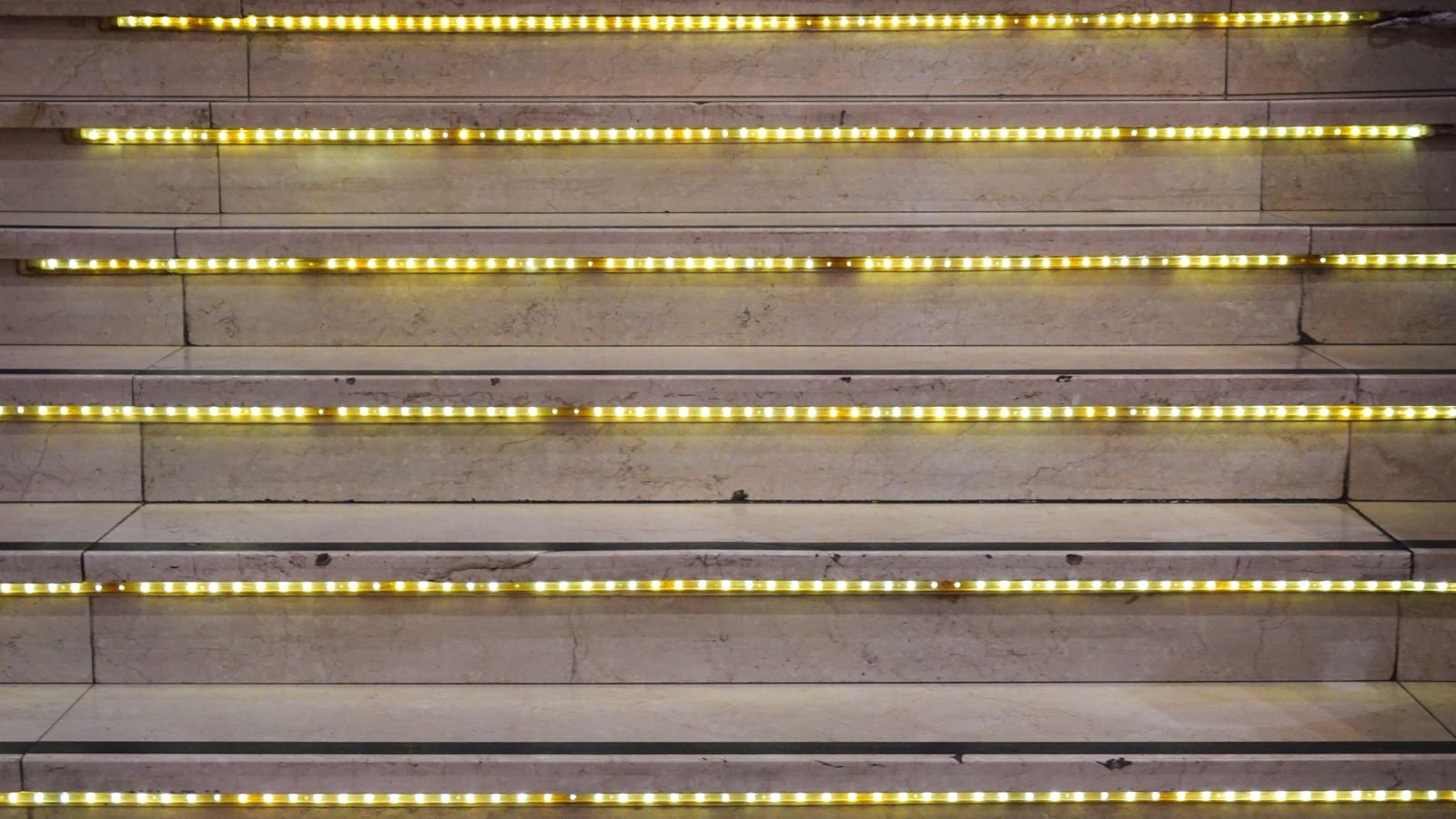
LED strips are the accent format: under cabinets, behind a TV, along a ceiling cove, up a staircase. They offer effects that bulbs cannot — gradients, chases, music sync, and addressable per-segment color. Our guides to the best smart LED strip lights and best smart LED light bulbs cover both categories in more detail.
A common and sensible hybrid: smart switches on ceiling fixtures used by everyone, smart bulbs in lamps and accent fixtures where color matters, and strips for indirect lighting.
Color, Tunable White, and What You Actually Use
Smart bulbs come in three tiers. Dimmable white offers brightness control at a fixed color temperature — the cheapest and, for most ceiling fixtures, entirely sufficient. Tunable white shifts from around 2200K to 6500K, letting you run cool and bright in the morning and warm in the evening. This is the feature people actually use every day. Full color (RGB or RGBW) adds the whole spectrum.
Be realistic about color. Most households use it for a few weeks, then settle into warm white for the rest of the bulb’s life. Where color genuinely earns its place is accent lighting — strips behind a screen, a lamp washing a wall, holiday scenes — rather than the main ceiling light. If budget is limited, put tunable white everywhere and full color only in the two or three places you will notice it. Our list of color changing light bulbs is worth a look if color is a priority.
One quality caveat: RGBW bulbs often render white light worse than dedicated white bulbs, because the white channel is compromised to fit the color LEDs. Check the CRI figure if the fixture lights a space where color accuracy matters.
Apps, Ecosystems, and Voice Control
You will interact with the app far more than the specification sheet, and app quality varies enormously. Before buying a system, look at recent reviews specifically mentioning the app rather than the hardware.
The things that make an app good: fast response when you open it, reliable grouping of bulbs into rooms, schedules that survive app updates, scenes you can trigger in one tap, and a widget or shortcut so you do not have to open the app at all. The things that make one bad: mandatory account creation with intrusive permissions, ads, and a fresh pairing process every time your phone updates.
For voice, check compatibility with your assistant of choice before you buy. Bluetooth-only bulbs generally cannot be voice controlled unless a hub or a speaker with Bluetooth bridging is present. Wi-Fi, Zigbee, and Thread bulbs almost always support the major assistants.
Prefer Matter certification where it is available at a reasonable price. It reduces the risk of being stranded if a manufacturer discontinues an app or shuts down a cloud service — a scenario that has left real products bricked in the past.
Privacy, Security, and Cloud Dependence
A smart bulb is a networked computer in your house. Sensible precautions cost nothing.
- Change default passwords and use a unique password for the manufacturer account.
- Enable automatic firmware updates if offered.
- Consider putting smart home devices on a guest or IoT network segment, isolated from computers and phones holding sensitive data.
- Prefer products that offer local control so that a cloud outage does not disable your lights.
- Read what the app requests. A lighting app has no legitimate need for your contacts or precise location history.
Setup Tips That Prevent Frustration
- Name devices by location, not by product. “Kitchen Left Downlight” beats “Bulb 4A.” Voice control depends on it.
- Group before you customize. Set up rooms and zones first, then build scenes on top of them.
- Build three or four scenes you will genuinely use. Morning, evening, movie, and away covers most households better than twenty scenes you forget exist.
- Automate the boring things. Outdoor lights at sunset, hallway dim at bedtime, everything off when the last phone leaves the house.
- Keep 2.4 GHz available. Nearly all smart bulbs use 2.4 GHz Wi-Fi and cannot see a 5 GHz-only network, which is the single most common setup failure.
- Add a physical control. A smart button or remote by the door means guests are never stranded hunting for an app.
Frequently Asked Questions
Do Bluetooth bulbs work when I am away from home?
Generally no. Bluetooth is a short-range direct connection, so control requires you to be within range. Some Bluetooth mesh products add remote access through a bridge or hub, but plain Bluetooth bulbs are a local-only proposition.
Do I need a hub for smart lighting?
Not for Bluetooth or Wi-Fi bulbs. Zigbee and Thread products do require a hub or border router, and in exchange give you a faster, more reliable mesh that scales to many devices without loading your Wi-Fi.
What happens if I turn off the wall switch?
A smart bulb loses power and drops off the network until the switch is restored. This is the main argument for smart switches on fixtures that everyone in the household uses.
Will my lights stop working if the manufacturer shuts down?
Cloud-dependent Wi-Fi bulbs can lose app and voice functionality if the service ends, though they usually still work as ordinary bulbs from the wall switch. Products with local control or Matter certification are considerably safer bets.
How many smart bulbs can one Wi-Fi router handle?
Consumer routers commonly manage 30 to 50 clients comfortably, but performance degrades as you approach the limit. If you are planning more than about fifteen lighting devices, a Zigbee or Thread mesh is the better architecture.
Final Thoughts
Pick the protocol that matches the size and ambition of your setup rather than the one with the flashiest packaging. A few Bluetooth bulbs in a bedroom need no infrastructure and no account. A whole-house system benefits enormously from a proper mesh and from smart switches on shared fixtures. Prioritize tunable white over full color, choose Matter-certified hardware where it does not cost a premium, name everything by location, and build a handful of scenes you will actually use. Done thoughtfully, app-controlled lighting stops being a gadget and becomes something you barely think about — which is exactly the goal.