
 Owen Bradley
 Choosing an apartment security camera is a different exercise from securing a house. You are working with short sightlines, one or two realistic entry points, shared corridors where filming gets legally and socially awkward, and often a landlord who takes a dim view of new holes in the wall. The good news is that apartments need fewer cameras than houses, and the compact indoor models that suit tight spaces are among the cheapest and easiest devices in the whole security category. This apartment security camera guide covers where to place cameras in a small space, which specifications actually matter indoors, how to stay on the right side of privacy expectations, and how to avoid paying for capability a flat will never use.
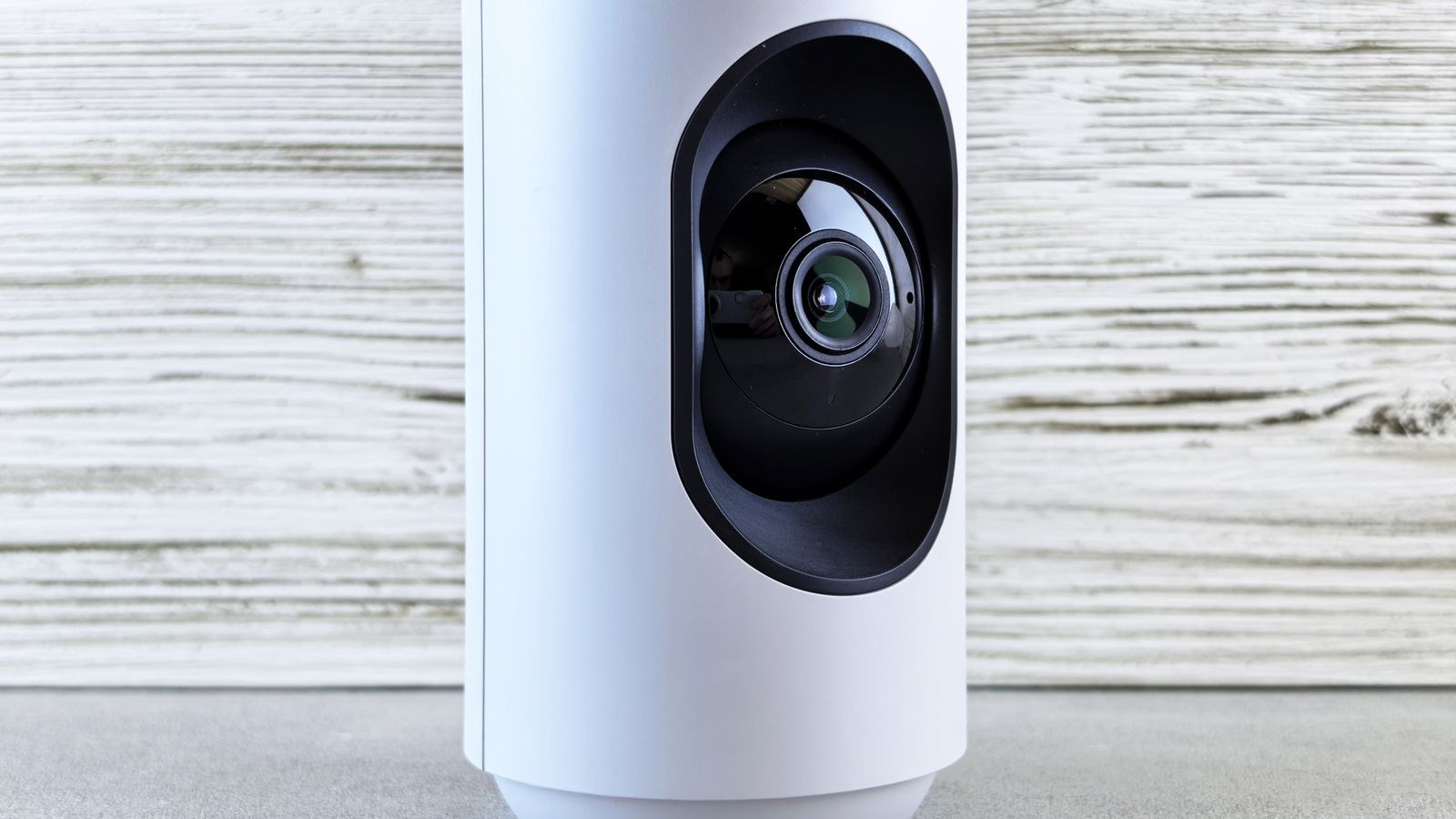
Decide What You Are Actually Watching
Before comparing specifications, write down the job. Most apartment dwellers want one of four things: evidence if someone forces the front door, a view of parcels left inside a lobby or on a mat, a check on pets or children while at work, or reassurance during long absences. Each of those points a camera in a different direction.
Entry-door coverage is the near-universal priority because in a flat, almost everything comes through one door. A single camera facing the inside of that door, positioned so anyone entering walks toward the lens, captures faces rather than the backs of heads. That one placement solves more than any other.
Pet and child monitoring wants a wide view of a living area instead, usually from a corner with the sofa and floor in frame. Do not try to serve both jobs with one camera in a small room; a second inexpensive unit works better than a compromised angle.
Coverage Planning in a Small Space
Sketch the floor plan and mark every door and window someone could physically reach, including balcony doors and any window facing a fire escape, flat roof or accessible ledge. In a typical one-bedroom flat that is two or three points, and one or two cameras will cover them if you place them well.
Corners beat walls. A camera in a corner at roughly 2.1 to 2.4 metres high sees the whole room with far less dead space than one mounted mid-wall. Angle it slightly downward so faces fall in the middle third of the frame rather than the top edge.
Avoid pointing a camera straight at a bright window. Backlighting turns anyone standing in front of it into a silhouette, which is exactly the shot you cannot use. Face the camera away from the strongest light source, or use a model with wide dynamic range if the geometry gives you no choice. Small-room-friendly options are common among the best home indoor security cameras, which are usually tuned for exactly these short distances.
How Many Cameras Does a Flat Need?
A studio typically needs one. A one-bedroom needs one or two. A two-bedroom with a separate entrance hall may want three. Beyond that you are usually adding cameras for convenience rather than security. Bedrooms and bathrooms should not be covered at all, for obvious reasons and because footage from those rooms creates more risk than it prevents.
Specifications That Matter Indoors
Resolution gets the marketing attention, but indoors the distances are so short that 1080p already resolves a face clearly across an average room. Higher resolution helps if you plan to digitally zoom into a doorway from across an open-plan space, and it costs more in storage and bandwidth. Treat 2K as a nice upgrade rather than a requirement.
Field of view matters more. In a small room, 110 to 130 degrees captures the useful area without heavy fisheye distortion at the edges. Ultra-wide 180-degree lenses look impressive on the box but stretch faces at the frame edges, which undermines identification.
Night vision is essential and comes in two flavours. Standard infrared produces monochrome images and works in complete darkness. Colour night vision uses a low-light sensor plus a small spotlight and gives more useful detail, such as clothing colour, but the light is intrusive in a bedroom-adjacent hallway. Pick based on where the camera sits.
Two-way audio is genuinely useful in a flat for talking to pets or telling a delivery driver where to leave a parcel. Local storage via a microSD card is worth having as a fallback so a broadband outage does not mean losing footage entirely.
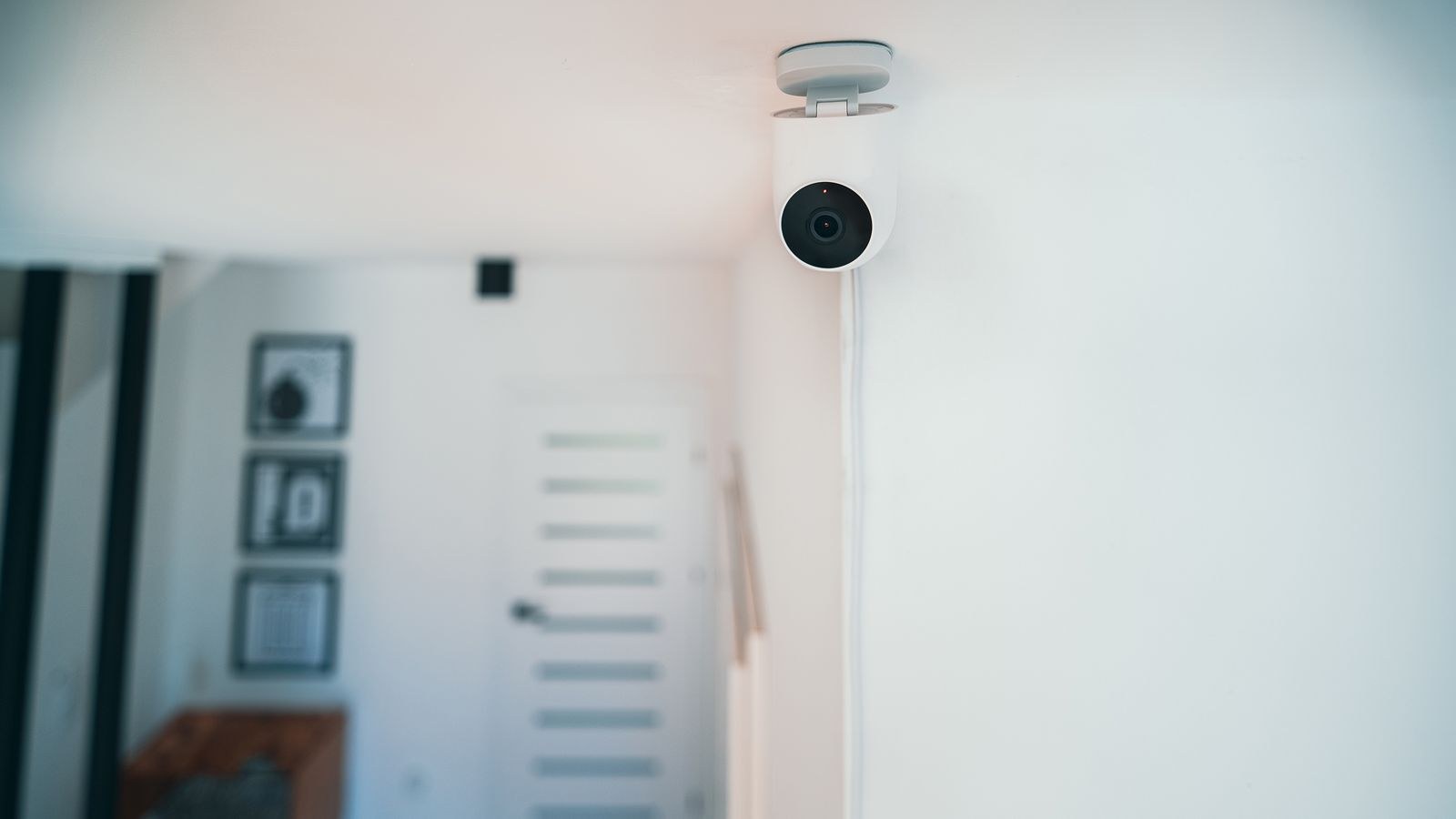
Compact and Discreet Models
Space is the defining constraint of an apartment. A camera the size of a golf ball sits on a bookshelf without dominating the room, and small cameras attract less attention from guests, which is precisely why many people choose them. Compact designs from the best mini security cameras category slot onto shelves, windowsills and door frames where a full-size dome simply will not fit.
Discretion has limits. Concealing a camera from housemates or visitors in a private space is legally fraught in many jurisdictions and ethically indefensible in shared accommodation. Small is fine; hidden and undisclosed in a space others use is not.
If you want a slightly larger unit with a better sensor and pan-tilt capability, floor-standing models with weighted bases work well in flats because they need no mounting at all. Broader options across form factors are covered in the best indoor surveillance cameras roundup.
Mounting Without Damaging the Flat
Most apartment cameras never need a screw. Shelf placement, weighted stands, removable adhesive pads and clamp mounts on shelf edges or curtain rails all provide solid positioning. Battery models remove the cable question entirely, though for a fixed indoor camera a mains-powered unit is more reliable and never needs recharging.
Where you use adhesive, clean the surface with isopropyl alcohol, press for 30 seconds and wait an hour before hanging the camera. Do not stick anything to wallpaper or textured paint. Route power cables along skirting boards with removable clips rather than across the floor.
Position the camera where a person entering cannot immediately reach or unplug it. A high shelf near the entry, angled down, is both effective and out of casual reach.
Privacy, Neighbours and Shared Areas
This is where apartments differ most from houses. A camera pointing out of your door into a shared corridor, or across a courtyard into a neighbour’s window, can breach building rules and data protection law depending on where you live. Even where it is technically permitted, it generates complaints.
Keep cameras pointed at your own space. If you need entry coverage, point the camera at the inside of your door rather than out into the hallway. If you use a doorbell camera, angle it downward toward your own mat and away from the opposite door, and check whether your building or lease permits it at all.
Inside the flat, be straightforward with housemates, guests and cleaners about where cameras are. Use the privacy shutter or scheduled-off feature when you are home if the camera covers a living space. Cameras that record only when you are away cause far fewer arguments than always-on units.
Where Outdoor Cameras Do and Do Not Fit
Balconies and private terraces can take a weatherproof camera if the building allows it, but the mounting and legal considerations differ from indoor units. The trade-offs between the two categories, including weather sealing, night range and field of view, are laid out in our comparison of indoor vs outdoor security cameras.
Storage, Subscriptions and Running Costs
Cloud storage is where camera ownership quietly gets expensive. Plans typically run $3 to $10 per month per camera, with multi-camera bundles cheaper per device. Over several years that can exceed the hardware cost, so compare plans before choosing a brand rather than after.
Local storage on a microSD card avoids subscriptions entirely and keeps footage in the flat, but it is vulnerable if the camera is stolen. A sensible middle ground is local recording as the primary store with a low-tier cloud plan for short event clips, so a stolen camera does not erase the evidence of its own theft.
Check whether basic features stay free without a subscription. Some cameras lose motion alerts, person detection or even live viewing when the plan lapses, which turns a one-off purchase into a permanent bill.
Integrating With the Rest of Your Setup
If you already run smart speakers, lights or a hub, choosing a camera in the same ecosystem gives you live view on a display, voice control and automations such as recording when the door sensor trips. Cross-platform compatibility is improving but still uneven, so check support for your chosen assistant explicitly. Models that behave well inside a wider smart home are collected in the best smart home cameras guide.
Useful apartment automations include turning a lamp on when motion is detected at night, arming cameras automatically when your phone leaves the building, and pausing recording when you arrive home.
Common Apartment Camera Mistakes
The most frequent is buying too many cameras. Three cameras in a one-bedroom flat generate noise, not security. The second is aiming at a window and wondering why footage is unusable. The third is skipping motion-zone configuration, which leads to alerts every time a curtain moves or a pet crosses the room, and eventually to ignoring the app entirely.
Others include placing a camera where it can be unplugged from the doorway, relying solely on cloud storage over an unreliable connection, and forgetting that a camera records events rather than preventing them. Pair it with a solid door lock and an entry alarm so the camera has something to document rather than being the only line of defence.
Frequently Asked Questions
Do I need my landlord’s permission for an indoor camera?
For a freestanding or adhesive-mounted camera inside your own unit, usually not. Permanent mounting, exterior placement or anything covering shared areas typically does require consent, and it is worth getting in writing.
Can I point a camera into the hallway outside my door?
Often no. Shared corridors are communal space and filming them can breach building rules and privacy law. Point the camera at the inside of your door instead.
Is 1080p enough for a small flat?
Yes, in most cases. At typical apartment distances of two to five metres, 1080p resolves faces clearly. Higher resolution only helps if you need to zoom across a long open-plan space.
Should I choose battery or plug-in cameras?
Plug-in for fixed indoor positions, because reliability matters more than placement freedom when an outlet is always nearby. Battery models make sense on balconies or where no socket is within reach.
How do I stop constant false alerts?
Set activity zones that exclude windows, TVs and busy walkways, enable person detection if available, and lower the motion sensitivity a notch. Reviewing alerts for a week and tuning from there beats guessing.
Final Thoughts
An apartment does not need an elaborate camera network. One well-placed camera facing the entry door, perhaps a second covering a living area or balcony, and sensible motion zones will do more than four cameras scattered without a plan. Prioritise field of view, low-light performance and storage costs over headline resolution, mount everything without drilling, and keep every lens pointed firmly at your own space.
Get those basics right and a modest setup will cover a small home properly, stay within your lease, and remain useful well beyond 2026 without a growing monthly bill.









