
 Owen Bradley
 Most people who abandon a standing desk do not quit because of the desk. They quit because their feet hurt. Standing on tile, concrete, laminate, or thin carpet keeps your legs in a near-static contraction, blood pools in the lower limbs, and after 40 minutes the ache in your heels and lower back makes sitting irresistible. An anti-fatigue mat solves that for a fraction of what the desk cost, and it is easily the highest-return accessory in a sit-stand setup. This anti fatigue mat guide covers how the cushioning actually works, what thickness and foam density to look for, why bevelled edges matter more than they sound, how to size a mat to your desk, and which materials survive years of daily use. The specifications below hold regardless of what is on sale in 2026.
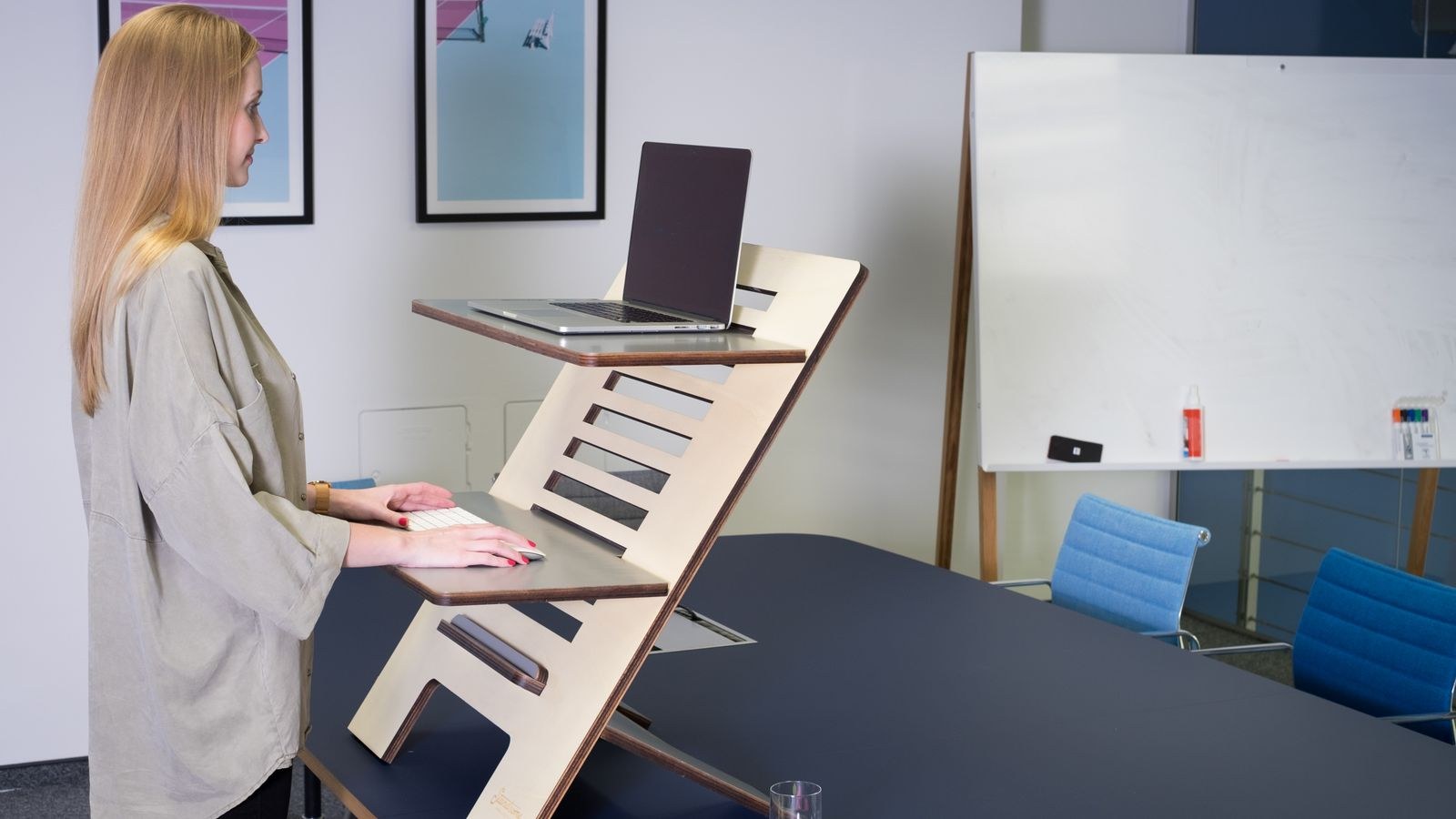
How Anti-Fatigue Mats Actually Work
The mat is not simply padding. Standing on a hard, perfectly flat surface means your postural muscles hold one position with almost no variation, which restricts circulation and fatigues the tissue. A compliant surface forces continuous micro-adjustments: your ankles, calves, and thighs make tiny corrections you never consciously notice, and those contractions act as a pump that keeps blood moving back up the legs.
That is why the best mats are not the softest ones. A mat that feels like a pillow lets your foot sink and stay sunk, which removes the instability that drives the micro-movement and adds ankle strain. The target is a surface that compresses meaningfully under weight and then pushes back, giving you responsive cushioning rather than a sinkhole.
What the Cushioning Does for Your Joints
Beyond circulation, the mat absorbs impact from weight shifts and reduces the shock loading that hard floors transmit up through heels, knees, hips, and into the lumbar spine. People with existing knee or lower-back issues generally notice the difference within a day. It also reduces the sensation of cold radiating up from concrete or tile floors, which is a real comfort factor in basements and garages.
Thickness: The Number That Matters Most
Thickness determines how much cushioning you get and how stable you feel. The useful range for desk use is narrower than the market suggests.
- Under 0.5 inch: essentially a floor covering. Fine for protecting a hard floor, close to useless for fatigue relief.
- 0.5 to 0.75 inch: a reasonable compromise for shorter standing sessions and for anyone who dislikes feeling elevated. Common on budget mats.
- 0.75 to 1 inch: the sweet spot for most desk users. Enough compression to matter, still stable enough to stand on confidently.
- Over 1 inch: maximum cushioning for long sessions or existing joint pain, but the trip hazard at the edges grows and some users feel unsteady.
Thickness interacts with your desk height, which people forget. A 1-inch mat raises you an inch, so your desk needs to rise by the same amount to keep your elbows at roughly 90 degrees. Re-set your standing height preset after the mat arrives rather than living with a desk that is now slightly too low.
Foam Density and Material Types
Density, not thickness, decides how long a mat lasts. A thick low-density mat compresses permanently within months and ends up thinner and worse than a thinner dense one. Density is rarely printed on the box, so use material type and warranty length as proxies.
- Polyurethane foam: the best all-round choice. High resilience, recovers its shape reliably, resists permanent compression, and typically carries the longest warranties. Costs more.
- Gel-filled: excellent cushioning and a distinctive feel, but heavier and vulnerable to punctures. A single sharp object can end it.
- Rubber: extremely durable and grippy, ideal for workshops and wet areas, but firmer and heavier than most people want at a desk.
- PVC or vinyl foam: the budget category. Serviceable at first, but prone to flattening, and cheap versions can off-gas noticeably for the first week.
- Cork and hybrids: naturally antimicrobial and firm, popular in premium ergonomic mats, often layered over foam for compliance.
Look for a warranty of at least two years as a proxy for real density. Manufacturers who expect their mat to flatten do not offer long coverage.
Bevelled Edges and Trip Safety
An abrupt vertical edge on a three-quarter inch mat is a genuine trip hazard, and it is the most common complaint about otherwise good mats. Bevelled or tapered edges slope down to floor level so you can step on and off without catching a toe, and they also stop a chair from snagging the mat.
Check that the bevel runs on all four sides, not only the front. Also check the edge quality itself: cheap mats delaminate at the taper, which curls upward over time and becomes the very hazard the bevel was meant to prevent. A one-piece moulded mat with an integrated bevel outlasts a layered one with a glued edge.
Backing and Floor Protection
The underside matters. A textured, non-slip backing keeps the mat put on hard floors, while smooth-backed mats slide, particularly when you shift weight. On the other hand, some rubber backings can stain or mark vinyl and hardwood over time, so check for a non-staining claim if your flooring is light or new. On carpet, a firmer mat with a slightly rigid base works better, since a soft mat on soft carpet feels vague and unstable.
Sizing a Mat to Your Desk
Too small is the most frequent sizing error. You do not stand in one spot; you shift, step back to read, and lean side to side, and the moment half a foot lands on hard floor the benefit vanishes. Match the mat to how you actually move.
- Around 20 by 30 inches: minimum viable for a narrow desk and a stationary user. Restrictive for most people.
- 24 by 36 inches: the standard recommendation and a good fit for a 48 to 60 inch desk.
- Around 30 by 48 inches or larger: best if your desk is 60 inches or wider, you move between two monitors, or you use a rocking accessory.
Contoured mats add moulded features such as a heel cup, calf massage bar, or raised edge for stretching. They genuinely encourage movement, but they lock you into fixed foot positions and can annoy people who shift constantly. Flat mats are the safer default; contoured mats reward those who like a prompt to move. If you want the movement without the moulding, a separate balance accessory is a common pairing, and the best balance boards for standing desks covers that route.

Mats, Shoes, and the Rest of the Setup
A mat is one part of the standing comfort equation. Footwear is the other half, and it is the part people most often get wrong by standing in flat, unsupportive slippers or bare feet on a hard surface. Supportive shoes with real arch structure do a large share of the work; a good mat plus poor shoes underperforms a modest mat plus good shoes. Our roundup of the best standing desk shoes covers what to look for in arch support and cushioning for long sessions.
The mat also needs a desk that puts your hands at the right height once you are standing an inch higher. If you are still assembling the setup, compare the best standing desks for the base, then choose cushioning to match. For mats specifically chosen with desk use in mind, the best anti fatigue mats for standing desks and the wider list of the best mats for standing desks narrow the field to models sized and bevelled for office floors rather than factory ones.
Care and Longevity
Mats are low maintenance but not zero maintenance. Wipe with mild soap and water and avoid solvents, which degrade polyurethane and vinyl. Do not leave a mat rolled up for long periods, since foam takes a set and the curl may never fully relax. Rotate the mat 180 degrees every few months so the same patch does not take every hour of load.
Watch for the signs of a dead mat: a permanent footprint depression, edges that no longer lie flat, or a surface that feels hard where you stand most. Once the foam has taken a set it will not recover, and continuing to use it is worse than a bare floor because the uneven surface skews your stance.
Common Mistakes to Avoid
- Buying the softest mat available. Excessive softness removes the instability that drives circulation and strains the ankles.
- Choosing a mat that is too small. You move more than you think, and a foot off the edge cancels the benefit.
- Ignoring the height change. An inch of mat means an inch of extra desk height. Reset your preset.
- Skipping the bevel. A square-edged thick mat is a daily trip hazard in a busy room.
- Relying on the mat alone. Footwear, rotation between sitting and standing, and desk height all matter as much as the cushioning.
- Judging by price alone. The relevant variable is foam density, and warranty length is the most reliable public clue.
Frequently Asked Questions
How thick should an anti-fatigue mat be?
Between 0.75 and 1 inch suits most desk users, giving real cushioning without feeling unstable. Go thicker only if you stand for long stretches or already have knee or back discomfort, and accept the larger edge to step over.
Do I still need a mat if I have carpet?
Usually yes. Office carpet is thin and laid over a hard subfloor, so it provides very little compression. A firmer mat works better on carpet than a very soft one, which can feel vague underfoot.
Are contoured mats better than flat ones?
They suit people who want prompts to shift position, stretch calves, and change stance. If you naturally move a lot, a flat mat is less restrictive. Neither is objectively better; it depends on how still you stand.
How long does an anti-fatigue mat last?
A dense polyurethane mat used daily commonly lasts several years, while cheap PVC foam can flatten within a year. A permanent footprint impression is the clearest sign it is time to replace it.
Can I use a kitchen mat at my desk?
You can, and it is better than a bare floor, but kitchen mats are often thinner and sized for a narrow galley rather than a work surface. Desk-oriented mats tend to have better bevels and more room for stance changes.
Final Thoughts
An anti-fatigue mat is the cheapest way to make a standing desk something you actually use. Aim for roughly three quarters of an inch to an inch of dense polyurethane, sized at least 24 by 36 inches, with bevelled edges on all four sides and a non-slip backing that will not mark your floor. Treat warranty length as your best available proxy for foam density, adjust your desk preset upward to account for the added height, and pair the mat with supportive shoes rather than expecting it to do everything. Get those details right and the ache that ends most standing sessions simply stops being the limiting factor.









