
 Owen Bradley
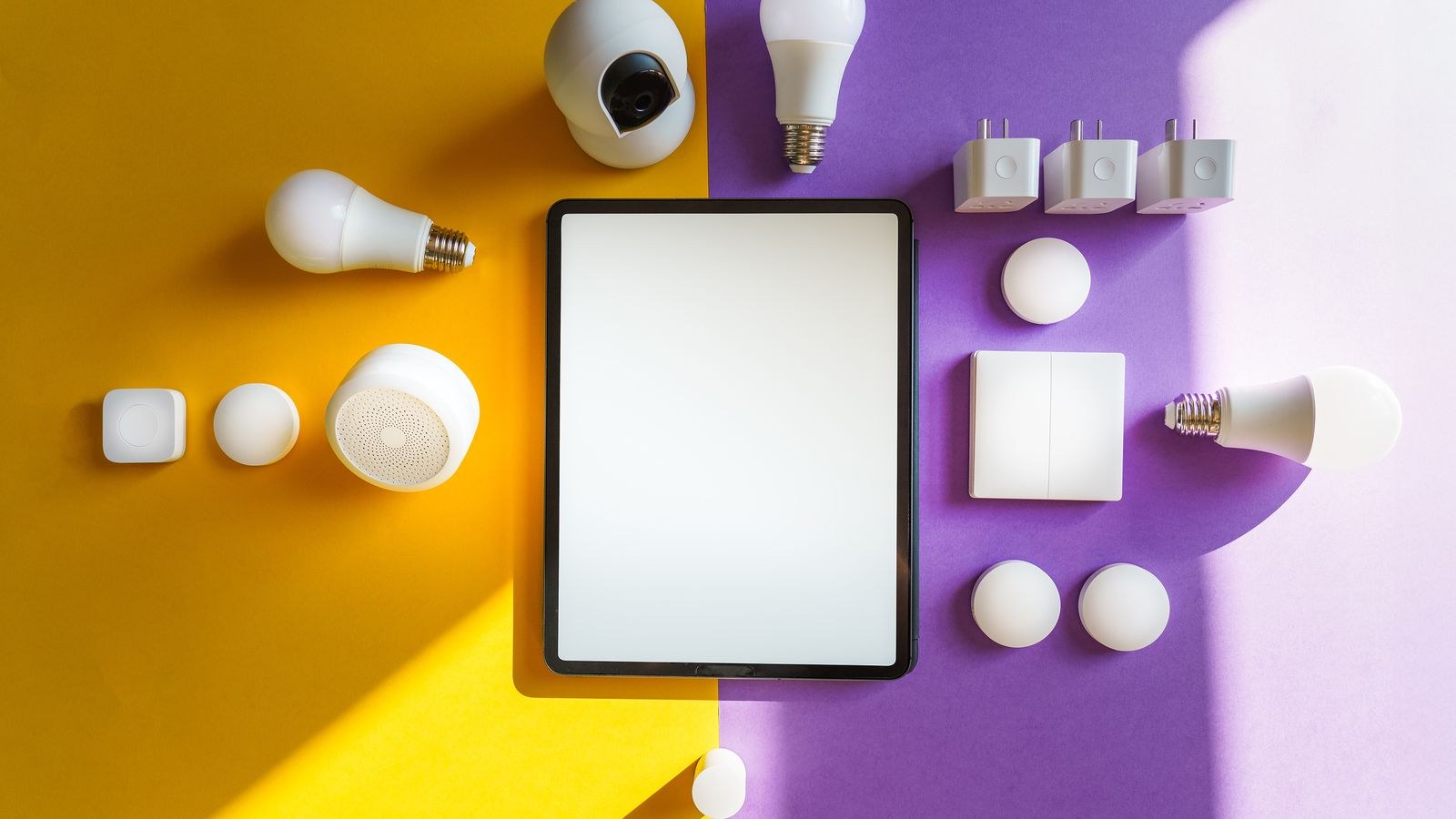
 Apple’s smart home platform has always traded catalogue size for consistency. Where rival ecosystems accept almost anything with a Wi-Fi chip, this one demands local control, encrypted communication, and a certification process that keeps a lot of cheap hardware out. The result is a smaller list of homekit compatible devices that behave far more predictably once installed. The complication is that the rules have shifted: Matter has opened the door to devices that were never certified under the old programme, and the hub requirement has changed more than once. This guide explains what genuinely works today, what a home hub unlocks, where the platform still has gaps, and how to check compatibility before you spend money on hardware that ends up stranded in a manufacturer’s own app.
How Compatibility Actually Works
There are now three routes a device can take into the platform, and the differences matter when something misbehaves.
Native certification is the original path. The manufacturer builds to Apple’s specification, passes certification, and ships with a setup code. These devices are the most reliable, appear immediately in the home app, and are controlled locally with no manufacturer cloud in the loop.
Matter is the newer route. A Matter device works across multiple ecosystems at once, including this one, without a separate certification for each. Compatibility here is broader and improving quickly, though feature depth occasionally lags behind what the same device offers in its own app.
Bridges are the fallback. A manufacturer’s own hub connects its proprietary devices and exposes them to the platform as a group. This works well for large lighting systems and blind motors, but you inherit the bridge’s limitations and one more box to power.
When shopping, native and Matter are the safe choices. Bridged support is fine when the bridge is one you would buy anyway, and questionable when it exists only to solve a compatibility problem.
Why You Need a Home Hub
A home hub is a device that stays in the house permanently and acts as the coordinator. Without one you can control devices while on the same Wi-Fi network, and that is the extent of it. With one, four important capabilities appear.
- Remote access. Control and status from anywhere, routed securely through your own hub rather than a third-party server.
- Automations. Anything time-based, sensor-based, or location-based needs a hub to run reliably when phones are away.
- Secure video. Camera analysis for people, pets, packages, and vehicles is processed on the hub and stored encrypted.
- Thread border routing. Newer hubs act as the bridge between low-power Thread devices and your network, which is what makes battery sensors practical.
Eligible hub hardware includes the streaming box, the smart speaker line, and a permanently resident tablet, though the tablet is the weakest option because it needs to stay home and charged. Buying a small streaming box purely as a hub is a common and sensible move even in households that never use it for television.
Category by Category: What Works Well
Lighting
The strongest category by far. Bulbs, light strips, and downlights are widely supported natively and through Matter, with reliable colour and dimming control plus adaptive colour temperature that shifts warmer through the evening. Bridged lighting systems also integrate cleanly, which is why long-standing lighting platforms remain popular here.
Switches and Wall Controls
Support is solid but wiring matters more than software. Many smart switches require a neutral wire, and older properties frequently lack one at the switch box. Dimmers add a compatibility layer of their own with certain bulb types. Checking wiring before ordering saves the most common return in this category, and our roundup of the best HomeKit light switches flags which models work without a neutral.
Locks
Well supported, with the advantage that unlocking from a phone or watch is genuinely faster than any app-based rival. Home keys stored in the wallet work at the door with a tap. The trade-offs are price and installation: some locks replace only the interior thumb turn, others replace the whole cylinder and may not fit every door thickness or multi-point mechanism. The best HomeKit smart locks differ mainly in how much of the existing hardware they keep.
Thermostats
Fewer options than in rival ecosystems, but the ones that exist are dependable. The catch is heating system compatibility rather than platform compatibility: check whether your system is conventional, heat pump, or low voltage, and whether a common wire is available. Multi-stage and dual-fuel systems narrow the list quickly. Our guide to the best HomeKit thermostats sorts models by the systems they can actually drive.
Cameras and Doorbells
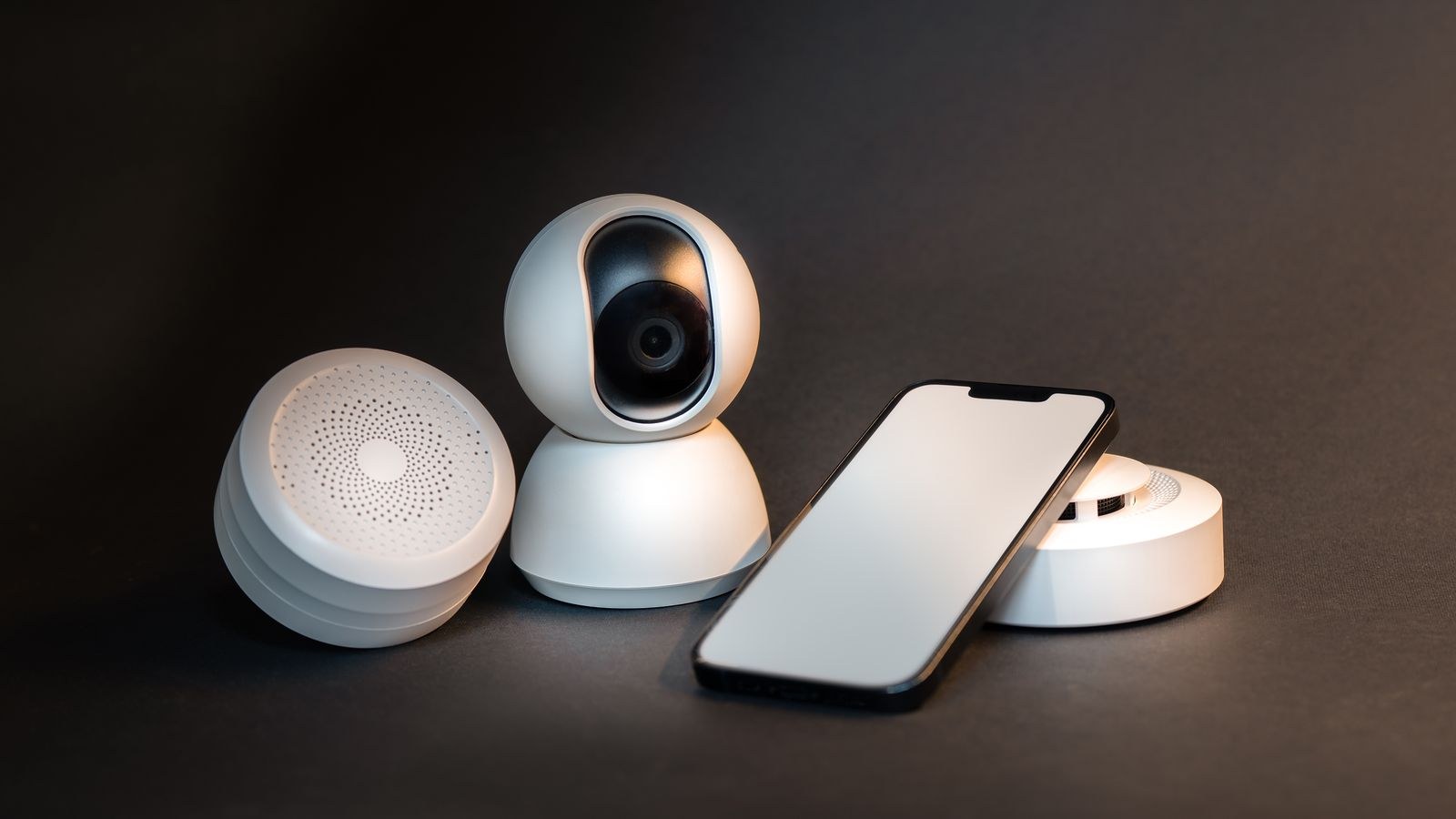
Supported, and the secure video feature is one of the platform’s genuine advantages because analysis happens locally and footage is encrypted. Storage comes from your cloud plan rather than a separate camera subscription, which saves money for households with several cameras. The catalogue of compatible cameras remains smaller than elsewhere.
Sensors
Contact, motion, temperature, humidity, leak, and air quality sensors are all available, increasingly over Thread, which dramatically improves battery life and response speed compared with older Bluetooth designs.
Protocols: Wi-Fi, Bluetooth, and Thread
The protocol a device uses affects reliability more than the brand does.
Wi-Fi devices are simple and fast but consume router capacity and mains power. Fine for plugs, switches, and cameras; unsuitable for anything battery powered.
Bluetooth devices are cheap and battery friendly but limited in range and slow to respond, sometimes taking several seconds to react. Older sensors and locks often use it, and it is the main source of complaints about laggy control.
Thread is the modern answer: low power, low latency, and self-healing, with mains-powered Thread devices extending the mesh for battery ones. If you are buying sensors today, prefer Thread. It is the single biggest improvement available to an existing setup.
Where the Platform Still Falls Short
Being honest about gaps prevents disappointment. Automation logic is simpler than on enthusiast platforms: conditions exist but complex multi-step logic with variables does not. Appliance support is thin, so ovens, washers, and robot vacuums are usually controlled through their own apps. Energy monitoring is inconsistent, with many plugs reporting consumption only in the manufacturer’s app. Advanced device features such as custom scenes stored on a bulb or specialised camera settings sometimes remain exclusive to the vendor app.
None of these are fatal, and for most households the reliability and privacy trade is worth it. But if you want deeply conditional automations, you will end up pairing this platform with a more flexible controller rather than replacing it.
How to Verify Compatibility Before Buying
- Look for the badge or a Matter logo on the packaging or product page. Marketing copy that only says “works with smart assistants” is not proof.
- Check the specific model number. Manufacturers routinely ship compatible and incompatible variants under nearly identical names.
- Confirm the protocol. Prefer Thread for battery devices and Wi-Fi for mains devices; be cautious with Bluetooth-only hardware.
- Check whether a bridge is required and whether that bridge is included in the price you are comparing.
- Read recent reviews rather than launch reviews. Firmware updates both fix and break integrations, so recency matters.
- Verify physical fit for locks, switches, and thermostats before software ever enters the conversation.
If you would rather start from a vetted list than audit every product page yourself, our roundups of the best HomeKit accessories and the best Apple HomeKit devices group hardware by category and note which ones need a bridge.
A Sensible Build Order
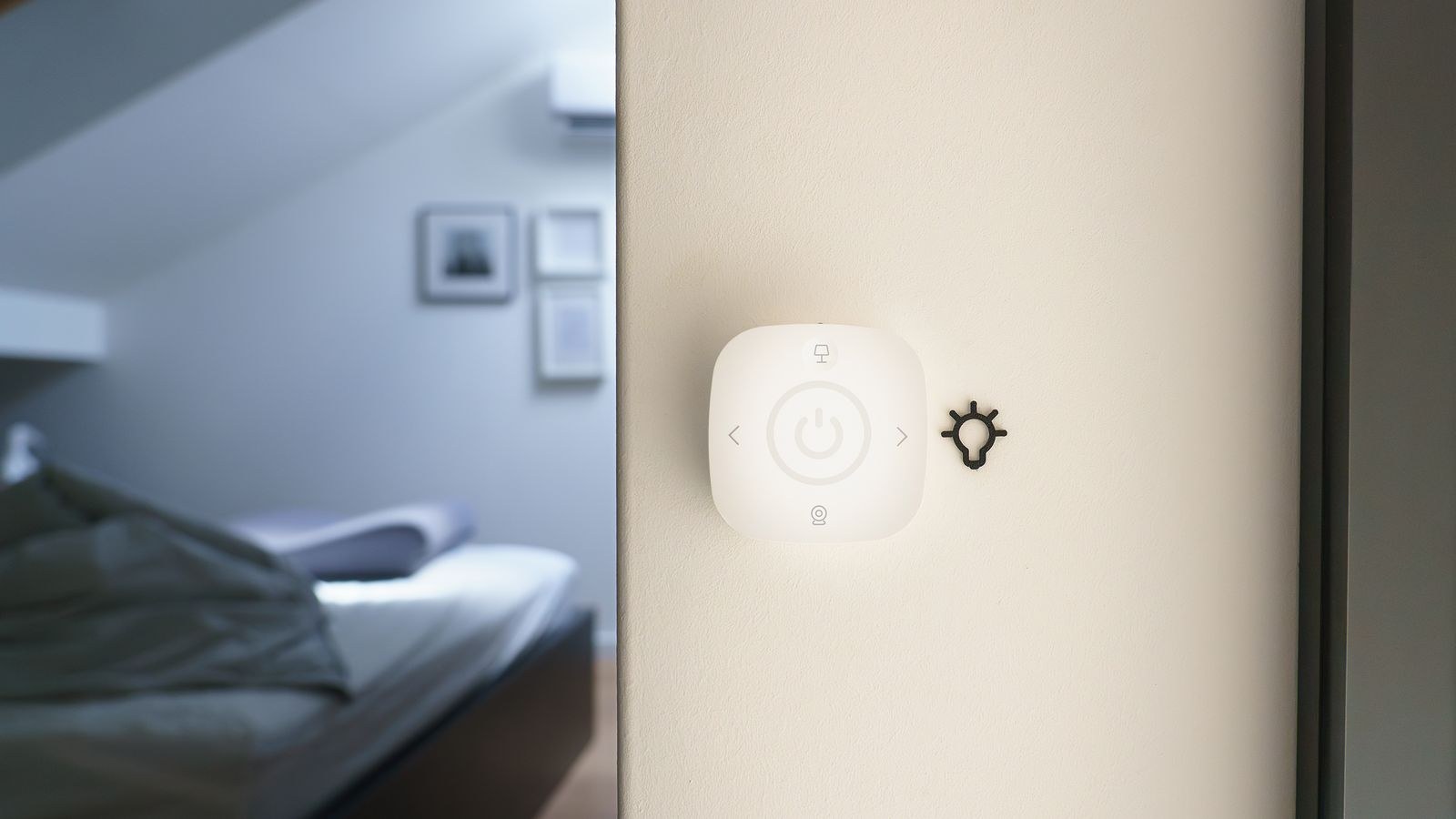
Starting in the right sequence avoids most compatibility headaches. Begin with a hub, because without one nothing automates and nothing works remotely. Add lighting next, since it is the cheapest category, the most reliable, and the one household members notice immediately. Add sensors third, using Thread devices so the mesh strengthens as you go. Add locks and cameras fourth, once you trust the system enough to depend on it for entry and monitoring. Leave the thermostat until last unless yours is failing, because it is the most expensive item and the one most constrained by your existing wiring.
Budget roughly in tiers. A starter setup with a hub and a handful of bulbs is modest. A mid-tier setup adding sensors, plugs, and a doorbell roughly triples that. A full setup with a lock, several cameras, and a thermostat is a serious purchase, which is why spreading it over months is both cheaper and more informative. For a structured overview of how the pieces fit together, our HomeKit smart home buying guide covers the full planning process.
Common Mistakes
- Buying devices before buying a hub. Everything feels broken until the hub arrives, because nothing automates.
- Choosing Bluetooth sensors to save money. Slow response and short range make them frustrating within weeks.
- Assuming a Matter logo guarantees every feature. Basic control is standardised; advanced features often are not.
- Ignoring wiring and door hardware. Switches, thermostats, and locks fail on physical fit far more often than on software.
- Scattering hub-eligible devices without a permanent one. A hub that leaves the house or runs out of battery is not a hub.
Frequently Asked Questions
Do I need a hub for basic control?
No, but you need one for remote access, automations, and camera recording. In practice that means anyone building more than two devices should have one.
Does Matter mean everything works now?
It means far more devices connect than before, and connecting is usually reliable. Feature parity with the manufacturer app is not guaranteed, especially for advanced settings.
Can I use non-certified devices?
Sometimes, through a manufacturer bridge or a third-party controller acting as a translator. That adds complexity and a failure point, so treat it as a workaround rather than a plan.
Is Thread worth prioritising?
Yes, particularly for battery-powered sensors and locks. Response times drop to well under a second and batteries last dramatically longer than on Bluetooth equivalents.
What happens if my internet goes down?
Local control and hub-run automations continue working because commands never leave the house. Only remote access from outside stops until the connection returns.
Final Thoughts
This platform rewards planning more than it rewards spending. Get a permanent hub in place, favour Thread for anything battery powered, verify model numbers rather than trusting product names, and build outward from lighting into sensors, locks, and cameras. Doing that produces a home where devices respond instantly, keep working during outages, and stay private by design. The compatibility list is smaller than the alternatives, but in 2026 it covers every category a normal household actually needs, and the devices that make the list tend to stay working for years rather than months.









