
 Owen Bradley
 Apple’s smart home platform has a reputation for being the fussiest and the most private, and both are broadly true. Devices must be certified, communication is encrypted, automations run locally on a home hub, and Apple never sees your data. The price of that discipline is a smaller catalogue and a genuine need to check compatibility before you buy. This HomeKit smart home buying guide focuses on the three device categories that form the backbone of almost every setup — switches, plugs, and outlets — and explains how to build a system that works reliably in 2026 rather than one that half-connects and frustrates everyone.
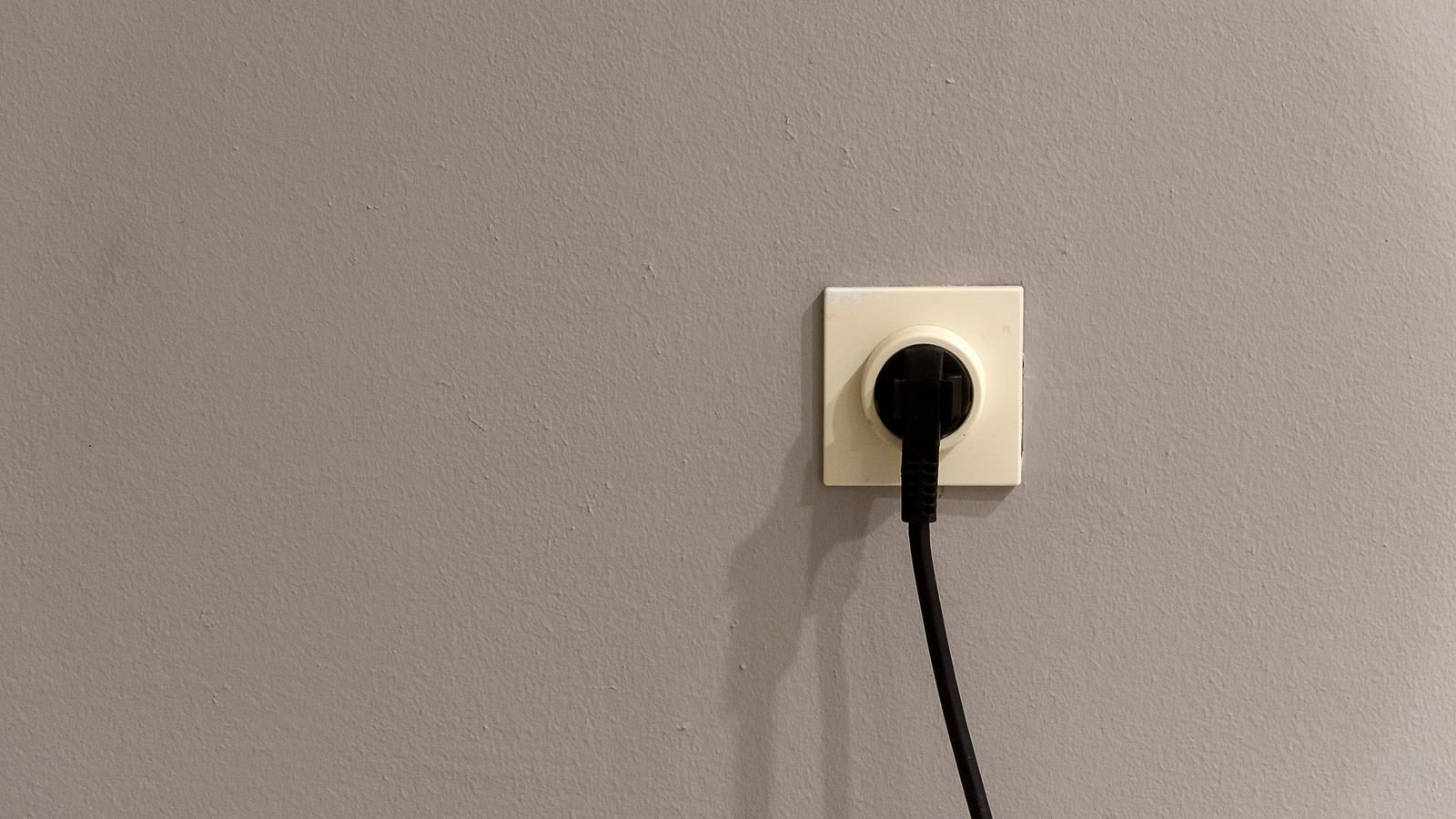
How the Apple Home Ecosystem Works
Three concepts explain most of the platform’s behaviour. First, certification: accessories must be approved to carry Apple Home support, which is why the catalogue is smaller than the Wi-Fi free-for-all elsewhere but also why setup is consistently a matter of scanning a code rather than juggling manufacturer apps.
Second, local control. Automations execute on a home hub in your house — a HomePod, an Apple TV, or an iPad left plugged in — not on a distant server. Your lights still respond to a schedule when your internet is down, and commands you issue at home never leave the building. This is the single biggest practical difference from cloud-dependent ecosystems.
Third, encryption and privacy. Device communication and any camera footage are encrypted end to end, and Apple’s servers relay rather than inspect. If privacy is a reason you are choosing this platform, it is a well-founded one, but note that a home hub is mandatory for remote access and automations. Without one you can control devices only while on the local network.
Matter, Thread, and What Changed
Matter has made this platform considerably easier to buy for. A Matter-certified accessory works with Apple Home alongside other major ecosystems, so a device is no longer locked to one platform for its lifetime. That matters if your household is mixed, or if you might change your mind later.
Thread is the low-power mesh network that many Matter devices use. Every mains-powered Thread device, including plugs and switches, acts as a router that extends the mesh, so coverage improves as you add hardware. Thread devices respond faster than Wi-Fi ones, use far less bandwidth, and keep your router’s device count manageable. You need a Thread border router in the house, which recent HomePods and Apple TVs provide.
Practical advice: prefer Thread or Matter accessories for new purchases, and treat Wi-Fi accessories as fine for a handful of devices but limiting at scale. A house with thirty Wi-Fi accessories will run into router problems that the same house with thirty Thread accessories will not.
Smart Switches: The Foundation of a Reliable Setup
A smart switch replaces the wall control and makes every bulb on that circuit controllable, regardless of bulb type. Its crucial advantage over smart bulbs is that the physical switch keeps working normally, so nobody can accidentally cut power and remove a device from your system. In a household with children, guests, or cleaners, that resilience is worth more than any feature.
Before buying, check three things at the wall box with the breaker off. Is there a neutral wire? Most switches need one, though no-neutral models exist and generally work with a bypass capacitor at the fixture. Is the box deep enough for a device thicker than a mechanical toggle? Is the circuit three-way, controlled from two locations, in which case you need a matched companion switch rather than a single unit?
Within the category you will find plain on-off switches for fans and non-dimmable loads, dimmers for dimmable bulbs within a stated wattage range, scene controllers with several buttons that trigger whole-house scenes, and motion-sensing switches that suit hallways and pantries. Comparing the best homekit switches across these types is more useful than comparing brands, and buyers focused specifically on lighting circuits should look at the best homekit light switches for dimming quality and LED compatibility.
Smart Plugs: The Easiest Entry Point
A plug sits between a socket and an appliance and needs no wiring at all, which makes it ideal for renters and for anyone testing whether automation is worth pursuing. Lamps, fans, coffee makers, holiday lighting, space heaters within rating, and electric blankets are all good candidates.
The key limitation is that a plug controls power, not function. If the appliance resumes operating when you unplug and replug it, a smart plug will control it perfectly. If it needs a button press or a remote to power on, it will not. Test that before buying.
Three specifications deserve attention. Current rating must comfortably exceed the appliance’s draw; heaters, kettles, and hair dryers are the usual danger, and many manufacturers explicitly exclude them. Physical size determines whether a bulky unit blocks the second socket of a duplex outlet, which slim and side-entry designs avoid. Energy monitoring, available on many mid-range units, is genuinely useful as a diagnostic for finding which appliances actually cost money. A survey of the best homekit plugs shows how differently manufacturers balance size against rating.
Smart Outlets: The Permanent Solution
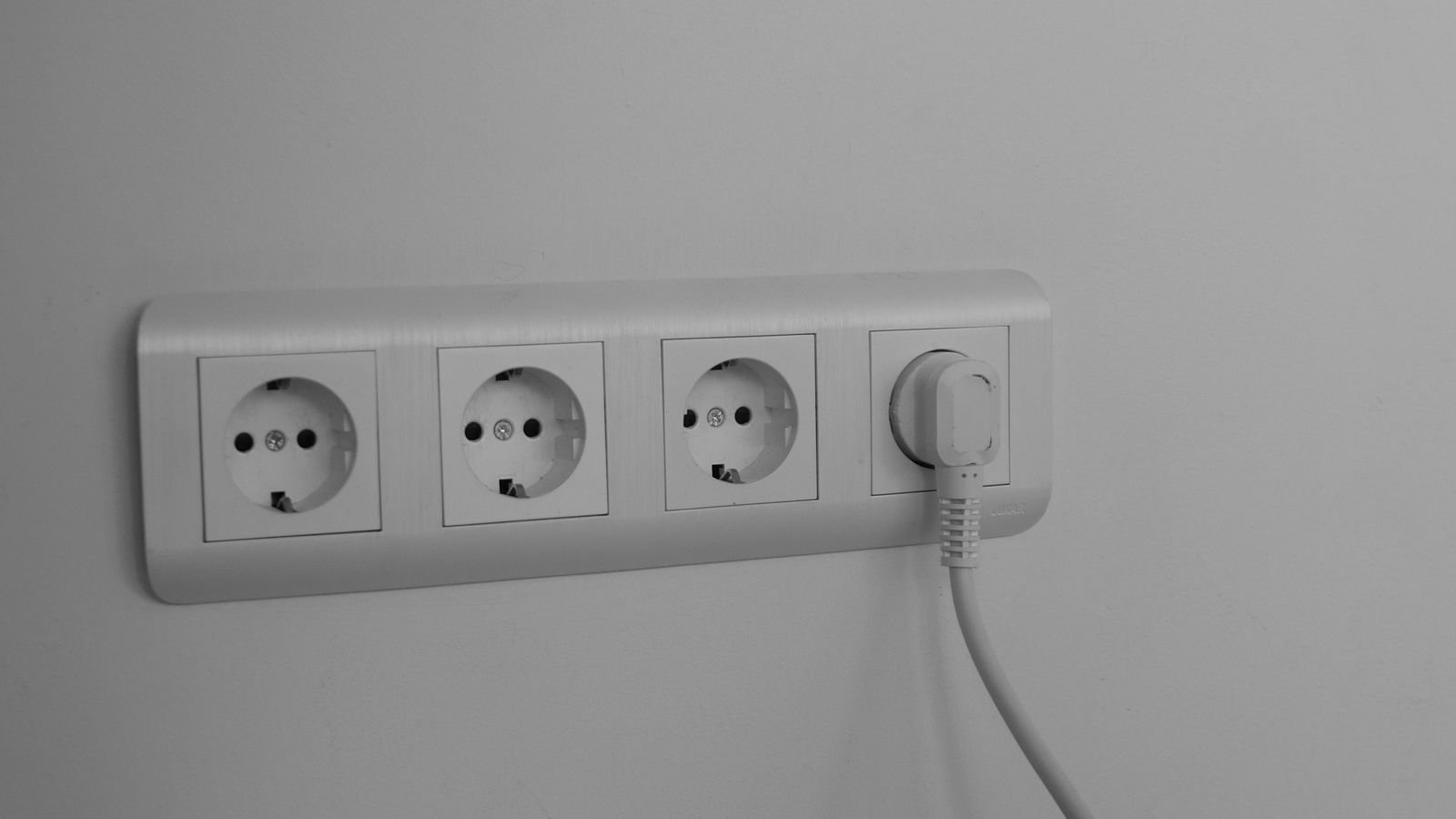
A smart outlet replaces the wall receptacle itself, hiding the electronics inside the box. Nothing protrudes, nothing blocks the second socket, and nothing can be unplugged and lost. Most designs make one socket switchable and leave the other always on, which is exactly right for a bedside table where a lamp should be automated but a phone charger should not.
Installation is more involved than a plug and often more involved than a switch, since receptacle boxes are frequently crowded with conductors passing through to other outlets. You will need a neutral, adequate box depth, and in many jurisdictions a licensed electrician for fixed wiring work. Outdoor versions need weatherproof enclosures and gasketed covers, and in many regions ground-fault protection is required for exterior and wet-location receptacles.
Outlets suit permanent installations where appearance matters: living rooms, bedrooms, offices, and anywhere a visible plug adapter would look untidy. Comparing the best homekit outlets on switched-socket configuration and box depth is the practical starting point, and mixed-ecosystem households may also want to weigh the broader field of best smart outlets for Matter support.
Choosing Between Switch, Plug, and Outlet
The decision is usually straightforward once framed correctly. Use a switch when a ceiling fixture or a whole lighting circuit needs control, when several bulbs share one fixture, or when you want the wall control to remain meaningful. Use a plug when you are renting, when the device is portable or seasonal, or when you want to try automation with no commitment. Use an outlet when the installation is permanent, appearance matters, and you are comfortable with in-wall work.
Cost per controlled thing also differs. One switch controls an entire fixture, which is far cheaper than smart bulbs in a six-lamp chandelier. One plug controls one appliance. One outlet controls one or two sockets permanently. Plan around what you actually want to automate rather than buying a mix and discovering overlap.
Setting Up Rooms, Zones, and Scenes Properly
The platform organises accessories into rooms, rooms into zones, and actions into scenes and automations. Investing an hour in this structure at the start pays back permanently, because voice control and automations both depend on it.
- Assign every accessory to the correct room during setup, not later.
- Name devices after what they control — “Porch Light”, not “Switch 3” — so voice commands are natural.
- Group rooms into zones such as Upstairs or Outside so you can address several at once.
- Build a small number of scenes you will genuinely use: Good Morning, Movie, Good Night, Leaving.
- Use automations triggered by time, sunset, arrival, departure, or another accessory’s state.
Sunset-based triggers are worth singling out. A lamp on a fixed clock time looks wrong for half the year, while a sunset offset always matches the light outside. It is the automation most households end up relying on daily.
Reliability, Hubs, and Network Design
Most complaints about unresponsive accessories trace back to infrastructure rather than the devices. Keep at least one home hub permanently powered and on Ethernet where possible; a HomePod or Apple TV that sleeps or drops off Wi-Fi will make automations appear unreliable. If you have several hubs, the system chooses one automatically, and having a spare improves resilience.
For Wi-Fi accessories, make sure 2.4GHz coverage is solid in the places devices actually live, which is often behind furniture or inside a metal-heavy wall box. Avoid splitting bands with different network names if accessories struggle during setup. For Thread accessories, ensure your border router is centrally located and add mains-powered Thread devices to strengthen the mesh in weak areas.
Budget Planning and a Sensible Rollout
Plugs are the cheapest entry point, switches sit in the middle, and outlets cost the most once installation is included. Rather than converting everything at once, start with four or five points you interact with daily: the front entry light, the main living room fixture, a bedside lamp, an outdoor light, and one appliance you would like on a schedule. Those deliver the large majority of the everyday benefit.
Standardise on one or two manufacturers where you can. Mismatched paddle shapes and indicator LEDs in a multi-gang plate look worse than people expect, and consistent hardware behaves more predictably. Prefer Matter and Thread for anything you buy now, since that protects the investment if your household ever adds a different voice assistant.
Frequently Asked Questions
Do I need a HomePod or Apple TV?
For local control while at home, no. For remote access, automations, and Thread support, yes — a home hub is required. Most households find automations are the main reason to build a smart home at all, so a hub is effectively essential.
Will my accessories work if the internet goes down?
Yes. Automations run on the local hub, so schedules and triggers continue working. What you lose is remote access from outside the house until connectivity returns.
Can I use a smart switch without a neutral wire?
Sometimes. No-neutral models exist and usually work well with a bypass capacitor at the fixture, which prevents the faint glow that low-wattage LEDs can otherwise show. Where a neutral exists, a neutral-required model is more reliable.
Are Matter accessories better than certified Apple-only ones?
They are more flexible, since they work across ecosystems and are not tied to one platform. Functionally within Apple Home they behave similarly. For new purchases, Matter is the safer long-term choice.
Can several people control the same devices?
Yes. Invite household members to your home and they gain access on their own devices, with optional restrictions on remote access and editing. Everyone’s control stays local and encrypted.
Final Thoughts
Build this platform in the right order and it becomes remarkably dependable. Put a permanently powered home hub in place first, prefer Thread or Matter accessories, then choose the device type by situation: switches for lighting circuits, plugs for renters and portable appliances, outlets for permanent installations where appearance matters. Check the neutral wire and multi-way wiring before buying any switch, and confirm appliance wattage before trusting a plug with a heater. Name and group everything carefully at setup, lean on sunset-based automations, and expand from a handful of daily-use points rather than converting the whole house at once.










Comments are closed.
No reviews yet. Be the first to share your experience!