
 Owen Bradley
 Router shopping usually starts with a model number, but the badge on the front of the box matters more than most buyers realise. ASUS, Netgear and TP-Link all sell hardware at nearly every price point, and on paper their spec sheets look interchangeable: the same Wi-Fi standards, similar antenna counts, comparable throughput claims. What separates them is everything that happens after the box is open, which is where the ASUS vs Netgear comparison actually gets interesting. Firmware quality, app design, how long a model keeps receiving security patches, and whether useful features sit behind a subscription all shape the experience for the several years you will own the thing. This guide compares the three brands on those practical grounds so you can match a manufacturer to how you genuinely use your network in 2026, rather than to whichever marketing number is largest.
Why Brand Matters More Than the Spec Sheet
Wireless chipsets come from a short list of suppliers, so two routers from different brands in the same price tier often share silicon that is close to identical. That is why raw throughput figures rarely separate them in real homes. The differences that you actually feel day to day come from the software layer each company builds on top: the firmware that manages roaming, band steering and quality of service, the mobile app you open when something misbehaves, and the update cadence that decides whether a known vulnerability gets patched in weeks or never.
Treat brand choice as a decision about a support relationship rather than a component purchase. You are committing to one company’s interface, one company’s release notes and one company’s idea of which features deserve a monthly fee. Spend a few minutes understanding the philosophy behind each and the shortlist narrows quickly. A broader look at the market landscape in our roundup of the best router companies is a useful companion to the head-to-head below.
ASUS: Depth of Control for Tinkerers
ASUS has built its reputation on giving owners an unusual amount of control without forcing them to install third-party firmware. Its web interface exposes granular settings that competitors bury or omit entirely: per-device bandwidth limits, adjustable transmit power, detailed wireless timing options, VPN client and server modes, and traffic analysis that actually names which device is saturating the uplink.
The brand’s second advantage is longevity of support. ASUS has historically kept firmware flowing to popular models for years after release, and a vibrant enthusiast community produces well-maintained custom builds for many of its routers, which extends useful life even further. Security filtering and parental controls are typically bundled rather than sold as a recurring plan, which lowers the true cost of ownership over a router’s lifespan.
Where ASUS Asks More of You
All that control comes with a learning curve. First-time setup presents more choices than a novice needs, and the interface density can feel intimidating if you simply want working Wi-Fi in ten minutes. Mesh behaviour, while capable, sometimes rewards manual tuning rather than working perfectly on defaults. If you enjoy adjusting settings you will find the payoff worthwhile; if you never plan to log in again after setup, that depth is wasted. Buyers who want a shortlist can compare capable models in our guide to the best ASUS routers.
Netgear: Polished Hardware With Subscription Strings
Netgear tends to lead on hardware presentation and raw performance at the top of the range. Its flagship models frequently ship with the newest wireless standards early, generous processor and memory allocations, and multi-gigabit wired ports that suit households already on fast fibre or cable service. Build quality and thermal design are usually strong, which matters more than buyers expect, since a router that runs cool holds its throughput under sustained load.
The friction point is monetisation. Several of Netgear’s most attractive features, notably network-level threat protection and the more capable parental control tiers, are delivered as paid subscriptions after a trial period. Whether that is acceptable depends on you. If you already run filtering elsewhere or simply do not want those features, the paywall is irrelevant and you are buying excellent hardware. If you assumed those tools were included, the ongoing cost can quietly exceed the difference between price tiers you were originally weighing.
Netgear’s app is clean and approachable, and initial setup is among the smoothest in the category. Advanced settings still exist in the web interface, but the company clearly steers ordinary users toward the simplified mobile path. Our overview of the best Netgear routers breaks the range into the tiers that suit different home sizes and connection speeds.
TP-Link: Value and Simplicity at Scale
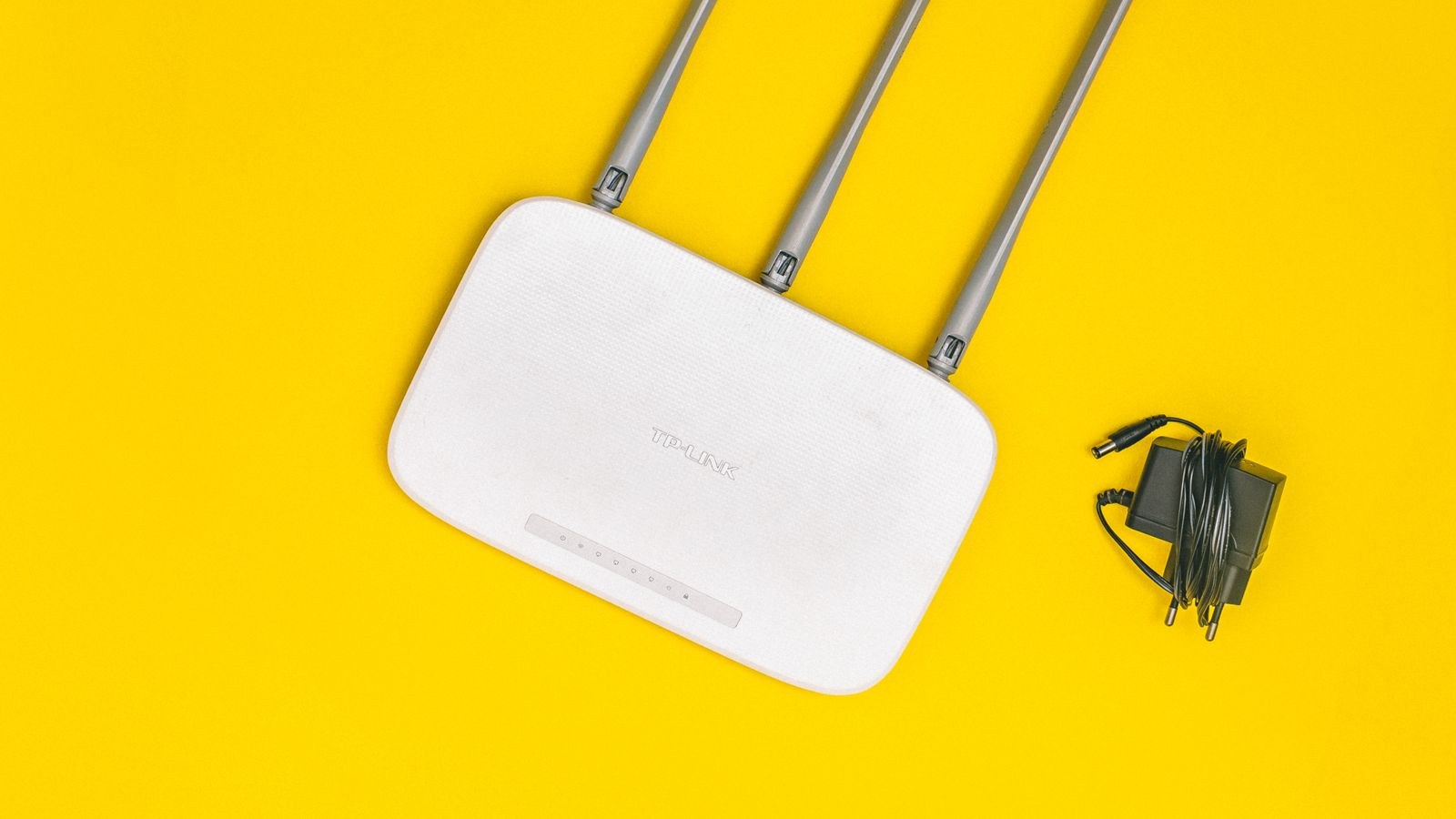
TP-Link’s strategy is straightforward: deliver the current generation of wireless technology at a lower price than the competition, and make setup effortless. It has been particularly aggressive in mesh, where its multi-node kits routinely undercut rivals while covering comparable square footage. For a household that wants whole-home coverage without studying network topology, that combination is hard to argue with.
The mobile app is deliberately simple, guiding users through placement, naming and guest networks in a few taps, with sensible defaults for band steering and roaming. Firmware updates arrive regularly across the popular ranges, though the deepest configuration options are thinner than what ASUS exposes. Some security and parental control features follow the industry trend toward premium tiers, so read the feature list carefully before assuming everything shown in the marketing is free forever.
Where TP-Link occasionally shows its price positioning is in sustained multi-client performance at the very bottom of the range, where slower processors can struggle once dozens of devices are attached. Step up one tier and that concern largely disappears. Households leaning toward whole-home coverage can compare kits in our guide to the best TP-Link mesh systems.
Firmware and Update History Compared
Security patching is the least glamorous and most important comparison point. A router sits directly on the public internet, so an unpatched flaw is a genuine risk rather than a theoretical one. Before buying any model, search for its firmware release page and look at two things: how recently the last update shipped, and how long the release history stretches back for that specific model rather than the brand generally.
Broadly, ASUS earns high marks for long tails of support on its mainstream models. Netgear patches its current and recent flagships promptly but retires older mid-range hardware from the update cycle sooner. TP-Link updates widely across its catalogue, though individual budget models can go quiet once they are superseded. None of these patterns is absolute, which is exactly why checking the specific model page beats trusting brand reputation.
Automatic Updates Are Not Optional
Whichever brand you pick, turn on automatic firmware updates during setup. All three support it. Routers that depend on an owner remembering to check a web page manually tend to sit on old firmware for years. Schedule the update window overnight so the brief reboot interrupts nothing.
Apps, Interfaces and Everyday Usability
You will interact with your router through one of two surfaces: a mobile app for routine tasks and a browser interface for anything deeper. Rank the brands by which surface you expect to use. Netgear and TP-Link invest most heavily in the app, so pausing a child’s device, running a speed test or adding a guest network takes seconds. ASUS offers a competent app, but its real strength lives in the browser interface, where the full toolset sits.
Consider also who else in the household needs access. If a partner or housemate should be able to reset the guest password without calling you, an approachable app has real practical value. If you are the only administrator and you enjoy the details, prioritise the depth of the web interface instead.
Paid Extras: What Each Brand Charges For
- Network security filtering. Netgear and TP-Link commonly place advanced threat protection behind a subscription after a trial. ASUS typically bundles its security suite with the hardware.
- Parental controls. Basic scheduling and blocking are usually free everywhere; detailed usage reports, per-app limits and content categories are the parts that tend to cost extra.
- VPN services. Some brands bundle a trial of a commercial VPN. Note that this is separate from the built-in VPN server that lets you reach your home network remotely, which is generally free where offered.
- Cloud management. Remote administration from outside the house is free on all three for home models, but the retention of historical usage data is often a premium feature.
Add any subscription you would genuinely use to the purchase price before comparing models. A cheaper router with a necessary monthly fee can cost more over three years than a pricier one that includes the same capability.

Matching a Brand to Your Household
Rather than crowning a single winner, map the brands onto common situations. If you want to tune quality of service, run a VPN server, segment devices onto separate networks and keep a router in service for many years, ASUS suits you best. If you have a fast internet plan, want strong hardware with a smooth setup and do not mind paying for security add-ons or skipping them, Netgear is the natural pick. If coverage across a larger or awkwardly shaped home matters most and the budget is firm, TP-Link’s mesh value is difficult to beat.
Two other factors deserve weight. First, wired ports: if you have a multi-gigabit connection or move large files locally, confirm the port speeds rather than assuming. Second, ecosystem consistency, because mesh nodes generally must match the brand and often the family of the main router, so your first purchase quietly determines your expansion path.
Common Mistakes When Comparing Router Brands
The most frequent error is comparing the advertised aggregate speed rating between brands. That figure adds together the theoretical maximums of every band, none of which a single device will ever reach simultaneously. It is a marketing sum, not a performance promise, and it tells you almost nothing about how a router behaves with twenty real clients.
The second mistake is buying far more router than the internet plan can feed. If your service delivers a few hundred megabits, a flagship built for multi-gigabit fibre spends its life idling. Coverage, client capacity and software quality will improve your experience; headline throughput beyond your plan will not. A grounding in the specs that genuinely matter is available in our broader router buying guide.
A third trap is ignoring placement. Any of these brands underperforms badly when the router is tucked inside a cabinet, behind a television or in a corner of the basement. Central, elevated and open placement often improves real-world speeds more than upgrading a tier.
Frequently Asked Questions
Can I mix brands in one network?
You can run a router from one brand and an access point or switch from another over Ethernet without trouble. What you cannot reliably do is mix mesh nodes across brands, since the roaming and backhaul protocols are proprietary. Plan mesh expansion within a single family.
Which brand is best for gaming?
All three offer quality-of-service tools that prioritise latency-sensitive traffic. ASUS gives the most manual control over prioritisation rules, Netgear’s higher tiers include capable automated modes, and TP-Link covers the basics well. Wired Ethernet to the console or PC still beats any wireless optimisation.
How long should a router last?
Plan on roughly four to six years of service, ending sooner if firmware updates stop or your internet plan outgrows the hardware. Buying a model with an active update history extends that window more reliably than buying extra throughput.
Do I need the newest Wi-Fi standard?
Only if your devices support it and your plan is fast enough to notice. Newer standards help most in dense homes with many simultaneous clients. In a small flat with a modest connection, previous-generation hardware from any of these brands remains perfectly capable.
Final Thoughts
The honest conclusion is that all three brands make good routers, and the wrong question is which one is best overall. Decide first how involved you want to be: a tinkerer who values control and long support should look to ASUS, a buyer wanting polished hardware and a simple setup on a fast connection should consider Netgear, and a household prioritising affordable whole-home coverage should start with TP-Link. Then verify the specific model’s firmware history, add the cost of any subscription you would actually use, and confirm the wired ports match your connection. Approach the decision that way and the brand debate resolves itself into a straightforward match between a company’s strengths and your own network habits.









