
 Owen Bradley
 Two households with identical square footage can need completely different Wi-Fi hardware, and the fork in the road is usually the same question: wired access points or a mesh kit? Both promise to kill dead zones, both put multiple radios around the house, and both are sold with the same coverage maps. What separates them is not raw speed but plumbing — whether you can run Ethernet, how much you want to manage, and how gracefully your phone hands off when you walk upstairs. This access point vs mesh Wi-Fi comparison lays out the real trade-offs on wiring, roaming, cost and control, then gives clear recommendations for wired houses, rentals, and tall multi-floor layouts.
What Each System Actually Is
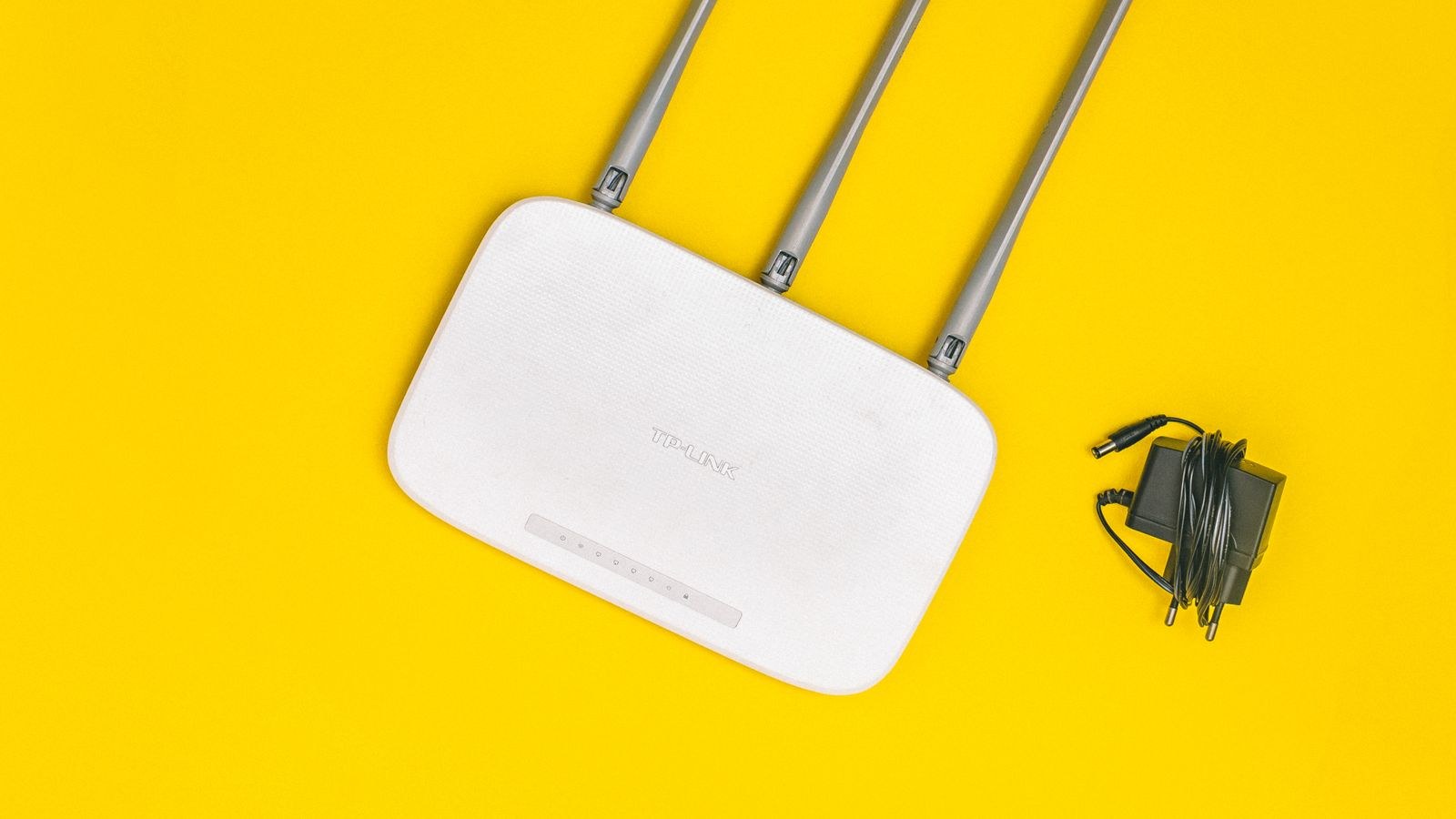
An access point is a radio that plugs into your wired network and broadcasts Wi-Fi. It has no routing intelligence of its own — your router handles addresses, firewall and internet duties — and it does exactly one job extremely well: turn a wired drop into strong wireless coverage in that part of the building. Multiple APs share the same network name, and clients move between them.
A mesh system is a set of nodes that talk to each other wirelessly. One node connects to your modem and acts as router; the rest relay traffic back to it over a wireless link called backhaul. The selling point is that the satellites need only power, not a network cable, which makes mesh installable in any building without touching the walls.
That single difference — wired drop versus wireless relay — cascades into almost every other distinction between the two approaches.
Wiring: The Deciding Factor
If Ethernet already reaches the rooms where you want coverage, access points win on nearly every measurable axis. A wired AP gets full backhaul bandwidth, adds no latency hop, and never degrades because of interference between nodes. You can hang three or four of them and each one performs like it is the only device on the network.
If you cannot run cable, mesh is not a compromise so much as the only sensible option. Drilling through joists, fishing cable down a cavity wall, or getting a landlord’s permission all cost more in time and goodwill than the performance difference is worth for typical browsing and streaming.
There is a useful middle path many people overlook: buy a mesh system that supports wired backhaul, then cable whichever nodes you can reach. A mesh with two wired nodes and one wireless satellite behaves almost like an AP deployment where it counts, and you keep the simple app-based setup. Most current kits in our comparison of the best mesh Wi-Fi systems support this and switch to it automatically when a cable is detected.
Powerline and MoCA as Cable Substitutes
Before ruling out wired APs, check whether your house has coaxial TV outlets. MoCA adapters push Ethernet over that existing coax at speeds that comfortably beat wireless backhaul. Powerline adapters do the same over mains wiring with far less consistency, but in a small flat on one circuit they can be enough to feed a single remote access point.
Roaming and Handoff
Roaming is where marketing and reality diverge most. Neither APs nor mesh nodes actually decide when your phone switches radios — the client device does. What good hardware does is make switching easy and fast by supporting three standards: 802.11k, which gives the client a list of neighbouring radios; 802.11v, which lets the network suggest a better one; and 802.11r, which speeds up re-authentication so a voice call does not drop mid-sentence.
Quality mesh kits implement all three and tune them for you, which is why a well-configured mesh often feels smoother than a badly configured AP setup. Good business-class APs implement them too, but you may need to enable them, and you certainly need to set transmit power sensibly. An AP blasting at maximum power tells distant clients they still have a fine connection, so they cling to it long after a nearer radio would serve them better. Turning power down slightly is the single most effective roaming fix in a multi-AP home.
Throughput, Backhaul and Real Speed
A wireless mesh satellite has to receive a frame and re-transmit it. On a dual-band system sharing one radio for both client traffic and backhaul, that roughly halves the throughput at every hop — two hops out and you may be at a quarter of the speed. Tri-band mesh kits solve this by dedicating a second 5GHz radio, or a 6GHz radio on newer Wi-Fi 6E and Wi-Fi 7 models, purely to backhaul. If you are buying wireless mesh for a large property, tri-band is not a luxury.
Wired APs have no such penalty. Each one has the full capacity of its cable behind it, so a client at the far end of the house gets the same experience as one next to the router. For homes where several people stream, game and video call simultaneously, this consistency is the real argument for going wired. Our guide to the best mesh routers for large homes covers which kits hold up best when nodes must be spaced far apart.
Setup, Management and Day-to-Day Life
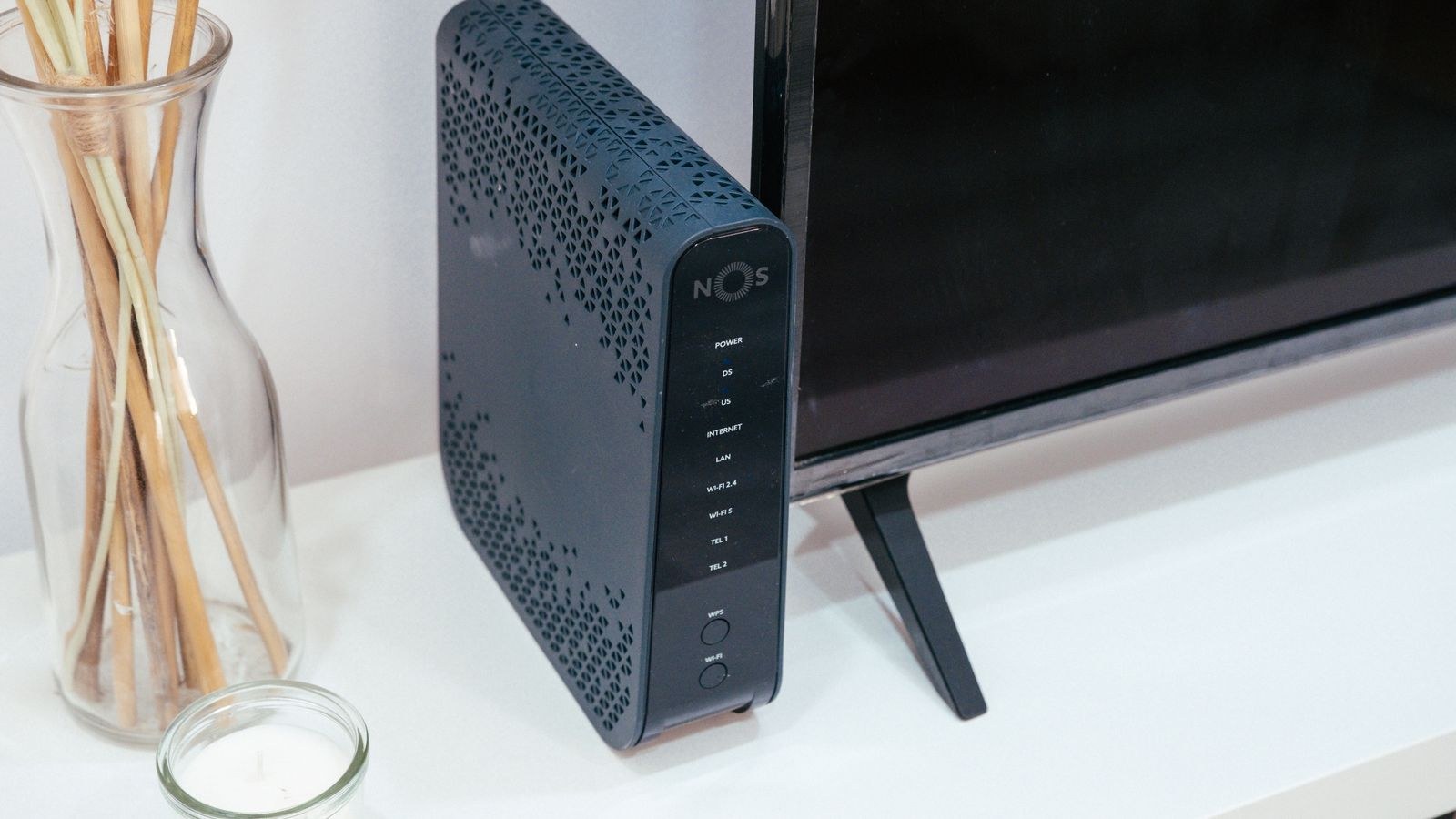
Mesh systems are built for people who do not want to think about networking. You scan a code, name the network, and the app places nodes, picks channels, and pushes firmware updates on its own. Guest networks, device profiles and parental schedules are a couple of taps away. The trade-off is limited visibility: when something misbehaves, the app usually offers a reboot button rather than a diagnosis.
Access points sit at the other end. Consumer-grade APs are nearly as simple as mesh, but the prosumer models people usually buy for this job expect you to set channels, widths, power levels and VLANs — or to run a controller that does it centrally. In exchange you get logs, per-client statistics, band steering rules, multiple SSIDs mapped to separate networks, and configuration that survives hardware replacement. If you like knowing why the network did something, that is worth real money; if you do not, it is friction.
Households that want AP-style control without a separate controller often land on a router with built-in AP management, and our roundup of the best access point routers is a good place to compare those hybrid options.
Cost Compared Honestly
On sticker price, a two- or three-pack mesh kit usually undercuts an equivalent AP deployment, because the mesh price includes the router. With APs you need a router, a switch to feed them, ideally PoE so each AP needs only one cable, and then the APs themselves. Add cable and installation labour if you are not doing it yourself.
Over a longer horizon the gap narrows. APs tend to last longer because you upgrade the router independently of the radios, and adding a fourth AP costs one unit rather than a new kit. Mesh systems are more often replaced wholesale, since mixing generations or vendors rarely works well. Neither is clearly cheaper — it depends on whether you are optimising for the first invoice or the five-year total.
Which One Fits Your Home
Choose Access Points If
- Ethernet already reaches, or can easily reach, two or more rooms.
- You have thick masonry or concrete walls that would cripple wireless backhaul.
- Many devices are active at once and consistency matters more than convenience.
- You want VLANs, separate IoT networks, or detailed logging.
- You expect to expand coverage gradually rather than all at once.
Choose Mesh If
- You rent, or cannot run cable without significant disruption.
- You want the whole thing working in fifteen minutes with no jargon.
- Coverage gaps are one or two rooms rather than an entire wing.
- Your household is modest in device count and mostly streams and browses.
- You value app-based parental controls and automatic updates.
For a deeper look at how nodes negotiate and where mesh genuinely shines, our explainer on how mesh Wi-Fi systems work goes through backhaul behaviour in detail, while the best home Wi-Fi access points comparison covers ceiling and wall-mount options with their power requirements listed.
Placement Rules That Apply to Both
Whichever route you take, physics does not negotiate. Mount radios high and central rather than low in a corner. Keep them out of cupboards, away from metal shelving, and at least a metre from large mirrors and appliances. For multi-floor homes, remember that signal travels down through a floor better than sideways through several walls, so a first-floor central AP frequently covers the ground floor better than a ground-floor unit at one end.
For mesh specifically, place each satellite where it still sees two solid bars from the previous node, not at the edge of usable signal. A satellite in a marginal spot spreads bad connectivity rather than fixing it. Space nodes so their coverage overlaps by roughly a fifth, giving clients a clean handoff zone.
Common Mistakes
- Buying more nodes than the house needs. Extra radios add co-channel interference; three well-placed units usually beat five crowded ones.
- Running a dual-band mesh over long distances. Without dedicated backhaul, each hop halves throughput.
- Splitting bands into separate network names on a multi-AP setup. This breaks roaming, because clients treat each name as a different network.
- Leaving AP transmit power at maximum. It causes sticky clients that refuse to hand off.
- Mixing vendors in one mesh. Roaming standards may be common, but backhaul protocols are not.
- Ignoring the modem side. Neither system can outperform the connection feeding it.
Frequently Asked Questions
Is mesh Wi-Fi slower than wired access points?
At the node itself, no. At clients connected to a wirelessly backhauled satellite, usually yes, because the relay consumes airtime. Wired backhaul removes the gap entirely.
Can I add an access point to an existing mesh system?
You can add a plain AP to the wired part of the network, and it will work, but it will not participate in the mesh’s roaming logic. Sharing the network name and security settings gets you most of the benefit.
How many access points does an average home need?
One per floor is a reasonable starting point for a typical three-bedroom home, adding one more for a garage, basement or garden office.
Do I still need a router with access points?
Yes. Access points provide radio coverage only; routing, DHCP and firewalling still come from a router or gateway upstream.
Will upgrading to a newer Wi-Fi generation fix my dead zones?
Not by itself. Newer standards raise peak speed and efficiency, but coverage is a function of placement and the number of radios. A well-placed older AP beats a badly placed new one.

Final Thoughts
Strip away the marketing and the decision is refreshingly simple. If you can get a cable to the places that need coverage, wired access points give you better consistency, cleaner expansion and more control for roughly comparable long-term cost. If you cannot, a tri-band mesh with well-spaced nodes will serve a typical household happily and take fifteen minutes to install. The worst outcome is the middle ground nobody plans for: a cheap dual-band mesh stretched across a large house, hopping twice, and blamed for problems that are really about placement. Decide the wiring question first in 2026 and the rest of the choice falls into place on its own.









