
 Owen Bradley
 A Network Attached Storage (NAS) device or home server can transform how your household stores, backs up, and streams data, giving you a private cloud that lives under your own roof. But a NAS is only as good as the network connecting it to your devices. Poor networking choices lead to slow file transfers, buffering media streams, and unreliable backups that undermine the whole point of local storage. This guide covers everything you need to know about building a solid, fast, and secure home network to support a NAS or home server.

Why Networking Matters for NAS Performance
A NAS is only as fast as the network connecting it to your devices. Even a NAS with fast internal drives will feel sluggish if it is bottlenecked by an outdated router, a weak Wi-Fi connection, or insufficient Ethernet ports. Since NAS devices are typically used for large file transfers, media streaming, and automated backups, a well-planned network is essential to getting the performance you paid for.
The difference between a well-networked NAS and a poorly connected one is dramatic. Copying a large video library over a fast wired link can be many times quicker than doing the same over a congested wireless connection. Getting the networking right from the start saves you countless hours of waiting later.
Wired Connections Are Essential
Unlike smartphones or laptops that can tolerate Wi-Fi’s variability, a NAS should almost always be connected via Ethernet. Wired connections offer significantly more consistent speeds and lower latency than wireless, which matters enormously when transferring large video files or running multiple simultaneous backups. If your router or switch supports Gigabit or faster Ethernet, connecting your NAS directly ensures you get close to its maximum rated speed.
A wired backbone also frees up your wireless bandwidth for the devices that truly need it, like phones and tablets. By keeping heavy NAS traffic on cables, you avoid saturating the airwaves and slowing down everyone else in the house.
Choosing the Right Router
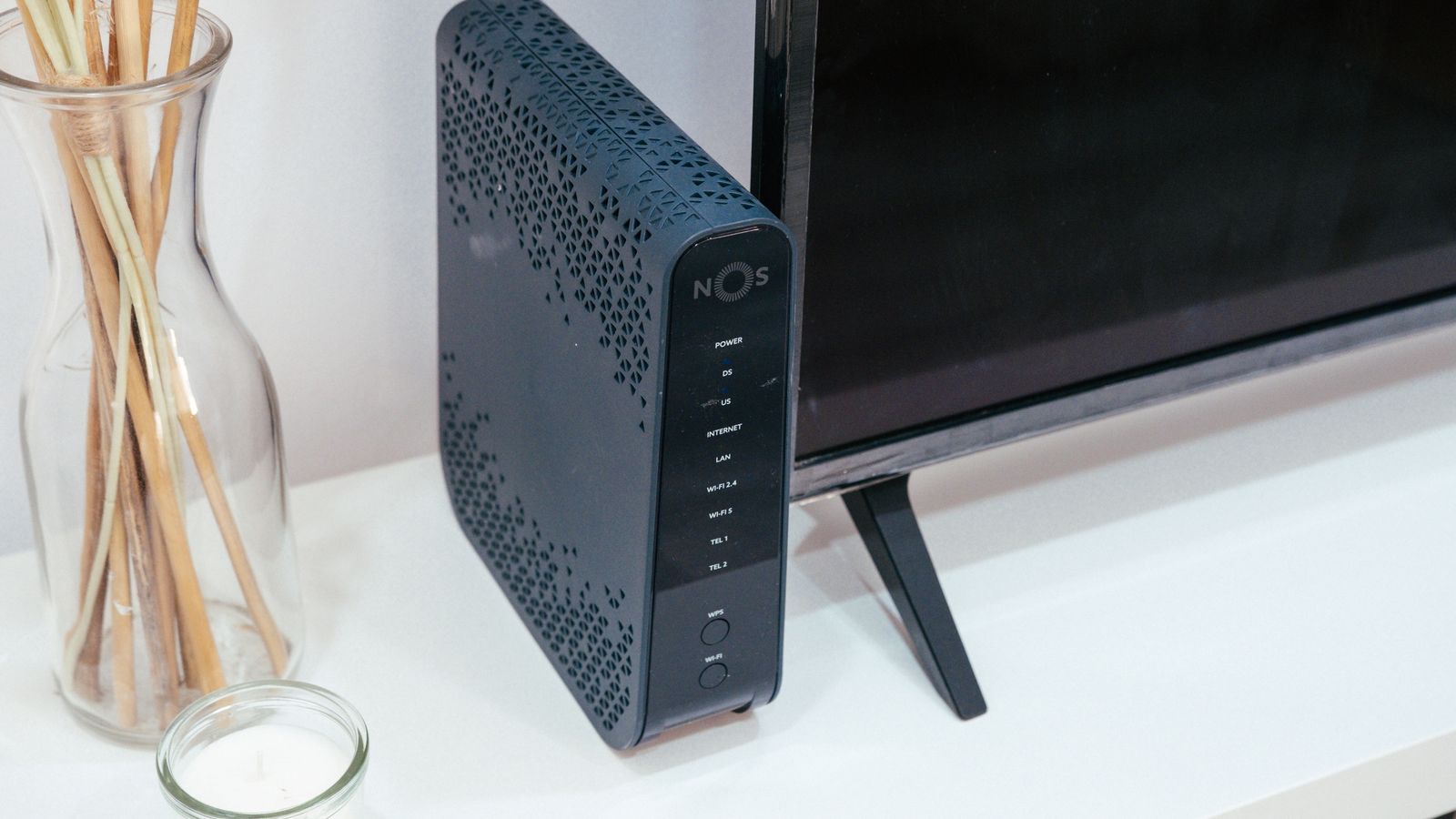
Not all routers are built to handle the demands of a home server setup. Look for a router with enough Gigabit or multi-gigabit Ethernet ports to accommodate your NAS alongside other wired devices like desktops or gaming consoles. Processing power also matters, since routers managing heavy file transfer traffic alongside regular internet use need enough horsepower to avoid slowdowns elsewhere on the network.
The best routers for NAS are specifically selected for their port speeds, throughput, and ability to handle sustained high-volume traffic without choking. If your NAS supports link aggregation, a router that also supports it can effectively double the bandwidth between the two, which is valuable in multi-user households.
Power over Ethernet (PoE) Considerations
If your home server setup includes networked cameras, wireless access points, or other PoE-powered devices alongside your NAS, a router or switch with PoE support can simplify your setup considerably by delivering both power and data through a single cable. This reduces cable clutter, removes the need for nearby power outlets, and centralizes power management so you can reboot devices remotely.
The best PoE routers make it easier to build out a more complete home server ecosystem without scattering power adapters throughout your home, which is especially handy for security camera setups tied to NAS recording.
Setting Up a Dedicated Network Segment
For households running more advanced home server setups, creating a separate VLAN or subnet for NAS and server traffic can improve both performance and security. This keeps heavy file transfer traffic from interfering with everyday browsing and streaming on the main network, and it isolates your server from less secure IoT devices that might otherwise become an entry point for attackers. This is an advanced step, but one well worth considering as your home network grows in complexity.
Optimizing for Remote Access
Many NAS owners want to access their files remotely, whether for backups, media streaming, or file sharing while away from home. This requires careful router configuration. Rather than exposing your NAS directly to the internet through port forwarding, which carries real security risks, the safer approach is to set up a VPN back into your home network. A router with built-in VPN server functionality lets you connect securely from anywhere and reach your NAS as if you were on your home network.
Managing Multiple Devices and Bandwidth
A NAS typically shares bandwidth with everything else on your network, so it is important to ensure your router can handle simultaneous demands, such as one family member streaming a movie from the NAS while another device performs a scheduled backup. QoS settings can help prioritize or schedule NAS traffic during backup windows, ensuring transfers complete reliably without disrupting other network activity. Scheduling large backups for overnight hours is another simple way to avoid contention during busy times.
Storage and Backup Best Practices
Beyond networking, a well-run NAS setup should include a solid backup strategy. Many households follow the 3-2-1 rule, keeping three copies of important data, on two different types of media, with one copy stored off-site or in the cloud. Your NAS should be configured to automate backups on a regular schedule, reducing the risk of data loss from hardware failure. RAID configurations add redundancy against drive failure, but remember that RAID is not a substitute for real backups.
Understanding Network Speed Bottlenecks
When your NAS feels slow, the cause is almost always the weakest link in the chain rather than the NAS itself. A network is only as fast as its slowest component, so a fast NAS connected through an old Gigabit switch, over aging cabling, to a device with a slow network adapter will be held back at every stage. Identifying bottlenecks means examining each part of the path: the NAS network port, the cable, the switch or router, and the receiving device’s adapter. Upgrading just one component while ignoring the others rarely produces the improvement you expect. For households planning to invest in faster multi-gigabit NAS performance, it pays to upgrade the router, switch, cabling, and client adapters together so that no single link caps your speeds.
Media Streaming from Your NAS
One of the most popular uses for a home NAS is serving as a personal media library, streaming movies, music, and photos to devices throughout the home. This use case places specific demands on your network, since streaming high-bitrate video, especially 4K content with high dynamic range, requires sustained bandwidth to avoid buffering. If multiple family members stream from the NAS at the same time, those demands multiply. A wired connection between the NAS and your router ensures the media server can deliver smooth playback, while strong Wi-Fi coverage handles delivery to the final devices. Transcoding, where the NAS converts video on the fly to suit a particular device, also benefits from a capable NAS processor working alongside a fast network.
Choosing Cables and Switches
If your NAS and router are not in the same room, running Ethernet cable through walls or using a network switch to extend wired connections is usually far more reliable than relying on Wi-Fi. Category 6 (Cat6) cable is a good baseline for most home networks and supports Gigabit speeds over typical residential distances, while Cat6a supports faster multi-gigabit links for future-proofing. A quality unmanaged or managed switch lets you expand the number of wired ports without replacing your router.
Security Considerations for Home Servers
A home server holds valuable personal data, so securing it deserves attention. Keep the NAS firmware and applications updated, use strong unique passwords, enable two-factor authentication where available, and disable any services you do not actively use. Combined with network segmentation and VPN-based remote access, these steps keep your private cloud genuinely private.
Common Mistakes to Avoid
Common networking mistakes include connecting a NAS over Wi-Fi instead of Ethernet, using an outdated router that bottlenecks file transfer speeds, exposing NAS ports directly to the internet without a VPN, neglecting a real backup strategy beyond RAID, and failing to account for bandwidth needs as more devices are added to the network over time. Planning ahead for growth saves painful upgrades later.
Do I need a Gigabit router for my NAS?
Yes, at minimum. Gigabit Ethernet is the baseline for reasonable NAS performance, and multi-gigabit ports offer even better speeds if your NAS and other hardware support them.
Can I use Wi-Fi for my NAS if Ethernet isn’t possible?
You can, but expect noticeably slower and less consistent transfer speeds. A powerline adapter or MoCA link is often a better alternative than Wi-Fi when running Ethernet cabling is not feasible.
How do I safely access my NAS from outside my home?
The safest method is setting up a VPN connection back to your home network rather than exposing NAS ports directly to the internet, which greatly reduces your exposure to attacks.
Is RAID enough to protect my data?
No. RAID protects against drive failure but not against accidental deletion, ransomware, or disasters. Always keep separate backups, ideally including an off-site copy.
Final Thoughts
Building a reliable home network for your NAS or home server takes a bit more planning than a typical setup, but the payoff is fast, stable file access and dependable backups you can count on. Prioritize wired connections, choose a router capable of handling sustained traffic, and consider PoE, VPN, and network segmentation features to round out a truly capable and secure home server network.









