
 Owen Bradley
 The line between a workstation and a gaming PC can look blurry from the outside. Both are powerful desktop computers, both can be expensive, and both may share similar-looking cases and components. Yet they are engineered for very different priorities, and choosing the wrong one can mean either paying a premium for features you will never use or missing the stability and validation your professional work actually depends on. This guide compares workstations and gaming PCs across the specifics that matter most, including certified drivers, ECC memory, core counts, and cost, so you can decide with confidence whether specialized workstation parts are worth it or whether consumer hardware is the smarter buy.
Defining the Two Machines
A gaming PC is optimized for high frame rates and responsiveness in games. It leans on fast single-core performance, a strong consumer graphics card, and quick memory, all tuned to deliver smooth gameplay at a reasonable price. A workstation, by contrast, is built for professional workloads such as 3D rendering, CAD, simulation, scientific computing, and video production. Its design priorities are stability, accuracy, sustained performance under long loads, and validated compatibility with professional software.
The distinction is not about which is more powerful in the abstract. It is about what each is optimized to do reliably. A gaming PC can be blisteringly fast in the tasks it was built for, and a workstation may feel unremarkable in a game, yet each excels within its intended domain.
Certified Drivers: The Quiet Differentiator
One of the biggest practical differences is driver certification. Professional graphics cards ship with drivers that vendors validate against specific professional applications, ensuring correct rendering, stability, and support. For someone running certified CAD or engineering software all day, this validation reduces crashes and rendering errors that can cost real time and money.
Gaming graphics cards use drivers tuned for game performance and broad compatibility, which is exactly what a gamer wants but not what a professional relying on certified software needs. If your work depends on validated application support, professional cards earn their premium. Our guide to the best workstation GPUs explains which cards carry the certifications that matter and how to match them to your software.
ECC Memory: When Accuracy Is Non-Negotiable
Error-correcting code memory, or ECC, detects and corrects single-bit memory errors on the fly. For most gaming and everyday use, the occasional bit flip is harmless and goes unnoticed. But in scientific computing, financial modeling, or long render jobs, a silent memory error can corrupt results or crash a task that has run for hours.
Workstations frequently support ECC memory precisely because data integrity is critical to their users. Gaming PCs typically use standard non-ECC memory, which is faster to tune and cheaper. If your work cannot tolerate silent errors, ECC support becomes a genuine requirement rather than a luxury. Pairing ECC memory with a compatible platform means choosing the right board and modules together, and our roundup of the best workstation RAM covers kits designed for exactly this reliability.
Core Counts and How Work Is Threaded
Core count is where the two philosophies diverge sharply. Games generally benefit from strong single-core speed and a moderate number of cores, because most game engines cannot use dozens of threads effectively. Workstations, on the other hand, often run heavily multi-threaded workloads such as rendering and simulation that scale almost linearly with core count.
This is why workstation processors frequently offer far more cores than gaming chips, sometimes at slightly lower clock speeds. If your job is rendering complex scenes or compiling large projects, more cores directly shorten your wait. If you mainly game, those extra cores sit idle while you pay for them. Matching core count to your real workload is one of the most important decisions in this whole comparison.

Motherboards and Platform Features
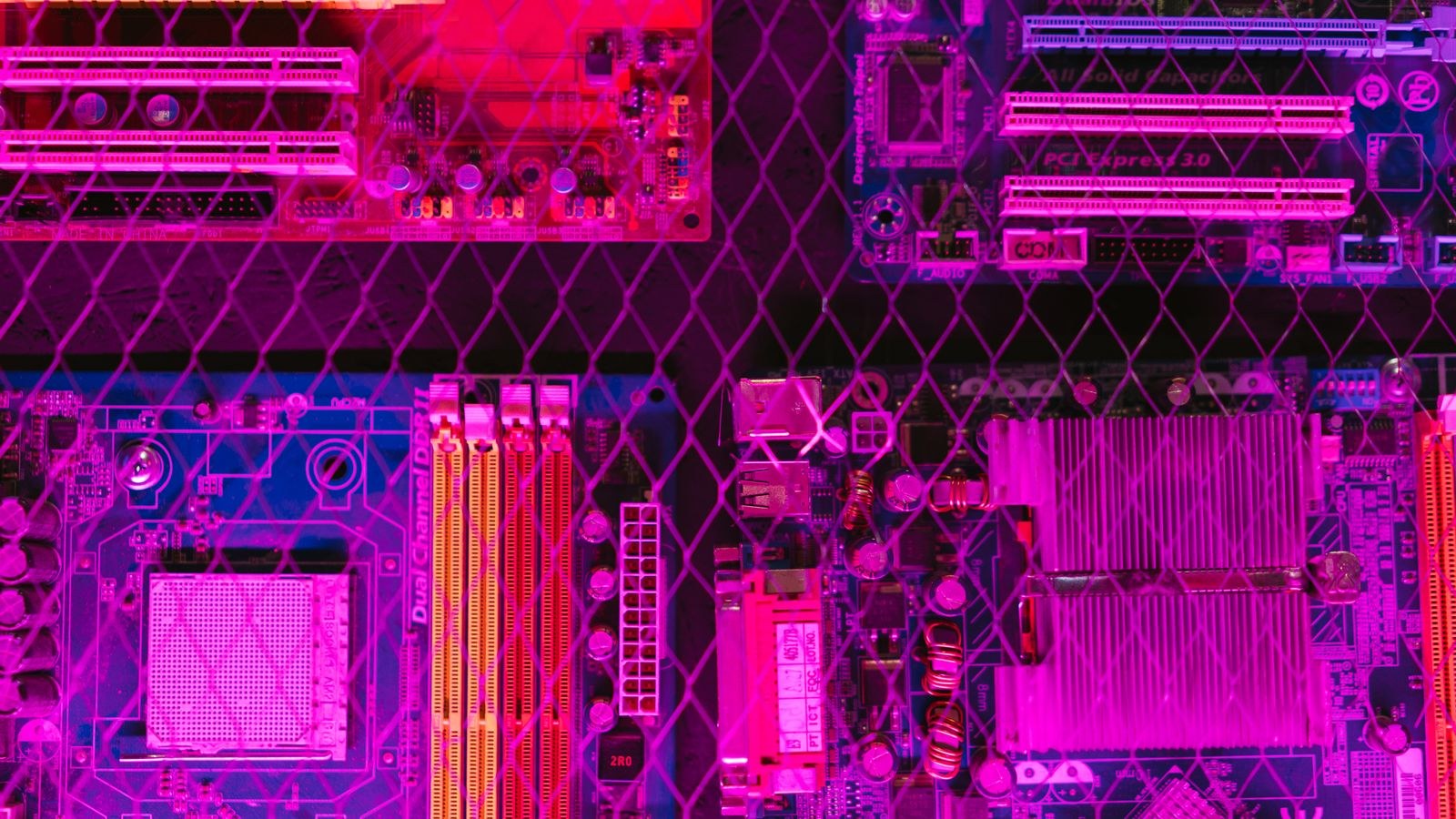
The motherboard often reveals which category a machine belongs to. Workstation boards tend to offer more memory slots, support for ECC memory, additional PCIe lanes for multiple GPUs or storage devices, and features geared toward reliability and expansion. Gaming boards emphasize fast memory support, overclocking headroom, and features that enhance gaming performance and aesthetics.
If you need to run several high-bandwidth devices at once, such as multiple GPUs and fast storage arrays, a workstation platform provides the connectivity to do it. Our guide to the best workstation motherboards outlines boards built for expansion and stability, which is where professional builds often justify their extra cost.
Storage Priorities
Both machine types benefit from fast storage, but their emphasis differs. Gaming PCs value quick load times and enough capacity for a game library. Workstations often need sustained write performance for scrubbing large video files, handling massive datasets, or working with high-resolution assets, along with reliable drives for important project data.
For professionals, endurance and consistent performance under heavy sustained loads matter as much as peak speed. Our list of the best workstation SSDs highlights drives built for the kind of continuous, demanding use that professional work involves, rather than the bursty patterns typical of gaming.
Cost: Where the Premium Goes
Workstation hardware usually costs more than equivalent-tier consumer parts, and it is important to understand why. You are paying for validated drivers, ECC support, higher core counts, greater expandability, and often longer warranties and support. For a professional whose income depends on stability and correctness, that premium can be easily justified by the time and errors it prevents.
For a gamer or hobbyist, though, much of that value goes unused. Consumer parts deliver excellent performance in games and general tasks at a lower price. If you do not need certification, ECC, or extreme core counts, a well-built gaming PC gives you more performance per dollar for those workloads.
Which One Do You Actually Need?
Use this quick decision framework:
- Choose a workstation if you run certified professional software, need ECC memory for data integrity, rely on heavily multi-threaded workloads that scale with cores, or require extensive expansion and validated support.
- Choose a gaming PC if your priority is high frame rates, responsive single-core performance, and strong value, and your professional needs are light or absent.
- Consider a hybrid if you both game and do creative work like video editing or light 3D, since a high-end consumer build often serves both well without the full workstation premium.
Many creators land in that hybrid zone, and a powerful consumer machine is frequently the better buy for them. If you fall into the gaming or hybrid camp, our overview of the best desktop computers for gaming is a good place to see systems that deliver strong all-round performance without workstation-only features.
Noise, Power, and Longevity
There are quieter differences between the two machine types that only show up over months of use. Workstations are frequently tuned for sustained loads, with cooling and power delivery designed to run flat out for hours without throttling or excessive noise. Gaming PCs handle bursty loads beautifully but may not be optimized for the continuous, hours-long full-load work a rendering or simulation task demands.
Longevity and support round out the picture. Professional-grade systems often carry longer warranties and business support because downtime directly costs their users money. For a professional, that support and the reliability behind it can matter as much as raw performance, whereas a gamer is usually well served by standard consumer warranties. Weighing these ownership factors, not just benchmark numbers, gives a truer sense of which machine fits your life.
Common Mistakes to Avoid
A frequent error is buying a full workstation for tasks that a consumer machine handles just as well, paying for certification and ECC that go unused. The opposite mistake is running mission-critical professional software on a gaming build and then losing hours to crashes or rendering errors that certified hardware would have prevented. The fix in both cases is the same: define your actual workload first, then match the machine to it rather than to a category label.
Frequently Asked Questions
Can a gaming PC do professional work?
Yes, for many tasks. Video editing, photo work, and light 3D run well on high-end consumer hardware. The gap appears when you need certified drivers, ECC memory, or extreme multi-threaded scaling, where a workstation pulls ahead.
Is ECC memory worth it for me?
Only if data integrity is critical to your work, such as in scientific computing, financial modeling, or long render jobs. For gaming and general use, standard memory is perfectly fine and less expensive.
Do more cores always mean better performance?
No. More cores help heavily multi-threaded workloads like rendering, but games and many everyday tasks favor strong single-core speed. Extra cores you cannot use are money spent for no benefit.
Are workstation GPUs faster than gaming GPUs?
Not necessarily in raw speed. Their advantage is certified, validated drivers and reliability in professional applications. For gaming, a consumer card is usually faster per dollar.
Final Thoughts
The choice between a workstation and a gaming PC comes down to what you truly need from the machine, not which sounds more impressive. If certified drivers, ECC memory, high core counts, and expandability map directly to your work, a workstation earns its premium and pays you back in stability and time saved. If you mainly game or do creative work that consumer parts handle comfortably, a gaming PC delivers better value and plenty of power. Assess your real workload heading into 2026, match the hardware to it, and you will spend exactly what you need to get the performance and reliability your tasks actually demand.










