
 Owen Bradley
 For twenty years the answer was simple: if you cared about response time, you used a cable. Wireless meant dropped packets, sluggish tracking, and a battery that died mid-match. That reputation has outlived the reality. Modern low-latency radio links have closed the gap so far that measured differences now sit inside the margin of error for human perception, and professional players have quietly switched over. Yet the cable has not disappeared, and there are still good reasons to keep one. This wireless vs wired mouse comparison looks at what latency actually means, where the remaining differences live, and how weight, battery life, interference, and price should shape your decision rather than a decade-old assumption. Whatever you buy in 2026, you should buy it for the right reason.

What “Latency” Actually Measures
Click-to-photon latency is the total time between your finger moving and the screen changing. A mouse contributes only a slice of that chain, and it is a smaller slice than most people assume. The chain looks roughly like this: the sensor samples the surface, the microcontroller processes the reading, the link carries the data to the PC, the operating system passes it to the application, the game or app renders a frame, and the monitor draws it.
Of those stages, the transmission link is the only one that differs between wired and wireless. Everything else — sensor polling, USB stack handling, render pipeline, display response — is identical. A 240Hz monitor takes about 4 milliseconds to draw a frame. A typical render pipeline adds several more. Against that backdrop, the link difference is small.
Two numbers get quoted a lot. Polling rate is how often the mouse reports position: 1000Hz means once per millisecond, and 8000Hz options now exist on both wired and wireless devices. Link latency is the extra delay the radio introduces. On a modern proprietary 2.4GHz dongle that figure is typically under 1 millisecond, and in independent testing many wireless mice now measure equal to or faster than mid-range wired competitors, because the sensor and firmware matter more than the wire.
The Three Kinds of Wireless
Lumping all cordless mice together is where most bad advice comes from. There are three quite different technologies.
- Proprietary 2.4GHz with a USB dongle. The performance option. Dedicated radio protocol, frequency hopping to dodge interference, sub-millisecond link latency, and support for 1000Hz or higher polling. This is what competitive players use.
- Bluetooth. Convenient and dongle-free, pairs with tablets and phones, and sips power so batteries last for months. But standard Bluetooth mice typically report at 125Hz and add noticeably more delay — fine for documents and browsing, poor for fast aiming. Many people are happy here; a roundup of the best Bluetooth mouse options for laptops and tablets shows how much the convenience is worth.
- Dual-mode. Increasingly common: a fast dongle for the main PC and Bluetooth for a laptop or tablet, switchable with a button. Best of both, at a small price premium.
If someone tells you wireless mice are laggy, ask which kind they mean. The complaint is usually about Bluetooth, and it is usually fair.
Where Wired Still Wins
A cable has genuine advantages that have nothing to do with milliseconds.
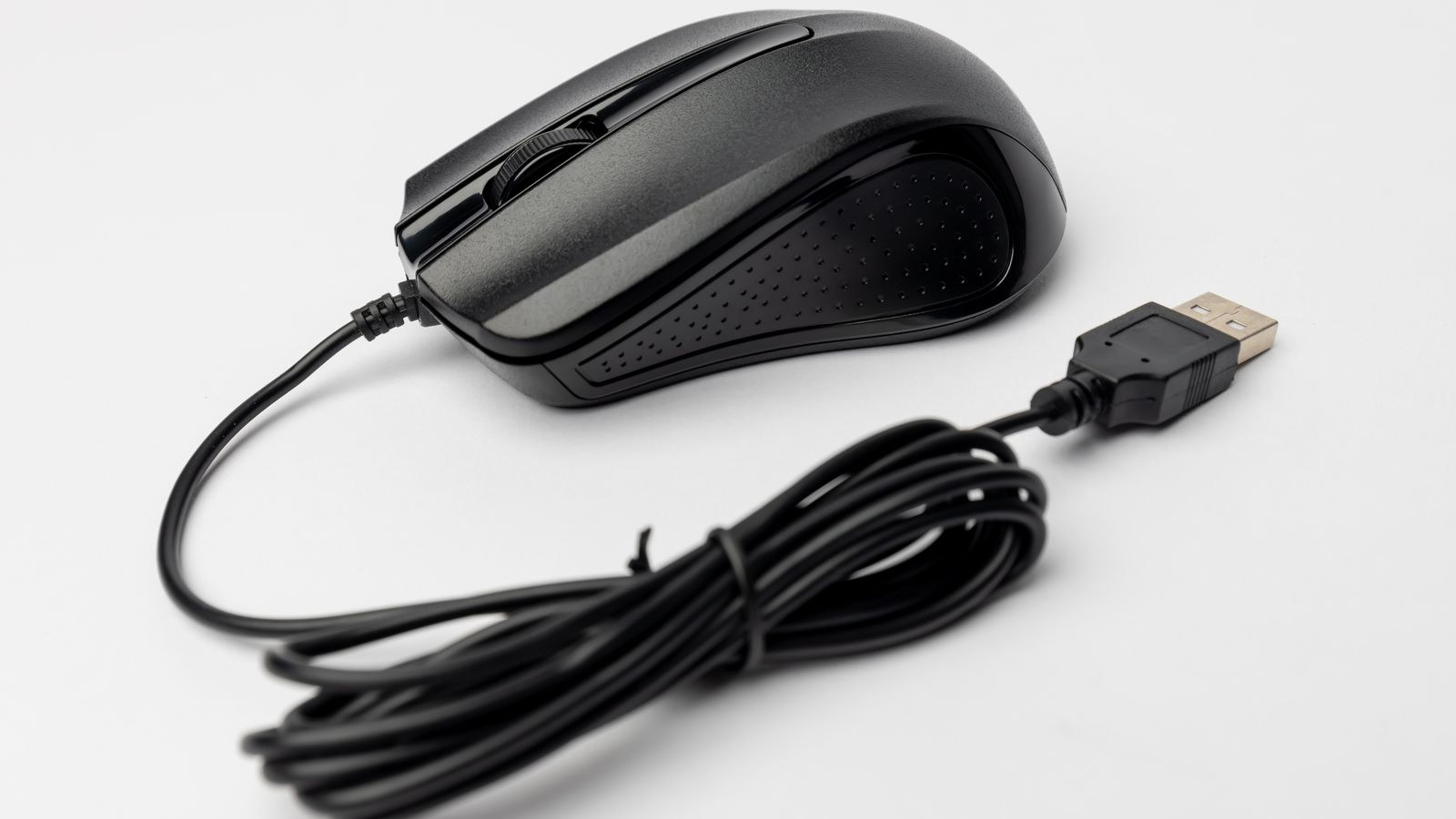
No battery management. There is nothing to charge, nothing to recharge overnight, and no risk of a device dying halfway through a deadline. For a machine that never moves, that is a real quality-of-life benefit.
Lower price for the same sensor. Remove the radio, the battery, and the charging circuit and you remove cost. A wired mouse at $40 often carries the same flagship sensor as a $110 wireless model. If budget is the constraint and the mouse lives on one desk, cable is simply better value, which is why the best wired mouse recommendations for desktop setups still make sense for a lot of buyers.
No interference risk. In a dense office with dozens of wireless devices, or at a crowded event, the 2.4GHz band gets busy. Good hopping protocols handle this well, but a wire never has to.
Consistency for shared or locked-down machines. IT departments frequently restrict USB dongles or disable Bluetooth. A cable always works.
Where Wireless Wins
Free movement. Cable drag is not imaginary. On low sensitivity settings, where a single aim sweep moves the mouse 30 cm or more, a stiff cable snagging on the desk edge introduces inconsistency that dwarfs any link latency. Even a good paracord cable with a bungee adds some resistance; a wireless mouse adds none. This is the reason competitive players switched, and it is a bigger practical gain than the millisecond debate.
Cleaner desks. One fewer cable to route matters more on a small or standing desk than it sounds.
Portability. Nobody wants to unplug and coil a cable every time a laptop moves rooms.
Multi-device flow. Higher-end wireless models pair with two or three machines and switch between them, which a cable cannot do.
The Weight Question
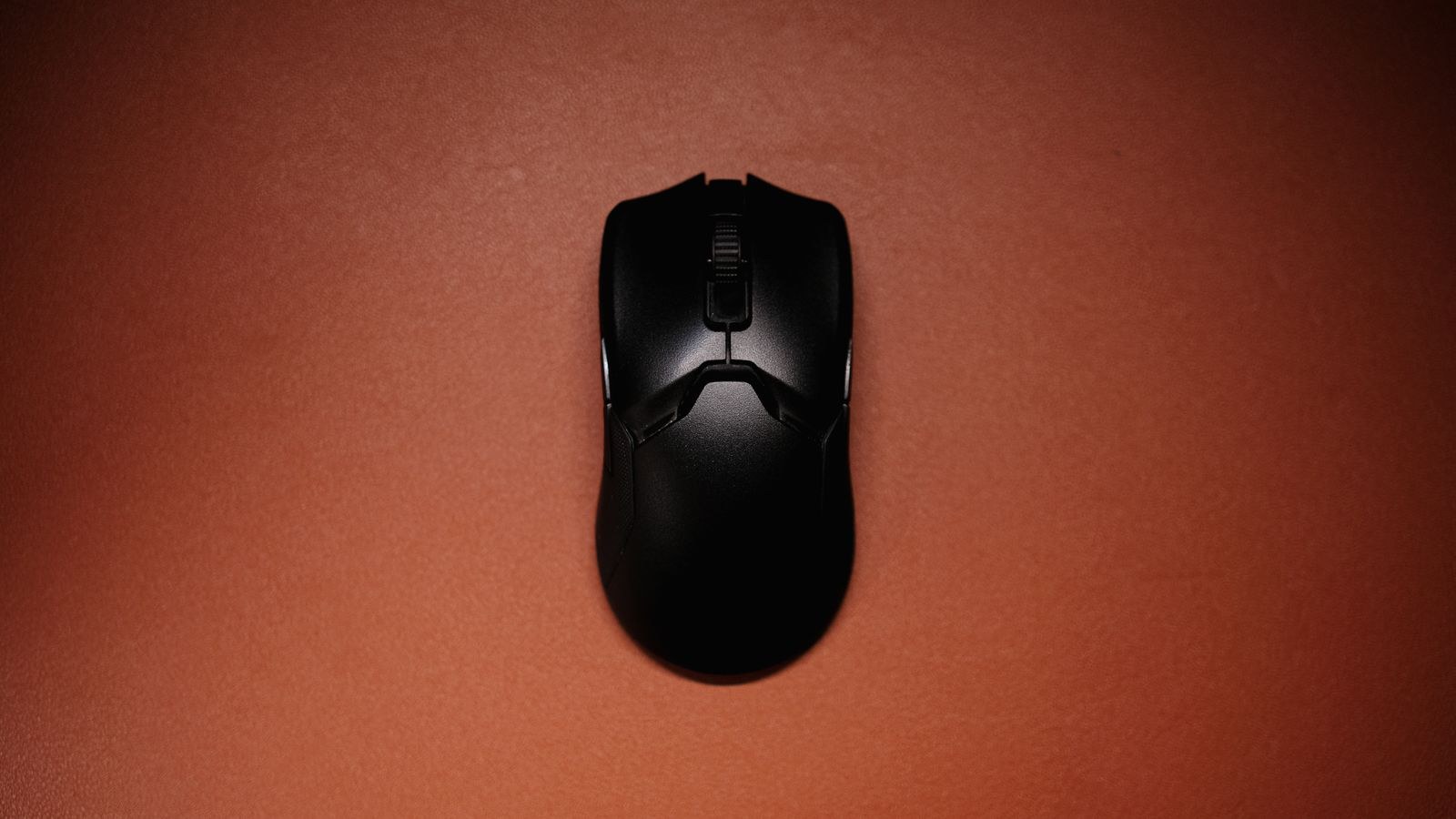
Batteries weigh something. A few years ago that meant wireless mice landed around 100 grams while wired competitors sat at 70, and for players who make many small corrective movements the difference was felt. That has changed dramatically. Perforated shells, smaller cells, and denser components have produced wireless mice in the 55–65 gram range, and a handful dip below 50. Meanwhile a wired mouse carries the effective weight of its cable, which is not zero.
The practical conclusion: weight is no longer a reason to choose wired. It is, however, still a reason to compare individual models carefully, because within either category the spread is enormous. Anyone chasing the lowest possible mass should look at how manufacturers achieve it in a roundup of the best wireless mouse designs for work and play rather than assuming a cable is automatically lighter.
Battery Life: What the Numbers Mean
Manufacturer battery claims are measured under specific conditions, so read them with context.
- Polling rate is the biggest drain. A mouse rated for 70 hours at 1000Hz may run for 150 at 500Hz. If you are working rather than gaming, dropping the rate roughly doubles runtime with no perceptible cost.
- RGB lighting is expensive. Turning the lights off often adds 30 to 50 percent more runtime.
- Bluetooth office mice are a different world. Low polling and low power mean months or even a year on a pair of AA cells.
- Charge behaviour matters more than capacity. A mouse that charges over USB-C while you keep using it is never really out of action. One with a proprietary dock is convenient but adds desk clutter.
If plugging in weekly sounds tedious, prioritise runtime explicitly and compare the best mouse options with long battery life for all-day work before anything else.
Who Should Actually Care About Latency
Be honest about your use case, because the answer changes completely.
Office, browsing, and creative work. Latency is irrelevant. Even Bluetooth is fine. Choose on comfort, button layout, scroll quality, and battery life. A vertical or sculpted shape will do far more for your day than any millisecond.
Casual and single-player gaming. Any 2.4GHz dongle mouse or any wired mouse is more than adequate. You will not detect the difference.
Competitive shooters and fighting games. Here consistency matters — not average latency but variance. A good dongle-based wireless mouse and a good wired mouse both deliver tight, predictable timing. A cheap wireless mouse or a Bluetooth connection does not. If this is your world, a look at the best low latency mouse picks for competitive gaming will narrow the field faster than reading spec sheets.
Price Tiers and What They Buy
Under $30, wired is clearly the better buy. Wireless at this price usually means Bluetooth or a basic dongle with a low polling rate — fine for office use, not for gaming.
Between $40 and $70 the categories converge. Wired models here carry excellent sensors and premium switches. Wireless models offer solid dongles and decent battery life but usually with a slightly older sensor or heavier shell.
Above $90 wireless takes over. This is where you find sub-60 gram bodies, high-polling dongles, multi-device switching, and long runtimes. Very few wired mice above this price offer anything a mid-range wired model does not.
How to Get the Best From Whichever You Choose
- Plug the dongle in close. A USB extension cable that puts the receiver on the desk near the mouse eliminates most reported wireless flakiness, especially when the tower sits under a metal desk.
- Keep firmware current. Manufacturers have shipped meaningful latency and connection-stability improvements through updates.
- Match polling to purpose. 1000Hz for gaming, 500Hz or lower for work. Very high rates load the CPU for little visible gain.
- Use a bungee if you stay wired. It removes cable drag, which is the actual downside of a cable.
- Avoid crowded USB 3.0 ports. USB 3.0 controllers are a well-documented source of 2.4GHz interference; move the dongle to a different port if tracking stutters.
Common Mistakes
- Judging all wireless by a cheap Bluetooth office mouse from years ago.
- Buying a high-polling wireless flagship for spreadsheet work, then complaining about charging it weekly.
- Assuming a heavy braided cable is neutral — it drags, and it changes how consistent your aim feels.
- Ignoring shape and size entirely because the latency debate is more interesting. Fit affects comfort and accuracy far more than the connection type.
- Buying a second dongle-only mouse for a laptop with limited USB ports instead of a dual-mode model.
Frequently Asked Questions
Is wireless still slower than wired?
On a modern proprietary 2.4GHz link, the difference is under a millisecond and often measures in wireless’s favour. Bluetooth is genuinely slower and is not suitable for fast-paced gaming.
Do professional players use wireless mice?
Overwhelmingly yes, and mainly because removing cable drag improves consistency, not because of raw latency.
Does a higher polling rate make a visible difference?
Going from 125Hz to 1000Hz is noticeable. Going from 1000Hz to 8000Hz is measurable but very hard to perceive, and it costs battery and CPU headroom.
Can I use a wireless mouse plugged in?
Most charge over USB while in use, which effectively turns them into wired mice when the battery runs low. That makes battery anxiety largely a non-issue.
Which should I buy if I only want one mouse?
A dual-mode wireless model with a fast dongle and Bluetooth covers desktop gaming, office work, and travel with a single device.
Final Thoughts
The wireless versus wired argument has effectively been settled on the technical merits: a good dongle-based wireless mouse is fast enough that latency should no longer drive the decision. What should drive it is how you actually work. If the mouse never leaves one desk and budget is tight, a cable delivers more sensor and better switches per pound spent. If you move between machines, hate desk clutter, or make long low-sensitivity sweeps where cable drag hurts consistency, wireless is the better tool. Decide on shape, weight, battery expectations, and price first, then treat the connection as a feature rather than a verdict — and you will end up with a mouse that still feels right long after 2026.










