
 Owen Bradley
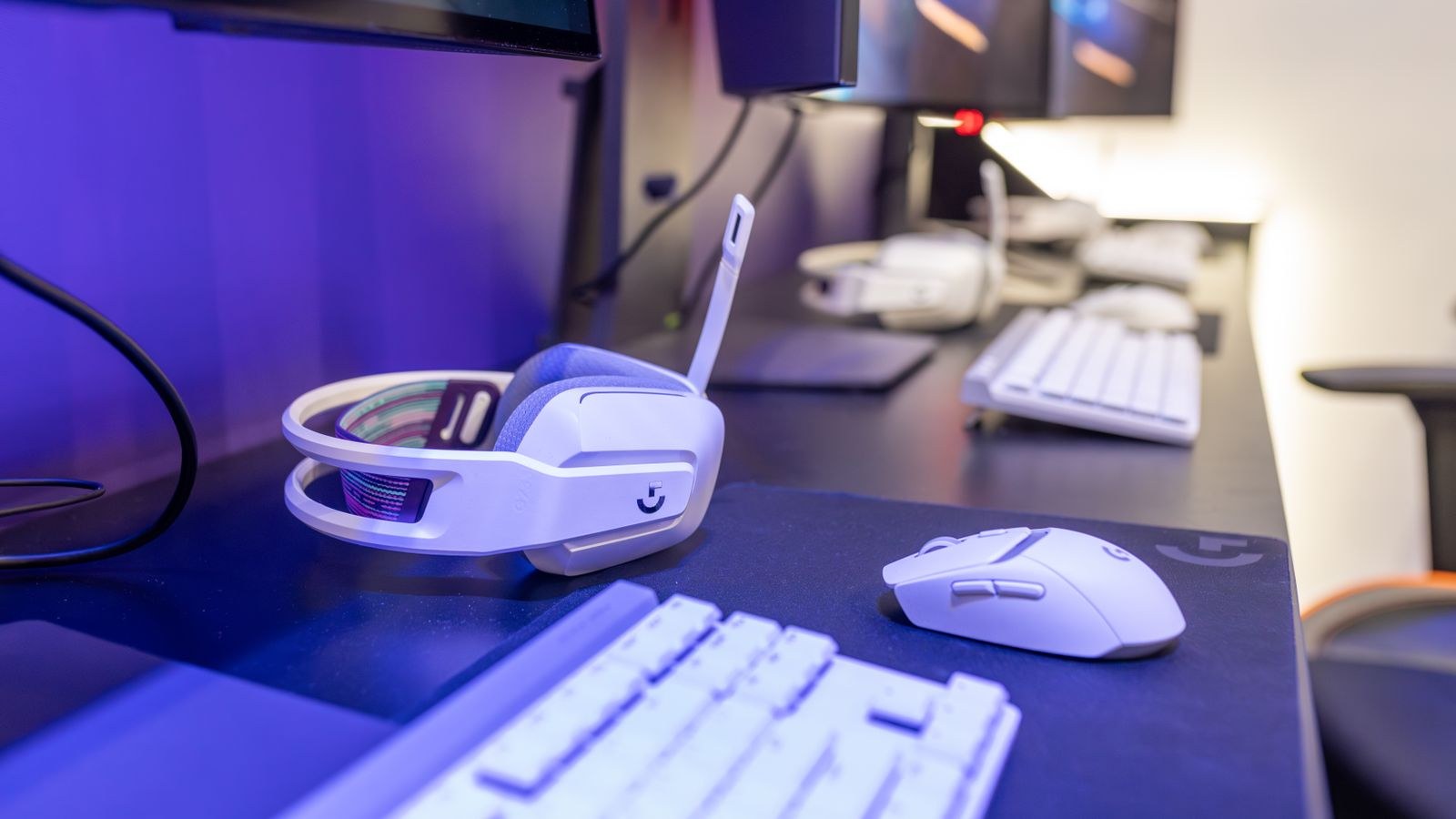
 A white PC build looks effortless in photos and is surprisingly fussy in person. The difference between a clean, magazine-worthy machine and a mismatched mess almost always comes down to shade matching, cable discipline, and a few parts that quietly ruin the look no matter how good everything else is. White is unforgiving: it shows every off-tone panel, every black cable peeking through, and every warm-versus-cool mismatch under lighting. This white PC build guide walks through choosing a case, cooler, fans, memory and cables that agree with one another, plus how to tie the whole thing together with lighting that flatters rather than exposes.
Why White Builds Are Harder Than They Look
Black hides everything. A stray cable, a slightly different finish, a component with an odd texture all disappear against a dark background. White does the opposite: it acts like a spotlight, drawing the eye to anything that does not belong. That is why a white build demands more planning than a standard one, not less. You are not just picking parts that perform well; you are curating a palette where every visible surface has to belong to the same family.
The two enemies of a clean white build are shade mismatch and intrusion. Shade mismatch is when your “white” parts are actually several different whites, some warm and creamy, some cool and bluish. Intrusion is when a black component, cable, or heatsink pokes into view and breaks the illusion. Nearly everything in this guide exists to defeat one of those two problems.
Start With the Case
The case sets the base tone that every other part has to match, so choose it first and treat its exact shade as your reference. Look closely at product photos and, ideally, real user images, because manufacturer renders often show a purer white than the actual product. Some cases lean warm, almost ivory, while others are a crisp cool white; you want to know which one you are committing to before buying anything else.
A glass side panel is nearly mandatory for a showcase build, since the entire point is to see the parts you carefully matched. Look for a chassis with white-coated interiors, white rear cabling channels, and ideally a white PSU shroud, so there is no black metal peeking through behind your components. Our selection of the best white PC cases and cases with proper glass in the best PC cases with tempered glass roundup are good places to lock in that reference shade.
Matching the Cooler and Fans
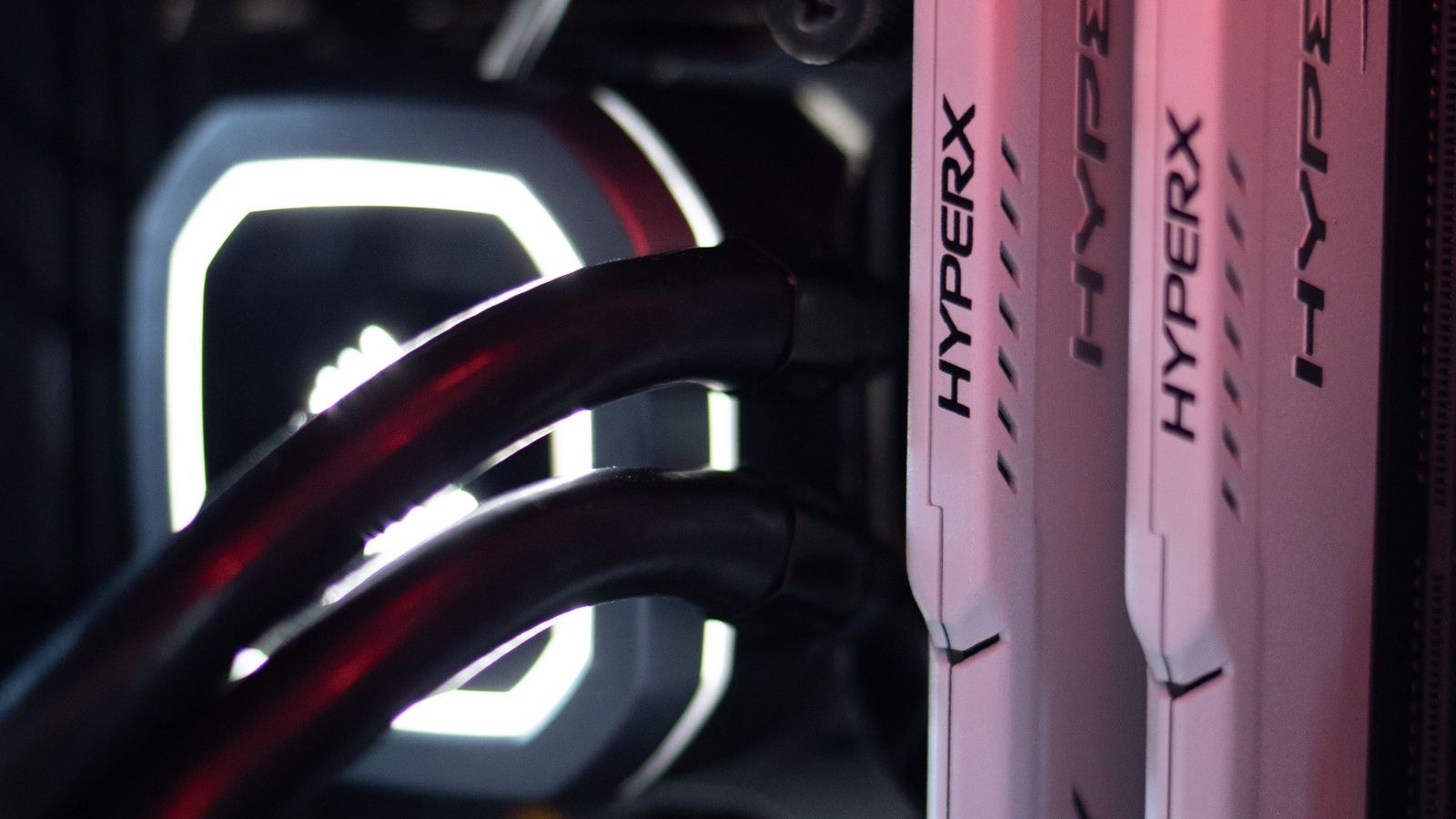
The CPU cooler and fans are the most visible moving parts, and they are where mismatches show up first. If you go with an air cooler, choose one with a fully white shroud and white fan blades rather than a white top on a black body. Liquid coolers are popular in white builds because a white pump block and white radiator fans present a large, uniform surface that photographs beautifully, but check that the tubing is white or sleeved rather than bare black rubber.
Fans deserve special attention because you will usually have several of them, and they must all match each other and the case. Buy them as a matched set from one line rather than mixing models, since even the same brand can vary between product generations. If you want lighting, coordinate it from the start; the best CPU coolers with RGB pair a white body with addressable lighting so the cooler contributes to the glow instead of sitting as a dark lump in the middle of the build.

Memory, Cables and the Small Details
Memory sits high in the case and catches the eye immediately, so white or light-colored modules make a big difference. White RGB memory continues the theme and adds a controllable strip of light right next to the cooler. If you plan to sync lighting across the whole system, choosing coordinated modules from the outset saves headaches; the best RGB RAM options come in white heatspreaders that blend into a light build instead of interrupting it.
Cables are the detail that separates a good white build from a great one. Stock black cables are the single most common thing that ruins the look, snaking across the case in stark contrast to everything else. The fix is white sleeved extension cables or custom white cables for the visible 24-pin, CPU, and GPU connectors. Route the ugly excess behind the motherboard tray and use white cable combs to keep the visible runs straight and parallel. Even small items like white SATA cables and white anti-vibration fan screws add up.
The Parts That Quietly Ruin the Look
Some components are almost always black and will sabotage an otherwise perfect build if you are not watching for them. The graphics card is the biggest offender: most cards ship in black or gunmetal, and a dark GPU sitting front and center clashes with everything around it. White or light-colored cards exist but are limited, so many builders either seek one out, add a white GPU backplate or shroud, or mount the card vertically and lean into it as a deliberate contrast piece.
Other stealthy culprits include the power supply, whose black cables and casing can show through the shroud cutout, and the motherboard, which is usually black with dark heatsinks. You cannot easily change a board’s color, so the trick is to minimize how much of it you see: cover it with light components, choose a board with lighter accents where possible, and let your white fans, cooler, and memory dominate the visible area. Awareness is the defense here; know which parts fight the theme and plan around them before they arrive.
Lighting That Ties It Together
Lighting is what transforms a collection of white parts into a cohesive build, and it can also rescue minor shade mismatches. Cool-toned white parts look best under neutral or slightly cool light, while warmer ivory components glow nicely under soft warm white. The mistake to avoid is harsh, saturated color that turns your carefully matched whites into an uneven wash; subtle, consistent lighting almost always looks more premium than a rainbow.
Aim to sync all your addressable lighting through a single controller or software ecosystem so the case, fans, cooler and memory pulse together rather than doing their own thing. A unified white or single-accent scheme reads as intentional and expensive. If you want color, pick one accent and apply it consistently across every zone. When the lighting agrees with itself, small differences between your white parts fade into the background and the whole build looks like it was designed as one piece.
Powering a White Build Cleanly
Even the power supply can join the theme rather than fight it. White-cased units exist, and pairing one with white sleeved cables removes the last major black element hiding behind the shroud. A modular design is a real advantage in a showcase build because you only connect and route the cables you actually need, which cuts clutter and makes the visible runs easier to keep tidy and parallel.
Choose a supply with enough headroom for your components so it runs cool and quiet as well as looking the part. Our picks for the best PSUs for white builds combine light casing with modular cabling, so the one component that traditionally hides in the basement of the case can contribute to the clean look instead of undermining it.
Frequently Asked Questions
Are all white PC parts the same shade of white?
No, and this is the most common surprise. Whites range from warm ivory to cool bluish white, and mixing them is obvious in person. Pick your case first, treat its shade as the reference, and check real photos of other parts before buying to make sure they match rather than trusting renders.
Do white components cost more than black ones?
Often a little, yes. White versions of cases, coolers, and memory sometimes carry a small premium and come in fewer options, so choice is more limited. Cables and fans in white are widely available, but you may pay extra for sleeved cable sets to replace the black stock ones.
How do I deal with a black graphics card?
You have three main options: buy one of the limited white or light cards, add a white backplate or aftermarket shroud, or mount the card vertically and treat it as a deliberate contrast accent. Many builders simply accept the GPU as the one dark element and balance it with plenty of white around it.
Is RGB necessary for a white build?
Not at all. A pure white build with no color can look extremely clean and timeless. RGB adds flexibility and can help unify slightly mismatched shades under consistent light, but a well-matched set of parts under simple neutral lighting looks just as premium without any color at all.
Final Thoughts
A great white PC build is an exercise in discipline more than expense. Choose the case first and let its shade rule every later decision. Match your cooler, fans, and memory as coordinated sets rather than one-off purchases, hide or accept the parts that stubbornly stay black, and replace those stark stock cables with white sleeved runs routed out of sight. Finish with restrained, unified lighting that flatters your whites instead of competing with them. Do that, and the result is the kind of clean, cohesive machine that looks deliberate from every angle, not a pile of parts that happen to share a color.










