
 Owen Bradley
 Few specifications cause more confusion than TDP. Builders see a processor rated at 65 watts or 125 watts and assume that is exactly how much power it draws and heat it makes, then wonder why their cooler runs hot or their power supply feels stressed. TDP is a useful number, but it does not mean quite what most people think. Understanding what the rating actually measures, and how real power draw differs, lets you size a cooler and a power supply with confidence instead of guesswork.
What TDP Really Measures
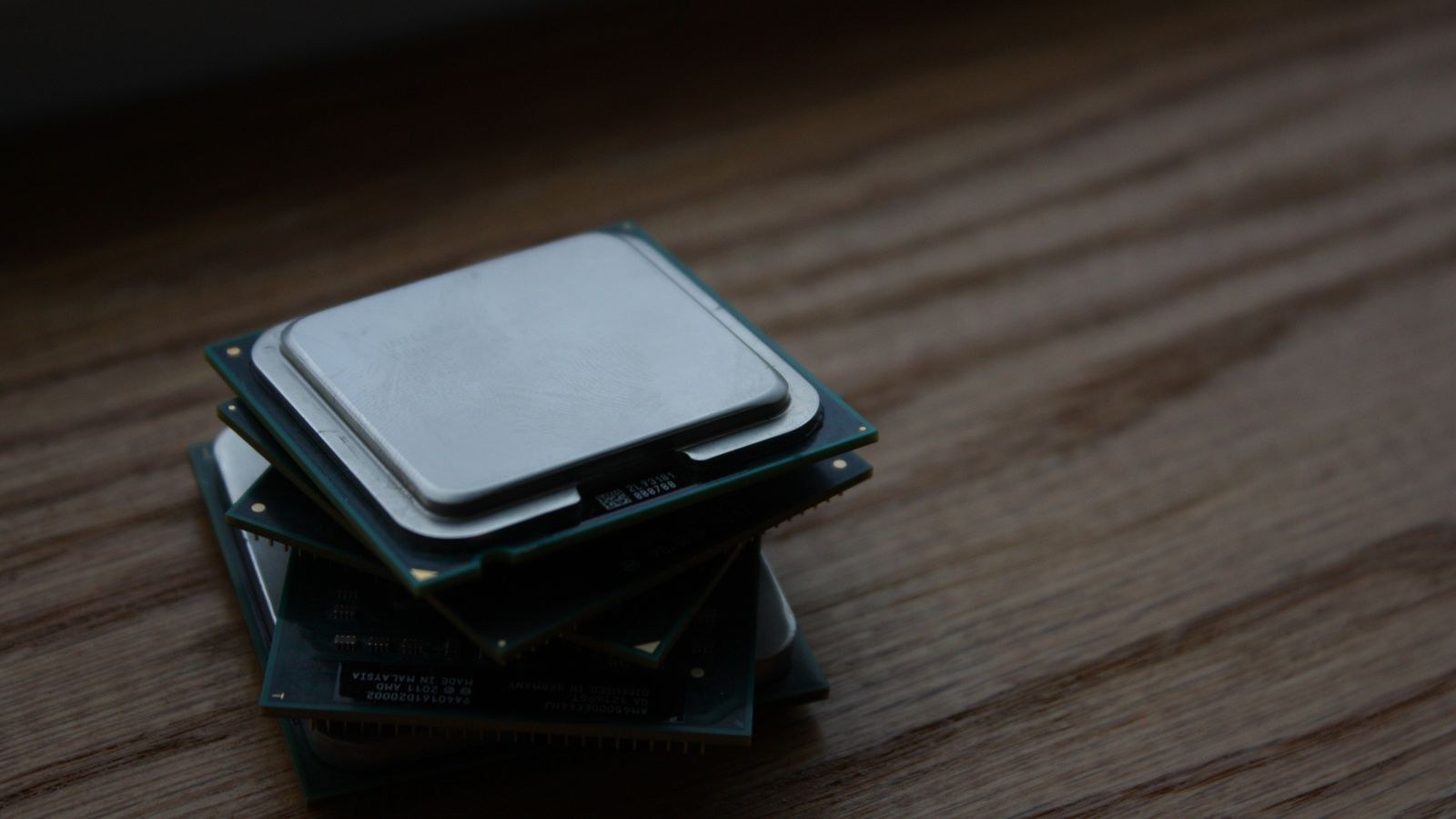
TDP stands for thermal design power, and at its core it is a guideline for cooling, not a hard cap on electricity use. It tells cooler makers roughly how much heat, expressed in watts, a chip is expected to produce under a defined sustained workload so they can design a heatsink capable of dissipating it. Think of it as a thermal target the cooling system must handle, not a promise about the electrical bill.
The catch is that manufacturers define TDP under their own conditions, often at a base clock speed and a specific reference temperature. Modern processors, however, boost well beyond their base clocks when there is thermal and power headroom. During those boost periods a chip can pull far more than its rated TDP, sometimes for extended stretches. So the number on the box describes a baseline, not the peak.
Why Real Power Draw Is Higher
When a CPU boosts, it raises its clock speed and voltage, and power scales steeply with both. A processor labelled 125 watts might momentarily draw close to double that during an all-core workload before settling back. This is by design: chips use short-term power limits to sprint and longer-term limits to sustain. The result is that peak power and average power can be quite different from the single TDP figure, which is why measuring or estimating real draw matters when you plan a build.
How TDP Relates to Cooling
Cooling is the area where TDP is most directly useful, because that is what the number was designed for. A cooler is rated to dissipate a certain amount of heat, and matching that capacity to your chip’s real, boosted power draw keeps temperatures in check and lets the processor sustain its higher clocks.
The mistake is sizing a cooler to the TDP label alone. If a chip advertises 105 watts but pulls 140 watts or more when boosting hard, a cooler rated exactly at 105 watts will let temperatures climb, forcing the processor to throttle and lose performance. That is why enthusiasts building around powerful chips reach for a CPU cooler built for high-TDP processors that has headroom above the rated figure, ensuring the chip stays cool even during its most demanding bursts.
Air or Liquid?
Both air and liquid coolers can handle high heat loads; the right choice depends on your case, noise tolerance and how aggressively the chip boosts. Large air coolers are simple, reliable and quiet for most mainstream chips. Liquid coolers with bigger radiators pull ahead for the hottest processors or in compact cases where a tall heatsink will not fit. Whichever you pick, size it against real power draw rather than the label, and give it a little margin so it is not running flat out.
Sizing a Power Supply From the Numbers
The power supply is the other component people try to size from TDP, and here the reasoning has to widen. Your PSU feeds the entire system, not just the CPU, so the processor’s power draw is only one input. In most gaming builds the graphics card is the single largest consumer, often dwarfing the CPU, and it also has its own transient spikes that a good supply must absorb without tripping.
To estimate total draw, add the realistic peak power of the CPU, the graphics card and the rest of the system, then leave generous headroom on top. That headroom keeps the supply running in its efficient range, accounts for spikes and leaves room for future upgrades. Builders pairing a strong processor with a powerful graphics card often step up to a power supply rated for high-end GPUs precisely because those cards demand clean, stable delivery under sudden load.
Picking a Wattage
A common sweet spot for a mainstream gaming build with a capable CPU and graphics card is an 850-watt supply, which comfortably covers real draw while leaving room for spikes and upgrades. If you run a modest chip and a mid-range card you can drop below that, and if you run flagship parts you may go higher. When you settle on a target, a quality 850W power supply for gaming builds is a versatile choice that suits a wide range of configurations without being wasteful.
Efficiency: Why the 80 Plus Rating Matters
Power draw is not just about capacity; it is also about how efficiently the supply converts wall power into usable DC power. No supply is perfectly efficient, and the losses turn into heat. An 80 Plus rating certifies how much of the incoming power actually reaches your components at various loads, with higher tiers wasting less.
A more efficient supply runs cooler, often quieter and costs a little less to operate over its life. For most builders a gold-rated unit hits the practical balance of efficiency and price, which is why a well-reviewed 80 Plus Gold power supply is a common recommendation. Efficiency also ties back to sizing: a supply loaded to around half its capacity typically sits in its most efficient zone, another reason to leave headroom rather than buying the smallest unit that will technically work.
Putting the Numbers to Work
Here is how the pieces fit together when you plan a build. Start with your CPU’s real boosted power draw rather than its TDP label, and choose a cooler with capacity above that figure. Then tally the whole system’s realistic peak draw, dominated by the graphics card, and pick a power supply with comfortable headroom and a solid efficiency rating.
If you are chasing high clock speeds, remember that pushing frequency raises voltage and power sharply, which raises both heat and draw. Builders who prioritise fast processors with high clock speeds should budget for stronger cooling and a supply with extra margin, because those chips exploit every watt of headroom you give them. The faster you want the chip to run, the more the real numbers diverge from the tidy TDP figure.
Common Mistakes When Reading the Numbers
Several recurring errors trip up builders who take TDP at face value. The first is treating the rating as a maximum. Because chips boost above their base clocks, the label often understates real draw, and a cooler or estimate built around it comes up short. Always plan for the boosted figure, not the quiet baseline printed on the box.
The second mistake is ignoring transient spikes, especially from the graphics card. These are brief bursts of power far above the average that last only fractions of a second but can trip a marginal power supply into shutting down. A quality supply with headroom absorbs them without complaint, which is a big reason not to buy the smallest unit that technically covers your average draw. Averages hide the peaks that actually cause instability.
A third error is forgetting the rest of the system. Storage drives, memory, fans, lighting and peripherals all draw power, and while each is small, they add up. Building a tiny margin for them into your total keeps the estimate honest. Finally, some builders overlook efficiency losses, assuming a supply delivers exactly its rated wattage; in reality some power is always lost as heat, which is one more reason to size up rather than to the edge. Avoid these four traps and the tidy TDP figure stops being a source of confusion and becomes a useful starting point.
Frequently Asked Questions
Does TDP tell me exactly how much power my CPU uses?
No. TDP is a thermal guideline based on a defined workload, usually at base clocks. Real power draw is often higher during boost, so treat TDP as a baseline for cooling rather than a precise power figure.
Can I size my power supply from CPU TDP alone?
No. The graphics card and the rest of the system usually draw more than the CPU. Add up realistic peak draw for the whole build and add headroom before choosing a wattage.
Is a higher-wattage power supply always better?
Not necessarily. A hugely oversized unit costs more and may run less efficiently at very low loads. Aim for a capacity that keeps the supply comfortably loaded with room for spikes and future upgrades.
Why does my CPU run hotter than its TDP suggests?
Because it boosts above base clocks, drawing more power and making more heat than the rated figure. A cooler sized only to the TDP label will struggle during those bursts, so choose one with headroom.
Final Thoughts
TDP is a helpful starting point, but it is a thermal guideline, not a measurement of real power draw. Modern chips boost well beyond their rated wattage, so size your cooler with headroom above the chip’s actual draw and your power supply against the whole system’s realistic peak, with a strong efficiency rating for good measure. Treat the numbers on the box as the beginning of the calculation rather than the end, and you will build a system that stays cool, stable and efficient under real workloads.










