Owen Bradley
 Spatial audio is one of the most heavily marketed features in gaming right now, and also one of the least understood. Box art promises that you will hear an enemy reload two rooms away, that explosions will wrap around your head, and that films will sound like a cinema. Some of that is real. A good deal of it is processing that only works under specific conditions, and a surprising amount of it is available free on hardware you already own. This guide explains how virtual surround sound actually works on PC and console, which situations genuinely benefit, when plain stereo beats every clever algorithm, and how to shop for headsets without paying twice for the same feature.
What Spatial Audio Actually Is
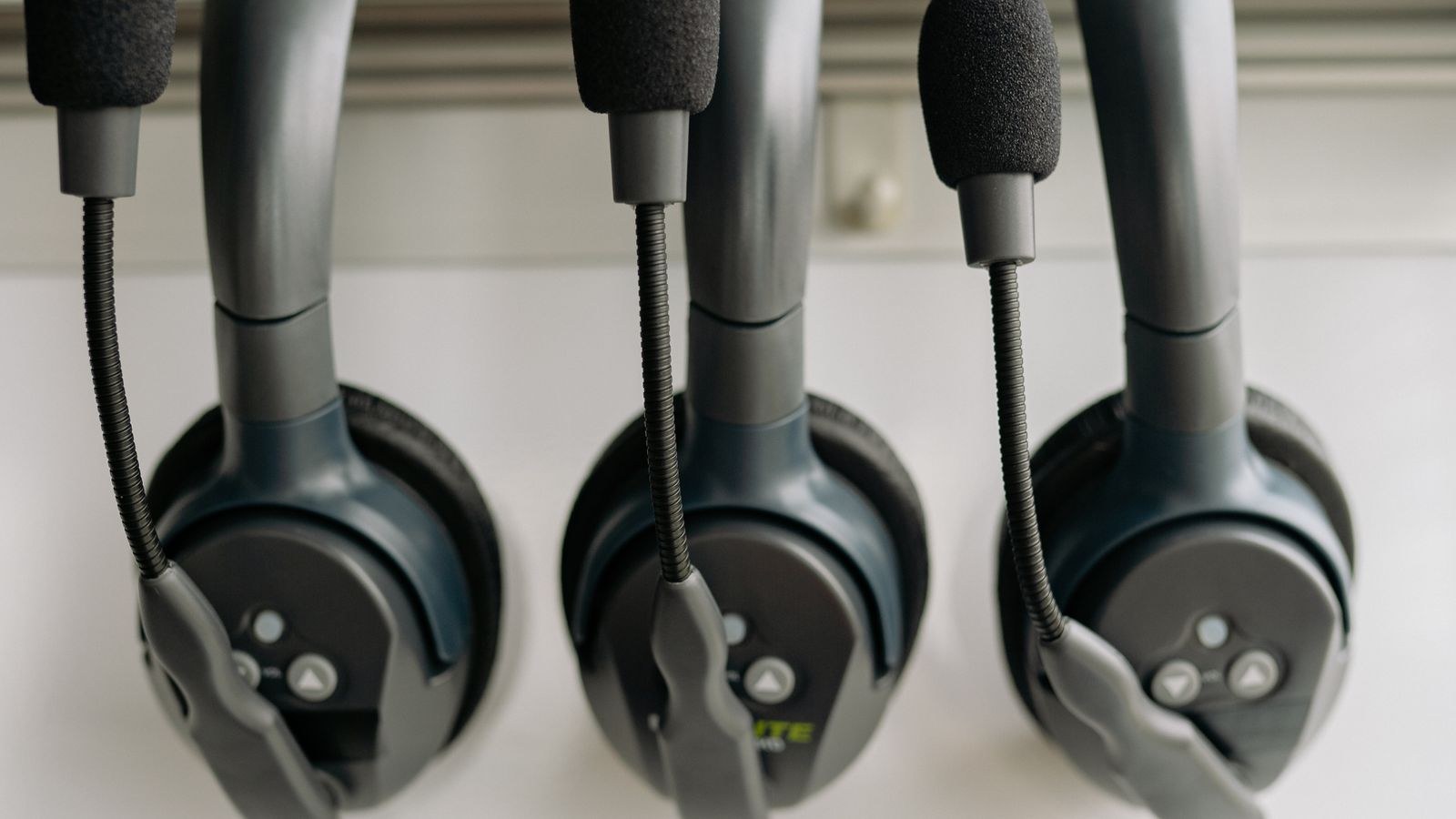
All headphones are, physically, two-channel devices. One driver sits over your left ear and one over your right, and that never changes no matter what the marketing says. Spatial audio is the software layer that decides what each of those two drivers plays so your brain interprets the result as a sound coming from a particular direction and distance.
The process leans on how human hearing works in the real world. Your brain locates a sound using tiny differences in arrival time between ears, differences in loudness, and the way the shape of your head and outer ear filters certain frequencies depending on the angle. That filtering pattern is called a head-related transfer function, and virtual surround engines apply a modelled version of it to the game audio. When it works, a footstep behind you sounds behind you rather than simply loud in both ears.
Virtual Surround Versus True Multi-Channel
It helps to separate three things marketers often blur together. True multi-channel means physically separate speakers in a room, one per channel. Multi-driver headsets put several small drivers in each cup, which sounds like it should be better but usually is not, because the drivers sit centimetres apart and are too small to perform well individually. Virtual surround uses two good drivers and processes the signal. In practice, a headset with one excellent driver per side plus solid processing beats a headset with several mediocre ones, which is why most premium options have gone back to a single large driver per ear.
The Main Spatial Formats You Will Encounter
You do not need to memorise brand names, but knowing the categories keeps you from buying the same thing twice.
- Platform-level engines built into the operating system or console. These work with any headphones you plug in, wired or wireless, and cost nothing extra in most cases.
- Licensed object-based formats that games and films can encode against. These place sounds as objects in three-dimensional space and render them to your headphones at playback, which is more accurate than upmixing a fixed channel layout.
- Manufacturer engines bundled with a specific headset and its companion software. Quality varies enormously, and these are usually only available while using that particular headset.
- Game engine spatialisation, where the title itself does the positional work and simply outputs stereo. Several competitive shooters take this route and their raw stereo output is excellent.
The important insight is that these layers can stack badly. Running a game’s own spatial engine into a console-level virtualiser into a headset’s proprietary processing smears the imaging rather than sharpening it. Pick one and disable the others.
Does It Help in Competitive Games?
This is where the honest answer disappoints a lot of shoppers. In fast competitive shooters, the sound cues that matter most are horizontal: is the enemy left, right, in front, behind. Good headphones running clean stereo already give you left and right with excellent precision, and most competitive titles do their own positional processing before the signal ever reaches your audio device.
Where virtual surround adds real value is front-to-back and elevation, the two dimensions stereo struggles with. If you play games with vertical map design, multiple floors, or open environments where distance judgement matters, a good spatial engine helps. If you play flat, fast, close-range shooters, many high-level players deliberately turn processing off because it adds a slight smearing and can delay the moment a transient sound registers.
Clarity matters more than channel count either way. A headset that reproduces the upper midrange cleanly will reveal footsteps better than a bass-heavy model running the fanciest algorithm. If you compete seriously, our roundup of the best headsets for esports focuses on models tuned for cue detection and low latency rather than cinematic effect.
How to Test It Yourself
Do not trust a demo reel. Load a game you know well, stand in a familiar spot, and have a friend move around you, or use the game’s own audio test if it has one. Toggle the processing on and off several times and note whether you can identify direction faster, not whether it sounds more impressive. Impressive and accurate are different things, and reverb-heavy processing frequently sounds better while locating worse.
Where Spatial Audio Genuinely Shines
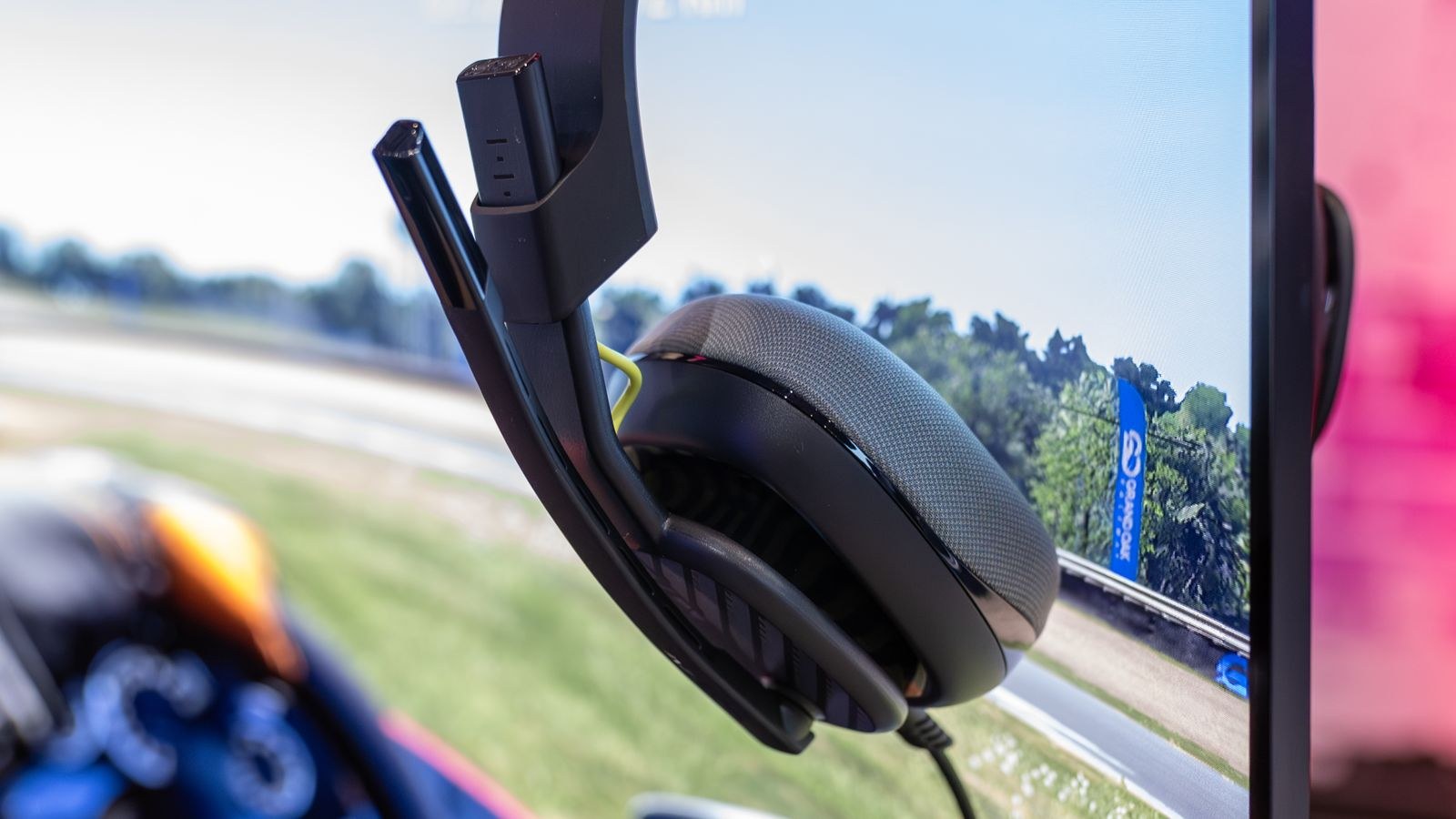
Single-player and cinematic content is the clearest win. Open-world games, horror titles, flight and racing simulators, and film soundtracks mixed for multi-channel playback all benefit substantially from a good virtualiser. The soundstage opens up, ambience surrounds you instead of sitting inside your skull, and the experience feels far less like two speakers strapped to your head.
Music is the opposite case. Almost all music is mixed and mastered in stereo by engineers who made deliberate placement choices. Running it through a surround virtualiser adds artificial room reflections the mix never intended. Leave processing off for music, always.
If immersion in story-driven games is your priority, headsets designed with a wide natural soundstage respond best to processing. Our list of the best spatial audio headsets gathers models whose drivers and earcup geometry give the algorithms something good to work with.
Key Specs That Actually Change What You Hear
Once you stop chasing channel counts, a short list of real specifications takes over.
- Driver size and type. Larger dynamic drivers, typically 40mm to 50mm, move air more comfortably and hold composure at volume. Planar magnetic drivers appear at the high end with exceptional detail and speed.
- Earcup design. Open-back cups produce the widest, most natural stage and respond best to virtualisation, but they leak sound in both directions. Closed-back cups isolate better and suit shared rooms.
- Frequency response tuning. A relatively flat response with a modest presence lift keeps footsteps and dialogue distinct. Heavy bass boost masks exactly the cues you want.
- Connection type. Wired connections are the lowest-latency and never run out of power. A dedicated wireless dongle is close behind. Standard Bluetooth adds enough delay that lip-sync and shot timing suffer, so treat it as a convenience mode rather than a gaming mode.
- Impedance and sensitivity. High-impedance headphones may need an amplifier to reach comfortable volume. Most gaming headsets are tuned to run directly from a controller or motherboard.
If you are simply after a well-rounded model that handles both processed and unprocessed listening, browse the best headsets for gaming and prioritise fit and tuning over the feature list on the box.
Marketing Language Worth Decoding
Several phrases repeat across product pages and mean less than they appear to. A headset advertised as “7.1” is almost always a stereo headset with bundled software. That is not dishonest, but it is not extra hardware either, and equivalent processing may already be free on your platform. Similarly, “certified” for a given format usually means the headset meets a tuning specification, not that it contains unique hardware.
Custom ear profiles are a more meaningful feature. Because everyone’s ears filter sound slightly differently, engines that let you calibrate to your own hearing, sometimes using photographs of your ears, can improve localisation noticeably. It is one of the few premium spatial features with a real technical basis.
If you have specifically decided the multi-channel presentation suits your library, our comparison of the best 7.1 surround sound headsets explains which implementations sound coherent and which collapse into echo.

Headphones or Speakers?
Headphones win for positional accuracy because the sound is delivered directly to each ear with no room interference, and because they do not disturb anyone else. Speakers win for physical impact, long comfortable sessions with nothing clamped to your head, and shared viewing.
Rooms complicate speakers considerably. Reflections off bare walls, furniture blocking the rear channels, and seating positions away from the sweet spot all undermine the setup, and a proper multi-speaker arrangement costs far more than a headset once you include an amplifier and cabling. If your space and household allow it, the best surround sound speakers deliver something no headphone can replicate, but treat it as a separate purchase rather than an alternative to a good headset.
Common Mistakes That Waste Money
The most frequent error is buying a headset purely for a proprietary surround mode when the platform already provides a comparable engine free. The second is stacking processing layers so that three virtualisers fight each other, which produces a hollow, distant sound that buyers then blame on the hardware. The third is prioritising bass, because a boomy tuning demonstrates well in a shop and then buries the quiet detail that positional listening depends on.
Two more are worth flagging. Ignoring comfort dooms an otherwise excellent headset, since clamping force and earpad material decide whether you can wear it for a three-hour session. And forgetting the microphone catches people out constantly, because plenty of headsets sold on audio quality have mediocre boom mics that make you unpleasant to listen to in party chat.
A Short Buying Checklist
- What do I mostly play? Competitive shooters favour clean stereo; single-player and cinematic content favour spatial processing.
- Does my platform already provide it? Check before paying for a bundled engine you will not use.
- Wired or wireless? Choose wired or a dedicated dongle for gaming; treat Bluetooth as a bonus.
- Can I wear it for hours? Weight, clamping force and earpad material outrank any software feature.
- Is the microphone good enough? Listen to a real recording, not a specification.
Frequently Asked Questions
Do I need a headset labelled 7.1 to get surround?
No. Virtual surround is software, and both major console platforms and desktop operating systems include spatial engines that work with ordinary stereo headphones. A well-tuned stereo headset plus a free platform engine often outperforms a cheaper headset sold on its channel count.
Does virtual surround add input lag?
The processing itself adds a very small delay, typically imperceptible on a wired connection. Standard Bluetooth is the real culprit for latency, so use a wired cable or a low-latency dongle for anything timing-sensitive.
Should I leave spatial audio on all the time?
No. Turn it off for music and for competitive shooters that already handle their own positioning, and turn it on for open-world games, simulators and films mixed for multi-channel playback. Treating it as a per-application setting gets the best of both.
Are multi-driver headsets better than single-driver ones?
Usually not. Packing several small drivers into one cup compromises each of them, and the spacing is far too tight to create meaningful directionality. One high-quality driver per ear with good processing is the more reliable design.
Will an external sound card improve spatial audio?
It can, but mainly by supplying cleaner power and more volume to demanding headphones rather than by improving positioning. If your current setup already drives your headset to comfortable levels without hiss, upgrading the tuning or fit of the headset itself pays off more.
Final Thoughts
Virtual surround is worth having, but it is worth far less than the packaging suggests and it is rarely worth a price premium on its own. The processing lives in software you probably already own, and its benefit depends entirely on what you play. Buy the headset for its drivers, its tuning, its comfort over a long session and its microphone, then experiment with whichever spatial engine your platform offers and keep the one that helps you react faster. Approach it that way in 2026 and you will end up with a headset that sounds better in every mode, rather than one bought for a checkbox you switch off a week later.