
 Owen Bradley
 Short-term rental hosting lives or dies on the first ten minutes of a guest’s stay. Everything you did to earn the booking evaporates if someone stands outside your door at eleven at night with luggage, a phone at four percent, and a lockbox code that does not work. A smart lock fixes that entire failure category, but only if you pick one built for turnover rather than for a family of four who all live in the house. Hosts need automatic code generation tied to the booking calendar, codes that expire on checkout without you doing anything, an entry log for disputes, and a remote unlock path for the inevitable emergency. Just as importantly, hosts need a lock that never leaves them stranded when the WiFi drops or the batteries die between cleanings. This guide covers what to prioritize and how to run the access workflow properly.
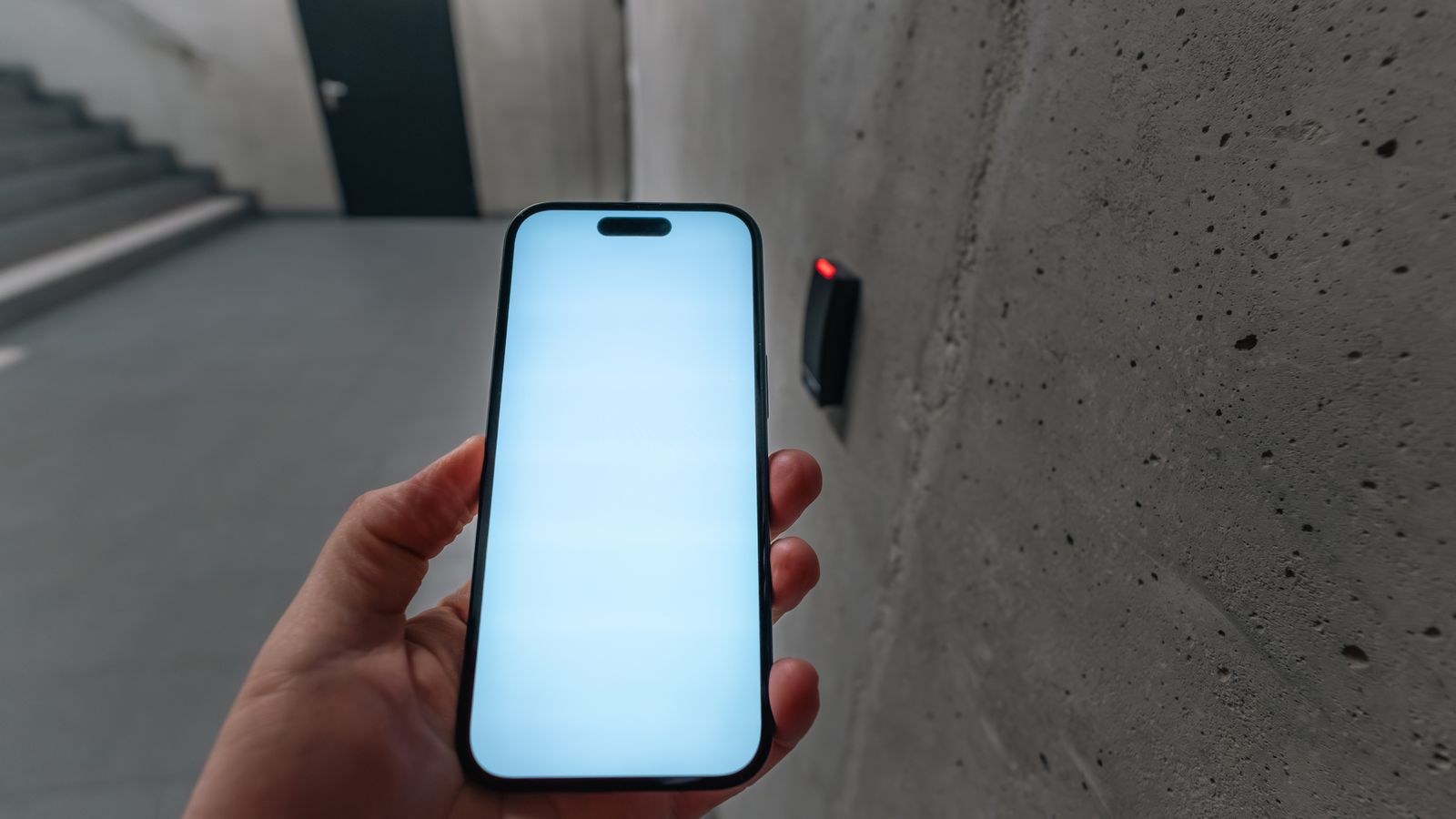
Why Lockboxes Fall Short
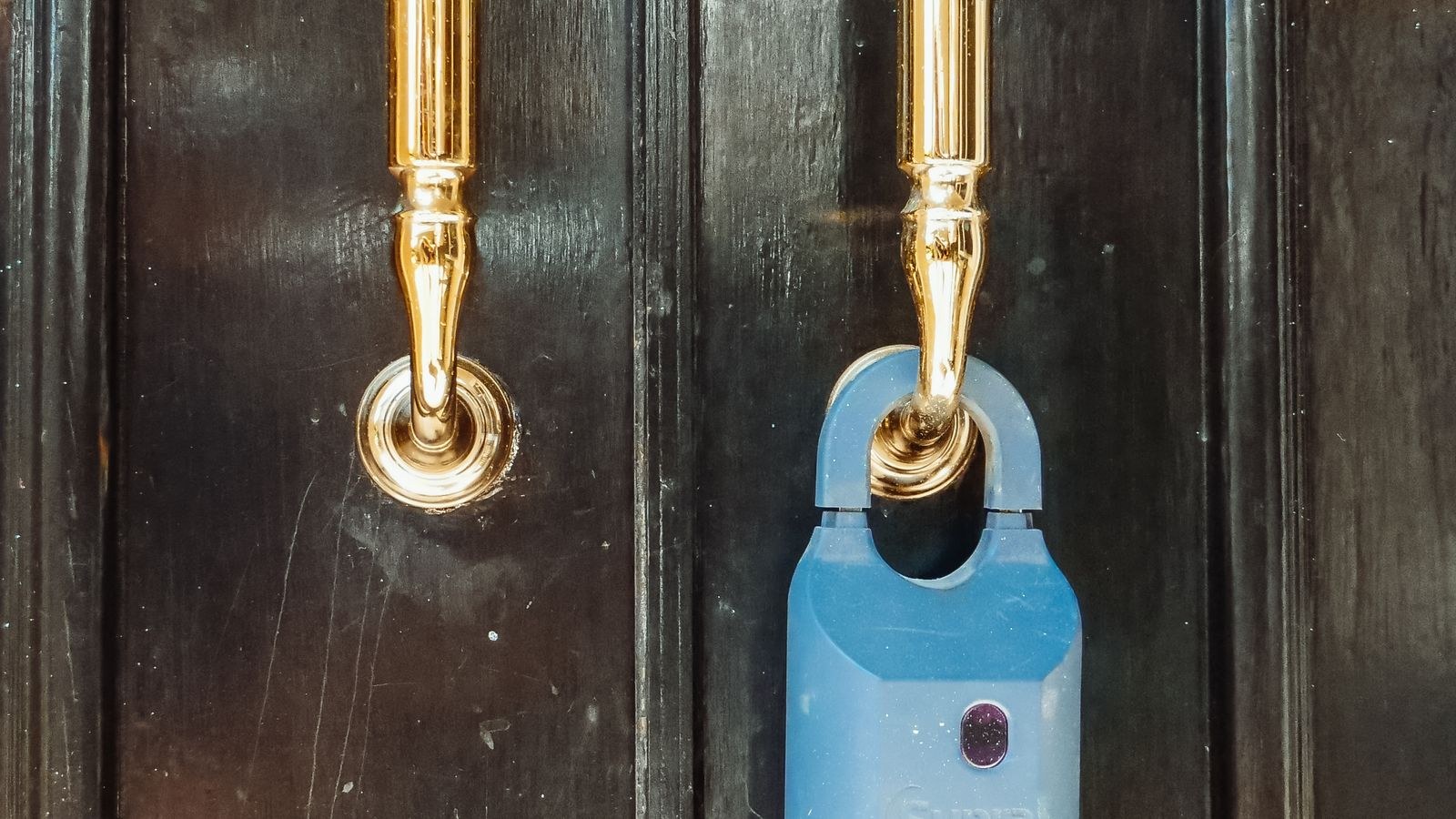
A key lockbox is cheap and works without power, which is why so many hosts start there. The problems appear at scale. The code is static, so every guest who has stayed with you knows it, and there is no record of who opened it. Keys go missing, get taken home in a pocket, or get left inside a locked unit. Some cities and many HOAs now restrict exterior lockboxes outright, and a visible box on a front railing advertises that the property is a rental, which is not always desirable.
Most decisively, a lockbox still requires the guest to handle a physical key. A code they type directly into the door removes an entire step and an entire class of support message at midnight. Making that leap is why hosts adopt smart locks, and our roundup of the best smart locks for Airbnb focuses specifically on models built around this workflow.
The Four Features Hosts Actually Need
Consumer smart locks advertise dozens of features. For short-term rentals, four matter and the rest are optional.
- An exterior keypad. Non-negotiable. Guests will not install your app, and half of them will arrive with a dead phone or no local data. The code must be enterable on the door itself.
- Scheduled, auto-expiring codes. The code should activate at check-in time and stop working at checkout without any action from you. Manually deleting codes for every stay does not survive a busy season.
- Remote access and status. You need to see whether the door is locked, unlock it for a locked-out guest or a cleaner, and add a code from anywhere. This requires WiFi or a hub bridge.
- An entry log. Timestamped records settle disputes about early arrivals, late departures, whether the cleaner actually showed, and whether an unauthorized extra party entered.
Fingerprint readers, geofencing, and voice control are pleasant for owner-occupied homes and largely irrelevant for guest turnover. Do not pay for them at the expense of the four above.
Why WiFi Is Effectively Mandatory Here
Bluetooth-only locks require you to be physically near the door, which defeats the purpose for a property you may live an hour from. Either choose a lock with WiFi built in or one that pairs with a plug-in bridge inside the unit. Built-in WiFi is simpler; a bridge usually gives better battery life since the radio work moves off the lock. Either way, the property needs reliable internet, and the lock’s connection should be tested from a distance before your first guest. Comparing options across the best WiFi smart locks is the fastest way to see how the two approaches differ.
Calendar Integration and Code Automation
The real time saver is not the lock, it is the integration between your booking platform and the lock’s code system. Done properly, a confirmed reservation triggers a unique code, the guest receives it automatically in a scheduled message, the code goes live at check-in, and it dies at checkout. You touch nothing.
There are three common ways to achieve it. Some lock manufacturers offer direct integration with major booking platforms. Property management software often includes lock control as a built-in module, which is the most robust route once you run more than one unit. And general automation services can connect a booking calendar to a lock’s API for hosts comfortable with a little setup.
A widely used shortcut for code assignment is the last four digits of the guest’s phone number. It is memorable for them, unique enough in practice, and requires no explanation. Whatever scheme you use, make it consistent so your message templates never need editing.
Separate Codes for Everyone Else
Guests are only part of the traffic. Create permanent or recurring codes for your cleaner, your maintenance contact, and yourself, and keep them distinct. When the cleaner’s code appears in the log at ten on Tuesday, you know turnover happened without a phone call. When someone leaves your team, you delete one code and change nothing else. For side doors, garages, pool gates, or storage closets that do not warrant a full lock, standalone keypads extend the same code discipline to secondary access points.
Battery Management for Rentals
Batteries are the number one cause of host emergencies, and rental use drains them faster than a home does. A family opens the front door perhaps ten times a day with familiar habits. A rental door gets used by guests who mistype codes, cleaners who prop it open, and a WiFi radio that stays awake for remote checks. Plan for three to six months rather than the year a manufacturer might quote.
Build a simple routine: replace batteries on a fixed schedule tied to your cleaning calendar rather than waiting for a warning, use quality alkaline cells since cheap ones fail unpredictably under motor load, keep a spare set in the unit’s supply closet with instructions your cleaner can follow, and confirm the lock has exterior emergency power contacts or a key override. Also enable low-battery alerts to your own phone, not to a shared account nobody monitors.
The Backup Plan You Hope Never to Use
Every host needs a documented fallback. That usually means a physical key held by a nearby contact, a neighbor, a co-host, or a local key service, plus a small combination lockbox stored out of sight rather than on the front door. Write the escalation path down and give it to your co-host. The worst time to invent a plan is while a guest is texting you from the porch.
Security and Guest Privacy
Physical security still comes from the deadbolt itself, so shop by ANSI/BHMA grade. Grade 1 or Grade 2 hardware, a bolt that throws a full inch, and a strike plate anchored with three-inch screws into the framing matter more than any software feature. Rental doors also take far more cycles than residential ones, so cycle-life ratings are worth checking; a lock rated for higher cycle counts genuinely lasts longer under turnover.
On the privacy side, be transparent. Platform rules require disclosing surveillance devices, and while a lock’s entry log is not a camera, guests appreciate knowing keyless entry is in use and that their code expires. Never reuse a code between guests, never leave a permanent backdoor code active, and audit your code list monthly to remove anything stale. For a broader look at how keyless systems handle credentials, see our smart locks keyless entry guide.
Installation and Multi-Property Considerations
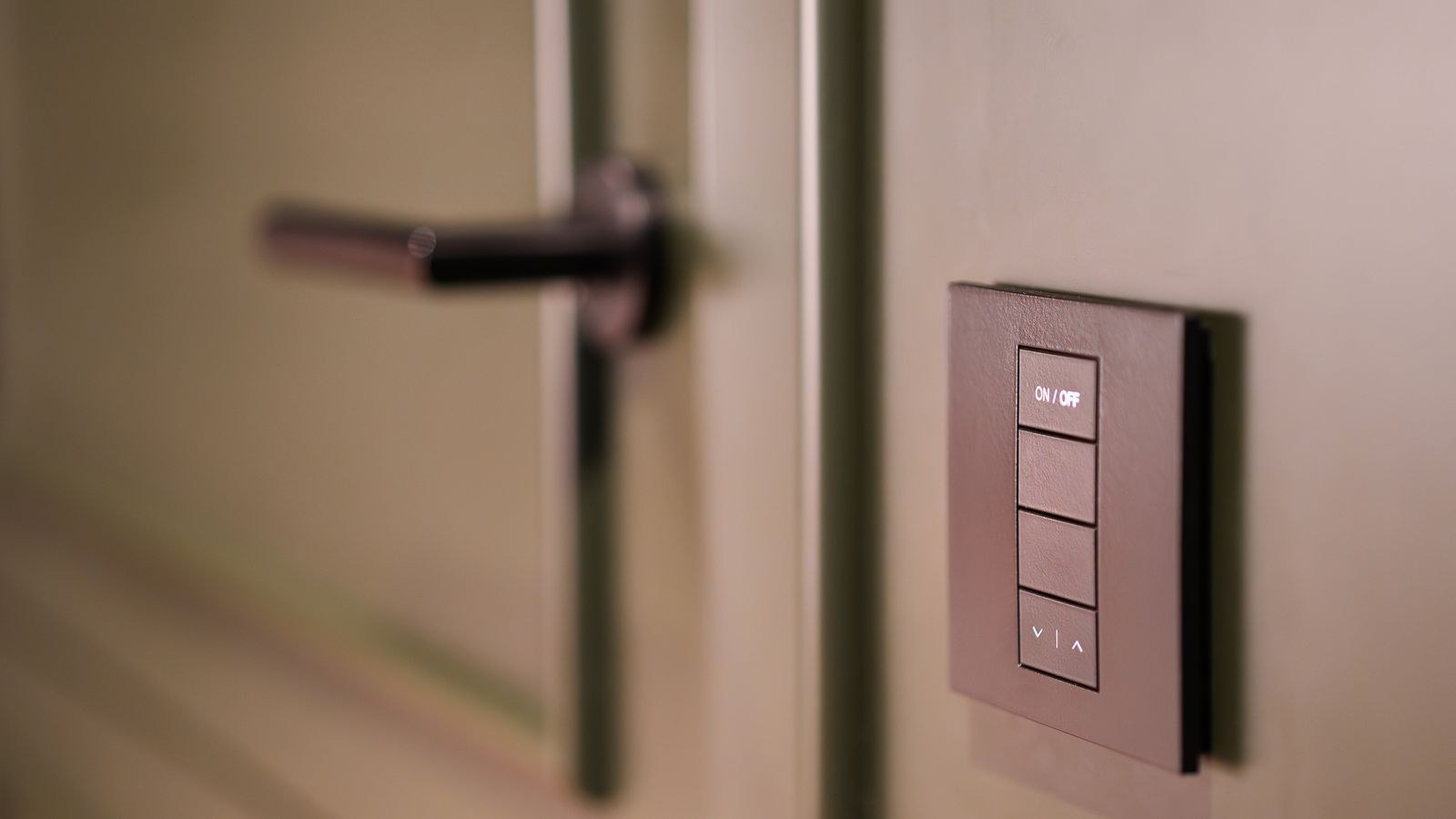
Most rental doors take a standard deadbolt with a 2-1/8 inch bore and a 2-3/8 or 2-3/4 inch backset, so replacement is a screwdriver job with no drilling. Check the door alignment first: if the bolt binds when the door is closed, the motor will fail within weeks. Adjust the strike or hinges before installing.
If you run several units, standardize ruthlessly. One lock model across every property means one app, one battery type, one set of instructions for your cleaner, and one troubleshooting script. Mixed hardware multiplies every support problem you will ever have. Browsing the best smart locks with an eye to what you can buy repeatedly for years is smarter than chasing the newest model for each new unit.
Guest Communication That Prevents Support Calls
Send the code twice, once at booking confirmation and again on the morning of arrival, and include a photo of the door and keypad. State plainly whether the guest presses a lock button or a checkmark to confirm, since keypads differ. Mention that the code activates at check-in time so early arrivals do not report it broken. Three sentences of clear instruction eliminate most access messages entirely.
Mistakes Hosts Make
The most common is choosing a Bluetooth-only lock to save money, then discovering that every code change requires a drive to the property. The second is leaving a permanent master code active for convenience, which slowly becomes known to dozens of former guests. The third is skipping the alignment check, which turns into a motor failure and an emergency at the worst possible moment.
Two more are worth naming. Hosts often rely entirely on the property WiFi without realizing the lock loses remote features when the router reboots or the internet drops, so keep a keypad code path that works offline. And many never test the guest experience themselves. Stand outside your own door, use the code exactly as your message describes it, and fix whatever is confusing before a paying guest finds it.
Frequently Asked Questions
Do I need a lock that integrates directly with the booking platform?
Not strictly, but it saves substantial time past a handful of bookings a month. Manual code entry works fine for occasional hosting and becomes unsustainable at higher volume.
What happens if the internet goes down at the property?
Guest keypad codes stored on the lock continue to work offline because they live in the lock’s own memory. You lose remote unlock, status checks, and the ability to add new codes until connectivity returns.
Should guests get the app instead of a code?
No. Requiring an app install adds friction, fails for guests with old phones or no data, and generates support messages. Keypad codes are the correct default for short-term rentals.
How often should I change my cleaner’s code?
Whenever staff changes, and as a routine audit at least twice a year. Recurring schedule-limited codes are better still, since they only work on service days.
Is a smart lock allowed in a condo or HOA building?
Often yes for the unit door, but exterior appearance rules and short-term rental restrictions vary. Check your association documents before purchasing hardware.
Final Thoughts
The right smart lock for a short-term rental is boring on purpose. It has a keypad guests can use without a phone, codes that appear and expire on their own, remote access for the days something goes wrong, and a log that answers questions before they turn into disputes. Buy on deadbolt grade and cycle life, standardize across every property you run, and put battery replacement on a calendar instead of trusting an alert.
Do that and access stops being something you manage and becomes something that simply happens, which is exactly what a five-star check-in experience looks like heading into 2026.









