
 Owen Bradley
 Most desktop speakers sound disappointing not because they are cheap but because they are badly placed. Shoved behind a monitor, sitting flat on a resonant desk, angled at the wall instead of your ears, even capable drivers turn muddy and vague. The encouraging part is that fixing desktop speaker placement costs nothing. Move a pair of speakers up to ear level, pull them off the desk surface, form a proper triangle with your listening position, and leave the right gap behind them, and you get tighter bass, a wider stereo image, and clearer vocals from the exact same hardware. This guide walks through each adjustment in order and explains why it works.
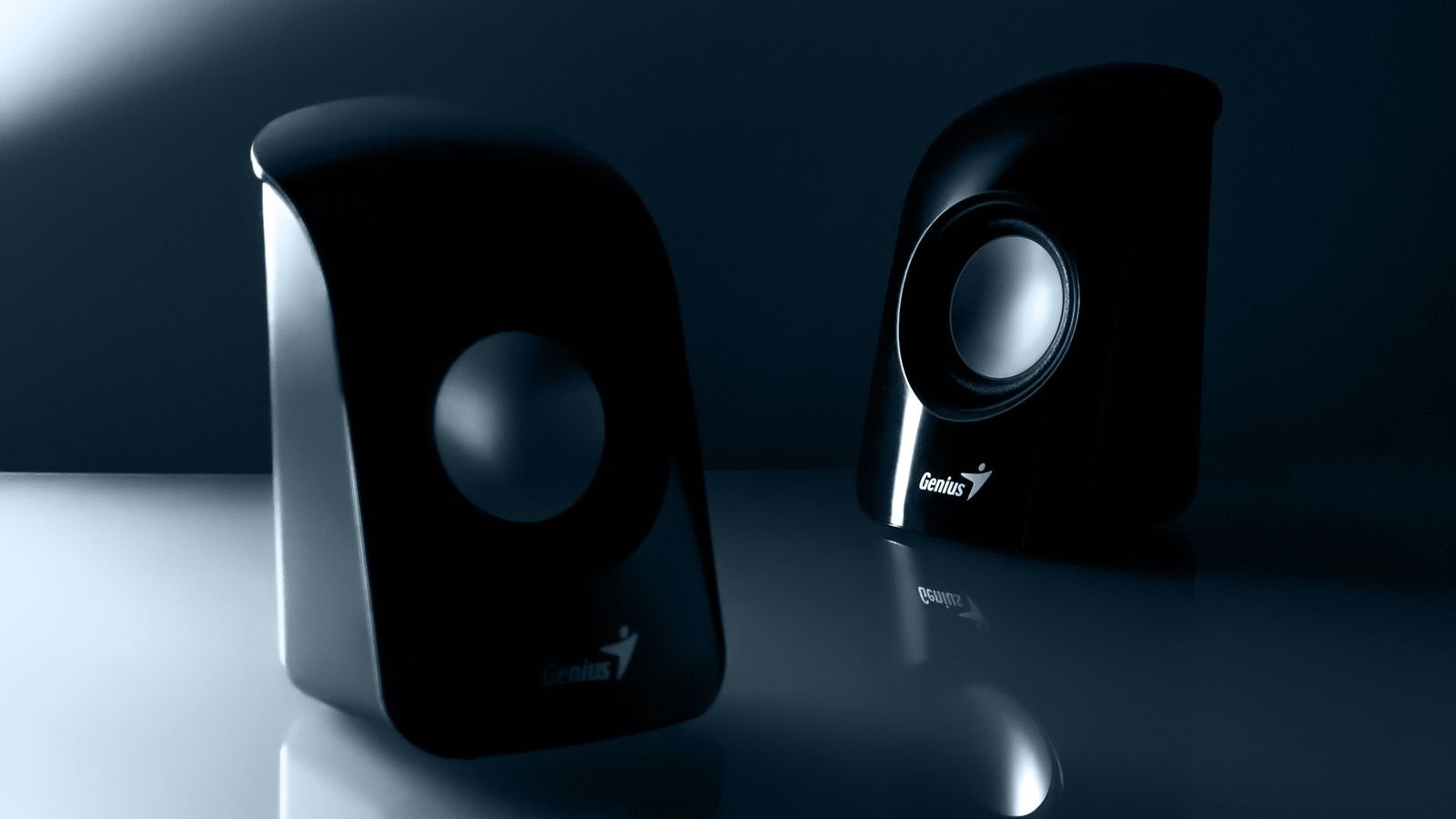
Why Placement Matters More Than Price
Sound reaching your ears is a mixture of the direct output from the driver and everything that bounces off nearby surfaces first. Reflections arriving slightly after the direct sound smear detail and create peaks and dips across the frequency range. A desk is the worst offender because it sits directly between the speaker and you, producing a strong early reflection that hollows out the lower midrange.
Boundaries also boost bass. Push a speaker against a wall and low frequencies reinforce; push it into a corner and they pile up further, which is why corner-mounted speakers sound boomy and indistinct. Meanwhile, the angle at which the tweeter faces you determines how much high-frequency detail survives, because treble is highly directional and falls off sharply off-axis. Placement controls all three of those effects, which is why it outranks the spec sheet.
What You Need Before Moving Anything
- A tape measure, for setting equal distances rather than guessing by eye.
- Speaker stands, isolation pads, or a stack of dense foam to raise and decouple the cabinets.
- Two or three familiar tracks with clear vocals, obvious bass lines, and some stereo width.
- Enough cable length to place the speakers where they belong rather than where the wire reaches.
- A note of whether your speakers are front-ported or rear-ported, printed on the cabinet or in the manual.
Step-by-Step Desktop Speaker Placement
- Get the tweeters to ear level. Sit in your normal working posture and note the height of your ears. The tweeter, which is the small driver handling treble, should sit at that height. On most desks that means raising the speakers several inches, using stands, pads, or even a sturdy riser. This is the single most audible change you can make, because off-axis treble loss is what makes speakers sound dull and distant.
- Tilt rather than lift if height is limited. When there is no room to raise the cabinets, angle them upward so the tweeter axis points at your ears. Wedge-shaped isolation pads are designed for exactly this. Aiming the driver at your head matters more than the literal height it sits at.
- Build an equilateral triangle. Measure the distance between the two speakers, then place your head at the same distance from each of them. The three points should form a triangle with roughly equal sides. This is the geometry stereo recordings assume, and it produces the most stable center image, where a vocal appears to float between the speakers rather than inside either one.
- Toe them in toward your head. Rotate each speaker so it faces your listening position. Full toe-in gives the sharpest center image and the most detail; angling slightly wider widens the soundstage at some cost to focus. Start pointed directly at your ears and experiment from there.
- Leave a gap behind the speakers. Rear-ported cabinets need breathing room or the port output reflects off the wall and produces a one-note boom. Aim for at least 6 to 12 inches of clearance where you can. Front-ported speakers tolerate closer placement, which is why they suit shallow desks.
- Keep them out of corners. A corner reinforces bass from two directions at once and turns clean low frequencies into a muddy rumble. If a corner is unavoidable, expect to reduce bass in the speaker or system equalizer to compensate.
- Decouple from the desk. Cabinets resting directly on a desktop transmit vibration into the surface, which then radiates its own coloured sound and adds a boxy character. Isolation pads or a dedicated stand break that path. The improvement in bass clarity is usually obvious within a few seconds of listening.
- Pull them clear of the monitor. A screen sitting between or in front of the speakers creates a hard reflecting surface right at ear height. Move the speakers slightly forward of the monitor face, or wider than its edges, so the direct sound reaches you unobstructed.
- Match the two sides symmetrically. Distances to side walls should be as close to equal as your room allows. Asymmetry pulls the stereo image toward whichever speaker has more boundary reinforcement, and no amount of balance adjustment fully repairs it.
- Place the subwoofer separately, then dial it in. If you use a 2.1 system, low frequencies are largely non-directional, so the sub can sit on the floor near a wall. Try a couple of positions, walk around, and pick the one where bass sounds even rather than loudest. Set the crossover so the sub takes over just below where the small speakers give up, and set its level so you notice it only when it stops.
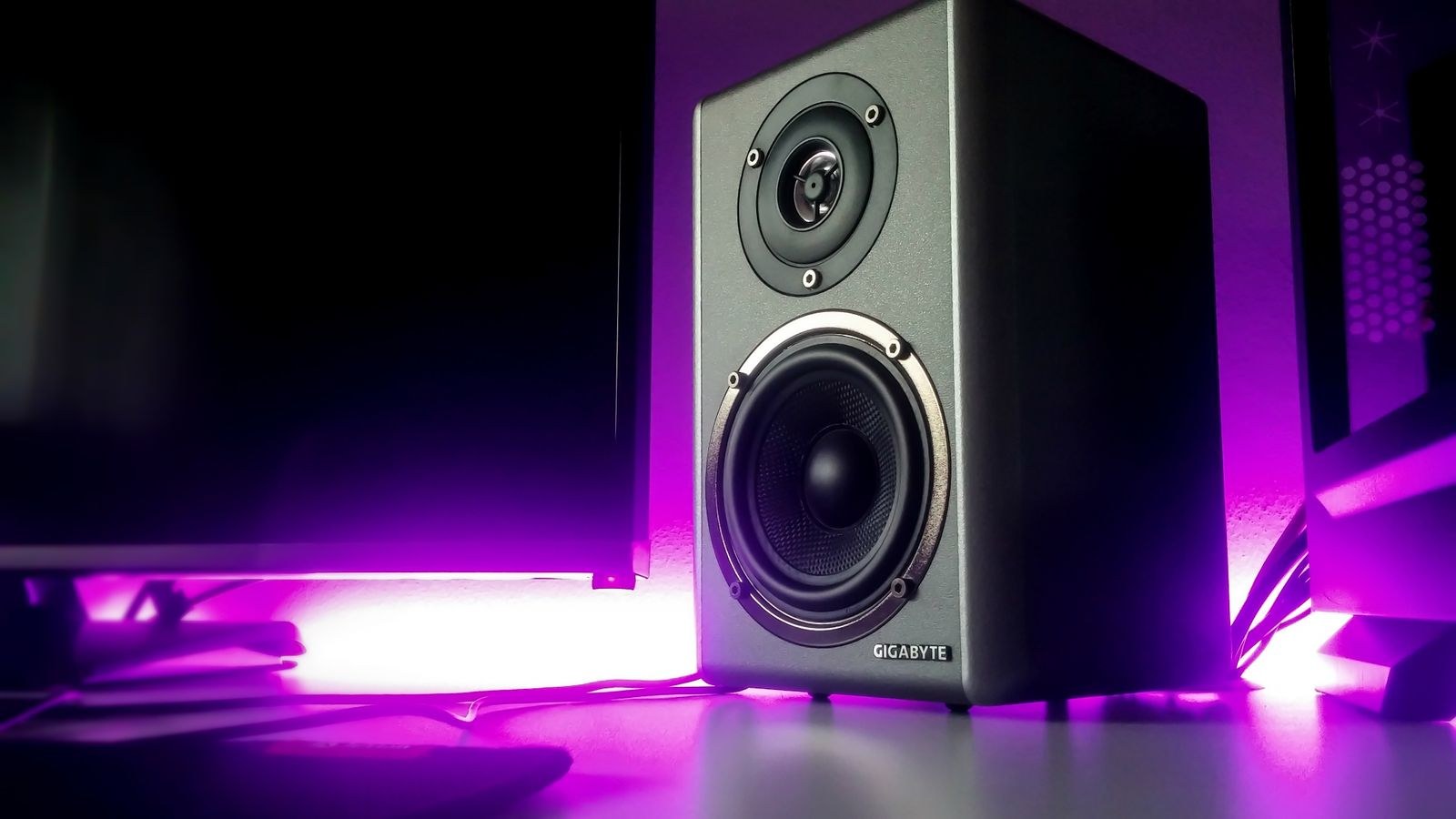
Fine-Tuning by Ear
Once the geometry is right, verify it with familiar music. Play a track with a centered vocal and close your eyes. The voice should appear to come from a point directly in front of you, not from either speaker. If it drifts, your distances or angles are unequal. Next, play something with a walking bass line and listen for whether every note has similar weight. If one or two notes boom while others vanish, you are hearing room modes and boundary reinforcement, and moving the speakers a few inches forward usually evens them out.
Then check clarity. Sit up straight, then slouch. If the sound brightens noticeably when you sit tall, your tweeters are still too low. Finally, listen at both quiet and moderate volumes. A placement that only works loud is usually compensating for a reflection problem rather than solving it, and small changes in the gap behind the speakers often fix it.
Choosing Speakers That Suit Your Desk
Placement fixes a great deal, but a cabinet that is fundamentally too large or too rear-ported for a shallow desk will always fight you. If you are shopping, our roundup of the best desktop speakers focuses on compact designs that behave well in near-field positions, while the best computer speakers comparison covers a broader range of sizes and connection options.
People who want flat, honest sound for editing or mixing should look at the best studio monitor speakers, which are designed for exactly this triangle geometry. If you want more low-end reach without oversized cabinets on the desk, the best 2.1 computer speakers move bass duties to a separate unit on the floor. And whatever you choose, a set of proper best speaker stands is usually the cheapest meaningful upgrade you can make, since it delivers both the height and the isolation the steps above depend on.
Safety and Setup Notes
Raised speakers can topple, so check that stands are stable and that cables cannot snag and pull a cabinet off the edge. Route power and signal cables separately where possible, because running them tightly together invites hum. Never block a rear port with an object pressed against the cabinet, since it changes the tuning the designer intended. And when you first play music after moving things, start at a low volume, as an accidental full-level burst can damage both the drivers and your hearing.
Common Mistakes to Avoid
- Leaving speakers flat on the desk. It is the default position and almost always the worst one available.
- Placing one speaker in a corner and the other in open space. Asymmetry ruins the stereo image no matter how good the hardware is.
- Aiming at the wall behind you. Speakers set parallel and facing straight ahead miss your ears entirely on a narrow desk.
- Cranking the bass control to fix placement problems. Boosting a frequency the room is already exaggerating makes the muddiness worse, not better.
- Judging changes with unfamiliar music. Use tracks you know intimately, or you will not be able to tell improvement from difference.
Frequently Asked Questions
How far apart should desktop speakers be?
Roughly the same distance as each speaker is from your head. On a typical desk that lands somewhere between 2 and 4 feet apart. Going much wider creates a hole in the middle of the stereo image.
Should speakers go in front of or behind the monitor?
In front of the monitor face if space allows, or wide enough that the screen does not sit between the driver and your ears. A screen in the direct path reflects sound and blurs detail.
Do isolation pads really make a difference?
On a hollow or thin desk, absolutely. They stop the desk surface from acting as an unwanted radiator, which usually tightens bass and clears up the lower midrange. On a very heavy solid desk the effect is smaller but still worthwhile.
Where should I put the subwoofer?
On the floor, out of a tight corner, and somewhere you can reach the volume control. Try two or three spots and choose the one where bass notes sound most even in level rather than the position that produces the most bass.
Does toe-in matter if I sit close?
It matters more when you sit close, because the angle between you and each speaker is wider. At near-field distances, pointing the tweeters directly at your ears is usually the clear winner.
Final Thoughts
Good desktop speaker placement is a sequence, not a single trick. Raise the tweeters to ear level, build an equilateral triangle, toe the cabinets toward your head, leave the rear ports room to breathe, and decouple everything from the desk surface. Each step removes a specific problem, and together they transform how a modest pair of speakers sounds. Spend twenty minutes with a tape measure and a few familiar tracks, adjust one variable at a time, and you will hear more improvement than most upgrades deliver for far more money.









