
 Owen Bradley
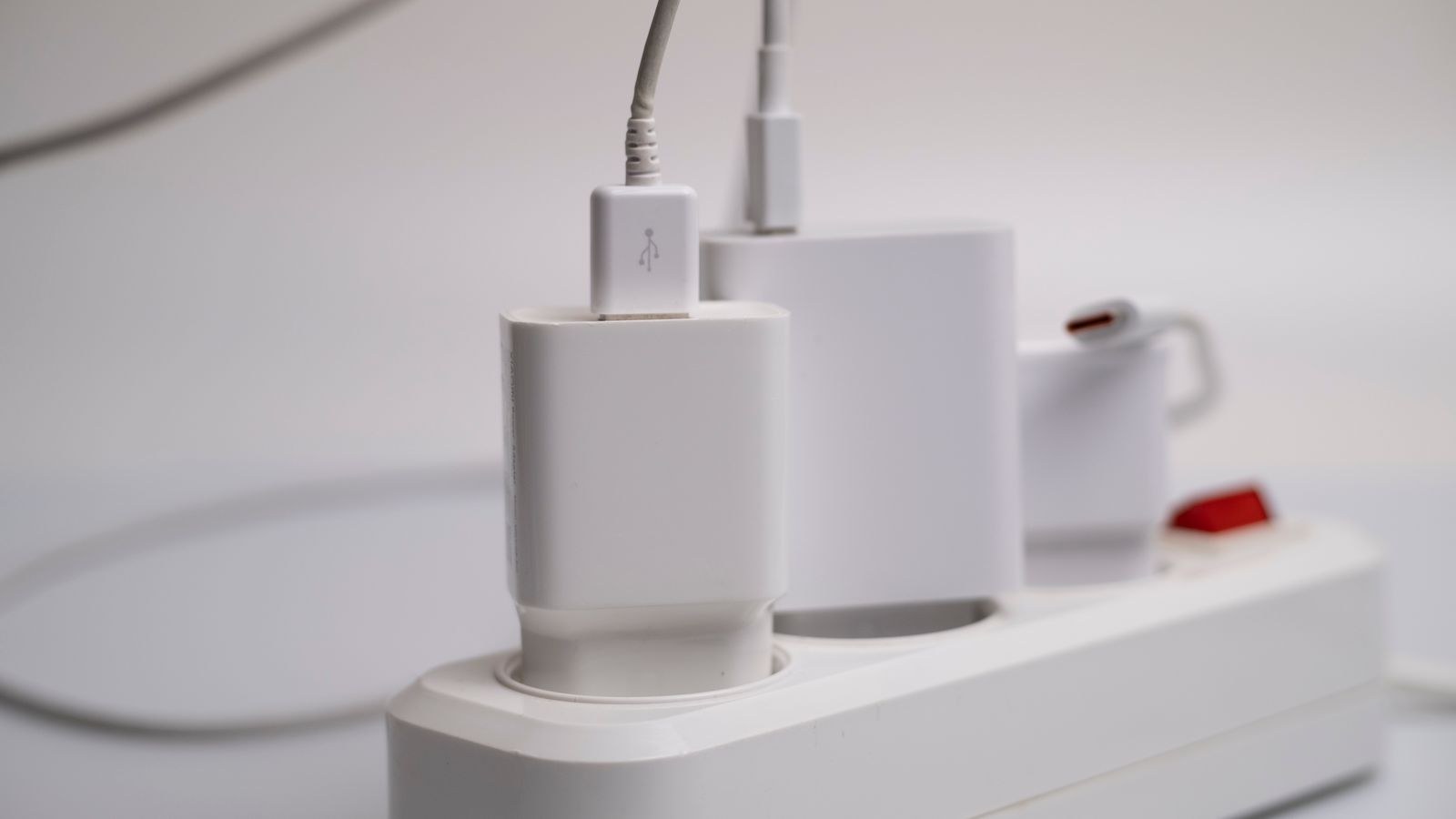
 Most people protect their networking gear the same way they protect a lamp: plug it into a power strip and hope. Then a storm rolls through, the modem dies, the router survives, and the whole thing looks like bad luck. It usually is not. Networking equipment is unusual because it sits on two or three conductive paths at once, mains power plus a coaxial or telephone line plus ethernet running to other rooms, and a surge only needs one unprotected path to get in. This network surge protection guide explains how surges actually reach a modem or router, why the cable line is the most common route, and what a properly grounded, layered defence looks like for a home or small office in 2026.
What a Surge Is and Where It Comes From
A surge, or transient, is a brief spike in voltage far above the normal supply level. It can last microseconds and still destroy semiconductors, because the delicate circuitry in a modem or switch is designed for a few volts, not hundreds or thousands.
Lightning gets the blame, but a direct strike is rare. Far more common is an induced surge, where a strike a few streets away couples energy into overhead cables, phone lines, and long runs of coax. Utility switching, transformer faults, and power restoration after an outage all produce spikes too. So do large motors inside the building: air conditioning compressors, well pumps, elevators, and workshop tools generate repeated smaller transients every time they start and stop.
That last category matters more than people expect. A single huge event kills equipment outright and is obvious. Thousands of small transients degrade components gradually, which shows up as a modem that becomes flaky over a year, needs rebooting weekly, and eventually fails on a calm day with no storm in sight.
Why Networking Gear Is Especially Vulnerable
A television has one wire into it. A cable modem has two: mains power and coaxial. A router may have mains power plus ethernet runs disappearing into three different rooms. A PoE switch has mains power plus a dozen cables heading to ceilings and outbuildings. Each of those is a potential entry and, crucially, a potential exit.
The damage mechanism is a voltage difference between paths. If a surge raises the potential on the coax shield while the mains ground stays where it was, current flows through the modem’s internal circuitry to equalise. The modem becomes the path of least resistance between two references, and it does not survive the experience. This is why a power-only surge protector so often fails to save equipment: it clamps one path while leaving the other wide open, and the surge simply goes around it.
The consequence is a rule worth remembering. Every conductive path into a device must be protected at the same point, bonded to the same ground. Protecting one and ignoring the others can be worse than protecting nothing, because it creates exactly the voltage difference that destroys hardware.
The Three Paths You Need to Cover
Mains Power
The obvious one, and the only one most households address. Look for a surge protector with a joule rating appropriate to the job, a low clamping voltage, an indicator light that confirms protection is still active, and, for anything you care about, a protected-equipment warranty. Note that joule ratings are consumed over time: a protector that has absorbed years of transients may pass power while offering no protection at all, which is why the status indicator matters.
Coaxial or Telephone Line
This is the path that actually kills most modems. Coax enters the building from outside, often runs overhead or along a wall, and is superb at picking up induced energy from a nearby strike. Any protector serving a cable modem must include a coax pass-through, and the same applies to a DSL line, which needs a telephone-line protector. The incoming coax should also be bonded to the building’s grounding electrode at the point of entry, which is a code requirement in most places and frequently missed or corroded in older installations.
Ethernet
Ethernet cabling matters most when it leaves the building or runs a long distance inside it. A cable to a garage, a garden office, a camera on an outbuilding, or a run between floors of a larger building can carry a surge from one piece of equipment straight into another. Inline ethernet surge protectors, grounded to the same point as everything else, break that path. For short runs entirely within one room, the risk is low. Bear in mind that PoE installations need protectors rated to pass power without clamping it, since a standard data protector may block the voltage the device needs.

Grounding: The Part That Makes Everything Else Work
Surge protection does not absorb energy, it diverts it. A protector shunts excess voltage to ground, which means the quality of that ground path determines whether the device works at all. Three points cover most of it.
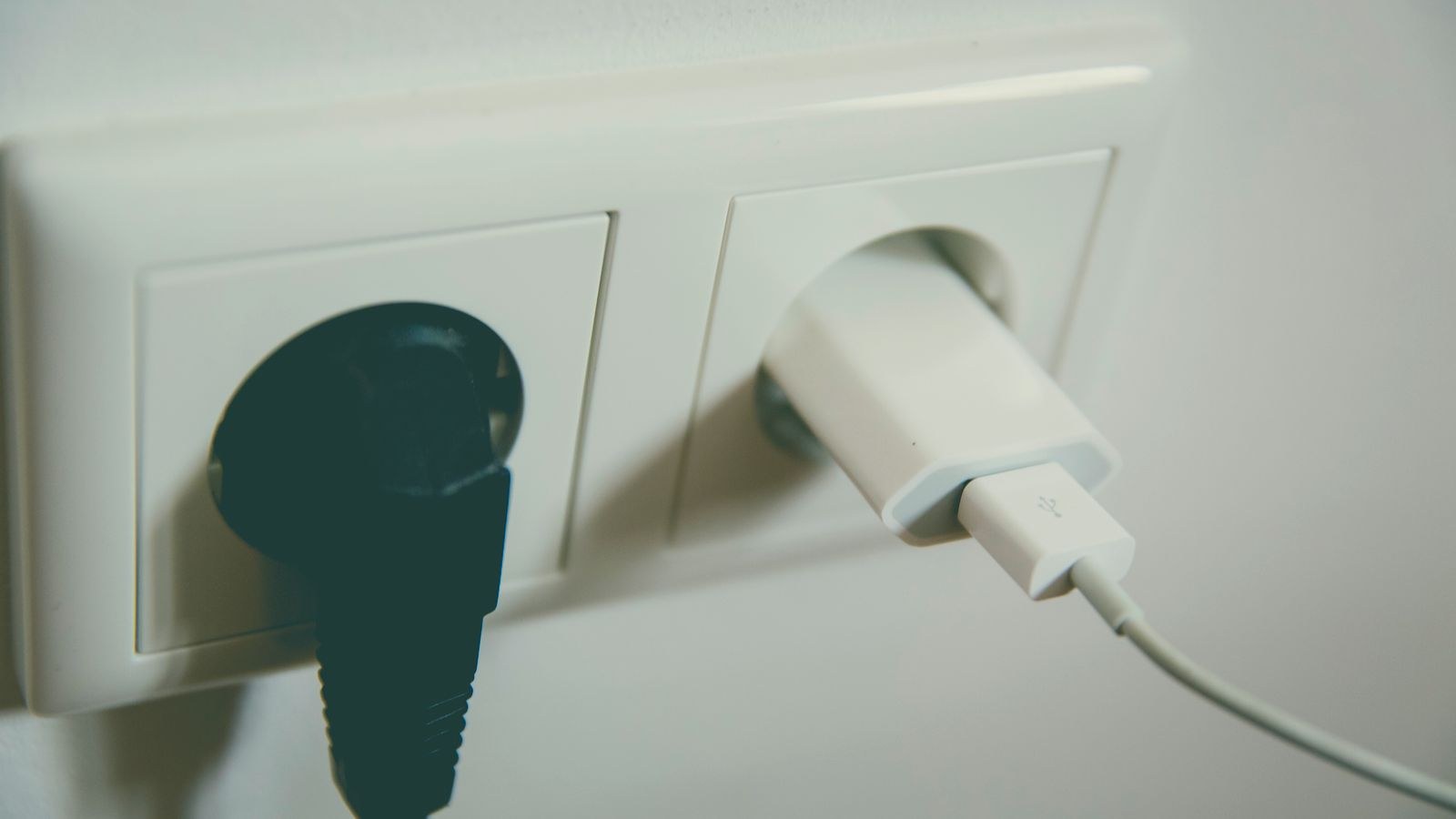
First, a surge protector plugged into a two-prong outlet or an ungrounded adapter cannot divert anything. It may still filter noise, but the surge protection is decorative. Second, all protected paths must share a common ground. If the coax is bonded to a rod at one end of the house and the mains ground sits somewhere else, a surge creates a difference between them and your equipment bridges the gap. Third, a shorter ground path is a better one. Long, coiled, or thin ground wires add impedance, and impedance at the frequencies involved in a fast transient is what limits how well the protector performs.
If your building is older, the incoming coax ground block is worth a physical inspection. Corroded clamps, disconnected wires, and grounds attached to nothing more than a painted screw are extremely common, and they quietly defeat every protector downstream.
Layered Protection: Whole-House Plus Point-of-Use
Serious protection works in stages, because no single device does the whole job well.
A whole-house or service-panel protector installs at the consumer unit and handles the largest events, clipping a several-thousand-volt spike down to a few hundred. It protects hardwired items that have no plug, like heating controls and lighting circuits, but it does not respond fast enough or clamp low enough to fully protect sensitive electronics on its own.
A point-of-use protector at the equipment handles what gets through and, critically, handles transients generated inside the building that a panel device never sees. This is where the coax and ethernet pass-throughs live, because they need to be at the equipment to bond all paths at a single reference.
Use both. The panel unit takes the beating, and the local unit does the precision work. For the equipment itself, keeping the modem and router on the same protected strip is the practical way to ensure they share a ground reference. If you are replacing gear after a surge event, our comparisons of the best modem routers and the best Wi-Fi modems are a sensible starting point, and a combined unit has the incidental benefit of one fewer cable between two devices.
Where a UPS Fits In
An uninterruptible power supply is often confused with a surge protector. They overlap but solve different problems. A UPS keeps equipment running through a cut and, more importantly for hardware longevity, protects against the sags, brownouts, and switching transients that occur when power is restored. Many surge failures actually happen at restoration rather than at the moment of the outage.
There are two broad types worth knowing. A standby UPS runs equipment from mains and switches to battery when supply fails; it is inexpensive and fine for a home modem and router. A line-interactive UPS also corrects voltage variations continuously without draining the battery, which suits an office where brownouts are common. Nearly all include surge protection on the mains side, and better models add a coax or ethernet pass-through, though those pass-throughs vary in quality and are worth checking rather than assuming.
Sizing is simple for networking gear, because the loads are tiny. A modem, router, and small switch together typically draw well under 100 watts, so even a modest UPS delivers a long runtime. That is the cheapest way to keep internet and cloud phones alive through a short cut, and it protects the hardware at the same time. Offices running PoE cameras and phones should include the switch on the UPS, and the best PoE routers and best network switches guides cover the units that make sense to protect this way.
A Practical Setup, Step by Step
- Verify grounding first. Confirm outlets are properly grounded and that the incoming coax or phone line has an intact, clean bond at the point of entry.
- Fit a service-panel protector. This is electrical work and belongs to a qualified electrician in most cases.
- Put the modem and router on one protected unit. A UPS or surge strip with a coax pass-through, so power and signal share a ground reference.
- Route the coax through the protector. Line in from the wall, out to the modem. A protector with an unused coax port protects nothing.
- Protect long or outdoor ethernet runs. Inline protectors at both ends of any cable leaving the building, grounded to the same point.
- Check indicators periodically. Protection lights go out silently. Add it to a seasonal maintenance list.
- Replace after a major event. A protector that took a large hit has spent part of its capacity, even if everything still works.
Common Mistakes
The most frequent error is protecting power only. A modem plugged into an excellent surge strip with the coax running straight from the wall is protected on the path surges rarely take and exposed on the path they usually take. The second is daisy-chaining protectors, plugging one strip into another, which does not add protection and can interfere with how each device clamps.
The third is assuming a protector lasts forever. The metal oxide varistors inside degrade with every event they absorb, and a decade-old strip is often just an extension lead. The fourth is treating unplugging as a complete strategy. Pulling the mains plug during a storm while leaving the coax attached leaves the main vulnerability wide open, and if you are going to unplug anything, the cable line should come out first.
A fifth, particular to offices, is protecting the router and forgetting the switch. Everything downstream of an unprotected switch shares its fate, so the protection should follow the topology rather than the price of individual devices.
Frequently Asked Questions
Does my modem really need coax surge protection?
Yes, and it is the single highest-value addition for most homes. The coaxial line is the most common entry point for induced surges, and power-only protection cannot stop them.
How long does a surge protector last?
It depends on how many events it absorbs rather than its age alone, but replacing point-of-use units every few years, and immediately after any major storm event, is a reasonable policy.
Is a UPS enough on its own?
For power problems, mostly yes. Check whether it includes coax or ethernet pass-through protection; if it does not, you still need to cover those paths separately.
Do I need ethernet surge protection inside my house?
Usually not for short indoor runs. It becomes important for cables that leave the building, run to outbuildings, or connect equipment on different floors or different circuits.
Will surge protection stop my equipment failing in a direct lightning strike?
No. A direct strike exceeds what any consumer device can divert. Layered protection is aimed at induced surges and switching transients, which cause the overwhelming majority of real-world failures.
Final Thoughts
Surge protection for networking equipment is less about buying an expensive strip and more about thinking in paths. Work out every conductor that reaches your modem, router, and switch, then make sure each one passes through protection bonded to a single, solid ground. Cover the mains, cover the coax or phone line, cover any ethernet that leaves the building, and layer a panel-level device behind the local ones. Add a small UPS to handle the sags and restoration spikes that quietly wear hardware out, check the indicator lights once a season, and replace protectors after a serious event. Done properly, that is a modest one-off cost that keeps your home internet router and everything behind it alive through the storms that take out your neighbours’ gear.









