
 Owen Bradley
 Solid state drives have made spinning disks feel ancient, but shopping for one throws a fresh decision at you: NVMe or SATA. Both are SSDs, both are far quicker than a mechanical hard drive, yet the marketing around NVMe promises numbers that dwarf what SATA can deliver. The question that matters is not which spec sheet wins, but whether that speed gap actually changes how your computer feels day to day. This guide breaks down where NVMe pulls ahead, where SATA holds its own, and how to spend your storage budget without paying for headroom you will never touch.
What NVMe and SATA Actually Mean
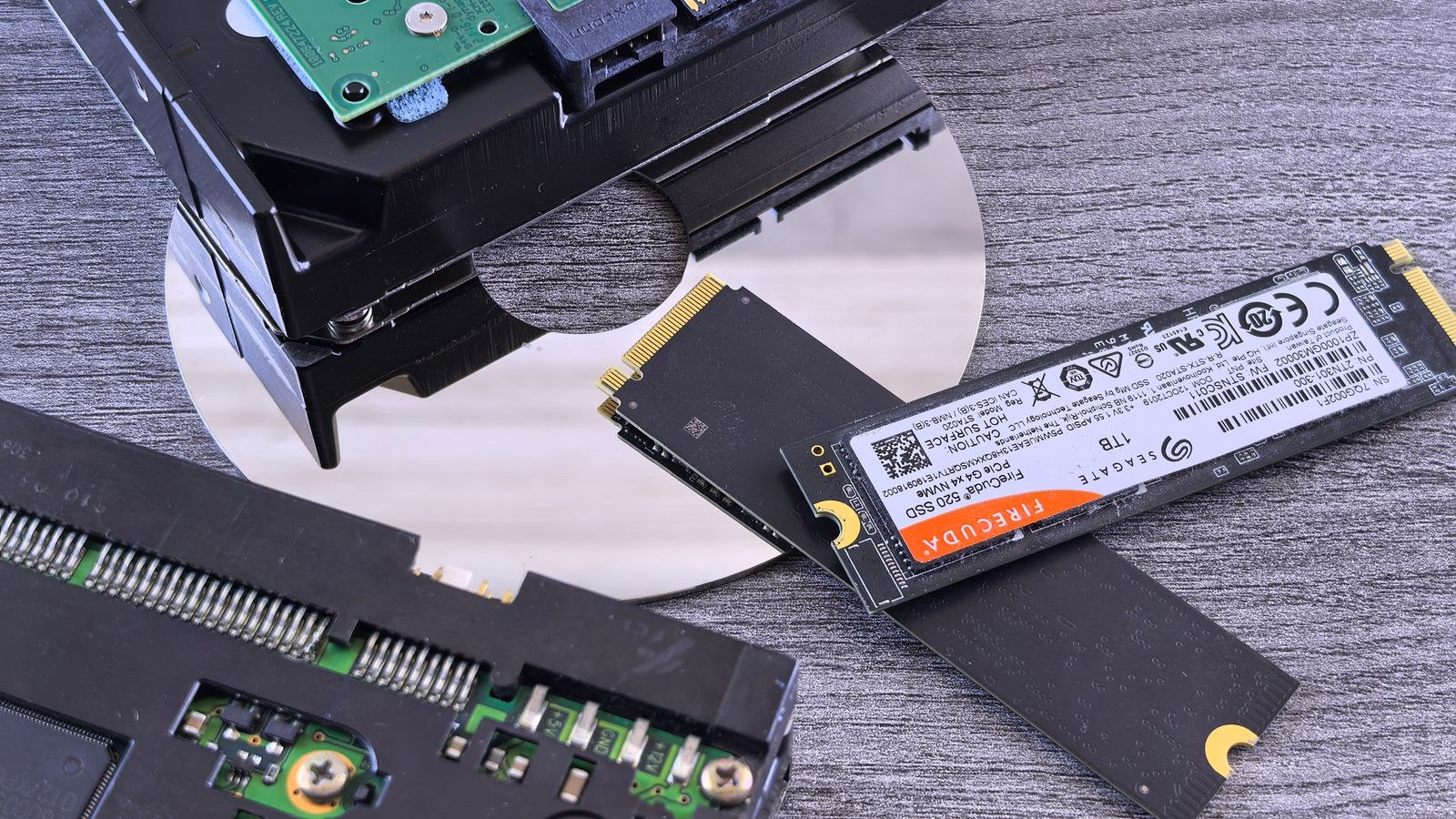
SATA (Serial ATA) is an older interface designed originally for hard drives. When SSDs first arrived, they used the same SATA connection so they could drop into existing machines. That backward compatibility is a blessing, but SATA was never built for flash memory, and its ceiling sits around 550 MB/s. Every 2.5-inch SSD and most budget drives ride on this bus.
NVMe (Non-Volatile Memory Express) is a protocol built from the ground up for flash storage. Instead of the SATA cable, it talks directly to the CPU over PCIe lanes, the same high-speed pathway your graphics card uses. That direct line removes the bottleneck, letting a good NVMe drive read data at 3,500 MB/s on PCIe 3.0 and well past 7,000 MB/s on newer generations. The physical stick usually plugs into an M.2 slot on the motherboard, so there are no cables at all.
The Speed Numbers, and Why They Deceive
On paper, NVMe looks roughly seven to fourteen times faster than SATA. In sequential transfers of large, continuous files, that gap is real and measurable. But most everyday computing does not move data in long continuous streams. Booting an operating system, launching apps and loading a web browser rely on small, scattered reads, and here the difference shrinks dramatically because both drive types already respond in fractions of a millisecond.
Put simply, the human eye stops noticing improvements once a task completes in under a second. A SATA SSD boots Windows in around 12 seconds; a fast NVMe drive might do it in 10. That two-second edge is real but rarely life-changing. The gap only opens up when you are copying tens of gigabytes at once or working with data that genuinely saturates the interface. If you are weighing a full lineup of options, our roundup of the best NVMe SSDs for fast everyday performance shows how much these numbers vary between models.
Where the Speed Gap Genuinely Matters
There are real workloads that reward NVMe. Video editors scrubbing through 4K timelines, photographers batch-exporting hundreds of RAW files, software developers compiling large projects, and anyone moving massive game installs between drives will feel the difference. In these cases, the interface is the bottleneck, and a quicker drive turns minutes of waiting into seconds.
- Large file transfers: Copying a 50 GB folder can take under 10 seconds on NVMe versus well over a minute on SATA.
- Content creation: Editing high-bitrate video from the drive itself stays smooth instead of stuttering.
- Loading enormous datasets: Machine learning and scientific work that streams data from disk benefits directly.
- Game asset streaming: Newer titles that stream textures on the fly can reduce pop-in on faster storage.
For gamers specifically, the advantage is narrower than the marketing suggests, but it still exists. Our picks for the best SSDs for gaming rigs weigh raw speed against price so you are not overspending for load times you will barely notice.
Where SATA Still Makes Sense
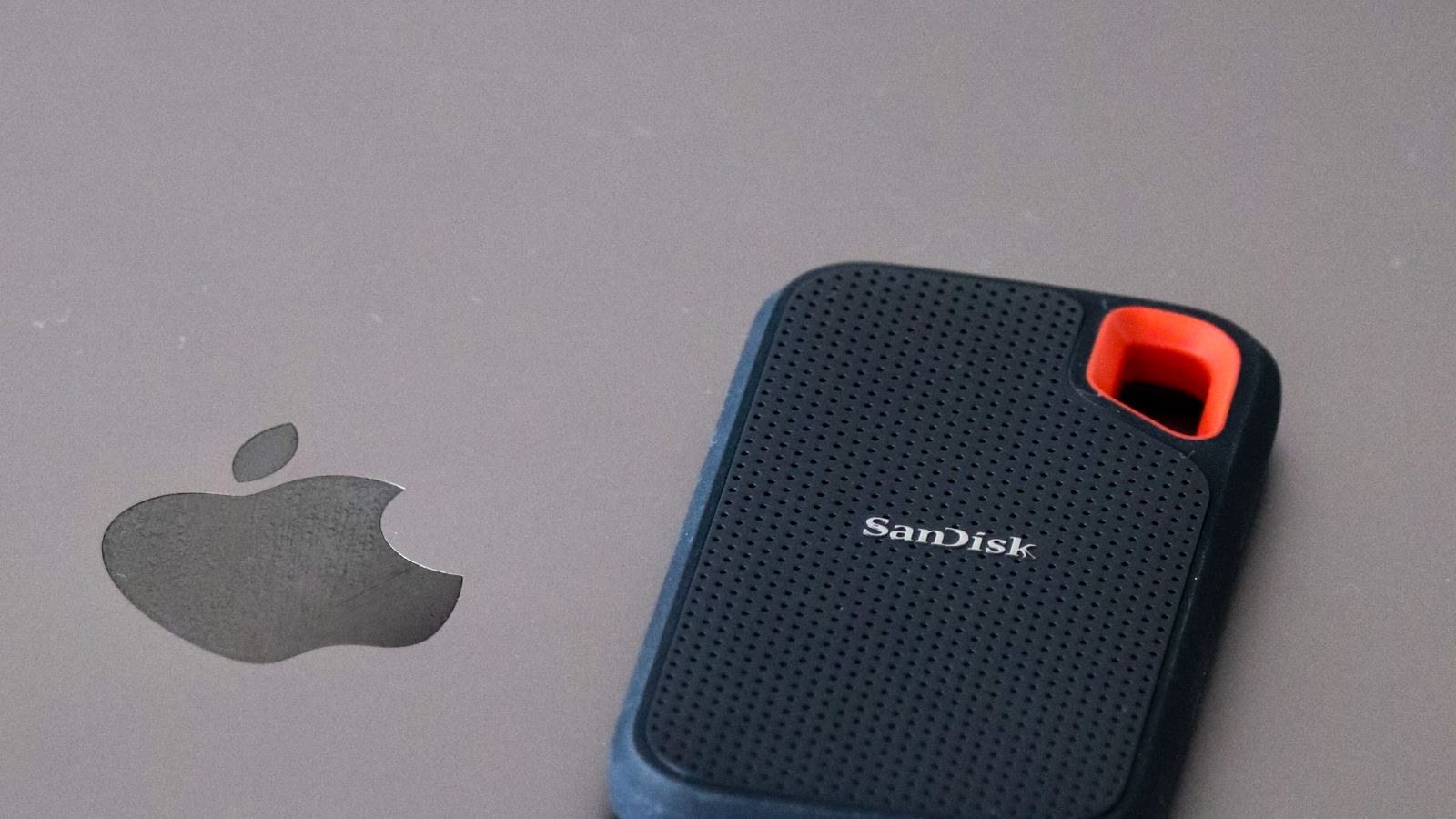
SATA is far from obsolete. Its predictable performance and lower price make it the smart choice for bulk storage, secondary drives and older systems. If you are storing a Steam library of games you have already installed, a media collection or backups, the extra speed of NVMe does nothing for you once the files are in place. A SATA drive delivers the same near-instant access for a fraction of the cost per terabyte.
Compatibility is another point in SATA’s favor. Every desktop and laptop built in the last fifteen years has a SATA port, while M.2 NVMe slots are only common on machines from the last several years. If you are breathing new life into an aging computer, a SATA SSD is often the only upgrade path, and it will still feel transformative next to the mechanical drive it replaces. The full range of options in our best SATA SSDs for reliable value guide covers drives that suit exactly this role.
Price, Capacity and Heat
The cost gap between the two has narrowed, but it has not vanished. SATA still tends to be cheaper per terabyte, especially at larger capacities where you are buying storage volume rather than speed. If your priority is fitting the most gigabytes into your budget, SATA usually wins on raw value.
NVMe drives, particularly the fastest models, also run hotter. Under sustained heavy transfers they can throttle to protect themselves, which is why high-end drives ship with or recommend a heatsink. SATA drives stay cool and undemanding, one less thing to plan around in a cramped case. For most buyers this is a minor consideration, but in a compact build with limited airflow it is worth keeping in mind. Compact M.2 sticks also free up drive bays and cables, and our overview of the best M.2 SSDs for clean builds highlights models that balance thermals and speed.
The Two-Drive Strategy
You do not have to choose one interface for everything. A popular and cost-effective approach is to run a modest NVMe drive as your boot and application disk, where responsiveness matters most, then add a larger SATA drive for games, media and archives. This gives you snappy system performance where you feel it and cheap capacity where you do not.
This split lets you spend your money precisely. A 500 GB or 1 TB NVMe drive holds your operating system and the programs you use daily, while a 2 TB or 4 TB SATA drive swallows everything else. Anyone building or upgrading a desktop should consider this layout before defaulting to a single expensive high-capacity drive. Our guide to the best internal SSDs for desktop upgrades covers drives that fit both halves of this setup.
How to Decide in Three Questions
Cut through the specifications by asking yourself what you actually do with the machine.
- Do you move large files often? If yes, an NVMe drive earns its price. If your files are small and scattered, SATA feels identical in practice.
- Does your motherboard have a free M.2 slot? If not, SATA may be your only route, and it is still a huge leap over a hard drive.
- What is your budget per terabyte? When you need lots of space cheaply, SATA stretches further. When you need speed for a working drive, NVMe is worth the premium.
Endurance, Form Factors and Future-Proofing
Beyond raw speed, it helps to understand the physical shapes these drives take. SATA SSDs almost always come in the familiar 2.5-inch case that slides into a drive bay and connects with two cables. NVMe drives usually take the M.2 stick form, a slim card that lies flat against the motherboard, though some NVMe drives also come in add-in card form for slots that lack an M.2 header. This means an NVMe purchase depends on your motherboard having the right slot, whereas a SATA drive fits almost anything.
Endurance is another point buyers worry about more than they need to. Both drive types are rated in terabytes written, and mainstream models comfortably exceed what a typical user writes in years of ownership. Heavy content creators who write hundreds of gigabytes daily should check the endurance rating and warranty period, but for everyday computing the drive will likely be replaced for capacity or speed reasons long before it wears out. When you are comparing candidates, look at the warranty length as a proxy for how much confidence the manufacturer has in the drive. Our overview of the best SATA SSDs for dependable everyday use notes these ratings so you can match endurance to how hard you plan to push the drive.
Frequently Asked Questions
Is NVMe worth it for gaming?
For load times, the difference between SATA and NVMe is usually a couple of seconds. Newer games that stream assets can benefit slightly more, but no game becomes unplayable on a SATA SSD. If gaming is your only concern, either type is excellent, and you may prefer to spend the savings on more capacity.
Can I use both NVMe and SATA in the same PC?
Yes, and it is a common setup. Most modern motherboards support at least one M.2 NVMe slot alongside several SATA ports, so you can run a fast NVMe boot drive and cheaper SATA storage together without any conflict.
Will an NVMe drive make my old laptop faster?
Only if the laptop has an M.2 slot that supports NVMe, which many older models lack. If it does not, a SATA SSD is the upgrade to make, and it will still deliver a night-and-day improvement over a mechanical drive.
Do SATA SSDs wear out faster than NVMe?
No. Endurance depends on the flash memory and controller, not the interface. Both SATA and NVMe drives from reputable brands are rated for many years of typical use, and their warranties reflect that confidence.
Final Thoughts
The NVMe versus SATA debate is less a contest than a matter of matching the drive to the job. NVMe delivers spectacular numbers that translate into real time savings for creators, heavy multitaskers and anyone regularly shuffling large files. SATA delivers dependable, affordable capacity that feels every bit as instant for booting, browsing and gaming. For most people, the ideal answer in 2026 is not one or the other but a thoughtful combination: a nimble NVMe drive where speed is felt, and a spacious SATA drive where it is not. Decide based on what you actually do, not on the biggest number on the box, and your storage budget will go exactly where it counts.









