Owen Bradley
 Most slow phone charging has nothing to do with a worn battery. It comes from a chain of small mismatches: an adapter that predates fast charging, a cable that carries data but not much current, a case that traps heat, and a handful of background tasks keeping the processor busy while the battery tries to fill. Fix those and a phone that took three hours to reach full can get there in a fraction of the time, using the same battery it already has. This guide walks through how to make your phone charge faster at home, working from the biggest wins to the smallest, so you can stop after the first change that solves it rather than replacing hardware you did not need to replace.
Why Phones Charge Slowly
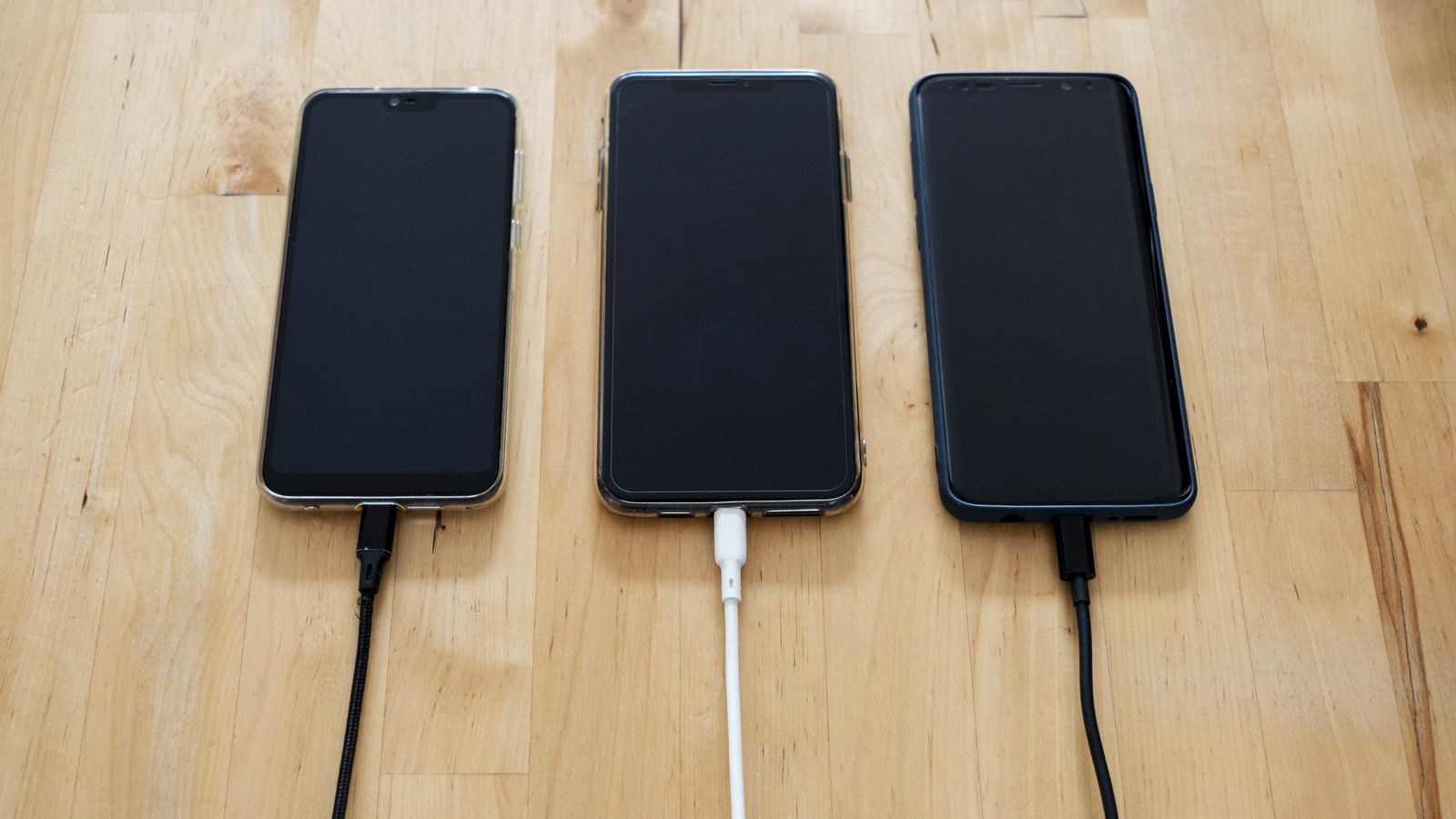
Charging speed is a negotiation. The phone and the charger exchange a short handshake, agree on a voltage and current, and then draw power at that level. If either side cannot support a fast profile, both fall back to the slowest common option, which is typically 5V at half an amp or one amp. That is around 2.5 to 5 watts, when a modern phone may be capable of accepting 20 to 65 watts or more.
Three things break the handshake. The adapter may not speak the right protocol. The cable may lack the internal wiring or resistor needed to signal a higher current. Or the phone may deliberately throttle because it is hot, nearly full, or busy. Each has a distinct fix, and knowing which one is at fault saves you buying accessories at random.
What You Need
- A fast wall adapter rated well above 5W, ideally one supporting USB Power Delivery.
- A quality USB-C cable from a maker that publishes a current rating.
- A wall outlet, not a computer port or a car socket, for the fastest result.
- Ten minutes to run a before-and-after comparison so you can measure the difference rather than guess.
Step-by-Step: Speeding Up Charging
- Measure your baseline. Note the battery percentage, plug in, and check it again after ten minutes. Write the gain down. Every change below can be judged against this number, which stops you from believing a fix worked when it did not.
- Replace the adapter first. This is the single largest improvement for most people. An old 5W cube physically cannot deliver more, no matter what phone or cable you attach. Choose an adapter rated at 20W or higher that lists Power Delivery support, and match it to what your phone accepts rather than buying the biggest one available.
- Swap the cable second. Cables bundled with cheap accessories often use thin conductors and lack the signaling needed for higher current. Test with a cable that came with a known fast charger. If speed jumps, the old cable was the bottleneck.
- Plug into the wall, not a laptop. A standard USB-A port on a computer supplies a fraction of what a wall adapter does, and many keep charging slow deliberately to protect the port. The same applies to unpowered hubs, keyboards, and monitors.
- Take the case off while charging. Fast charging generates real heat, and every phone reduces current when the battery gets warm. A thick or insulating case is enough to trigger throttling on a hot day. Removing it is free and often noticeable.
- Stop using the phone while it charges. Video, navigation, and games can consume nearly as much power as the charger supplies, so the battery fills slowly or not at all. Set the phone down screen-off and the difference is immediate.
- Enable airplane mode for an emergency top-up. Radios searching for signal are a steady drain, especially in areas with weak coverage. Airplane mode is the fastest single software change available when you need thirty percent in twenty minutes.
- Close background sync and downloads. Photo backups, system updates, and large app installs all keep the processor and radio busy. Pause them, then charge.
- Move the phone somewhere cool. Off the bed, out of direct sun, away from a laptop’s exhaust vent. A hard surface with airflow beneath it keeps temperatures down and current up.
- Re-measure. Repeat the ten-minute test. Comparing the two figures tells you exactly how much you gained and whether anything is still holding the setup back.
Wired Versus Wireless
Wireless charging is convenient and almost always slower. Energy crosses an air gap through induction, and a meaningful share of it becomes heat rather than stored charge. That heat then triggers the phone’s own throttling, compounding the problem. Even a fast wireless pad typically trails a good wired connection by a wide margin.
Use wireless for topping up through the day at a desk or nightstand, where speed does not matter. When you need charge quickly, use a cable. If you keep a pad on the nightstand anyway, make sure the phone sits centered on the coil, since a misaligned phone charges slower and runs hotter.
Setting Up the Outlet Side
Once the adapter and cable are sorted, the remaining friction is usually physical: not enough sockets in the right places, adapters hogging both halves of a receptacle, and a nightly hunt for a free plug. Replacing the receptacle itself removes all of that.
Wall outlets with integrated USB-C ports deliver Power Delivery wattage straight from the box and leave both standard sockets free. The roundup of the best USB-C outlets compares models by delivered wattage, which is the figure that actually governs charging speed. Households with a mix of older and newer devices are often better served by combination plates, and the best USB outlets covers units pairing legacy USB-A with modern ports. If you want to compare on electrical specifics such as amperage and how deep a box the unit needs, the best USB wall outlets list is organized around installation. For rooms where you also need dependable standard sockets for lamps and appliances, the best power outlets covers general receptacles worth fitting during the same job, and the USB outlet buying guide explains how shared wattage across ports affects real speed when two devices are charging at once.
That last point deserves emphasis. Many multi-port adapters and outlets advertise a total wattage figure that is split when more than one port is in use. A unit rated at 30W total may deliver only 15W per port with two phones attached. If you routinely charge two devices side by side, read the per-port breakdown rather than the headline number.
Protecting Battery Health While Charging Fast
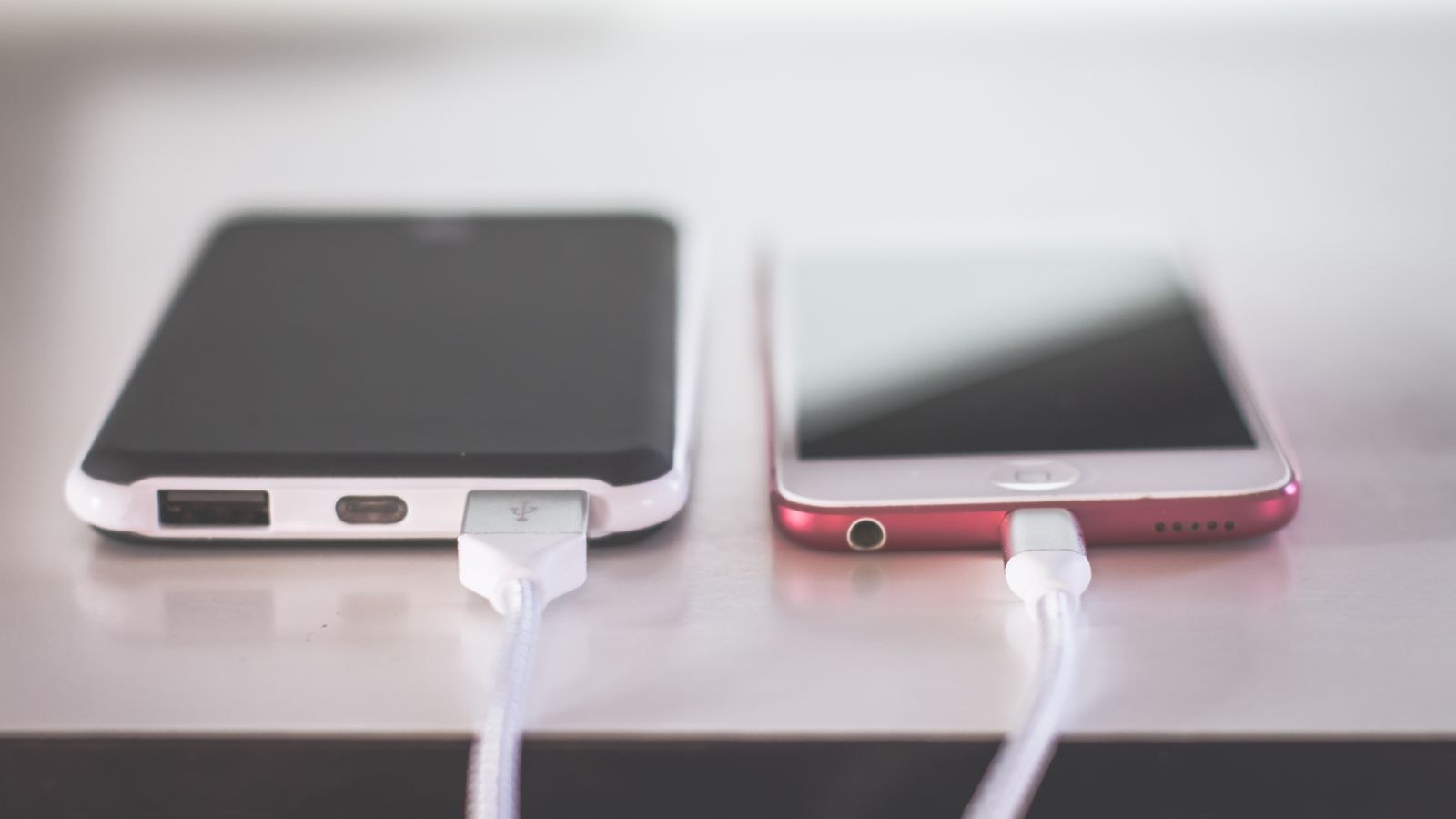
Fast charging is not inherently harmful. Phones manage the current themselves, pushing hardest in the lower part of the range and easing off well before full. The genuine long-term stressors are heat and time spent sitting at a full charge, not speed itself.
Keep the phone cool while it charges and you have handled most of the risk. If your phone offers optimized or adaptive charging, leave it enabled. It learns your routine and holds the battery at a lower level overnight, finishing just before you wake, which reduces the hours spent at maximum charge. Some phones also allow capping the charge limit, which is worth using if the device spends most of its life plugged in at a desk.
Charging from empty to full every day is harder on a lithium cell than shorter top-ups through the day. If a fast charger makes it practical to add thirty percent over lunch rather than running to zero, that habit alone extends the battery’s useful life.
Mistakes That Keep Charging Slow
The most common is upgrading the adapter but keeping the old cable, then concluding the new adapter is faulty. The chain is only as fast as its slowest link, and cables are the cheapest thing to test.
The second is charging under a pillow or beneath bedding overnight. Heat builds, the phone throttles hard, and the whole session runs at reduced current while also stressing the cell.
The third is buying a very high-wattage adapter for a phone that cannot use it. A 100W charger does not force more power into a device rated for 25W. Match the adapter to the phone, then spend the difference on a better cable or a wall receptacle.
Frequently Asked Questions
Does airplane mode really charge a phone faster?
Yes, modestly. Disabling the radios cuts a steady background drain, so more of the incoming power goes into the battery. The effect is largest when signal is weak.
Is fast charging bad for my battery?
Not on its own. Phones limit current automatically and taper as the battery fills. Heat and long periods sitting at full charge do more cumulative damage than charging speed.
Why does my phone charge slower after it hits 80 percent?
That is deliberate. Lithium cells accept current quickly when depleted and must be filled gently near the top. The taper protects the battery and is normal on every modern phone.
Can a bad cable damage my phone?
A poorly built cable is more likely to charge slowly or fail than to cause damage, but cables that misreport their rating can overheat. Stick to makers who publish a current rating.
Should I turn the phone off to charge fastest?
It is the fastest option because nothing competes for power, but the gain over a screen-off phone in airplane mode is small in 2026 and rarely worth being unreachable.
Final Thoughts
Faster charging at home is mostly a hardware problem with a cheap solution. Get a capable adapter, pair it with a cable rated to carry the current, plug into a wall receptacle rather than a computer, and keep the phone cool and idle while it fills. Measure before and after so you know which change did the work. Once the chain is right, the phone charges at the speed it was designed for, and the only thing left to manage is heat.