Owen Bradley
 Data caps sit quietly in the fine print of most home internet plans until the month a bill arrives with an extra line on it. Some households never come close to their limit, while others blow past it every single billing cycle without ever understanding why. This guide has internet data caps explained in plain terms: what a cap actually measures, which activities consume the most, how much a typical household really uses, and what you can do at the router level to see your usage before your provider tells you about it. The goal is not to make you ration Netflix, but to help you judge whether a cap matters for your home at all in 2026, and what to change if it does.
What a Data Cap Actually Is
A data cap is a monthly ceiling on the total volume of information your connection moves, measured in gigabytes or terabytes. It has nothing to do with speed. A 1 Gbps plan and a 200 Mbps plan can carry the exact same 1.2 TB monthly allowance; the faster line simply reaches that number sooner if you push it hard. Every byte counts toward the total, including downloads, uploads, video streams, cloud backups, game patches, security camera footage leaving your house, and the constant low-level chatter of smart home devices.
Providers apply caps in three broadly different ways. Some impose a hard cap that throttles your speed to a crawl once you cross it. Others use a soft cap and simply bill overage in blocks, commonly around $10 for each additional 50 GB, up to a monthly maximum. A third group advertises unlimited data but reserves the right to deprioritise heavy users during congested hours, which is a cap in behaviour if not in name. Knowing which model your provider uses matters more than the number itself, because the consequence of crossing the line differs enormously.
Why Caps Exist at All
Providers usually justify caps as network management, arguing that a small share of subscribers consume a disproportionate amount of capacity. In practice, caps are also a pricing tool: many plans offer an unlimited add-on for a monthly fee, which turns the cap into an upsell. Cable and fixed wireless networks share bandwidth across a neighbourhood node or tower, so congestion is a genuine engineering concern there. Fiber networks have far more headroom, which is why fiber plans are the least likely to carry a meaningful limit.
How Much Data Common Activities Use
The single most useful thing you can do is attach real numbers to your habits. Video dominates almost every household’s total, and resolution is the multiplier that matters. Rough hourly figures look like this:
- Standard definition video: roughly 0.7 GB per hour.
- HD (1080p) video: roughly 3 GB per hour.
- 4K HDR video: roughly 7 GB per hour, and higher on some services.
- Music streaming: around 0.15 GB per hour at high quality.
- Video calls: 0.5 to 2.5 GB per hour depending on resolution and participant count.
- Online gaming (gameplay only): a surprisingly small 0.05 to 0.15 GB per hour.
- Game downloads and patches: 50 to 150 GB for a single modern title.
- Web browsing and social feeds: 0.1 to 0.5 GB per hour, higher with autoplay video.
Notice the pattern. Gaming itself is trivially light, but the downloads that precede it are enormous. A household that buys three big titles in one month has spent well over 300 GB before anyone watches a film. Meanwhile a family that streams 4K for five hours a night quietly burns roughly 1 TB across a month on video alone.
Who Actually Hits a Cap
With a common 1.2 TB allowance, the households that regularly exceed it fall into recognisable groups. Large 4K streaming families with several screens running simultaneously are the classic case, particularly when the television defaults to the highest available resolution. Serious gaming households come next, especially where multiple consoles or PCs auto-update a shared library. Remote workers who move large files, such as video editors, photographers, and architects uploading project archives, can clear a terabyte from work alone.
Two less obvious groups also get caught. The first runs continuous cloud backup or security cameras that upload footage around the clock; a handful of cameras recording continuously to the cloud can push several hundred gigabytes a month upward, and upload counts toward the cap just like download. The second is any home where an open or poorly secured Wi-Fi network lets neighbours or unknown devices consume the allowance invisibly.
Conversely, a couple who browse, work in documents, take video calls, and watch a couple of hours of HD television each evening will typically land somewhere between 200 GB and 500 GB. That household will never see an overage charge and should not pay extra for unlimited data.
Measuring Your Own Usage Accurately
Your provider’s usage meter is the number that generates the bill, so start there, but treat it as the final word rather than the whole story. It tells you the total without telling you which device or activity produced it. For that you need visibility at your own router, and this is where the hardware you own makes a real difference.
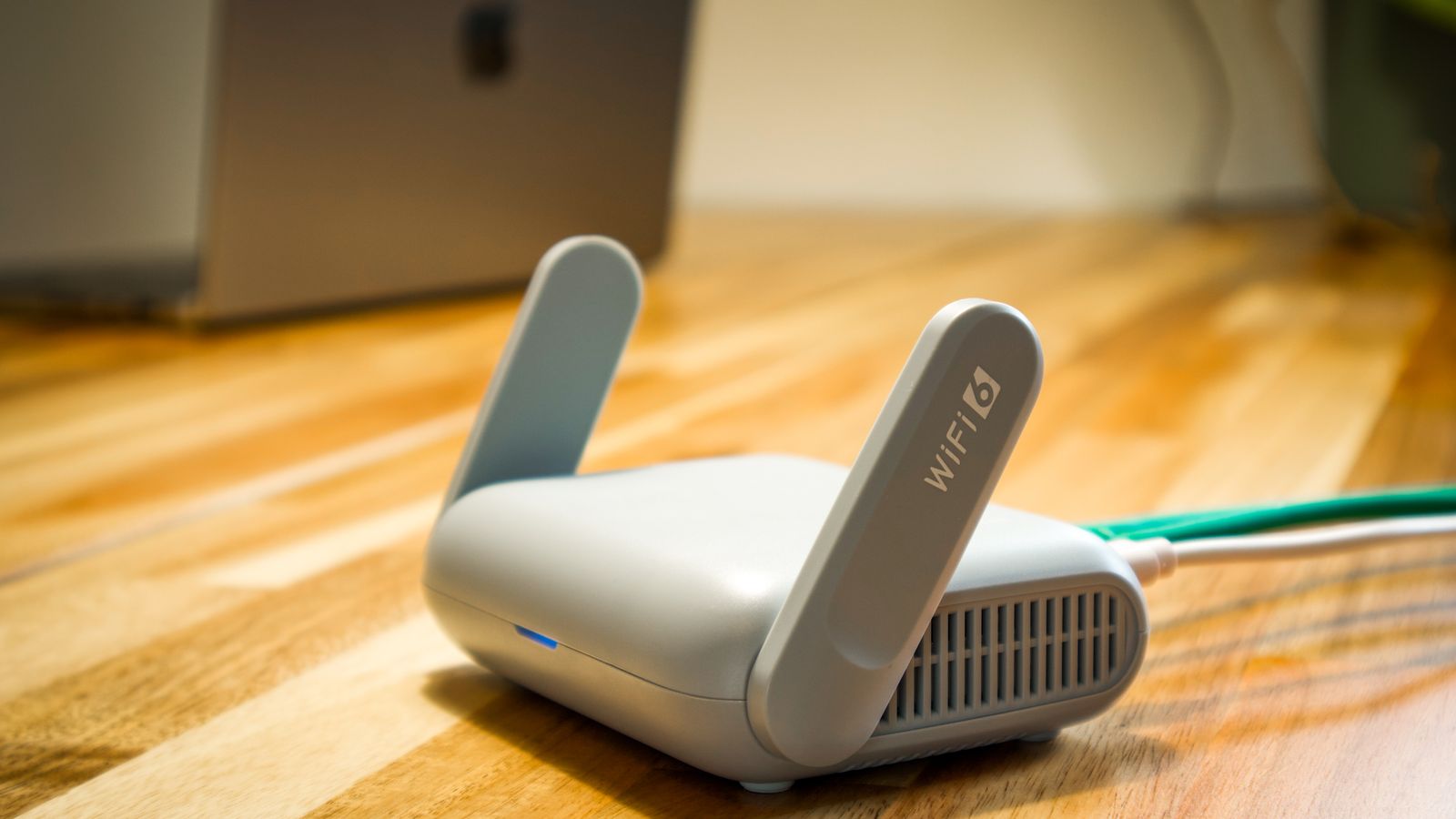
Most modern routers include a traffic monitor that logs consumption per device and per day. Better models let you set a monthly threshold and send an alert when you approach it, which converts an unpleasant surprise into a manageable decision. If your current unit offers nothing beyond a signal light, upgrading is often the cheapest fix available; browsing a shortlist of the best Wi-Fi routers is a sensible starting point, since usage reporting has become a standard feature rather than a premium one.
Reading the Numbers Sensibly
Compare your router’s figure with your provider’s over a full billing cycle. A small gap is normal, because providers count protocol overhead and your router may not. A large gap suggests either a device connected directly to the modem or an unaccounted user on your network. Check the connected device list for anything you cannot identify, then change the Wi-Fi password if something looks wrong.
Router Features That Help You Stay Under the Cap
Hardware cannot create data allowance out of thin air, but the right features let you spend it deliberately instead of accidentally. Four capabilities are worth prioritising.
Per-device usage reporting shows you which television, console, or laptop is responsible for the bulk of the total, which is usually the fastest route to a fix. Scheduling and pausing lets you stop background updates during peak periods or overnight caps. Quality of service controls prioritise the traffic you care about so a large download does not ruin a video call; a router with proper adaptive queue management, of the kind covered in our roundup of the best QoS routers, handles this far more gracefully than basic priority toggles. Finally, profile-based controls let you cap or schedule an individual family member’s access, which is where the tools in the best parental control routers earn their keep in a household with teenagers and multiple devices.
If video is your dominant consumer, hardware that handles many concurrent high-bitrate streams without buffering also reduces wasted retransmission. Our guides to the best routers for 4K streaming and the broader best routers for streaming cover the throughput and band-steering behaviour that keep a busy household stable.
Should You Keep the ISP Box or Buy Your Own?
Provider-supplied gateways rarely offer detailed usage analytics, and the monthly rental fee adds up to real money over a couple of years. Buying your own equipment usually pays for itself within eighteen to twenty-four months while giving you far better reporting and control. The trade-off is support: when something breaks, the provider will point at your hardware first.
Some networks genuinely require provider hardware for authentication or television service, in which case a compatible replacement or a hybrid arrangement is the practical answer. Our comparison of the best ISP routers explains which provider-approved units offer usable management tools and where a retail alternative makes more sense.

Practical Ways to Cut Usage Without Cutting Enjoyment
- Set streaming quality per service. Dropping a bedroom television from 4K to 1080p saves around 4 GB per hour with barely perceptible difference on a smaller screen.
- Disable autoplay. Preview trailers and next-episode autoplay quietly stream video nobody is watching.
- Schedule console and PC updates for a time when nothing else needs bandwidth, and turn off automatic downloading of games you have not launched in months.
- Review cloud backup settings. Back up documents continuously and large media libraries weekly rather than on every change.
- Store camera footage locally on a memory card or network drive and reserve cloud upload for motion events.
- Download rather than re-stream anything you watch repeatedly, such as children’s programming.
- Secure the network with WPA3 or WPA2 and a strong password, and audit the device list quarterly.
When Paying for Unlimited Makes Sense
Do the arithmetic before you subscribe to an unlimited add-on. If your provider charges a fixed monthly fee for unlimited data and you exceed the cap by one small block only occasionally, paying the occasional overage is cheaper. If you cross the line most months, or if you exceed it by several blocks when you do, the flat fee is both cheaper and less stressful. Households with a genuine 4K habit, a home business moving large files, or several heavy gamers usually fall on the unlimited side of that line.
It is also worth checking whether a different tier or a different technology in your area removes the cap entirely. Fiber plans frequently carry no meaningful limit, and switching provider can be less expensive than buying an allowance extension on top of an existing bill.
Frequently Asked Questions
Does uploading count toward my data cap?
On nearly all providers, yes. Cloud backups, camera footage, video call outbound streams, and file sharing all count. This surprises people whose download habits are modest but whose upload activity is constant.
Does a faster plan use more data?
Not directly, but it enables higher-quality streams and faster downloads, so households often consume more once they upgrade. Speed and volume are separate measurements, though your behaviour tends to link them.
Will a mesh system increase my data usage?
No. Mesh nodes relay the same traffic rather than creating more. Better coverage may encourage more streaming in previously weak rooms, but the hardware itself adds nothing to your monthly total.
Can I be charged without warning?
Most providers send an alert at a percentage of your allowance, but notifications land in email addresses people rarely check. Router-level monitoring gives you an independent early warning that does not depend on your provider’s messaging.
Do VPNs affect data caps?
A VPN adds a small amount of encryption overhead, typically a few percent, so it slightly increases your total. It does not hide your consumption from your provider, since they still measure the volume of traffic crossing the line.
Final Thoughts
A data cap only matters if your household is genuinely near it, and the only way to know is to measure. Start by finding your allowance and your provider’s overage policy, then check a full month of usage against your own router’s figures. If you land comfortably below the line, ignore the cap and save the money an unlimited add-on would cost. If you are consistently over, decide whether the fix is behavioural, such as adjusting streaming quality and scheduling downloads, or structural, such as buying unlimited data or moving to an uncapped technology. Either way, hardware that reports usage per device turns a vague anxiety into a simple decision, and that visibility is the most valuable upgrade most capped households can make in 2026.