
 Owen Bradley
 Not every light switch has to live in a wall. A smart scene switch is a battery-powered button that talks to your smart home over radio rather than mains wiring, which means it can sit on a nightstand, stick to a kitchen backsplash, or clip to a bike rack without an electrician ever touching your house. For renters who cannot legally alter wiring, and for new builds where the light layout was decided before anyone knew where the sofa would go, these little buttons quietly solve a problem that hardwired switches cannot. This guide explains how wireless smart buttons and scene switches work, the main formats you can buy, what to check on a spec sheet, and how to plan a set that your household actually uses in 2026.
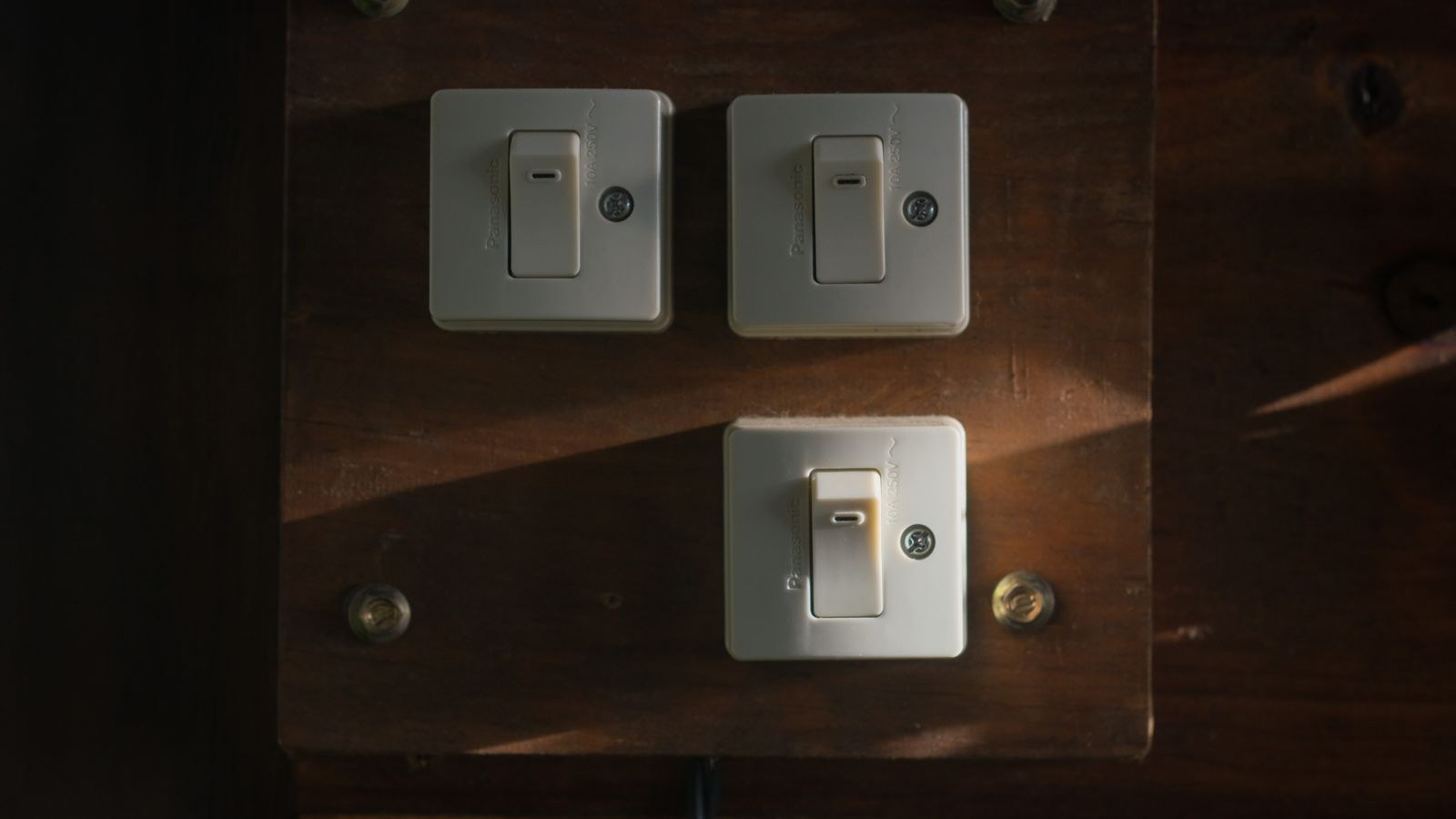
What a Scene Switch Actually Does
A traditional switch physically interrupts the electrical circuit feeding a fixture. A wireless scene switch does nothing to the circuit at all. When you press it, it sends a short radio message to a hub, bridge, or directly to a paired device, and software decides what happens next. That indirection is the whole point: one press can dim three lamps, close the blinds, and drop the thermostat two degrees, because the button is not tied to any single load.
This also means the button has no minimum or maximum wattage, no neutral wire requirement, and no risk of frying anything. The trade-off is that it depends entirely on the rest of the system being alive. If your hub is unplugged or your automation platform is offline, the button does nothing. Hardwired smart switches, by contrast, usually still work as dumb switches when the network drops. Understanding that difference is the single most useful thing you can take away before shopping.
Scene, Toggle, or Both?
Vendors blur the terms, but there is a practical split. A toggle-style wireless switch is designed to mimic a normal light switch: on top, off bottom, hold to dim. A scene controller fires named routines rather than controlling one light. Many products do both, mapping single press, double press, and long press to different actions. If a household member is not technical, a button that behaves like a light switch will get used; one that requires remembering three gestures usually will not.
The Main Formats You Can Buy
Wireless controls fall into a handful of physical shapes, and the shape matters more than the brand once you have picked an ecosystem.
- Stick-on wall plates. Sized like a standard switch plate, mounted with adhesive or a small magnetic backplate so the button lifts off and works as a handheld remote. The most natural replacement when a room has no switch where you want one.
- Single puck buttons. A round or square button roughly the size of a coin, meant for a bedside table, desk edge, or inside a cupboard. Best for one very specific job, like “all off at bedtime”.
- Multi-scene keypads. Four, six, or eight labelled buttons in one plate for entry halls and open-plan rooms where several distinct moods matter. These take the most planning but deliver the biggest payoff.
- Handheld remotes. Wand or fob shaped, often with dedicated dimming rockers, designed to live on a coffee table or in a pocket.
- Rotary dials. A twist ring for smooth brightness or volume control, usually with press-to-toggle built in.
If you are weighing wireless against wired options generally, our overview of the best wireless light switches covers the wall-plate style in depth, while the broader best wireless switches roundup includes puck and remote formats that suit smaller jobs.
Protocols and Why They Decide Battery Life
The radio a button uses shapes almost everything about how it behaves. Zigbee, Z-Wave, and Thread are low-power mesh protocols built for exactly this kind of device, so a single coin cell can last one to three years of normal use. They also relay through mains-powered devices, meaning coverage improves as you add smart bulbs and plugs. Bluetooth buttons are simple to pair and need no hub, but range is short and they usually rely on a phone or nearby speaker acting as a bridge.
Wi-Fi buttons exist and should generally be your last choice for a battery device. Keeping a Wi-Fi radio associated with an access point is power-hungry, so these products either sleep so deeply that the first press feels sluggish or they chew through batteries. Wi-Fi makes far more sense for mains-powered controls, which is where the mainstream best smart switches selection lives.
Do You Need a Hub?
Zigbee, Z-Wave, and Thread all require a coordinator of some kind, though these days it is often built into a speaker, display, or router you already own rather than a separate box. Bluetooth buttons can work hub-free but rarely scale past a few devices. Check the coordinator question before you buy, because a great button paired to a protocol you have no receiver for is an expensive paperweight.
Key Specs Worth Checking
Marketing copy for these products is thin, so read the fine print for a few specifics that genuinely affect daily use.
- Number of distinct actions. A two-button device supporting single, double, and long press gives you six triggers. A single-action button gives you one. Count the actions, not the buttons.
- Battery type and stated life. Coin cells like CR2032 are cheap and universal; proprietary rechargeable packs are tidier but tie you to one vendor. Anything under a year of claimed life will annoy you.
- Low-battery reporting. Without it, you discover the battery died when a guest is standing in a dark hallway.
- Mounting hardware. Magnetic backplates that let the unit detach are far more useful than permanent adhesive, and screw options matter on textured walls.
- Latency. Local processing on a hub responds in well under a second. Cloud-routed automations can take two or three, which feels broken for lighting.
- Tactile feedback. A definite click tells you the press registered. Mushy capacitive pads lead to double-pressing and confused automations.
Renters, New Builds, and Awkward Rooms
Three situations make wireless controls the obvious answer rather than a compromise. Renters typically cannot replace switches, and even where a landlord permits it, many older properties lack a neutral wire at the switch box, which most hardwired smart switches require. A stick-on button sidesteps both problems and comes with you when you move.
New builds and renovations are the second case. Wiring gets fixed months before furniture arrives, and it is common to end up with a switch behind a door or none at all beside the bed. Adding a wireless plate where you actually stand is far cheaper than chasing a new cable through finished plaster.
The third case is the awkward room: a long hallway that wants a second control point, a garden room reached through a door with no switch, a loft conversion where the only switch is at the bottom of the stairs. Traditional fixes mean three-way wiring; a wireless button means peel, stick, pair. Handheld options in the best remote light switches roundup cover this pattern especially well.
Planning Scenes People Will Actually Use
The common failure is building twelve elaborate scenes that only their author can remember. Start with the moments your household repeats every single day. Most homes need four: a bright everyday setting, a warm evening setting, a low late-night path for getting to the bathroom, and a global off. Assign those first, label them plainly, and live with them for a fortnight before adding anything clever.
Place buttons where the decision happens, not where a switch would traditionally sit. The bedtime button belongs on the nightstand, the leaving-home button beside the front door at hand height, the cooking scene near the counter you actually stand at. If someone has to walk to a button, they will use their phone instead, and the button becomes clutter.
When a Keypad Beats Several Buttons
Once a room needs more than three scenes, scattering single buttons creates confusion. A labelled keypad consolidates everything into one predictable spot and looks intentional rather than improvised. Entry halls, open-plan living areas, and home cinemas are the classic candidates; our guide to the best keypads compares layouts, backlighting, and labelling options across the category.
Budget Tiers and What Changes
Entry-level buttons cost roughly what a decent takeaway does and give you one or two actions over Zigbee or Bluetooth, with a plain plastic body and basic adhesive mounting. They are perfect for a bedside all-off and a fine place to test whether you will use the concept at all.
The mid tier adds multiple actions per button, magnetic detachable mounts, low-battery reporting, and finishes that do not look out of place next to real switch plates. This is where most buyers should land, because the jump in daily usability over the entry tier is large and the price gap is modest.
Premium keypads and designer scene controllers cost several times as much and buy engraved or e-ink labels, metal bodies, backlighting that dims at night, and colour-matched ranges spanning the whole house. Worth it in a visible hallway or a whole-home install; hard to justify for a single cupboard button. If you are also weighing hardwired alternatives, the smart switch buying guide lays out where mains-powered switches make more sense than batteries.
Common Mistakes to Avoid
Buying before choosing an ecosystem is the biggest one. A button is only as good as the platform behind it, so settle on your hub and protocol first and treat buttons as accessories. Second, over-programming: assigning a long press, double press, and triple press to a button nobody but you understands guarantees it goes unused. Third, ignoring the offline case. If the button controls the only light in a windowless bathroom, make sure there is still a physical way to switch that circuit.
Finally, resist mounting everything with permanent adhesive on day one. Place buttons with removable tape, live with the layout for a couple of weeks, then commit. Almost everyone moves at least one button after real use, and pulled paint is a poor souvenir.
Frequently Asked Questions
Do wireless scene switches need a neutral wire?
No. They are battery powered and never connect to mains wiring at all, which is precisely why they suit older homes and rentals where the switch box has no neutral available.
How long do the batteries really last?
On Zigbee, Z-Wave, or Thread, a coin cell typically runs one to three years with everyday use. Heavy dimming, very cold locations such as garages, and Wi-Fi based buttons all shorten that considerably.
Can one button control lights from different brands?
Yes, provided all the devices are exposed to a common platform or hub. The button triggers a routine in software, and that routine can touch any device the platform controls, regardless of who made it.
Will the switch still work if my internet goes down?
It depends on where the automation runs. Hubs that process rules locally keep working without internet, while cloud-dependent setups stop responding. If reliability matters, choose a platform that supports local execution.
Can I stick one over an existing switch?
Many wall-plate models are sized to sit over or beside a redundant switch, which is a tidy way to repurpose an awkward one. Just make sure the underlying switch stays permanently on if it feeds smart bulbs.
Final Thoughts
Wireless smart buttons are the cheapest way to make a smart home feel finished, because they restore something app-first setups quietly take away: the ability to change the lights without hunting for a phone. Pick your protocol before your product, favour low-power mesh radios for battery life, choose the format that matches the room rather than the one with the most features, and start with three or four scenes that map to things your household already does. Do that and a handful of inexpensive buttons will earn their place faster than almost anything else you can add in 2026, and nothing you install has to leave a mark on the wall.









