Owen Bradley
 Ask what a standing desk costs and you will get answers ranging from the price of a takeaway meal to the price of a used car, which is technically true and completely unhelpful. The gap exists because “standing desk” covers three quite different products: a converter that sits on your existing desk, a manual crank frame, and a motorised sit-stand desk with a proper worktop. Each has its own cost logic, its own hidden extras, and its own point of diminishing returns. This guide breaks standing desk cost down by type, explains which specifications actually raise the price, and flags the accessories and shipping charges that quietly inflate the final total long after you have decided on a budget.
The Three Product Categories and Their Price Logic
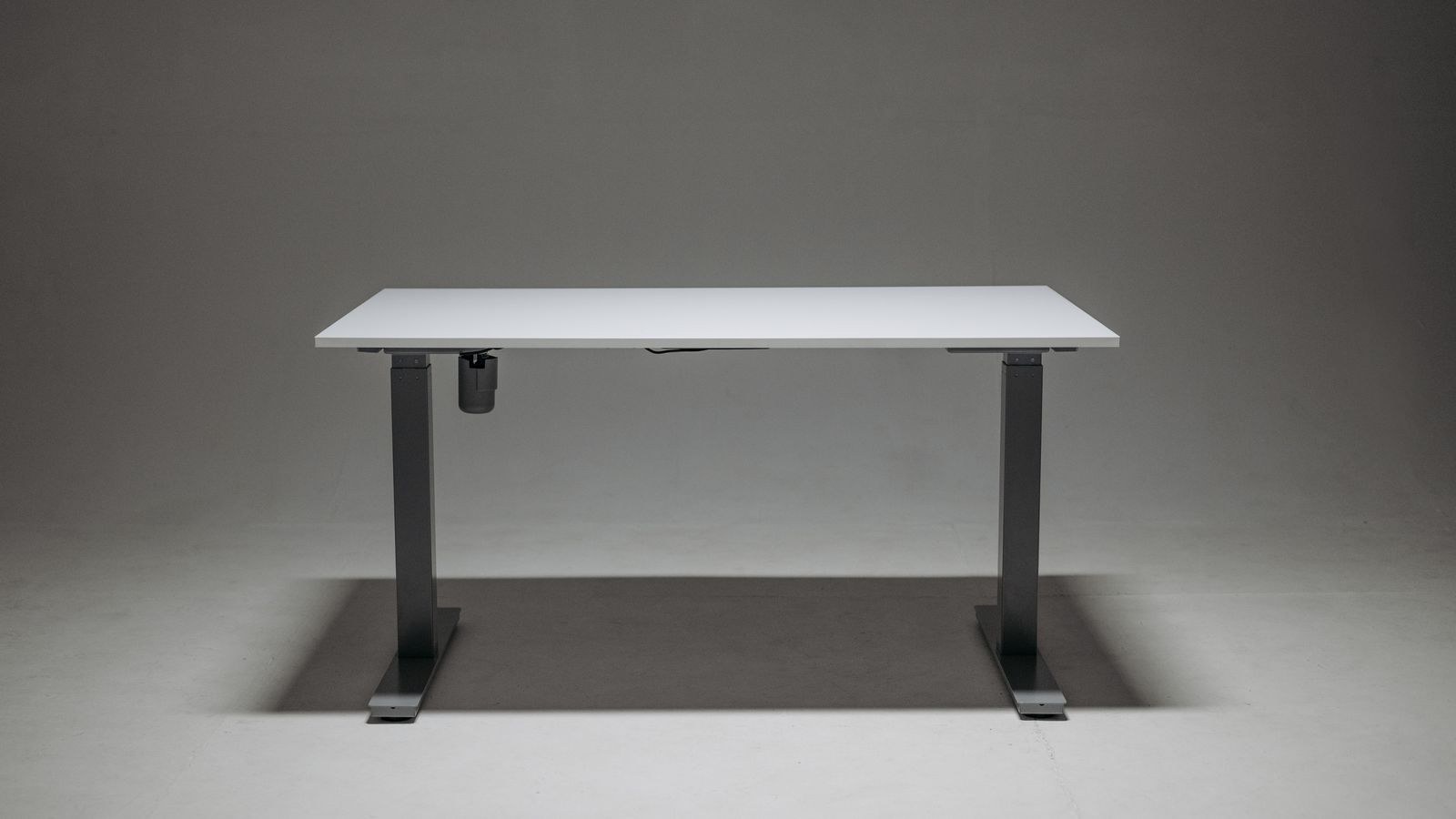
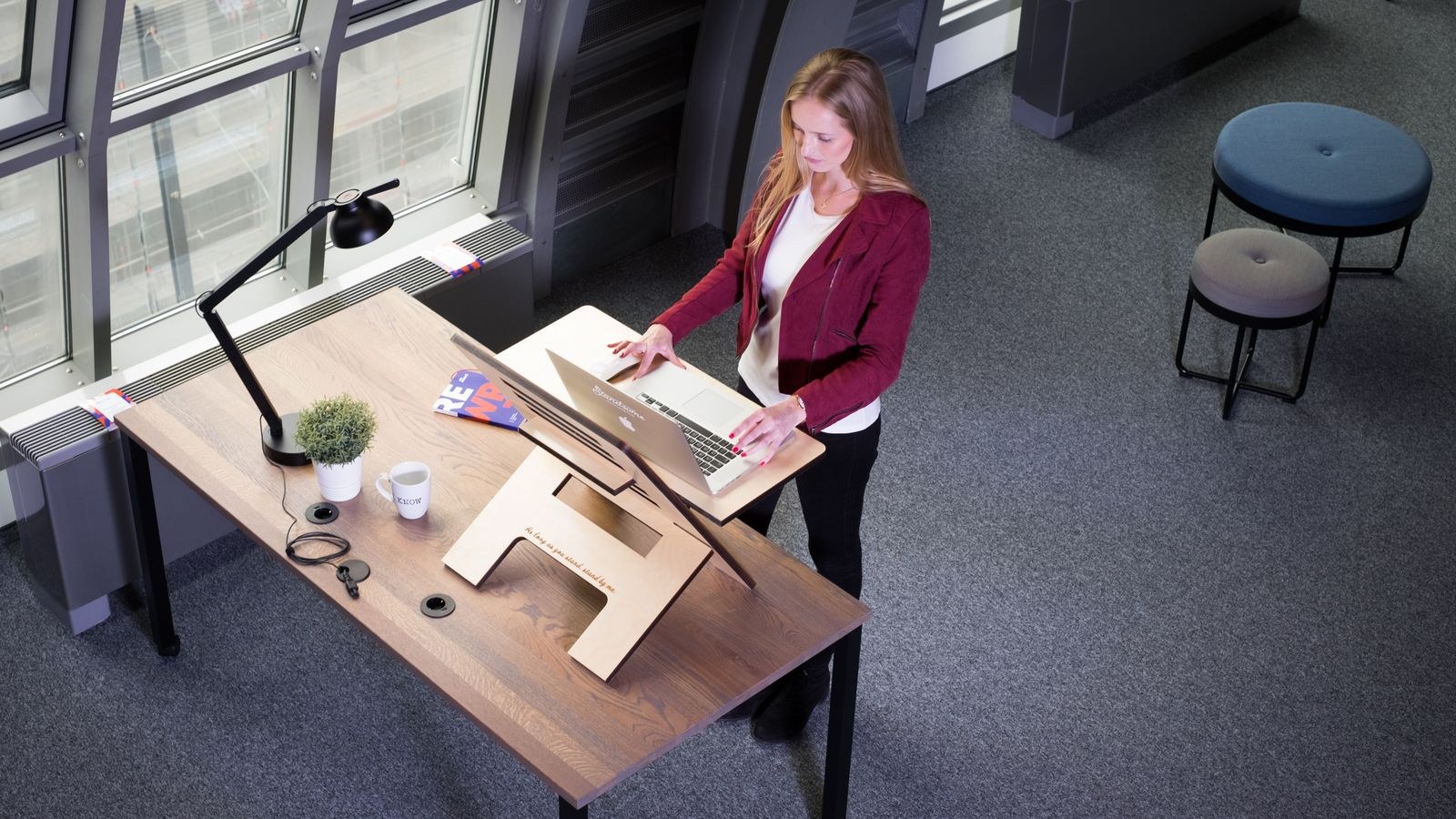
Before comparing numbers it helps to separate the categories, because they solve the same problem in structurally different ways. A converter is a riser platform placed on top of a normal desk, so you pay only for a lifting mechanism and a small surface. A frame is the legs, motors and controller sold without a top, aimed at people supplying their own surface. A complete desk bundles a frame with a finished worktop, so you pay for both plus the shipping weight of a large panel.
That structure explains why prices look so scattered. A converter and a complete desk are not competing on the same terms at all: one adds standing capability to furniture you already own, the other replaces the furniture entirely. Comparing their prices without accounting for the desk underneath produces misleading conclusions, and it is the single most common source of confusion for first-time buyers.
Which Category Fits Which Situation
If you already own a desk you like and mainly want to break up long sitting sessions, a converter is the cheapest honest answer. If you own or can source a good worktop, a frame gives you full desk functionality for less than a bundled desk. If you are furnishing a room from scratch or want a large, seamless surface, a complete desk is usually the better value once you account for the cost and hassle of sourcing a top separately.
Standing Desk Converters: The Entry Point
Converters are the least expensive way into sit-stand working. Simple pneumatic or spring-assisted risers with a single tier sit at the bottom of the range. Mid-priced models add a separate keyboard tray, a wider platform that fits dual monitors, and a smoother gas-assisted lift that rises with one hand rather than requiring you to wrestle it. Electric converters exist but rarely make financial sense, because at that price a full electric desk is often within reach.
The costs people forget with converters are indirect. A riser raises your screen and keyboard but not your desk, so if your existing desk is too high for seated typing, the converter inherits that problem. They also consume depth, pushing your monitor closer to your face, and they take up the whole desk surface when lowered. Our roundup of the best standing desk converters covers which designs handle those trade-offs well, and the deeper comparison in standing desk converter vs full standing desk is worth reading before you commit to either route.
Frames Only: The Value Route
Buying a frame without a top is the enthusiast’s move and often the best cost-per-feature deal available. You get the same motors, columns and controller found in complete desks, minus the weight and shipping cost of a large panel. Entry frames use two-stage columns with a single motor, which limits travel range and lift speed. Stepping up buys dual motors, three-stage columns and a wider height range that suits both very tall and very short users.
The saving is real but conditional on sourcing a top. A pre-cut hardwood or bamboo panel from a home improvement store can be inexpensive; a bespoke solid timber slab absolutely is not. Budget for the top, edge finishing, and the time to drill mounting holes accurately. If you enjoy that work, the best standing desk frames list is where the strongest value in the whole category tends to hide.
Single Motor Versus Dual Motor
This is the clearest price step in the whole market. A single motor drives both legs through a crossbar, which is cheaper but slower, noisier, and less stable at full extension. Dual motors drive each leg independently, raising lift speed to around 38mm per second, improving load capacity substantially, and reducing wobble at standing height. If you run heavy monitors or a large top, dual motors are not a luxury, they are what makes the desk usable.
Complete Electric Desks: What the Money Buys
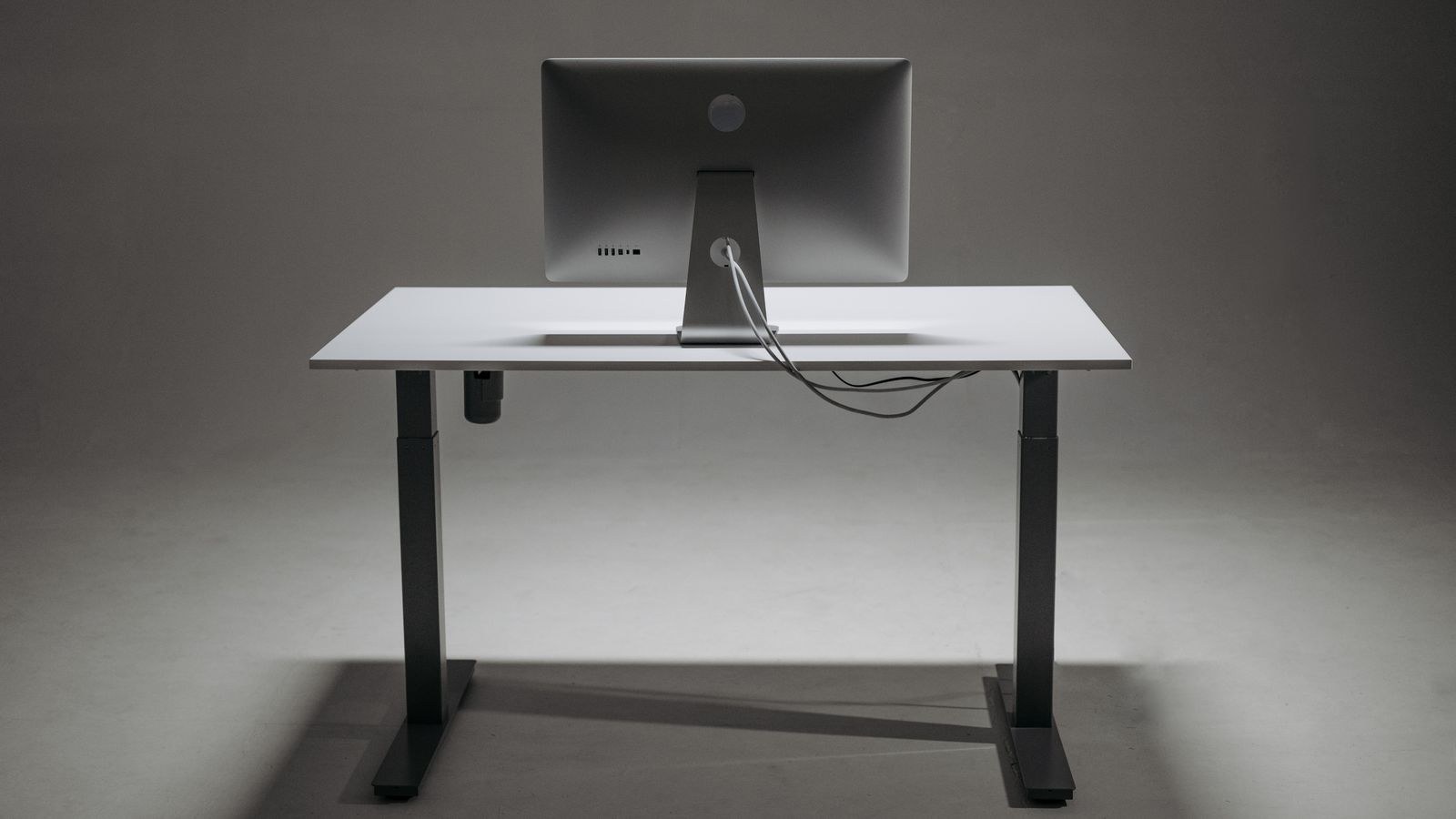
A finished electric sit-stand desk bundles everything, and the price ladder within this category tracks four specifications. First is motor count, as described above. Second is column stages: two-stage columns give a narrower height range, three-stage columns extend lower and higher, which matters if you are under 160cm or over 190cm. Third is load capacity, typically ranging from around 70kg on budget frames to 150kg on heavy-duty ones. Fourth is the controller, where a basic up-down paddle costs less than a digital display with memory presets.
Worktop material adds its own layer. Melamine-faced particleboard is the standard and perfectly durable for office use. Bamboo, solid timber and thick laminate all cost more and add shipping weight. Larger sizes cost disproportionately more because oversized panels attract freight surcharges. For a survey of how these variables combine across the market, the best standing desks roundup shows where the sensible price-to-specification points sit, while the best electric standing desks guide focuses purely on motorised models.
Features That Cost Little and Matter a Lot
Memory presets are cheap to add and transform daily use, because a desk you change height on with one button press gets used far more than one you have to hold a paddle for. Anti-collision sensors protect furniture and hardware for a modest premium. A cable tray, though trivial in engineering terms, prevents the single most common standing desk failure mode: cables snagging as the desk rises.
The Hidden Costs Nobody Budgets For
Shipping is the biggest surprise. Standing desks are heavy and often ship in two or three boxes, and freight for a large desk can add a meaningful sum, particularly outside major cities or to upper-floor addresses without a lift. Some retailers advertise free shipping but restrict it to kerbside delivery, leaving you to carry a 40kg frame yourself.
Then come the accessories that turn a standing desk into a working setup: a monitor arm to keep screens at eye height, an anti-fatigue mat because standing on hard flooring becomes uncomfortable within twenty minutes, a cable management spine, and often a new chair because your old one may no longer suit the adjusted desk height. Assembly time is a cost too, typically one to two hours for a complete desk, and awkward enough that many people pay for assembly service.
Running Costs and Longevity
Electricity use is negligible, since the motors only draw power during the few seconds they move and standby draw is minimal. The real long-term cost question is durability. Motors and controllers are the parts that fail, so warranty length on those specific components is the number to check. Frames carrying five-year or longer motor coverage generally cost more upfront and less over a decade.
Building a Realistic Total Budget
- Desk or converter: the headline price, which varies most by motor count and top material.
- Shipping and delivery: check whether kerbside or room-of-choice, and whether stairs cost extra.
- Worktop: only if buying a frame, plus finishing and drilling.
- Monitor arm: nearly essential, since a fixed monitor stand will be too low when standing.
- Anti-fatigue mat: inexpensive and the difference between standing for ten minutes and standing for an hour.
- Cable management: a tray and sleeve, cheap but genuinely required for safe travel.
Adding these up before you shop stops the familiar pattern of buying the desk, discovering three more purchases are needed, and ending well over budget. A useful rule is to reserve roughly a fifth of your total for accessories and delivery rather than spending everything on the desk itself.
Where to Spend and Where to Save
Spend on the frame. Motors, columns and stability determine whether the desk gets used daily or quietly stays at one height forever. Spend on memory presets if you share the desk or switch positions often. Save on the worktop material unless appearance genuinely matters to you, because a melamine top performs almost identically to a bamboo one under a keyboard and monitor. Save on brand-matched accessories, which are frequently rebadged generic parts at a premium.
Avoid the false economy of a single-motor frame paired with a large top. The mismatch produces wobble at standing height, which is the complaint that most often leads people to abandon standing entirely. Matching frame capability to desk size is more important than any individual feature you might add later.
Frequently Asked Questions
Is a converter a good long-term solution?
It can be, especially in shared or rented spaces where replacing furniture is impractical. The limitations are reduced desk depth and the fact that your seated desk height stays fixed, so it suits people whose existing desk already fits them well.
Do I really need dual motors?
If your top is wider than about 140cm, or you load it with multiple monitors and equipment, yes. Dual motors improve speed, capacity and stability. For a small single-monitor setup, a single motor frame is adequate.
Why do larger desks cost so much more?
Oversized panels attract freight surcharges, need stronger frames to resist flex, and often require a third support leg or a deeper crossbar. Size increases cost across several components at once, not just the surface area.
Are memory presets worth paying for?
For most people yes. The friction of holding a button while judging height by eye is enough to stop many users switching positions. One-touch presets remove that friction and are the feature owners cite most often as worth the money.
How much should I set aside for accessories?
Plan for a monitor arm, an anti-fatigue mat and cable management as a minimum. Together they typically add a modest but non-trivial amount, and skipping them undermines the benefit of the desk itself.
Final Thoughts
Standing desk cost only makes sense once you decide which category you are actually buying, because a converter, a bare frame and a complete motorised desk answer different questions. Work out whether you are upgrading an existing desk or replacing it, then let motor count, column stages and load capacity guide your spending rather than worktop finish or brand. Budget honestly for delivery, a monitor arm and a mat, and the total will hold no surprises. Approach it that way in 2026 and you will end up with a desk that gets raised and lowered every single day, which is the only measure of value that ultimately matters.