
 Owen Bradley
 For years the answer to do I need a graphics card was an easy yes for anyone who wanted to do more than type documents. That is no longer true. Integrated graphics, the graphics processor built into many modern processors, has grown capable enough to handle tasks that once demanded a separate card, while dedicated graphics cards have pulled further ahead at the top. The result is a genuine decision rather than a foregone conclusion. This guide compares integrated versus dedicated graphics across gaming, creative work, and everyday computing, so you know when a modern built-in graphics processor is enough and when a real card pays for itself.
The Core Difference
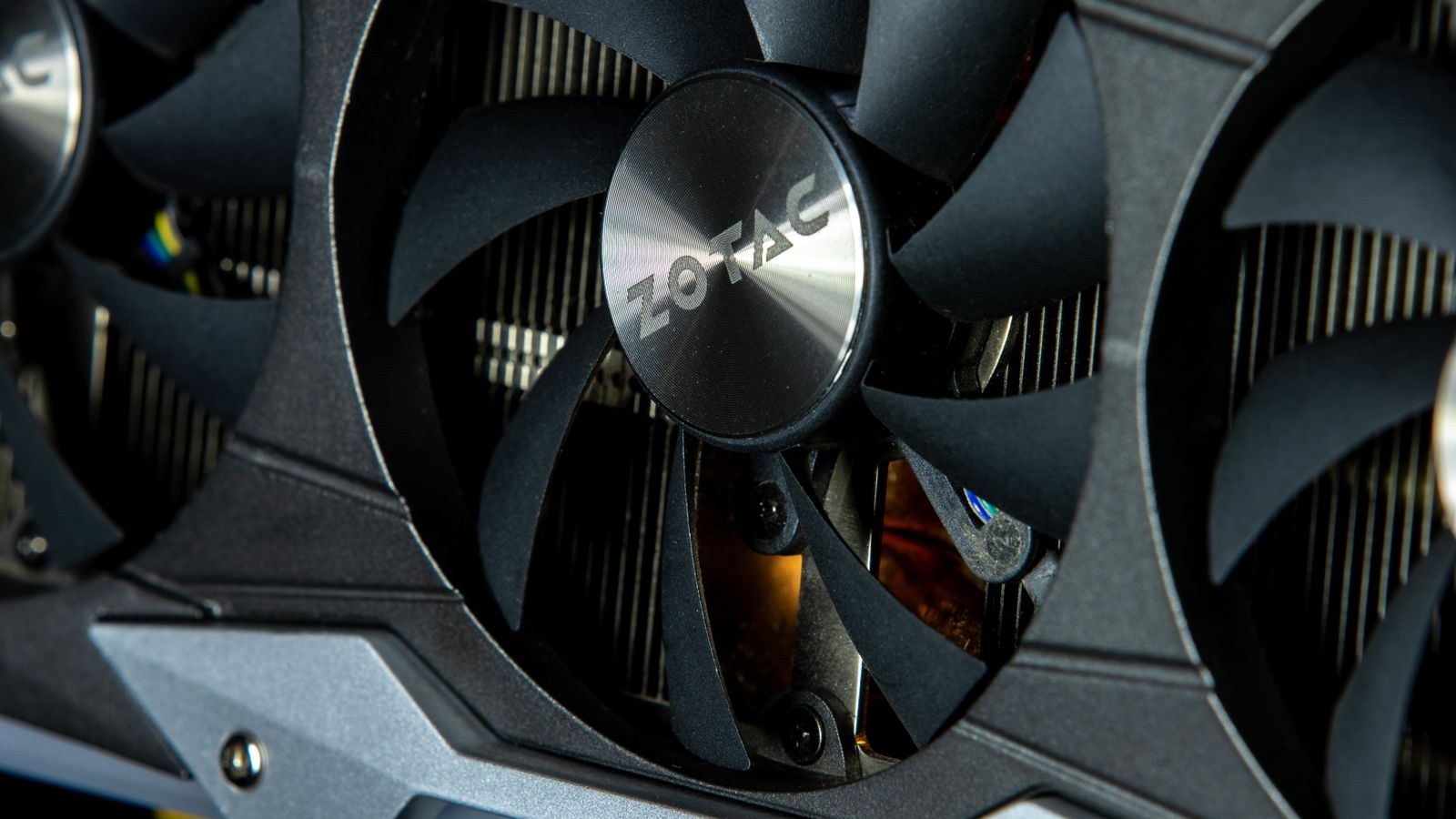
Integrated graphics live on the same chip as the processor and share the system’s main memory. They add no cost, no extra power draw, and no extra heat beyond the processor itself, which makes them ideal for small, quiet, efficient machines. Dedicated graphics are a separate card with their own powerful processor and their own dedicated high-speed memory. That separation is exactly why they are faster: they are not sharing resources with anything, and they are built purely to render graphics.
The trade-off is direct. Integrated graphics win on cost, size, power, and simplicity. Dedicated graphics win on raw performance, at the price of money, power, heat, and space. Everything else in this comparison flows from that basic tension.
Everyday Computing: Integrated Is Plenty
For the vast majority of daily tasks, integrated graphics are more than enough. Browsing, email, documents, video calls, streaming high-resolution video, and running multiple monitors are all comfortably within reach of a modern built-in graphics processor. Paying for a dedicated card to do these things is wasted money and wasted power; it would sit mostly idle.
This is why office machines, media boxes, and general-purpose family computers are increasingly built with no separate card at all. If your honest workload is productivity and media, a capable processor with integrated graphics gives you a smaller, quieter, cheaper machine that does everything you need. The chips featured in the best CPUs with integrated graphics guide are built around exactly this use case, delivering smooth everyday performance without any card at all.
Gaming: Where the Line Is Drawn
Gaming is the workload that most often justifies a dedicated card, but even here the line has shifted. Modern integrated graphics can run lighter and older games, and many popular competitive and indie titles, at reasonable settings and resolutions. If your library leans toward those, you may not need a card at all, which is a genuine change from a few years ago.
The moment you want to play demanding, visually rich titles at higher settings, higher resolutions, or high frame rates, integrated graphics run out of room and a dedicated card becomes necessary. The jump in performance is large because the card brings its own memory and processing rather than borrowing from the system. For players stepping up from integrated graphics, the best entry-level graphics cards for new gamers guide covers the first tier of cards that meaningfully outrun any built-in solution, and the best GPUs for beginners roundup helps first-time buyers pick a card without overspending on power they will not use.
Creative and Professional Work
Creative workloads split along similar lines. Photo editing, light graphic design, and casual video work are increasingly comfortable on strong integrated graphics, especially with the extra help many modern chips provide for media tasks. If your creative work is occasional or lightweight, you may not need a card.
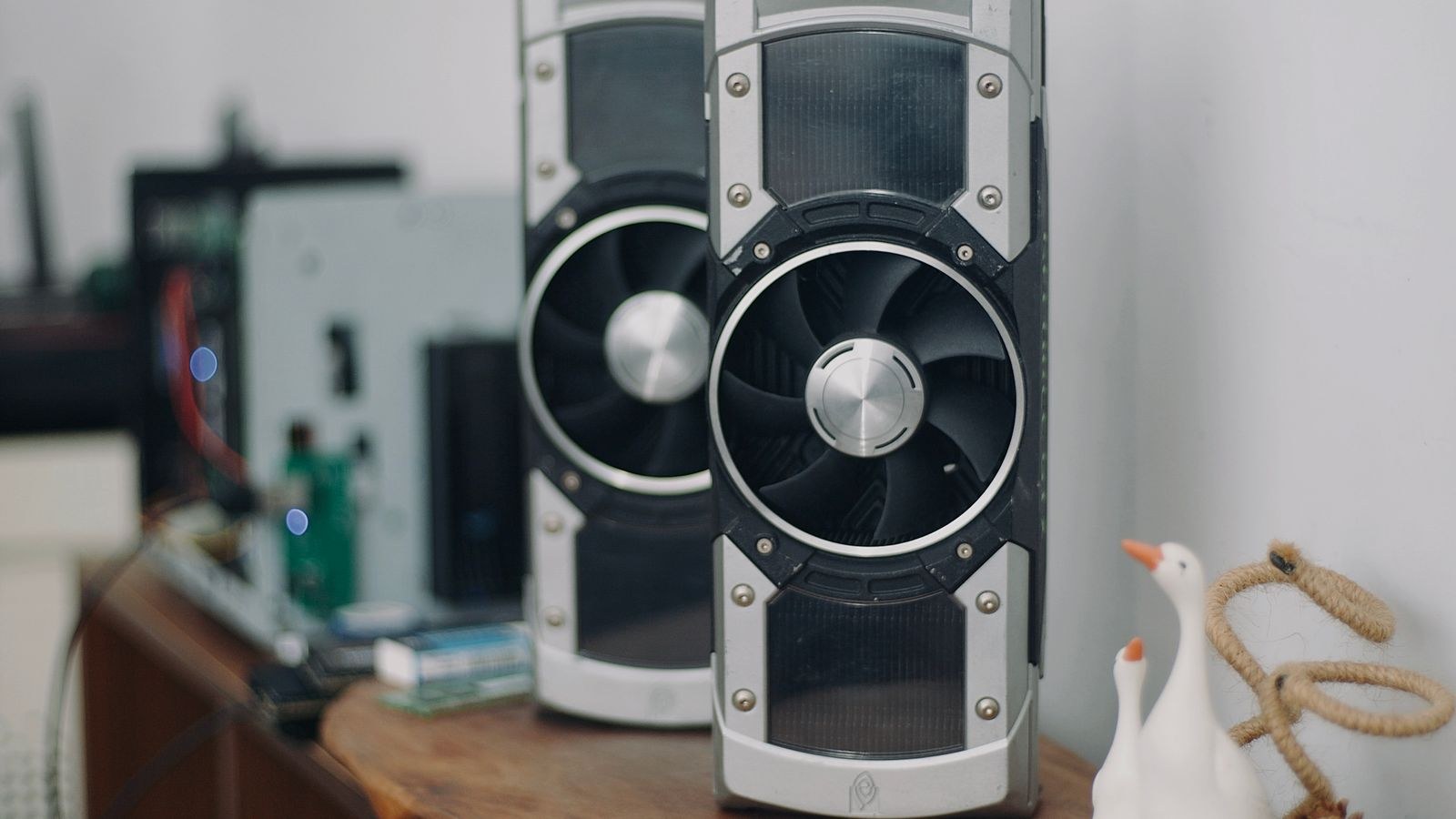
Serious video editing, three-dimensional rendering, and professional design accelerate dramatically with a dedicated card, because these applications lean on graphics processing to shorten render and export times. Here a card is not about frame rates but about hours saved, and that time value often justifies the purchase quickly for anyone working professionally. The heavier and more frequent your creative work, the more clearly a dedicated card pays for itself.
Cost, Power, and Practical Realities
Beyond raw performance, several practical factors shape the decision.
Total Cost
A dedicated card is a significant added cost, and it can also demand a stronger power supply and a larger case, which compounds the expense. Integrated graphics add nothing beyond the processor you were buying anyway. If budget is tight, starting with integrated graphics and adding a card later is a legitimate strategy, provided you buy a platform that leaves room for one.
Power and Heat
Dedicated cards draw meaningfully more power and produce more heat, which means more cooling and, often, more noise. For a machine meant to be small, silent, or energy-efficient, integrated graphics are the better fit almost regardless of the workload. This matters especially for compact builds and always-on machines.
Upgrade Path
One underrated advantage of integrated graphics is flexibility. A processor with capable built-in graphics lets you run the machine now and add a card only if your needs grow. If you expect to want a card eventually, the buyer’s guides to the best GPUs under $200 for budget builds and the best cheapest graphics cards for tight budgets show how affordable that later step can be, so you are not locked into an expensive purchase today.
How to Decide
Reduce it to a few honest questions. First, what do you actually do most days? If the answer is browsing, office work, media, and light gaming, integrated graphics almost certainly suffice. Second, do you play demanding modern games or do serious creative work at higher settings? If yes, a dedicated card is worth it and the only question is how much to spend. Third, do size, noise, power, and budget matter more to you than peak performance? If so, lean integrated. Fourth, might your needs grow? If they might, buy a processor with strong integrated graphics now and keep the door open to add a card later.
Answer honestly rather than aspirationally. Many people buy a card for the demanding games they imagine playing rather than the everyday tasks they actually do, and end up paying for performance and power they never use.
How Integrated Graphics Got This Good
It is worth understanding why this decision changed, because it explains where the line now sits. Built-in graphics processors have grown steadily more powerful with each processor generation, and they now benefit from faster system memory and dedicated hardware for common media tasks like video playback and encoding. Software has met them halfway; many games and creative applications run more efficiently and scale their demands to the hardware available. The combined effect is that tasks which used to stutter without a card now run smoothly on integrated graphics alone. This is why advice from only a few years ago, which treated a dedicated card as mandatory for almost anything visual, is now out of date and can lead you to overspend.
The ceiling still exists, though, and it is real. Shared memory and a power budget tied to the processor mean integrated graphics cannot match a dedicated card’s sustained performance in demanding work. The improvement has moved the line, not erased it, so the decision is about where your workload falls relative to that moving line rather than a blanket rule.
Matching Graphics to Your Display
One factor that quietly settles the question is your monitor. Integrated graphics comfortably drive standard-resolution displays for everyday use and can output to multiple screens for productivity. But a high-resolution or high-refresh gaming monitor demands far more graphics power to use fully, and pairing such a display with integrated graphics wastes the monitor’s capability. Conversely, buying a powerful card to feed a basic display wastes the card. Think of the graphics and the display as a matched pair: the graphics should be sized to the screen you actually intend to use, so neither part is bottlenecked by the other or paid for and left idle.
Frequently Asked Questions
Can integrated graphics run modern games?
They can run lighter, older, and many popular competitive or indie titles at reasonable settings, and this range keeps improving. What they struggle with is demanding, visually rich games at high settings, resolutions, or frame rates, where a dedicated card is needed.
Is a dedicated graphics card always better?
It is faster, but faster is not always better for your needs. For everyday tasks a dedicated card adds cost, power, heat, and noise for performance you never use. It is better only when your workload actually demands the extra graphics power.
Can I add a graphics card later?
Usually yes, if your machine has a compatible slot and a power supply with enough headroom, or room to upgrade the supply. Starting with integrated graphics and adding a card when needs grow is a sound, budget-friendly path.
Do I need a graphics card for video editing?
Light and occasional editing runs fine on strong integrated graphics. Serious video work, three-dimensional rendering, and professional design benefit greatly from a dedicated card because it shortens render and export times, making the purchase worthwhile for heavy users.
Final Thoughts
Integrated versus dedicated graphics is no longer a foregone conclusion but a real choice that hinges on what you honestly do. Modern integrated graphics comfortably handle everyday computing, media, light creative work, and a growing slice of gaming, all in a smaller, quieter, cheaper package. Dedicated cards remain the answer for demanding games and serious creative workloads, where their extra performance clearly earns its cost, power, and heat. Match the graphics to the work you actually do, keep an upgrade path open if your needs might grow, and you will neither overpay for power you will not use nor fall short of the performance you truly need.









