
 Owen Bradley
 How much memory a computer needs is one of the most searched and most misunderstood questions in the whole build process. The honest answer is that it depends entirely on what you do, yet the internet is full of blanket recommendations that either scare people into overbuying or leave them short. Too little memory forces the system to lean on slow storage, and everything stutters. Too much sits empty and wastes money that could have gone toward a faster processor or drive. This guide walks through the realistic memory needs for gaming, streaming, editing and heavy multitasking in 2026, comparing the common capacities so you can match your kit to your actual workload with a sensible cushion rather than a guess.
How Memory Actually Gets Used
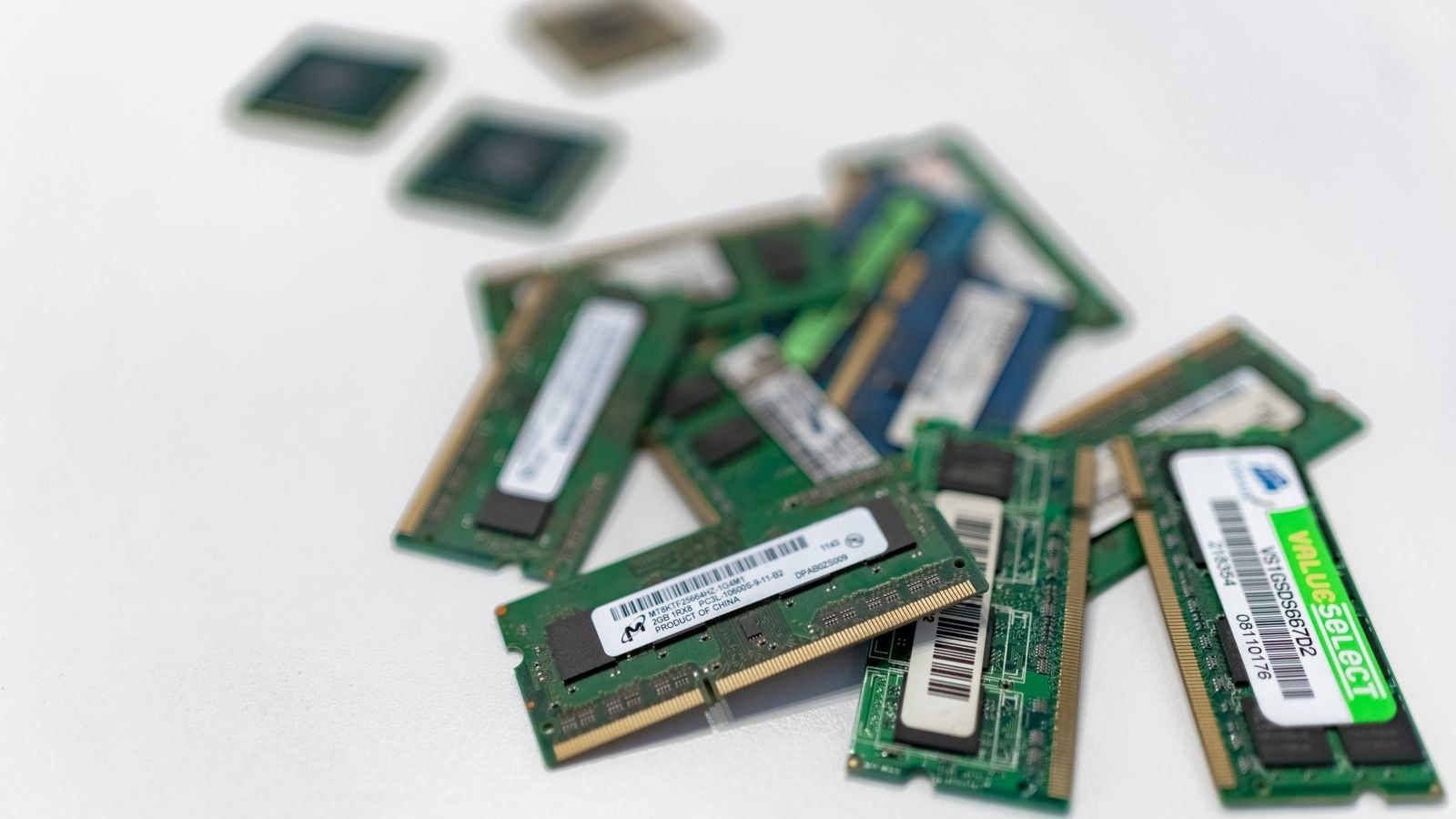
Memory is the fast working space your computer uses to hold whatever it is actively doing: the operating system, every open application, browser tabs, and the game or project in front of you. When that space fills up, the system offloads data to your much slower storage drive, and you feel it as stutter, delayed window switching and long pauses. The goal of buying the right capacity is simply to keep enough free working space that this offloading rarely happens under your normal load. That means the right number is defined not by the biggest single task you run, but by everything you tend to have open at the same time.
This is why two people with the same hobby can have very different needs. A gamer who closes everything else needs less than a gamer who keeps a browser, a chat app and a stream running alongside the game. Think in terms of your busiest realistic moment, add a little headroom, and you have your target.
16GB: The Comfortable Baseline
For a mainstream gaming and everyday machine, a mid capacity around 16GB remains the sensible baseline. It comfortably handles a modern game with a browser and a chat app open, streams video, and manages typical office and web work without slowdowns. Most people who game and browse and do not run heavy creative software are well served here, and pairing that with a responsive kit from the best RAM for gaming keeps the whole system feeling snappy. It is enough to avoid the stutter of running short while leaving budget for the components that affect performance more directly, like the graphics card.
The one caveat is headroom. If you already notice occasional slowdowns with many tabs open, or you like to leave demanding applications running in the background, the baseline can feel tight during your busiest moments. That is the signal to step up rather than settle.
32GB: The Sweet Spot for Most Enthusiasts
A capacity around 32GB has become the comfortable choice for gamers who also stream, content creators, and anyone who keeps a lot open at once. It absorbs a game plus streaming software, a stack of browser tabs, a chat client and a photo editor without breaking a sweat, and it leaves plenty of room for the workload to grow over the life of the build. For a machine you want to feel effortless for years, this is often the best value, and options among the best 32GB RAM cover the range from budget to enthusiast well.
This capacity also suits light creative work such as photo editing, moderate video projects and running the occasional virtual machine. It is the point where most people stop feeling any memory-related friction in day-to-day use, which is exactly why it has become the default recommendation for enthusiasts who want to buy once and forget about it.
64GB and Beyond: Serious Creative Work
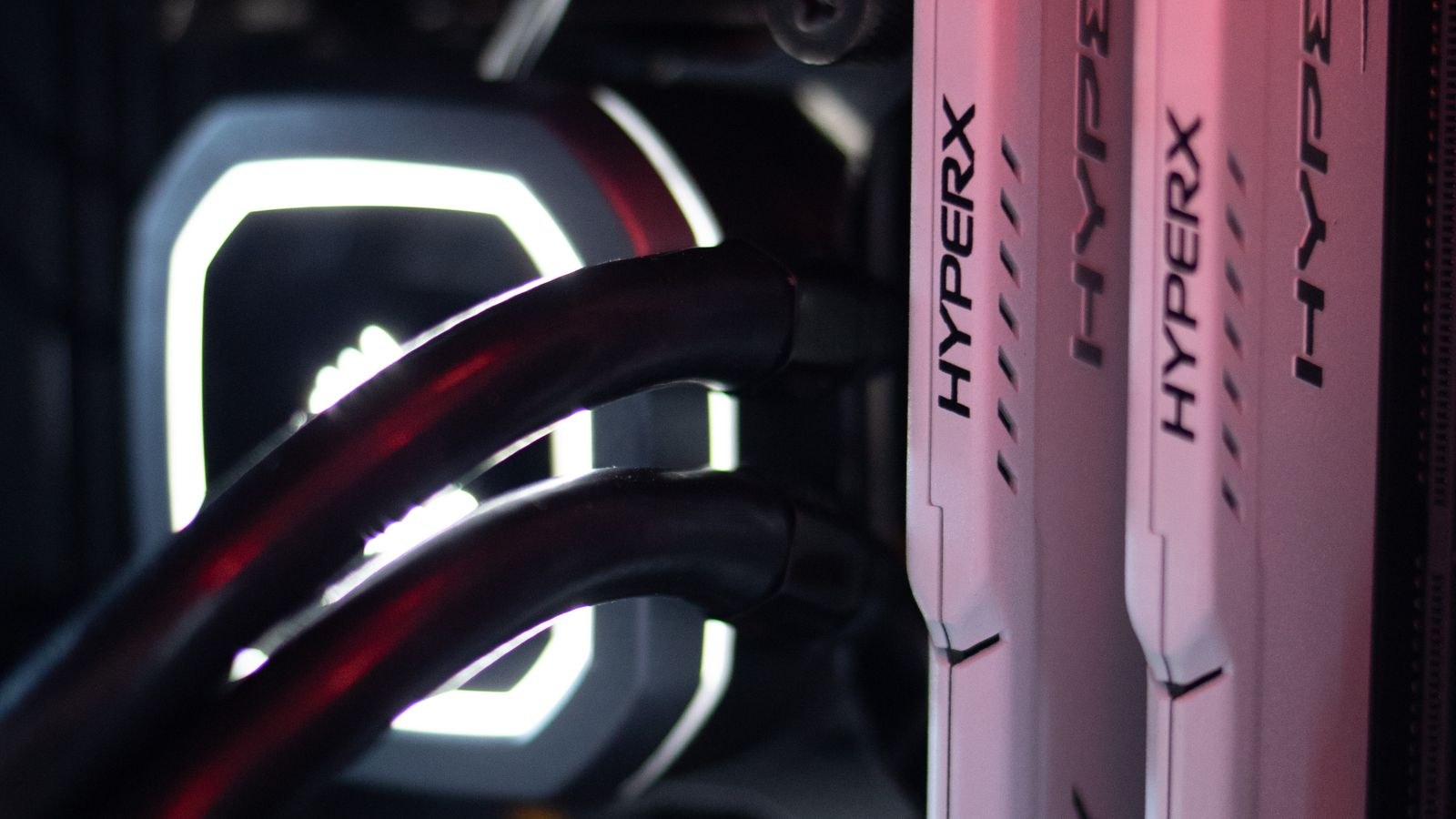
Once you move into professional video editing, large-scale photo work, three-dimensional rendering, music production with many tracks, or running several virtual machines at once, memory becomes a direct productivity tool rather than a background comfort. These workloads happily consume large pools, and running short forces slow disk offloading right in the middle of a demanding project. A capacity around 64GB gives serious creators the room to keep big projects and multiple heavy applications open together, and kits from the best 64GB RAM are built with this kind of sustained load in mind.
Beyond that, a small group of users genuinely benefits from even more. Professionals working with very large datasets, high-resolution video timelines, or many simultaneous virtual machines can justify stepping up to the best 128GB RAM. For everyone else, this much memory is overkill that sits idle. Buy into this tier only when your specific software actually asks for it, not as a precaution.
Matching Capacity to Common Workloads
It helps to line the tasks up against the tiers. Pure gaming and general use sit comfortably at the baseline. Gaming plus streaming, or gaming plus heavy multitasking, moves you to the enthusiast sweet spot. Professional editing, rendering and virtualization push into the high-capacity tiers. The pattern is consistent: the more things you run at once, and the larger the files those things handle, the more working space you need. Anyone whose day revolves around video should look specifically at kits tuned for that load, since the best RAM for video editing balances the capacity and speed those timelines demand.
Do Not Forget Kit Configuration
Capacity is not the only thing that matters; how you buy it shapes performance too. Modern platforms run memory in pairs, so a matched two-stick kit outperforms a single stick of the same total size because the memory controller can work with both modules at once. Always buy your capacity as a matched kit rather than mixing loose sticks, and if you expect to expand later, plan for it by leaving slots free rather than blending old and new modules that may not cooperate. A well-configured smaller kit can feel better than a poorly configured larger one, so treat configuration as part of the capacity decision rather than an afterthought.
Signs You Have Too Little or Too Much
Your own system tells you when the capacity is wrong, if you know what to watch for. The clearest sign of running short is stutter during ordinary multitasking: switching between a game and a browser causes a pause, applications take a moment to redraw after sitting in the background, or the whole machine feels sluggish when several things are open. These symptoms mean the system is offloading to slow storage, and adding capacity fixes them directly. If you see them regularly, you are below your real need and should step up a tier.
The opposite problem is quieter but still worth avoiding. If your busiest sessions never come close to filling the memory you have, you paid for working space that sits idle and delivers nothing. There is no performance penalty for excess capacity, only wasted budget that could have improved the graphics card, processor or storage. The ideal is a comfortable margin above your busiest normal load, not a vast empty reserve bought out of caution. Checking your usage during a heavy session once tells you exactly where you stand.
How to Decide in a Minute
Picture your busiest normal session and count what is open. If it is a game and a browser, the baseline covers you. If it is a game plus streaming software plus a pile of tabs and a chat app, step up to the enthusiast sweet spot. If it is professional creative software with large files, or multiple virtual machines, move into the high-capacity tiers and match the exact number to what your software recommends. Add a modest cushion for growth, buy the capacity as a matched kit, and you have made the right call without overspending.
Frequently Asked Questions
Is 16GB still enough for gaming?
For most people who game and browse, yes. It handles modern titles with a browser and chat app open comfortably. If you also stream or keep many demanding applications running, stepping up to a larger capacity gives you more headroom.
Will more memory make my games run faster?
Only up to the point where you stop running short. Once you have enough working space, adding more does not raise frame rates, because games are limited by the graphics card and processor rather than spare memory.
Do I need 64GB or more?
Only for serious creative work such as professional video editing, heavy rendering, or running several virtual machines. For gaming and everyday use it sits mostly empty and the money is better spent elsewhere.
Should I buy one large stick or two smaller ones?
Two matched sticks. A pair lets the memory controller use both modules at once, which performs better than a single stick of the same total capacity.
Final Thoughts
The right amount of memory is the amount that keeps your busiest normal session running smoothly, plus a little room to grow. For most gamers and everyday users that means a solid baseline; for streamers, multitaskers and light creators the enthusiast sweet spot is the comfortable default; and for professionals working with large files the high-capacity tiers pay for themselves in saved time. Count what you actually run at once, buy that capacity as a matched kit, and put whatever you save toward the components that move performance most.









