
 Owen Bradley
 Touch a sensor, the bolt retracts, and you are inside in under a second with nothing in your hands. That is the promise of a fingerprint smart lock, and when it works it is the most pleasant way to open a door yet invented. It does not always work. Cold fingers, wet hands, dry skin, gardening, and small children all conspire against biometric readers in ways the marketing photos never show. This comparison puts fingerprint readers, keypads, and backup keys side by side on the measures that actually matter: recognition accuracy, cold and wet weather behaviour, enrolment and user management, battery life, and real security. Use it to decide which credential should be your primary entry method, and which should be your fallback, before you buy in 2026.
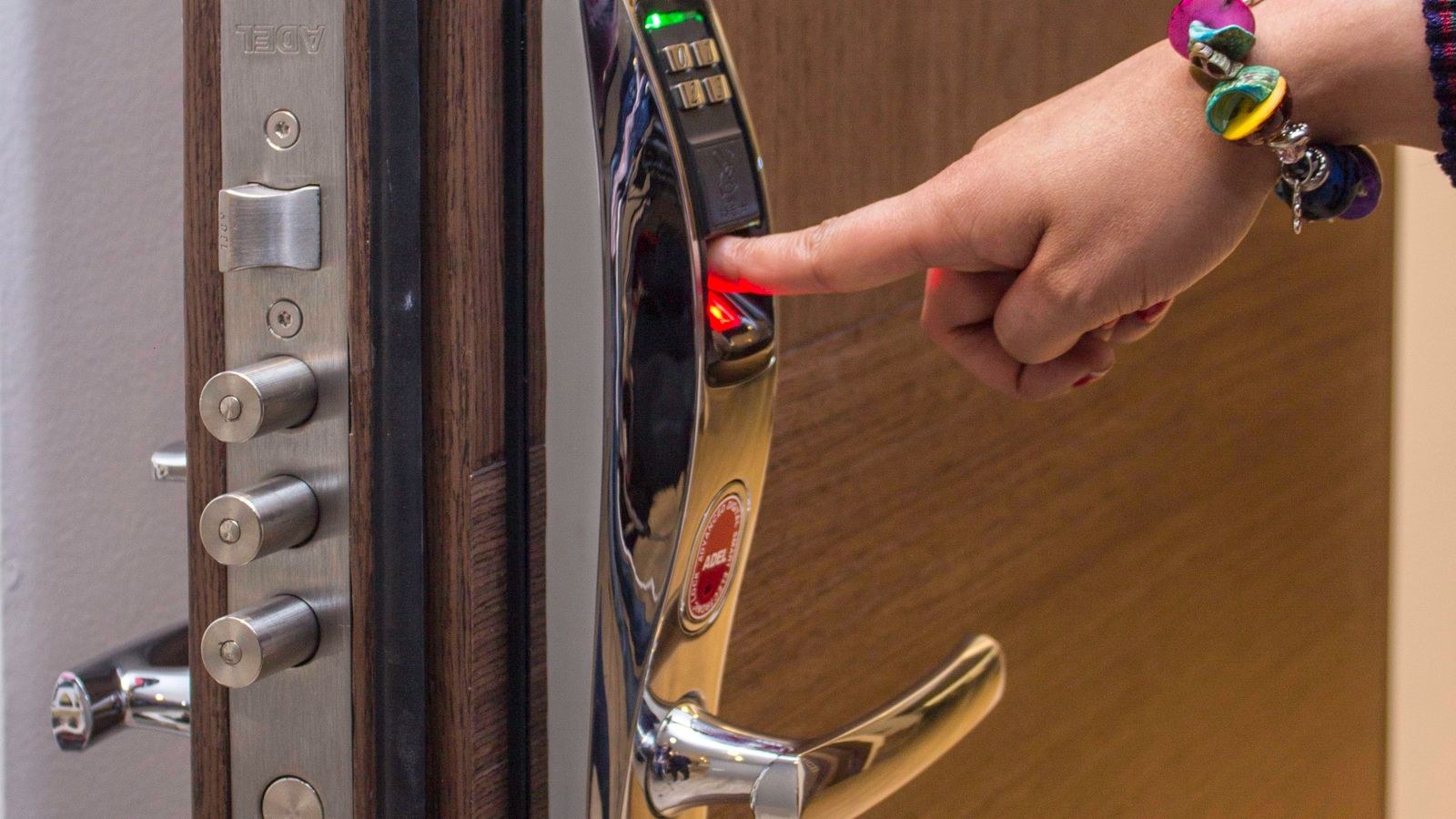
How Fingerprint Readers Work on Door Locks
Two sensor technologies dominate. Optical readers photograph the ridge pattern of your fingertip. They are cheaper and tolerate a wide range of finger sizes, but they are more easily confused by moisture, dirt, and worn or faint prints, and a scratched or grimy window degrades them quickly. Capacitive readers measure the tiny electrical differences between the ridges and valleys of your skin. They are faster, more accurate, harder to fool with a flat image, and generally the better choice on an exterior door, though they cost more and struggle if the finger is genuinely soaked.
A third type, ultrasonic, appears mostly on phones and occasionally on premium locks. It reads a three-dimensional image beneath the surface of the skin, which makes it the most tolerant of moisture and contamination and the most expensive.
Whichever the type, the lock does not store a picture of your finger. It converts the print into a mathematical template and stores only that, locally on the lock rather than in the cloud on any well-designed product. Templates cannot be reversed into a usable image, which is the answer to the most common privacy concern about the technology.
Accuracy in the Real World
Manufacturers quote a false rejection rate, the proportion of legitimate attempts refused, and a false acceptance rate, the proportion of wrong fingers admitted. Marketing figures are measured in ideal conditions with clean, room-temperature hands. Your front door is not ideal conditions.
In everyday use, expect a good capacitive lock to admit you first time the overwhelming majority of the time, with occasional retries. What causes failures is predictable. Very dry skin flattens the ridge contrast that capacitive sensors depend on. Wet fingers bridge the ridges and confuse both optical and capacitive readers. Cuts, blisters, and calluses from manual work change the pattern. Hand cream, flour, paint, and soil all obstruct the sensor. And cold fingers physically shrink and lose surface moisture, which is why winter is when complaints spike.
The practical fix is enrolment discipline rather than a different lock. Enrol the same finger three or four separate times at slightly different angles and pressures, and enrol at least two fingers on each hand so you have options when one is occupied or damaged. Enrol children with care, since their smaller, softer prints are read less reliably and change as they grow. Ten minutes spent at enrolment removes most of the frustration people later blame on the hardware.
Cold Weather, Wet Weather, and Gloves
This is where the honest comparison favours keypads. No fingerprint reader works through a glove, so every winter arrival becomes a glove-off transaction with cold hands that read poorly anyway. Below freezing, both the finger and the sensor surface behave worse, and condensation or frost on the reader window adds another failure mode.
A keypad does not care. It works in gloves on a touchscreen designed for it or with a knuckle on physical buttons, in rain, in the dark, and at any temperature the electronics tolerate. That reliability is the reason so many buyers who install fingerprint locks end up using the keypad for four months of the year.
Check the operating temperature range and ingress protection rating of any lock destined for an exposed door, and prefer a design where the reader sits under a small overhang or lip rather than flush and open to driving rain. If you live somewhere with genuine winters, treat fingerprint as the convenience method and keypad as the dependable one. Locks that offer both, covered in our best fingerprint door locks comparison, are the pragmatic answer rather than a compromise.
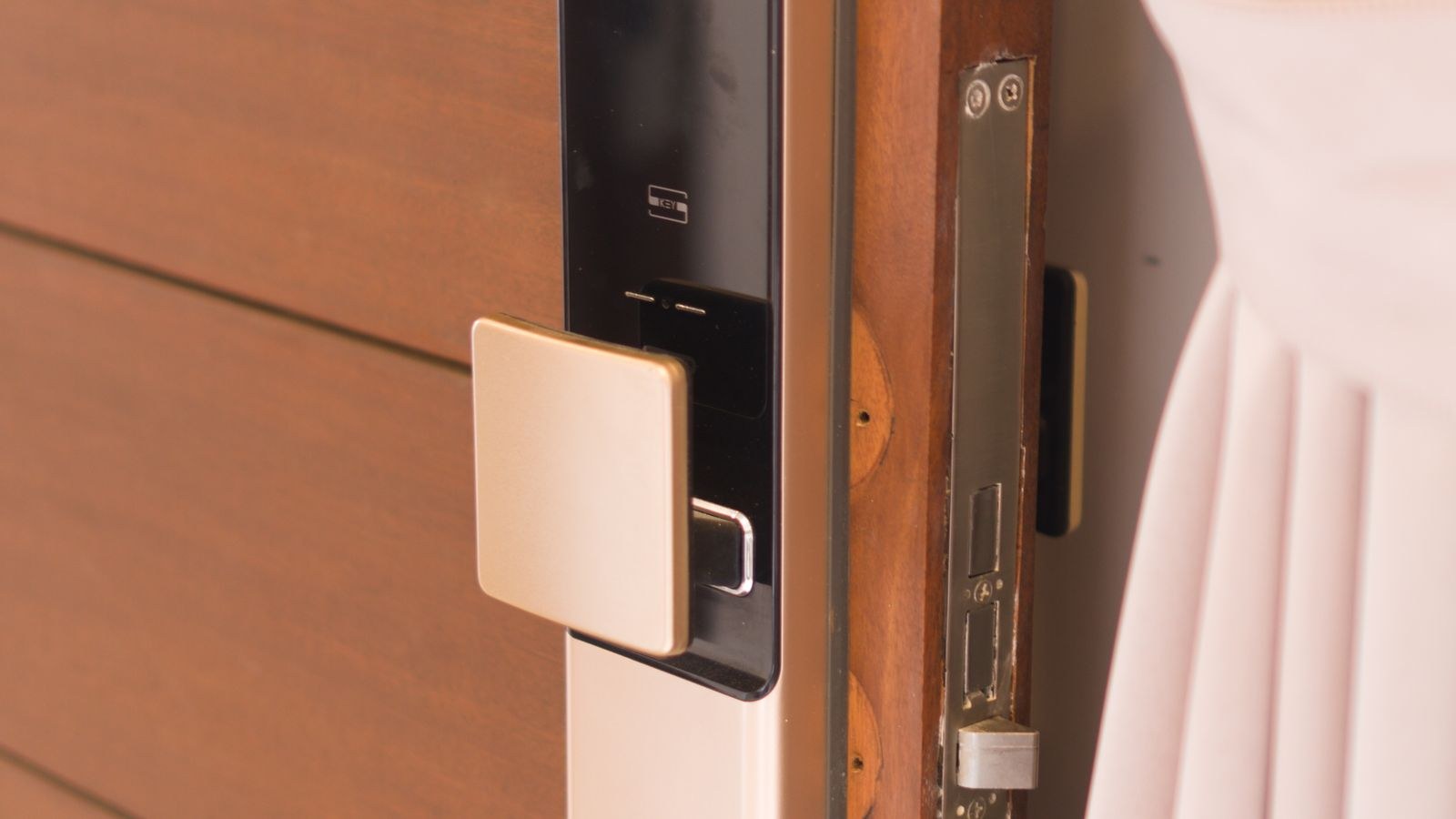
Keypads: The Case for the Older Technology
Codes have three advantages that biometrics structurally cannot match. First, they are shareable. You can give a code to a cleaner, a guest, or a delivery service over the phone from another country; you cannot send someone your fingerprint. Second, they are revocable instantly. Delete the code and access ends, with no need for the person to return to the door. Third, they work for everyone, including visitors who were never enrolled and never will be.
Keypads have weaknesses too. Codes get shared beyond their intended recipient, they can be observed over your shoulder, and worn buttons eventually reveal which digits are in use. The mitigations are well established: choose a touchscreen or a model with a scramble feature that lets you pad the real code with random digits, avoid dates and repeated numbers, and rotate codes when circumstances change.
For most households the sensible split is fingerprint for residents, who benefit from speed, and codes for everyone else, who benefit from being managed remotely. Our roundup of the best keypad door locks covers code-first models, while the wider best smart locks guide includes multi-credential designs that do both.
Backup Keys and Emergency Access
Every electronic lock needs a way in when the electronics do not cooperate, and there are three approaches.
A physical key override is the most reliable and works with no power at all. The trade-off is that it reintroduces a mechanical cylinder, which is the part of a lock most vulnerable to picking or bumping, so the quality of that cylinder matters. Look for a certified, security-rated cylinder rather than a token one.
An external emergency power contact lets you press a portable battery or power bank against the lock to wake it and then enter normally. It keeps the door free of a mechanical keyway, but only helps if you have a charged power bank to hand, which is worth keeping in a car or a bag rather than inside the locked house.
An app or remote unlock works when the lock has power and connectivity but the reader is failing. It is a useful third layer and a poor sole backup, since it depends on both a charged phone and a working network.
The best arrangement is two independent fallbacks: keypad plus one of the above. Whatever you choose, test it deliberately once after installation rather than discovering how it works while standing in the rain. Our broader smart locks and keyless entry guide goes further into credential planning for households with several users.
Enrolment, User Management, and Capacity
Check how many fingerprints and how many codes a lock stores. A family of four enrolling four fingers each needs sixteen slots before any guests, and cheaper locks sometimes cap at a number that sounds generous until you do that arithmetic. Code capacity is usually higher but still worth checking if you run a rental.
Management method matters as much as capacity. On a connected lock you add and remove users from an app, from anywhere, and can see who entered and when. On an unconnected lock you must stand at the door and follow a programming sequence, which is fine for a stable household and tedious for anything else. Fingerprints in particular can only be enrolled at the door by the person themselves, which means a new cleaner has to be physically present to be added, whereas a code can be issued before they arrive.
Look also for scheduling. The ability to restrict a credential to certain days or hours turns a lock into a genuine access control system, and it is far more common on code-based credentials than fingerprint ones. Biometric-focused models are compared in our best biometric door locks roundup, and the best fingerprint locks list covers reader quality specifically.
Battery Life and Power
Fingerprint readers wake, scan, process, and drive a motor on every use, and a busy family door sees a lot of that. Expect somewhere between six and twelve months from a set of alkaline cells on a typical fingerprint lock, less if it also maintains a constant Wi-Fi connection. Keypad-only locks generally last longer because the scan step is cheaper in power terms.
Three things shorten battery life more than the credential type. A misaligned door forces the motor to work harder on every cycle, which is the single largest hidden drain. Constant Wi-Fi rather than Bluetooth or a low-power hub protocol keeps a radio awake. And cold weather reduces the capacity of alkaline cells noticeably, which is why locks often warn of low batteries in the first hard frost. Lithium cells cope better with cold if the manufacturer permits them, and rechargeable packs are convenient provided you have a way in while one is charging.
Security: Which Is Actually Harder to Beat?
For realistic residential threats, both are adequate and neither is the weak point. Doors and frames fail long before credentials do, which is why a reinforced strike plate and long screws into the frame stud matter more than the sensor technology.
Comparing them directly, fingerprints cannot be observed, guessed, or shared casually, which removes the most common practical failure of codes. Codes, in return, cannot be lifted from a glass, and they can be changed instantly if you suspect compromise, which a fingerprint cannot. Spoofing a decent capacitive reader requires deliberate effort and physical access to a good print, which places it well outside the profile of an opportunistic burglary.
The measures worth taking apply to both. Choose a lock with a recognised security grade for the bolt itself, fit it to a solid door with a reinforced strike, enable auto-lock so the door is never left open, keep firmware updated on connected models, and secure the manufacturer account with a strong unique password and two-factor authentication where offered.
Frequently Asked Questions
Do fingerprint locks work in freezing weather?
They function, but recognition drops noticeably because cold fingers lose moisture and surface definition, and gloves are not an option. Keep a keypad or key backup for winter.
Can someone copy my fingerprint to open the door?
It is theoretically possible against low-quality optical sensors but requires effort and a good print. It is not a realistic residential risk compared with a door being forced.
Is my fingerprint stored somewhere online?
On reputable locks, no. The lock stores an encrypted mathematical template locally and never the image itself, and templates cannot be reconstructed into a usable print.
How many fingers should I enrol?
At least two per person, ideally on different hands, each scanned several times at slightly different angles. This single step eliminates most day-to-day recognition failures.
Which is better for a rental property?
Codes, clearly. They can be issued remotely, scheduled, and revoked without the guest ever meeting you, while fingerprints must be enrolled in person at the door.
Final Thoughts
Fingerprint entry is the fastest and most pleasant way through your own front door, and for the people who live there every day it is worth having. It is not, however, a complete access system on its own, because it fails predictably in cold and wet conditions, cannot be granted to someone who is not standing at the door, and cannot be revoked from a distance. Codes fill every one of those gaps. The strongest setup is not one credential but a sensible hierarchy: fingerprints for residents, codes for everyone else, and one tested physical or emergency-power backup for the day the electronics disagree with you. Buy a lock that does all three well, fit it to a properly aligned door, and you get the convenience without ever being locked out by it.









