Owen Bradley
 An empty house has a look. Curtains frozen in the same position for a week, not a single light after dark, no sound at all through the windows. Anyone watching a street learns that pattern quickly, which is why a mechanical timer clicking the same lamp on at 7pm every evening fools nobody. A well-built vacation mode automation solves the problem differently: it varies timing, moves lighting from room to room the way people actually do, occasionally shifts a blind and lets a radio or television play for a plausible stretch. This guide walks through building that from parts you likely already own, and explains where the realism actually comes from.
What Makes an Away Mode Convincing
Before touching an app, it helps to know what you are imitating. Real occupancy has four signatures. Variation comes first: no household turns the same lamp on at the same minute for fourteen nights. Movement is second, meaning lights appear in different rooms over an evening rather than one window glowing all night. Plausible duration is third, since a lamp that flicks on for four minutes and off again reads as a timer, not a person. A wind-down is fourth: real houses go dark in stages between roughly 10pm and midnight, not all at once at a round hour.
Everything below is aimed at reproducing those four signatures. You do not need expensive equipment, you need thoughtful scheduling.
Gathering the Hardware
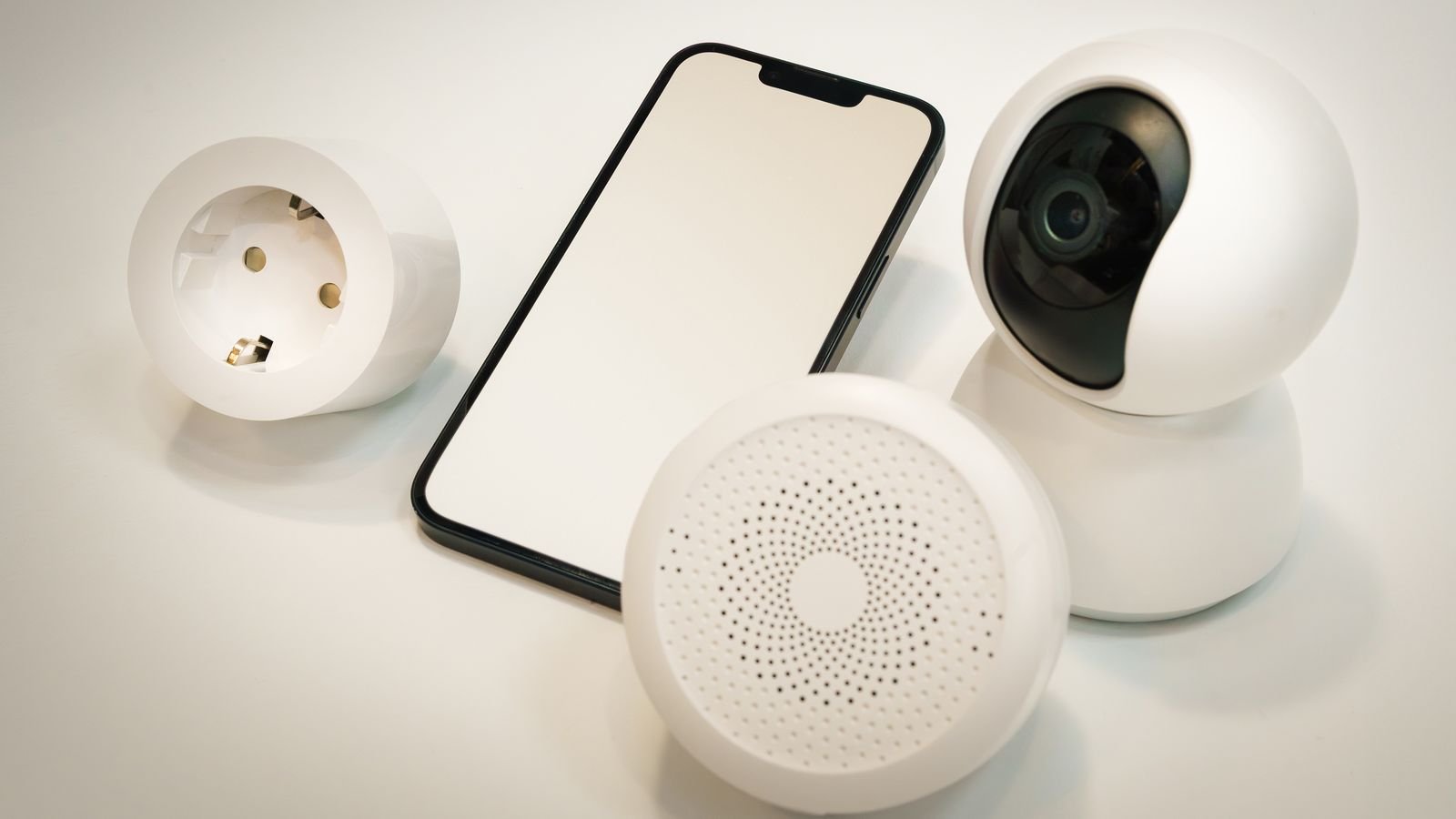
- Smart plugs are the workhorses here, controlling table lamps, floor lamps and a radio. Two or three well-placed units do more than a house full of bulbs, and the best smart plugs roundup covers models with reliable scheduling built in.
- Smart bulbs add dimming and colour temperature, which is useful for making a late-evening room look like someone is reading rather than hosting a party. Browse the best smart bulbs for options that hold their settings after a power cut.
- Simple lamp timers still have a place as an offline backup that works even if your internet drops while you are away. Keep one on a single lamp as insurance, chosen from the best lamp timers.
- Motorised blinds or curtains deliver the most visible daily change of anything on this list, because movement in a window is what an observer notices first. See the best smart curtains for retrofit options that fit existing tracks.
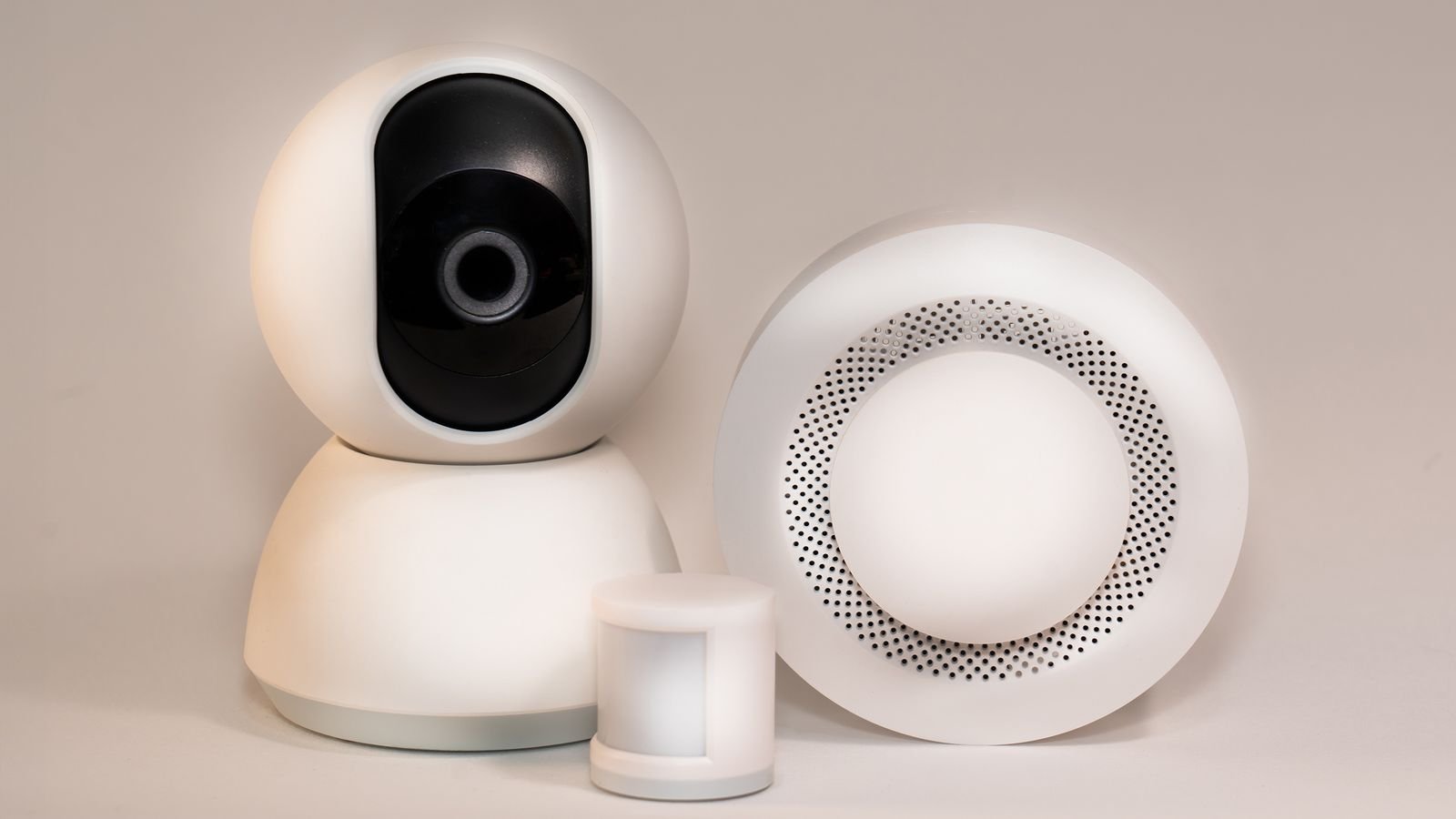
- A monitored alarm or camera system turns the illusion into actual protection and gives you eyes on the property. The best home security systems comparison explains which offer away-mode integration with lighting.
Step-by-Step: Building the Automation
- Map your house from the street. Walk outside at night and note which windows are actually visible from the pavement and from any rear access. Only those rooms matter. Automating a windowless hallway achieves nothing.
- Assign a role to each visible room. Typically you want one early-evening room such as a kitchen, one main evening room such as a living room, and one late room such as a bedroom or landing. Three is plenty.
- Create a Vacation or Away scene. In your platform of choice, create a mode or scene that you can switch on once as you leave. Everything else should key off that mode so you never have to disable a dozen separate schedules on your return.
- Set the early-evening light on sunset offset. Rather than a clock time, trigger the kitchen or hall lamp at sunset, or sunset plus a short offset. This drifts naturally through the season exactly as a household’s habits do.
- Add randomisation to every trigger. Most platforms let you add a random delay of up to 30 minutes to a schedule. Apply it everywhere. This single setting is the difference between a timer and an occupancy simulation.
- Stagger the handover between rooms. Have the living room come on 30 to 60 minutes after the kitchen, and have the kitchen switch off shortly after, so light appears to move through the house rather than accumulate.
- Add a late-evening bedroom or landing light. Set it for around 10pm with randomisation, and have the downstairs lights turn off 10 to 20 minutes later. This mirrors the very recognisable pattern of someone going upstairs to bed.
- Set the full blackout between 11pm and midnight, again with a random offset of at least 20 minutes so it lands differently each night.
- Add sound for part of the evening. Put a radio or a small speaker on a plug and have it run for 60 to 90 minutes during the main evening window at low volume. Sound carries to a doorstep and is very hard to fake with lighting alone.
- Move the blinds once or twice a day. Open in the morning with a random offset, close around dusk. Do not move them more than that, since constant movement looks stranger than none.
- Leave a couple of things alone deliberately. A porch light on dusk-to-dawn and one upstairs curtain permanently half open both read as normal. Total consistency in every element is itself a tell.
- Test for a full week before you travel. Run the automation while you are still home and watch it from outside on two different evenings. You will spot problems you cannot see from the app.
Building In Randomisation Properly
Randomisation is where most setups fall down, because people apply it to the on time and forget the off time. If a lamp turns on between 7:00 and 7:30 but always turns off at exactly 10:00, the pattern is still visible. Apply an independent random offset to both ends of every window.
Vary duration as well as timing. A living room light that runs three hours one night and ninety minutes the next is far more believable than one that always runs the same length. If your platform supports it, add a small probability that a given event simply does not happen at all on a given night, since real households have evenings out.
Finally, avoid randomising into implausible territory. A bedroom light coming on at 3am, or a kitchen lamp at 4pm in midsummer, actively signals automation. Constrain your random windows to periods when the behaviour makes sense.
Security Details Beyond Lighting
Occupancy simulation is one layer, not a complete plan. Pair it with the practical measures that matter more. Suspend mail and parcel deliveries, or arrange for a neighbour to clear the doorstep, because accumulating post undoes every clever automation you built. Ask someone to park in your driveway occasionally if that is normal for your street.
Keep any camera notifications on your phone but resist announcing travel plans publicly. Set your alarm system to its away mode so it arms fully rather than in the perimeter-only setting you use at night. If your lighting platform supports a panic or all-on response tied to a motion or door sensor, enable it, because a house that suddenly lights up is a far stronger deterrent than one that was dimly lit all along.
Common Mistakes
- Automating only one room. A single glowing window for six hours is the most recognisable empty-house signature there is.
- Round-number timing. Events at exactly 7:00, 9:00 and 11:00 look mechanical even to a casual observer.
- Forgetting the internet dependency. Cloud schedules stop if your router reboots and fails to reconnect. Keep at least one offline timer running.
- Leaving the automation on after you return. Lights snapping off at 11pm while you are sitting there is how most people discover they never built an off switch. Tie everything to a mode you can disable in one tap.
- Skipping the walk-outside test. Apps show you states, not what the street sees. Ten minutes on the pavement finds problems no dashboard will.
If you want to go further with layered scenes and multi-room scheduling, our wider smart lighting automation guide covers the scheduling concepts in more depth.
Frequently Asked Questions
Does a television simulator work as well as a real TV?
They are surprisingly effective at reproducing the flicker of a screen through curtains and use very little power. A real television on a smart plug is more convincing still, but only if it resumes playback automatically when power returns.
How many rooms should the automation cover?
Three street-visible rooms is the practical sweet spot. Fewer looks static, and more becomes hard to keep plausible without careful sequencing.
Will this work during a power cut?
No, and that is worth planning for. Choose bulbs and plugs that return to their scheduled state rather than defaulting to on when power is restored.
Should I tell a neighbour I am away?
Yes. One trusted neighbour who clears post and checks the front is worth more than any automation, and they can also confirm the lighting is behaving as intended.
Can I control it all remotely while travelling?
Most platforms let you check and override device states from anywhere with an internet connection, which is useful for extending an away mode if your trip runs long.
Final Thoughts
Faking occupancy well is less about hardware and more about behaving like a household. Cover the rooms a passer-by can actually see, drive your triggers from sunset rather than the clock, randomise both the on and off times, let light move between rooms across the evening and add sound for part of it. Back it up with an offline timer, an armed alarm and a neighbour clearing the post. Build it once, tie it to a single away mode you can toggle on your way out, and it will look after your house every trip you take in 2026 and beyond.