
 Owen Bradley
 Choosing a motherboard size is one of the first real decisions in any custom build, and it quietly shapes everything that follows: the case you can buy, how many drives and graphics cards you can install, how cool your components run, and how much desk or shelf space the finished machine occupies. The three mainstream standards, ATX, microATX and Mini-ITX, are not simply small, medium and large versions of the same thing. Each one trades expandability for compactness in a different way, and the right pick depends far more on how you plan to use the computer than on which sounds most impressive. This guide breaks down what actually separates the three form factors so you can match the size to your build and your space with confidence.
What Motherboard Form Factor Actually Means
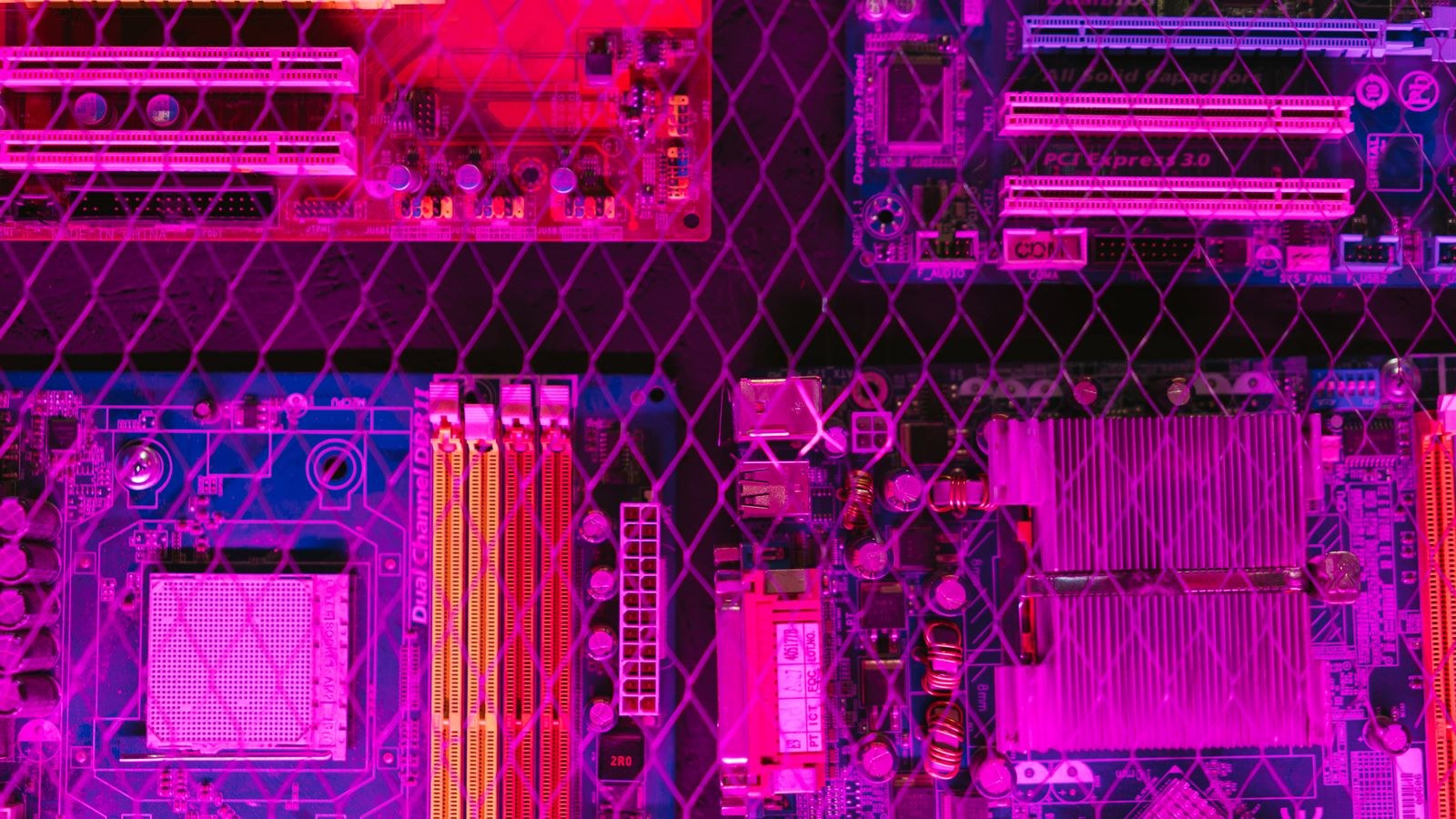
A form factor is a standardized set of physical dimensions, mounting-hole positions and rear input/output layouts. Because these standards are shared across the industry, an ATX board fits any ATX case, and a Mini-ITX board drops into any Mini-ITX enclosure regardless of brand. The three sizes are defined roughly as follows: full ATX measures 12 by 9.6 inches, microATX shrinks to 9.6 by 9.6 inches, and Mini-ITX is a compact 6.7 by 6.7 inches square. That difference in surface area is the root of every other trade-off. More board space means room for more expansion slots, more memory slots, more power delivery components and more physical connectors. Less board space means a smaller, lighter, more portable computer that fits where a big tower never could.
It helps to remember that form factor describes the board and the case together. A larger case can usually accept smaller boards, so an ATX case will happily house a microATX or Mini-ITX board, but the reverse is never true. Deciding the size early prevents the frustrating situation of falling in love with a case that cannot hold the board you have already bought.
ATX: Maximum Slots and Room to Grow
Full-size ATX is the default for enthusiasts, gamers who want headroom, and anyone building a workstation. The extra real estate typically brings four memory slots, multiple full-length PCIe slots, and several M.2 and SATA connectors. That translates into practical freedom: you can run a large graphics card alongside a capture card or a dedicated sound card, populate every drive bay, and still have a spare slot for a future upgrade. If your plans include a high-capacity build, pairing an ATX board with one of the recommended best ATX motherboards gives you the widest selection of chipsets and connectivity.
ATX also tends to offer the strongest power delivery, which matters when you push a high-core-count processor or plan to overclock. More surface area means larger heatsinks over the voltage regulators and better spacing between components, both of which help stability under sustained load. The obvious cost is size: an ATX build needs a mid-tower or full-tower case, and those enclosures take up meaningful floor or desk space. For a machine that lives permanently under a desk and may be upgraded for years, that footprint is usually a fair trade.
microATX: The Balanced Middle Ground
microATX is the quietly sensible choice for a large share of builders. It keeps the same 9.6-inch width as ATX but shortens the height, so it usually retains four memory slots while trimming the number of PCIe slots. For most people that loss is theoretical rather than real: a modern build often uses just one graphics card and one or two M.2 drives, none of which a good microATX board struggles to accommodate. You get nearly all the practical capability of ATX in a slightly smaller, often cheaper package. Builders comparing chipsets frequently find the sweet spot among the best microATX motherboards, which cover budget and mid-range platforms well.
The savings extend beyond the board itself. microATX cases are typically shorter and less expensive than full towers, and the smaller volume can make cable management simpler for a first-time builder. The main compromises are fewer expansion slots and sometimes slightly weaker power delivery than a premium ATX board, so heavy overclockers may still prefer full size. For a gaming or general-purpose desktop that will not host a stack of add-in cards, microATX delivers the best balance of cost, capability and size.
Mini-ITX: Small Footprint, Big Compromises
Mini-ITX is the smallest mainstream standard, and it exists for one reason: to build a genuinely compact computer. A Mini-ITX board carries a single PCIe slot and just two memory slots, and it packs everything into that 6.7-inch square. The reward is a machine small enough to sit on a desk, slide into a media cabinet, or travel to a friend’s house in a backpack. When compactness is the goal, choosing among the best Mini-ITX motherboards is the starting point, and pairing that with one of the best Mini-ITX PC cases determines how easy the build will be.
The compromises are real and worth understanding before you commit. Two memory slots means you must buy your full memory capacity as a single kit, because there is no room to add sticks later. A single PCIe slot goes to the graphics card, leaving nothing for expansion. Cooling is the biggest challenge: components sit close together in a tiny volume, so airflow planning and low-profile coolers matter far more than in a roomy tower. Small cases also tend to cost more than their size suggests, because the engineering to fit everything neatly is more demanding. Mini-ITX rewards patience and careful part selection.
Cooling and Airflow Across the Sizes
Thermals scale roughly with internal volume. A large ATX case can hold multiple intake and exhaust fans, tall air coolers and big radiators, so heat has plenty of room to escape. microATX cases usually offer respectable airflow with a fan or two front and rear, which is enough for most single-graphics-card builds. Mini-ITX is where cooling becomes a design problem rather than an afterthought. Because the processor, graphics card and power supply crowd together, a Mini-ITX build often runs warmer and louder at the same performance level than a larger machine would. If quiet operation matters to you, favor a larger form factor or budget extra time to plan airflow in a small one.
Cost, Cases and Desk Space
Price does not follow size in a straight line. microATX boards are frequently the cheapest because they target mainstream buyers, ATX spans budget to premium, and Mini-ITX often carries a small premium for the miniaturization. Cases follow a similar pattern, with compact enclosures sometimes costing more than a plain mid-tower. Choosing the right enclosure is its own decision, and browsing the best ATX PC cases shows how much variety exists in airflow, drive support and build quality even within one form factor. Factor in your actual desk or floor space too: a full tower that will not fit where you intend to put it is a poor bargain no matter how capable it is.
How to Decide in Three Questions
You can usually settle the choice by answering three things honestly. First, how many expansion cards and drives do you realistically need, now and in the next few years? If the answer is several, lean ATX. Second, how much space do you have and how much does compactness matter? If small is the priority, Mini-ITX earns its compromises. Third, what is your budget for the board and case together? If you want the most capability per dollar without chasing extremes, microATX is hard to beat. Most builders who answer these plainly find that one size stands out clearly.
Frequently Asked Questions
Does a smaller motherboard mean slower performance?
No. A processor and graphics card perform the same regardless of board size. Form factor affects expandability, cooling headroom and connectivity, not raw speed, so a Mini-ITX gaming machine can match an ATX one in frame rates if the core components are identical.
Can I put a small board in a big case?
Yes. Larger cases include mounting points for smaller boards, so an ATX case accepts microATX and Mini-ITX boards. You cannot do the reverse, because a small case lacks the standoffs and clearance for a larger board.
Is Mini-ITX good for gaming?
It can be excellent, provided you plan cooling carefully and accept the single expansion slot and two memory slots. Many compact gaming builds use Mini-ITX successfully, but they demand more thought about airflow and part clearance than a roomy tower.
How many memory slots do I really need?
Two slots are enough if you buy your full capacity as one kit, which is exactly how Mini-ITX builds work. Four slots on ATX and microATX add flexibility to expand later, which is handy but not essential for everyone.
Final Thoughts
There is no single best motherboard size, only the size that best fits your goals. ATX gives you the most room to grow and the easiest cooling, microATX delivers most of that capability in a smaller, cheaper package, and Mini-ITX trades expandability for a footprint nothing else can match. Start from how you will actually use the machine and how much space you have, choose the form factor that fits, and then select a board and case within that standard. Decide the size first and the rest of the build falls into place naturally.









