Owen Bradley
 Modern television screens are far more delicate than the glass CRTs they replaced. The visible surface is not bare glass but a stack of thin optical layers, often finished with an anti-reflective or anti-glare coating measured in microns. That coating is what makes a good panel look deep and controlled in a lit room, and it is exactly what the wrong cleaning product strips away. Cleaning a TV screen properly is not difficult, but it does require the right cloth, the right liquid, and a technique that removes dust before it ever gets dragged across the surface. This tutorial covers the safe method, the products to keep well away, and how to handle stubborn marks without leaving permanent damage.
Why Screens Are So Easy to Damage
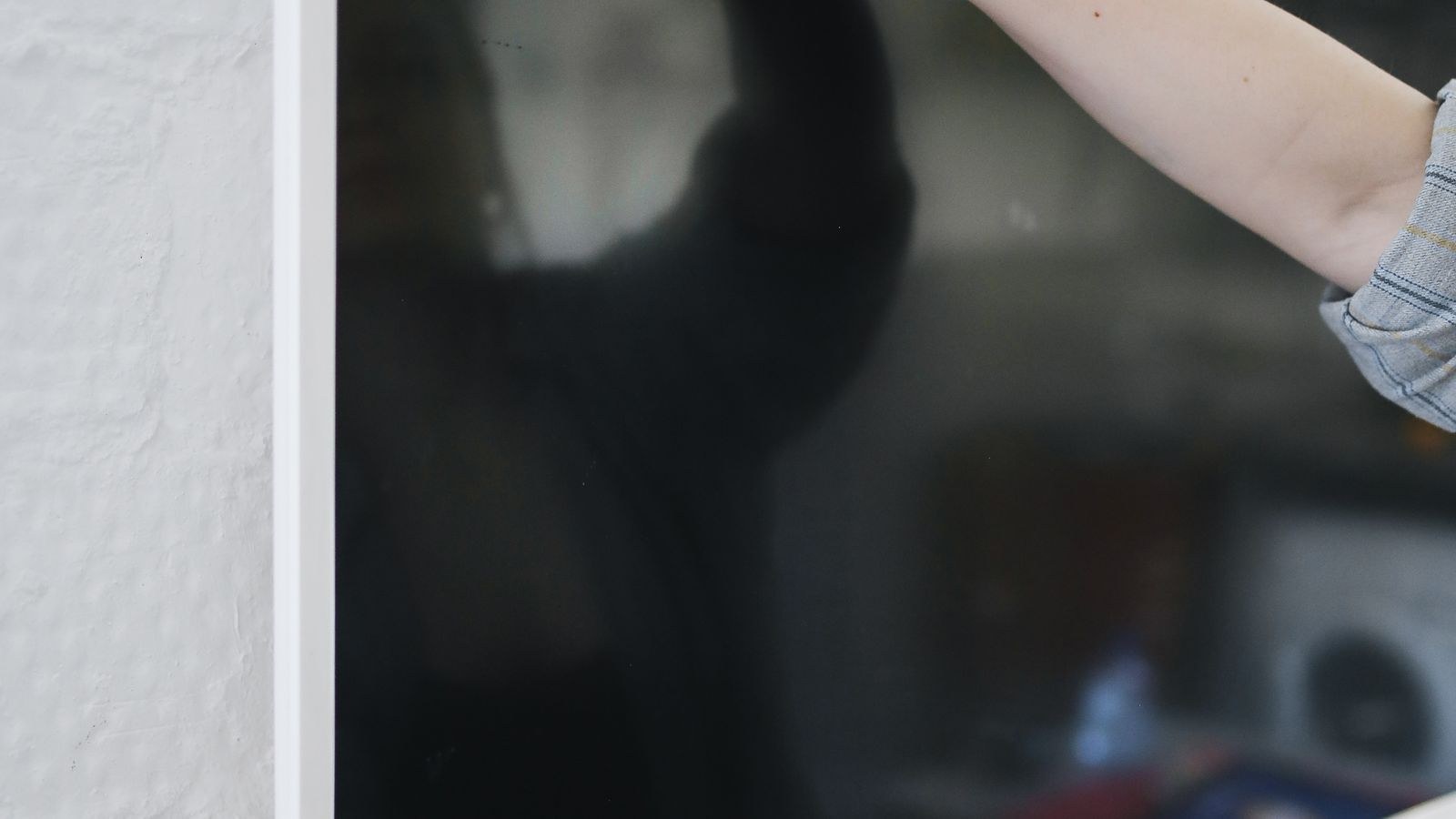
Three things make a TV screen vulnerable. First, the anti-reflective coating is chemically sensitive and dissolves in alcohol, ammonia and many household solvents. Once it goes, you are left with cloudy patches that cannot be restored. Second, the panel surface is soft compared with phone glass, so grit dragged across it leaves fine scratches that catch the light during bright scenes. Third, the panel is not sealed at the edges, so liquid running down the screen can seep behind the bezel and reach the electronics.
These risks apply across panel types. OLED, QLED, mini LED and standard LED sets all use protective and optical layers that respond badly to solvents and abrasion. The differences between them matter for picture quality, not for cleaning technique, so treat every modern screen with the same caution.
What You Need
- Two clean microfibre cloths. One for cleaning and one dry cloth for buffing. Use cloths kept solely for screens.
- Distilled water. Tap water leaves mineral spots as it dries, especially in hard water areas.
- Optionally, a screen-safe cleaning solution explicitly labelled alcohol-free and ammonia-free.
- A soft brush or air blower for dust in the bezel and vents.
- Good lighting, so you can see what you are removing.
Never use paper towel, tissue, kitchen roll or an old t-shirt. Paper products contain wood fibres that are abrasive at this scale, and printed or worn fabric can carry hard particles. A dedicated microfibre cloth is inexpensive and is the single most important item on the list.
Step by Step: Cleaning a TV Screen Safely
- Switch off and unplug the television. A dark screen makes dust and smears far easier to see, the surface cools so cleaning liquid does not evaporate into streaks, and unplugging removes any risk of a short if moisture reaches the wrong place.
- Let the panel cool for a few minutes. Cleaning a warm screen causes solution to dry unevenly and leaves visible marks that are frustrating to remove.
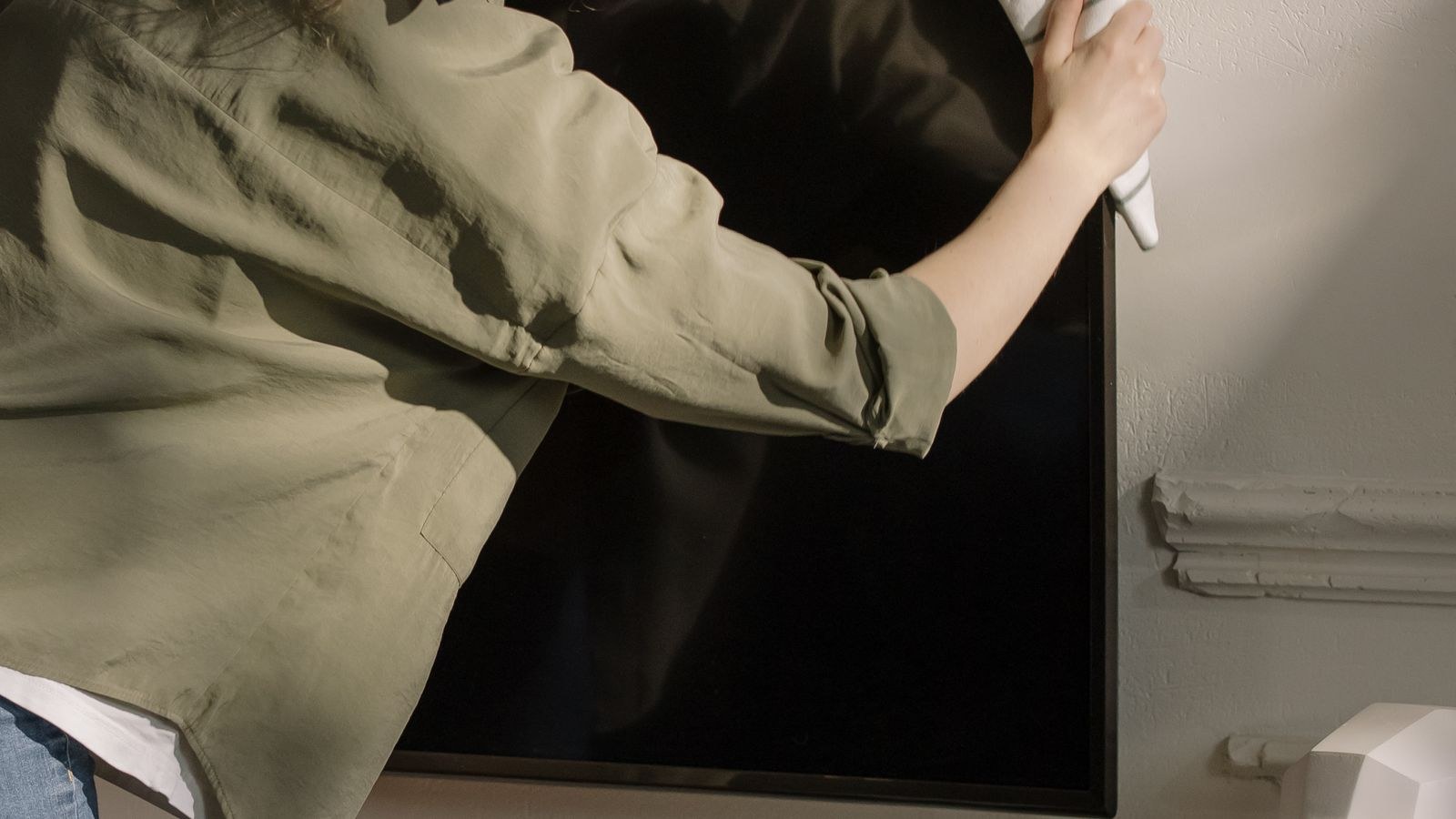
- Remove loose dust first. Use a completely dry microfibre cloth in light, straight passes, or blow dust away with an air blower. This step exists to lift grit off the surface before anything wet drags it across the coating. Skipping it is how most scratches happen.
- Wipe gently with a dry cloth. For a screen that is only dusty, this may be all you need. Use almost no pressure and let the microfibre do the work, moving in one direction rather than scrubbing in circles.
- Dampen the cloth, never the screen. If marks remain, lightly mist the cloth with distilled water or a screen-safe solution until it is barely damp. Spraying directly onto the panel lets liquid run down into the bezel, which is the most common cause of serious damage.
- Wipe in slow, overlapping strokes. Work top to bottom in gentle horizontal or vertical passes. Keep pressure minimal, especially on OLED panels, where pressing hard can temporarily disturb the image and in extreme cases damage the layer.
- Buff dry immediately. Follow with the second, completely dry cloth while the surface is still slightly damp. Letting it air dry is what produces streaks, and buffing while damp removes them effortlessly.
- Clean the frame and stand separately. The bezel and housing tolerate a slightly damper cloth and a drop of mild detergent, but keep that cloth well away from the panel and never let liquid pool at the join.
- Clear the ventilation slots. Use a soft brush or vacuum on its lowest setting to clear dust from the rear vents. Blocked vents raise operating temperature and shorten component life more than most people realise.
- Inspect with the TV on. Power up and check from your seating position at an angle. Residue and missed marks show far more clearly against a bright image than against a dark screen.
Products to Keep Away From Your Screen
- Window and glass cleaner. Most contain ammonia, which attacks anti-reflective coatings and clouds them permanently.
- Isopropyl alcohol and disinfectant wipes. Alcohol dissolves the same coatings. Wipes marketed for electronics are often alcohol-based, so read the label rather than trusting the packaging.
- Washing-up liquid and general household sprays. These leave a film that attracts dust and can react with optical layers.
- Vinegar solutions. Popular in cleaning advice but acidic enough to damage coatings over repeated use.
- Paper towel and tissue. Abrasive at microscopic scale and a reliable way to add fine scratches.
- Melamine sponges. These work by abrasion and will strip a screen coating in a single pass.
Handling Stubborn Marks and Fingerprints
Fingerprints leave oil, which plain dry wiping only smears. Use a barely damp cloth with distilled water, work the mark from its outer edge inward, and buff dry straight away. Repeat with light pressure rather than pressing harder, since pressure is what causes damage while repetition is harmless.
Sticky residue from a child’s hand or a dropped snack needs patience. Hold a slightly damp cloth against the mark for twenty or thirty seconds to soften it, then wipe gently. Never scrape with a fingernail or any hard edge. If a mark truly will not shift with water, a purpose-made screen solution applied to the cloth is the next step, and that is where you should stop. No mark is worth risking the coating for.
OLED panels deserve particular care because the emissive layer sits close to the surface and firm pressure can produce temporary blotches. If you see a mark appear while cleaning, stop pressing and let the panel rest; it usually clears within minutes. Anyone shopping for such a set will find the trade-offs explained in our guide to the best OLED gaming TVs, while the best QLED gaming TVs roundup covers panels with tougher, brighter surfaces that suit busier households.
How Often Should You Clean?
A light dry dust every two weeks is enough for most homes and prevents build-up that would otherwise need wet cleaning. Reserve a damp clean for visible fingerprints or smears, perhaps every month or two. Over-cleaning is a genuine risk: every wipe carries a small chance of dragging a particle across the surface, so the safest screen is one that is cleaned properly rather than frequently.
Households with pets, small children or open fires will need a more regular schedule, since airborne dust and greasy residue accumulate faster. Very large screens in busy rooms attract the most attention simply because their surface area makes marks obvious from across the room, and the best large gaming TVs guide covers sizes where a proper cleaning routine really pays off.
Mistakes to Avoid
The biggest mistake is spraying liquid directly at the screen. Even a fine mist runs downward, collects at the bottom bezel and wicks inside, where it can corrode connections over time. Always apply to the cloth. The second is cleaning a powered-on screen, which hides dust against the bright image, causes uneven drying and makes it hard to judge whether marks have gone.
Third, many people reach for whatever cloth is nearby. A tea towel, a shirt sleeve or a piece of kitchen roll all risk scratching, and the damage is permanent and only visible in certain lighting, which makes it especially annoying. Fourth, pressing harder on a stubborn mark is exactly backwards; use more time and moisture, never more force. Finally, do not forget the vents, since heat is a far bigger threat to a television’s lifespan than a few fingerprints. Whatever panel technology you own, from those in our best TVs for gaming shortlist to the family-focused sets in the best living room gaming TVs guide, the same gentle routine applies.
Frequently Asked Questions
Can I use glass cleaner on a TV screen?
No. Most contain ammonia or alcohol, both of which permanently damage anti-reflective coatings and leave cloudy patches that cannot be repaired.
Is distilled water really necessary?
It is strongly preferable. Tap water contains minerals that dry into visible spots, particularly in hard water areas, and those spots require further cleaning to remove.
How do I remove a scratch from a screen?
You generally cannot. Scratches in the coating are permanent, which is why removing dust before any wet cleaning matters so much. Prevention is the only real answer.
Are pre-moistened screen wipes safe?
Only if the packaging explicitly states alcohol-free and ammonia-free. Many wipes sold for electronics contain alcohol, so check rather than assume.
Should I clean the screen while it is warm?
No. Let the panel cool first, otherwise cleaning solution evaporates unevenly and leaves streaks that are harder to remove than the original marks.
Final Thoughts
Cleaning a TV screen safely comes down to four habits: switch the set off and let it cool, remove dust dry before anything wet touches the surface, apply liquid to the cloth rather than the panel, and buff dry immediately with a second microfibre. Keep ammonia, alcohol, vinegar and paper products away entirely, and treat pressure as the enemy rather than the solution when a mark resists. Do that a few times a year alongside a quick clear of the rear vents and your screen will look as good in five years as it does today, with its coating and contrast fully intact.