
 Owen Bradley
 Almost every smart thermostat shopping trip stalls at the same question: what is a c wire, and does my house have one? It sounds like obscure trade jargon, but it is the single most important compatibility detail in the entire purchase, and it decides whether your upgrade takes twenty minutes or turns into a service call. The good news is that answering it requires nothing more than a screwdriver, a phone camera and five minutes at your existing thermostat. This guide explains what the common wire actually does, how to read the terminals behind your wall plate, what your options are if the wire is missing, and how to shortlist thermostats that suit whatever wiring you find.
What a C Wire Actually Does
Traditional thermostats were simple switches. They needed no power of their own, because closing a circuit between two terminals was enough to tell the furnace to run. A mercury bulb or a pair of contacts did the entire job, and a battery handled the clock on programmable versions.
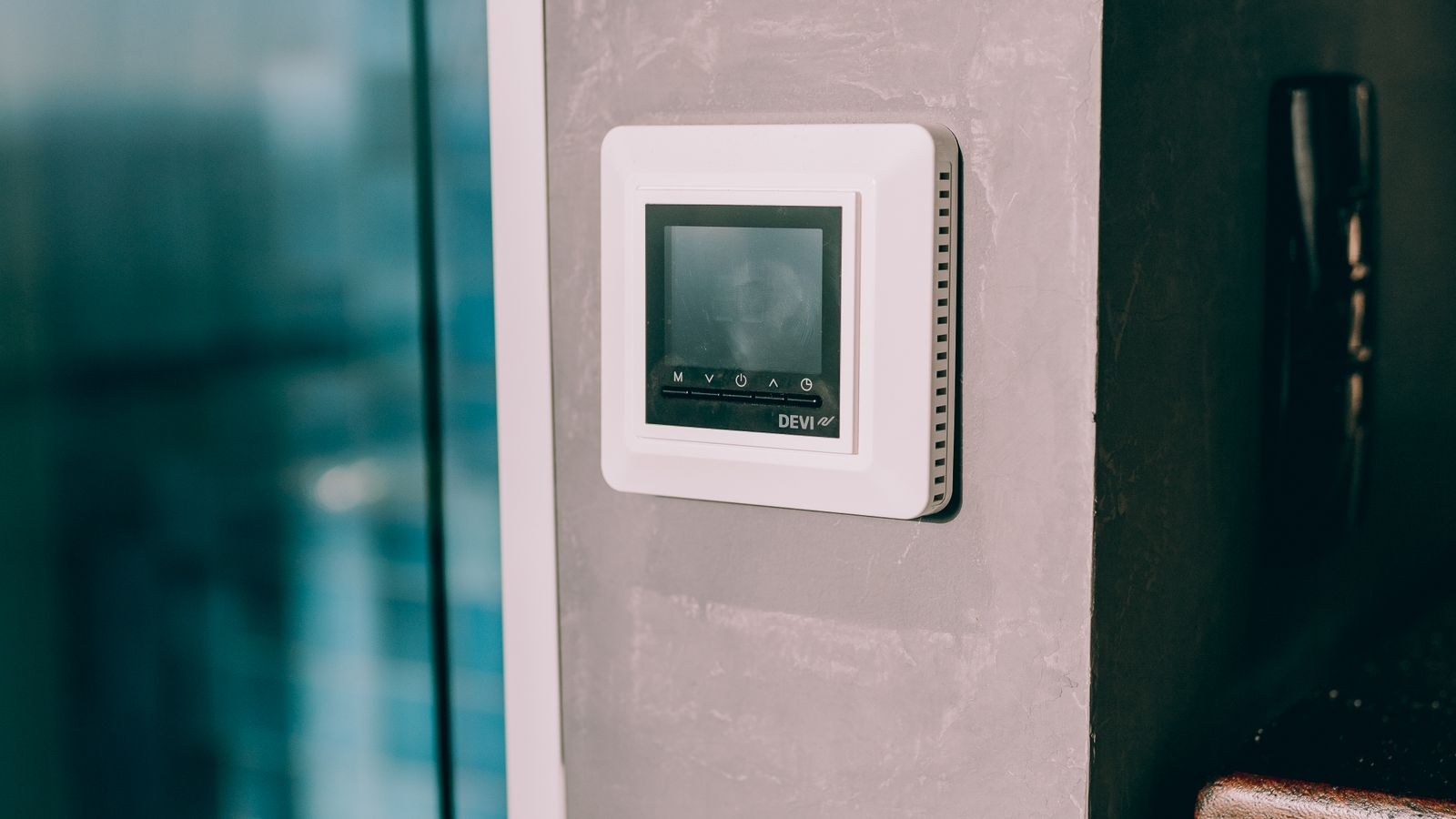
Modern thermostats are small computers. They run a colour display, a Wi-Fi radio, a processor and sometimes sensors and speakers, all of which need continuous electricity. The common wire, usually labelled C, provides that continuous 24-volt return path from the HVAC transformer, completing the circuit so the thermostat can draw steady power without interrupting your heating or cooling.
Without it, a smart thermostat has to obtain power some other way, and every alternative has trade-offs. That is why the C wire question dominates compatibility checklists.
Why Older Homes Often Lack One
When your home’s thermostat cable was installed, nobody anticipated a device that needed permanent power. Installers ran the minimum number of conductors required for the equipment of the day, typically two wires for heat-only systems and four or five for heating plus cooling. The common wire was simply unnecessary, so it was frequently left unconnected or omitted entirely.
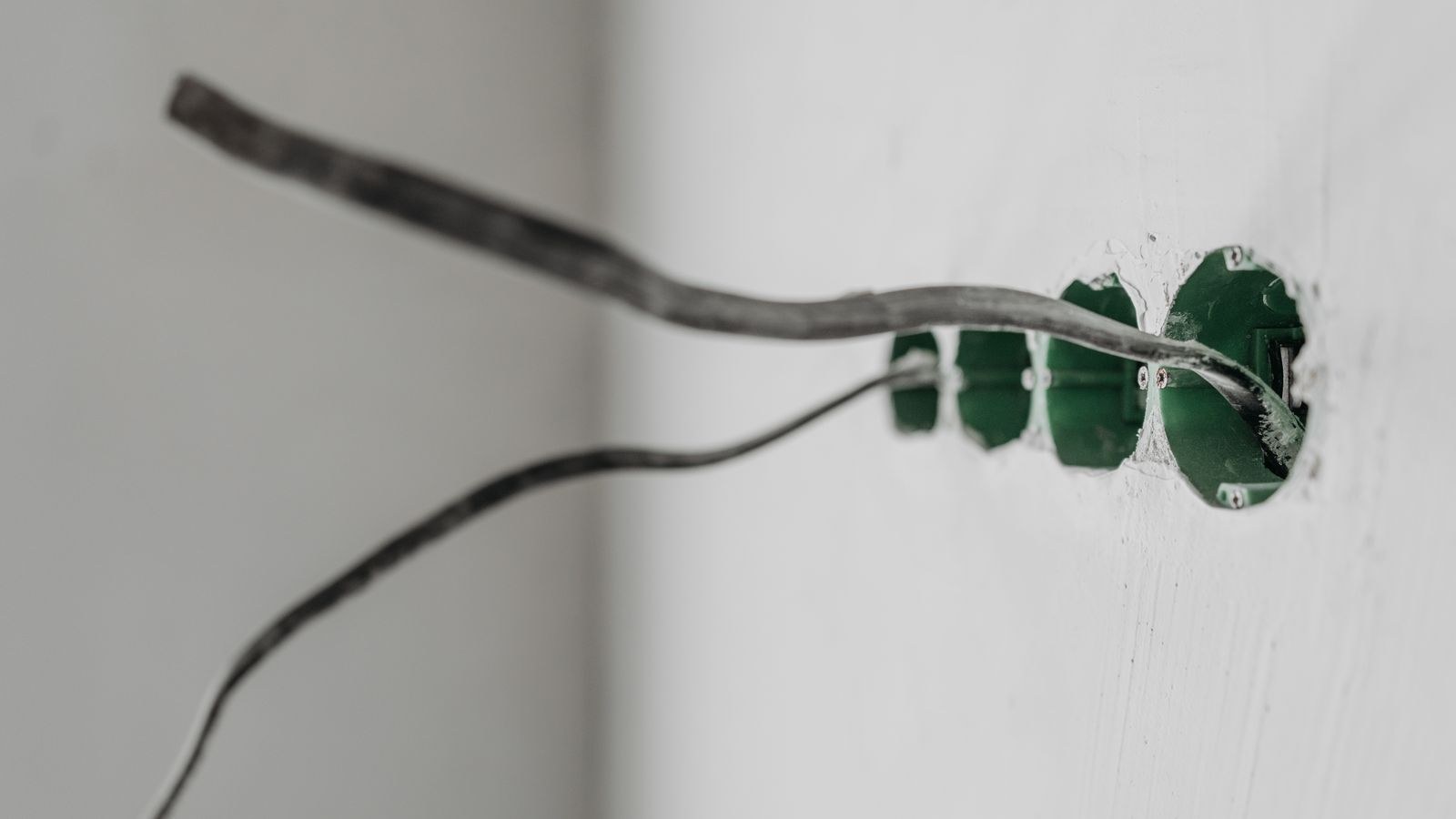
Here is the encouraging part: many homes have an unused conductor sitting in the wall right now. Cable is usually sold with more wires than needed, so a spare, often blue, is coiled behind the wall plate at both ends. If yours has one, converting it into a common wire is straightforward and costs nothing but time.
How to Check Your Wiring in Five Minutes
Do this before you shop, not after your new thermostat arrives.
- Switch off power to your HVAC system at the breaker panel. Do not skip this step.
- Gently pull or unclip the thermostat body from its wall plate. Most detach without tools.
- Photograph the terminal block clearly, making sure the letters next to each screw are readable.
- Write down every terminal that has a wire physically inserted, along with the wire colour.
- Look inside the wall opening for unused wires pushed back into the cavity, and note their colours too.
That list is your compatibility passport. Most manufacturer websites have a checker where you enter exactly these terminals and get an immediate yes or no.
Reading the Terminal Letters
The lettering is standardised enough to interpret confidently. R, Rh or Rc is the power feed from the transformer. W calls for heat, and W2 is a second heating stage. Y calls for cooling, with Y2 as a second cooling stage. G runs the blower fan. C is the common wire you are looking for. On heat pump systems you will also see O or B, which control the reversing valve, and often AUX or E for auxiliary and emergency heat.
Do not rely on wire colour alone. Colour conventions are common but not guaranteed, and a previous installer may have used whatever was on the truck. The letter stamped beside the screw is the authoritative information; the colour is only a memory aid for reconnecting.
What If There Are Two R Terminals?
Separate Rh and Rc terminals usually mean your heating and cooling equipment have independent transformers, which is common where a boiler handles heat and a separate condenser handles cooling. If a small metal jumper links them, they share one transformer. Note which arrangement you have, because your new thermostat will ask during setup and getting it wrong prevents one system from running.
Your Options When There Is No C Wire
Finding no common wire is not a dead end. You have four realistic routes, roughly ordered from easiest to most involved.
Use a spare conductor. If an unused wire exists in the cable, connect it to the C terminal at the thermostat and to the C terminal on the furnace control board. This is the cleanest solution and produces exactly the same result as if the home had been wired that way originally.
Install a power extender kit. Several manufacturers ship a small module that mounts at the air handler and multiplexes signals over your existing wires so the thermostat gets steady power. It works reliably, though it means opening the furnace cabinet and working carefully around the control board.
Choose a thermostat that does not require one. Some models charge internally by briefly borrowing current through the heating or cooling wires, and others run on batteries with Wi-Fi that wakes intermittently. These work well in many homes and occasionally cause phantom equipment cycling in sensitive systems. Filtering for models designed around this constraint is easier when you start from a curated list such as the best WiFi smart thermostats.
Run new cable. If the thermostat sits on an interior wall with accessible attic or basement space above or below, pulling fresh five- or eight-conductor cable is the most future-proof answer. It also gives you spare wires for accessories like humidifiers later.
Does Every Smart Thermostat Need a C Wire?
No, but nearly every one benefits from it. Feature-heavy models with large always-on displays, built-in microphones or air quality sensors demand more power and generally insist on a common wire or its adapter equivalent. Simpler connected thermostats with smaller screens are far more likely to run happily on batteries alone.
There is a straightforward trade: the more the thermostat does, the more power it needs, and the less flexible it can be about wiring. If your wiring is limited and you do not want to open your furnace, deliberately shopping the simpler end of the market is a perfectly good decision. Many of the best Honeywell thermostats and traditional best programmable thermostats operate comfortably on batteries while still offering app control and scheduling.
Symptoms of Insufficient Power
A thermostat scraping by without proper power rarely fails outright. Instead it misbehaves in ways that are easy to blame on other things. Watch for a screen that dims or reboots unexpectedly, Wi-Fi that drops repeatedly while other devices stay connected, or the furnace blower kicking on for a few seconds when no heat was requested. Chattering relays and short cycling of the compressor are also classic signs.
If any of these appear after an upgrade, do not assume you received a faulty unit. Power delivery is the far more likely cause, and adding a proper common wire or the manufacturer’s adapter resolves it in most cases.
Safety Notes Before You Touch Anything
Thermostat wiring is low voltage, typically 24 volts, so the shock risk is low. The real risks are different. Shorting two wires together can blow the transformer fuse on the control board and leave you with no heating or cooling until it is replaced. Dropping a loose wire into the wall cavity is worse, because retrieving it can be genuinely difficult.
Protect yourself with three habits. Kill the breaker first, tape or clip each wire so it cannot slip into the wall while you work, and label wires with the terminal letter they came from rather than trusting colour. If you open the furnace cabinet and encounter high voltage wiring, unfamiliar boards or a proprietary communicating system, stop and call an HVAC technician. Communicating systems from some manufacturers do not accept third-party thermostats at all.
Frequently Asked Questions
Is the C wire always blue?
Blue is the most common colour but it is a convention, not a rule. Some installations use black or another colour entirely, and some blue wires are spares that were never connected. Always identify wires by the terminal letter they attach to.
Can I use the G terminal as a common wire?
Some guides suggest repurposing the fan wire, but doing so means you lose independent fan control and it can confuse multi-stage equipment. Treat it as a last resort and prefer a spare conductor or an adapter module.
Do battery-powered smart thermostats work well?
Yes, for straightforward systems and simpler feature sets. Expect to change batteries roughly once a year and accept that large always-on displays and voice assistants are not realistic without wired power.
Will adding a C wire cost much?
If a spare conductor already exists, nothing beyond your time. A power extender kit is inexpensive and often included in the box. Running new cable through finished walls is the expensive scenario and usually justifies a professional.
Does a heat pump change the wiring requirements?
Yes. Heat pumps add reversing valve and auxiliary heat terminals, meaning more conductors in use and less chance of a free spare. Confirm the thermostat supports your exact stage count before ordering.
Final Thoughts
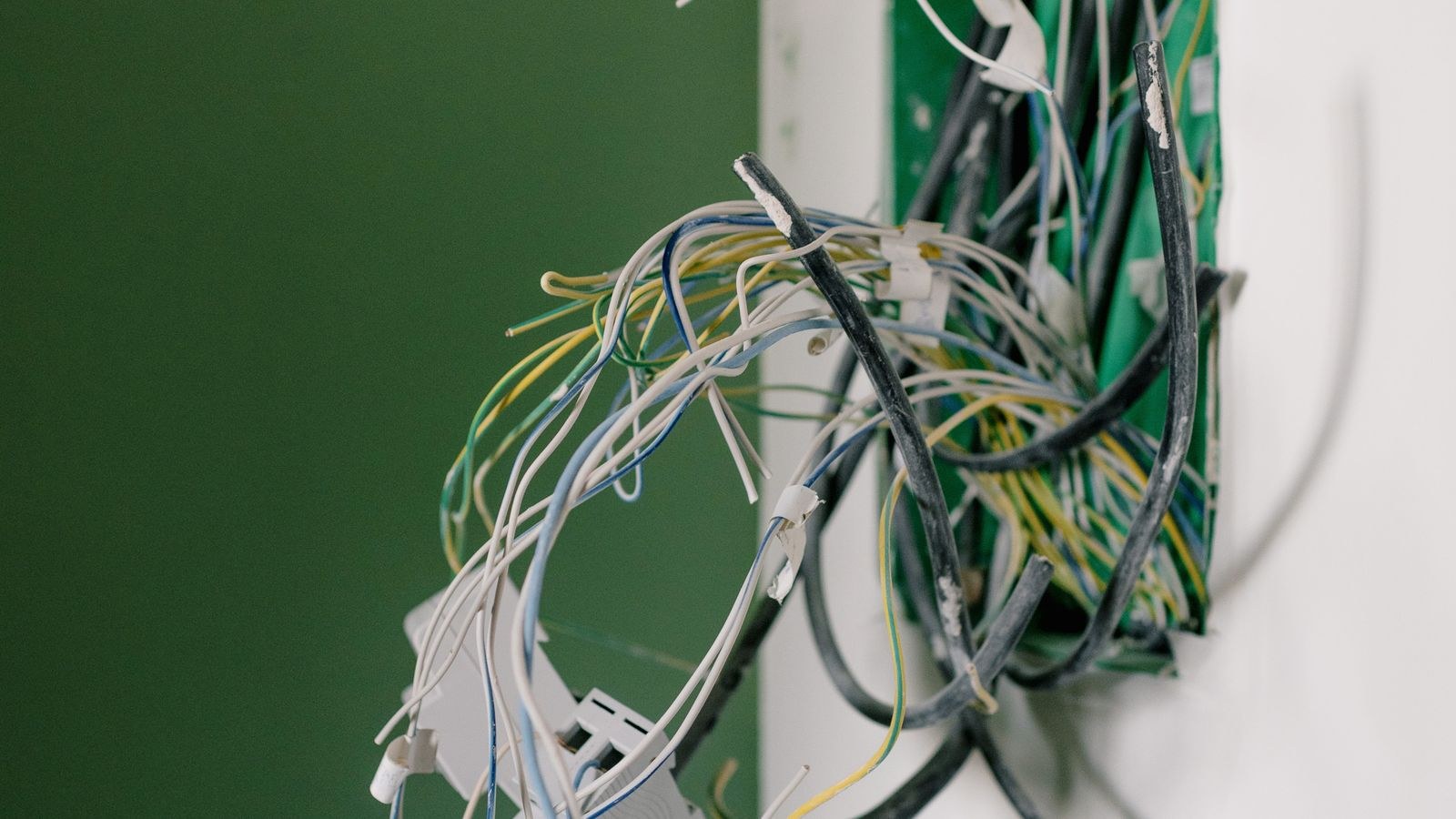
The common wire is not complicated once you see what it does: it keeps a modern thermostat continuously powered instead of scavenging electricity from circuits meant for something else. Five minutes with a screwdriver and a camera tells you whether you have one, whether a spare is available, and which category of thermostat you should be shopping in.
Do that check first, then match the result to a shortlist. Our overview of the best smart thermostats covers models across every wiring scenario, and the full smart thermostat buying guide walks through the remaining decisions once compatibility is settled. Confirm the wiring, then choose the features, and the upgrade goes smoothly in 2026 and for many years after.









