Owen Bradley
 Building a voice-controlled home used to mean picking a side and living with it. That is far less true now, but the compatibility landscape is still messy enough that plenty of people buy a device, get it home, and discover it works with one assistant and not the other. This complete guide explains how Google Home and Alexa compatibility actually works, which device categories are safe bets, where the genuine incompatibilities remain, and how to plan a system in 2026 that will not need ripping out when you change your mind about which speaker lives on the kitchen counter.

What “Compatible” Really Means on the Box
A “Works with Alexa” or “Works with Google” badge means the manufacturer has built and certified a cloud integration. When you say a command, your speaker sends it to Amazon’s or Google’s servers, which forward it to the manufacturer’s servers, which then tell the device what to do. Nothing travels directly from the speaker to the plug on your wall. This is why a device can be perfectly functional on your Wi-Fi and still refuse voice commands when the manufacturer’s cloud has an outage.
Two practical consequences follow. First, compatibility can be added later through a firmware or app update, so a device that was single-platform at launch may gain support. Second, compatibility can also be withdrawn if a company shuts a service down. Buying from established brands is less about build quality than about the probability that the integration still exists in five years.
The Protocols That Sit Underneath
Understanding the transport layer explains most compatibility questions before you have to ask them.
- Wi-Fi: the most common. Each device connects directly to your router and talks to the manufacturer’s cloud. Simple to set up, no hub required, but heavy on router client slots.
- Zigbee: a low-power mesh. Needs a hub or a speaker with a built-in radio. Excellent battery life for sensors, very reliable once the mesh is dense.
- Z-Wave: similar concept on a different frequency, less prone to Wi-Fi interference, almost always hub-dependent.
- Bluetooth: mostly used for setup and for short-range devices like locks and trackers.
- Thread and Matter: the modern answer. Matter is a common application layer that both Google and Amazon support, letting one device work across ecosystems without a separate integration for each.
If you want the least friction over the longest horizon, Matter support is the single most useful thing to look for on a spec sheet right now.
Smart Plugs: The Easiest Entry Point
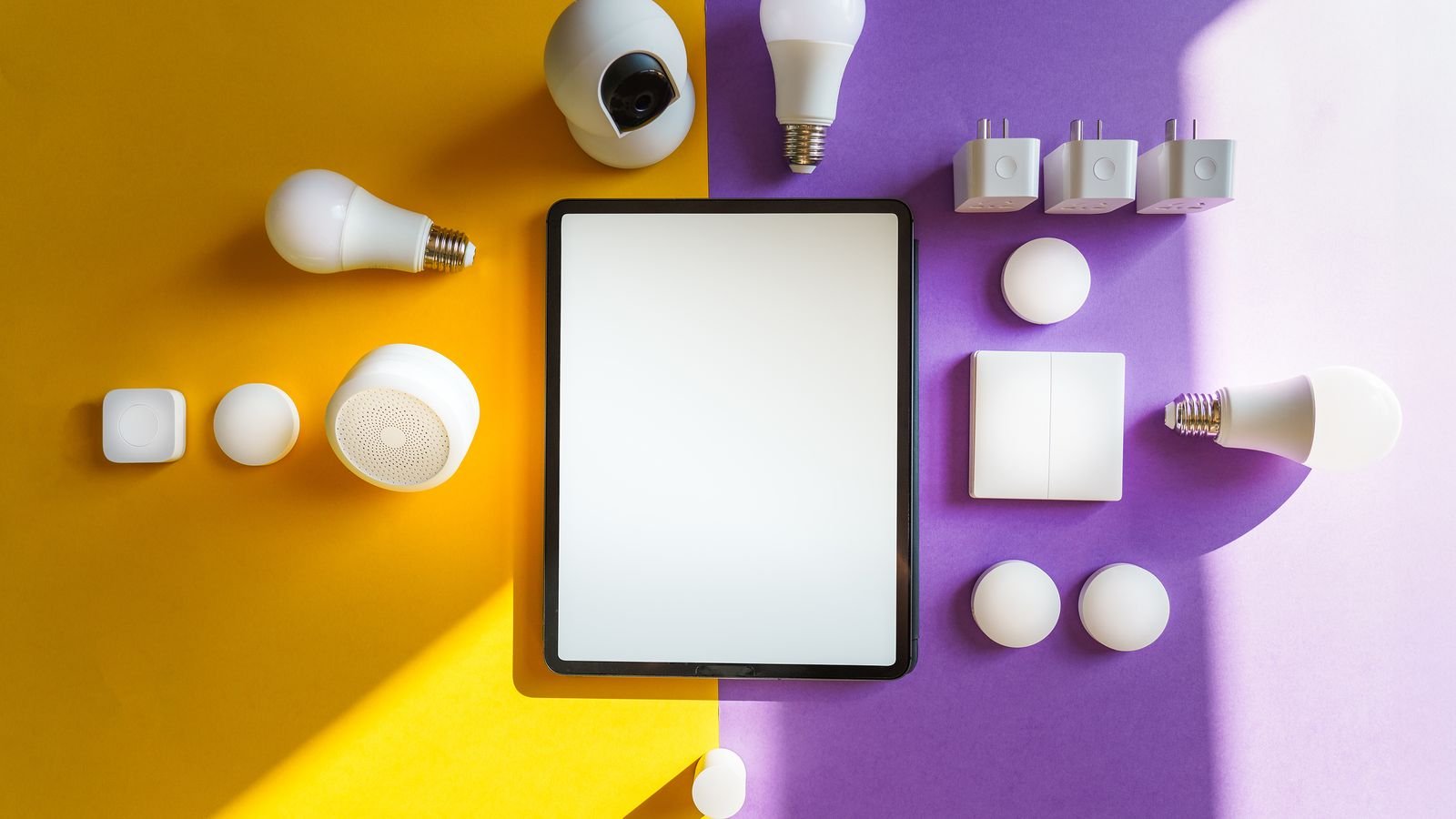
Smart plugs are where almost everyone starts, and for good reason. They cost little, require no wiring, and instantly make a lamp, fan, or coffee maker voice-controllable. Nearly every mainstream plug supports both assistants, so this category is the least risky place to spend money.
The specification that actually matters is the load rating. A plug rated for a 10A resistive load is fine for lamps and chargers but should not be running a space heater. Check whether the plug reports energy consumption, since that turns a simple switch into a useful diagnostic tool for finding what is quietly costing you money. Physical size matters too: chunky plugs block the second socket on a duplex outlet, and a slim body or a side-facing design solves that.
If your household is centred on Google, the best smart plugs for Google handle assistant naming and room assignment cleanly. Echo-first homes should look at the best smart plugs for Echo, which typically expose routines and hunches better inside the Alexa app. For a broader comparison of the category regardless of assistant, the best Alexa plugs roundup covers the models that also carry Google certification.
Lighting: Bulbs, Switches, and the Hidden Trap
Smart lighting splits into two philosophies. Smart bulbs put the intelligence in the lamp, which gives you colour and tuning but breaks the moment someone flips the wall switch and cuts power. Smart switches put the intelligence in the wall, so any bulb works and the physical control keeps functioning normally, but you lose per-bulb colour control.
For rooms where people habitually use the wall switch, switches are the more forgiving choice. For bedside lamps and accent fixtures that are already controlled by a plug or a pull chain, bulbs make more sense. Mixed installations are common and perfectly sensible: colour bulbs in the living room lamps, switches for hallway and stair lighting. If you are leaning toward wall control, the best smart light switches comparison explains which models keep working for guests who never open an app.
The trap is neutral wiring. Many smart switches require a neutral conductor in the back box, and homes built before the 1980s often lack one at switch locations. Pull the plate off and look before ordering. No-neutral models exist, but they can flicker with very low-wattage LED fixtures.
Cameras, Doorbells, and Displays
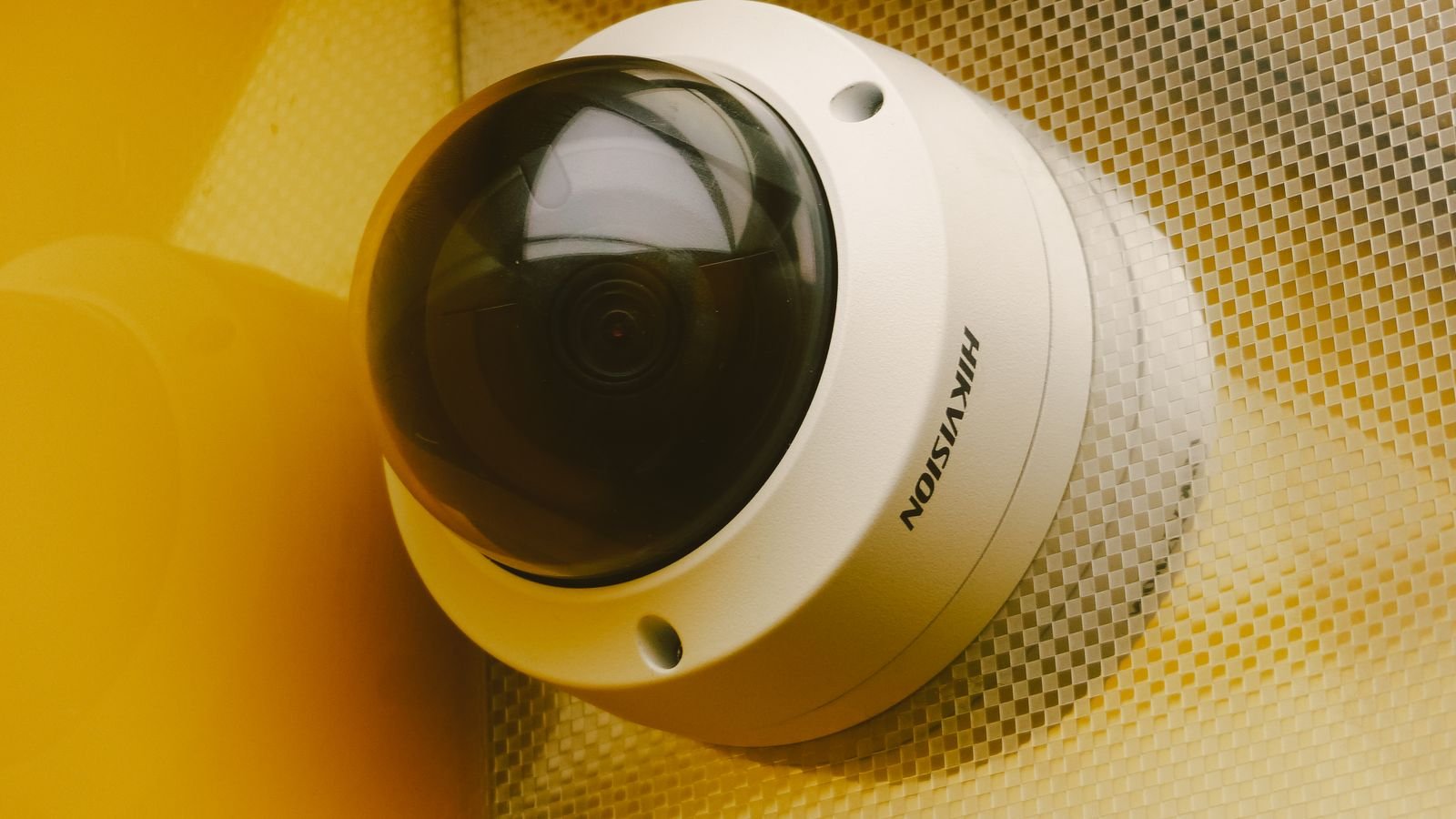
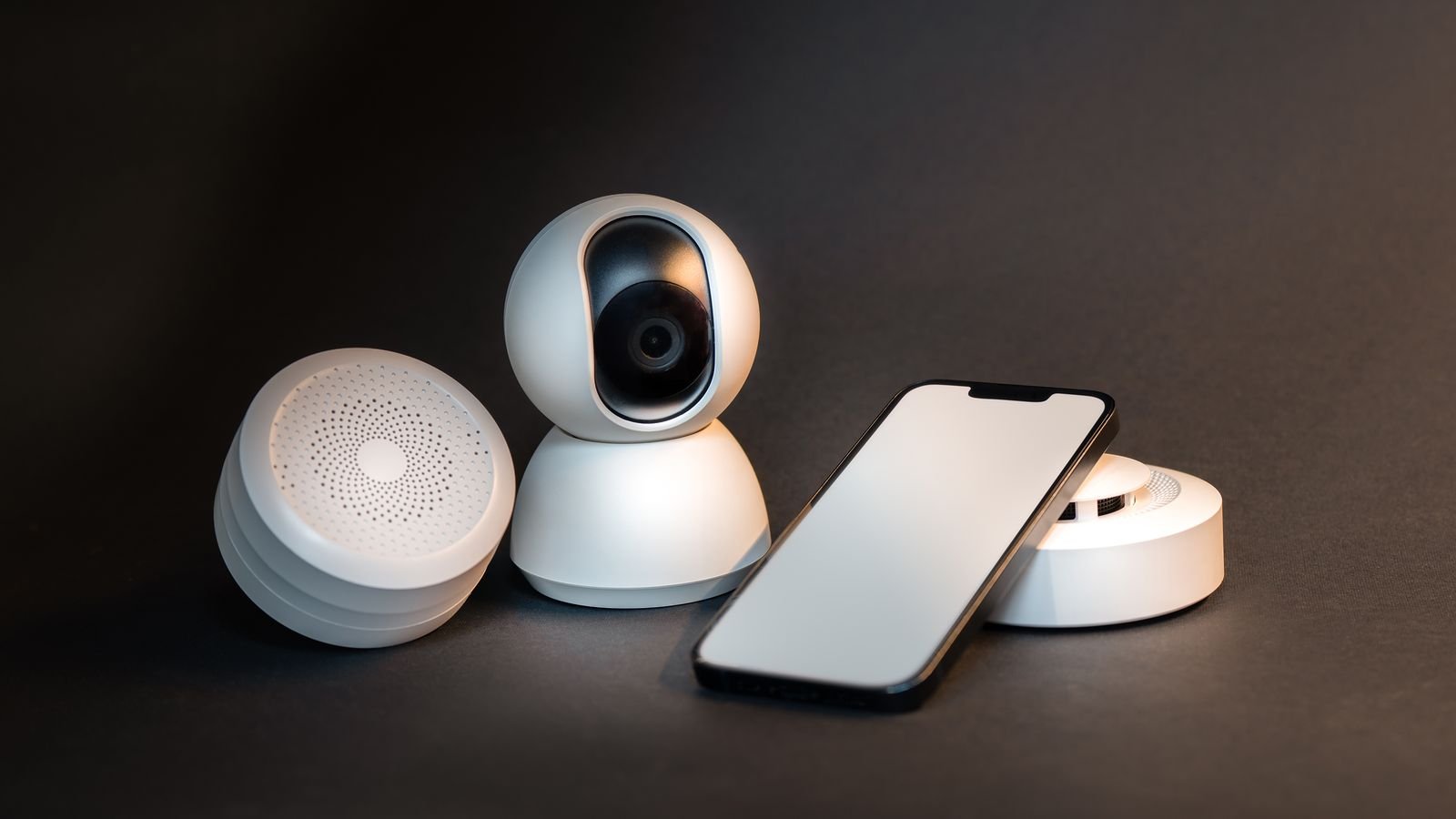
Cameras are the category where cross-platform support is weakest. Streaming video to a smart display requires a much deeper integration than toggling a plug, and several major camera brands stream to only one assistant, or restrict live view on the other. If you own a smart display and want to say “show me the front door”, verify that specific pairing before buying, not just the generic compatibility badge.
Doorbells inherit the same constraint. A doorbell may announce visitors on both platforms while only offering a video feed on one. Announcements, two-way talk, and live view are three separate capabilities, and marketing copy rarely distinguishes between them.
Thermostats, Locks, and Higher-Stakes Devices
Thermostats are broadly well supported by both assistants, though the depth varies. Setting a target temperature works almost everywhere. Changing modes, adjusting schedules, or controlling multiple zones by voice is more inconsistent, and some integrations are read-only for certain fields.
Locks demand extra scrutiny. Both platforms allow locking by voice, but neither allows unlocking without an additional PIN or confirmation, and some integrations disable voice unlock entirely. That is a sensible default, since anyone shouting through a window should not be able to open your door. Confirm which behaviour your lock uses before you rely on it, and never make a voice command the only way into the house.
Running Both Assistants at Once
Plenty of households do this deliberately: a display in the kitchen from one platform, speakers elsewhere from the other. It works, provided you follow a few rules.
- Set up devices in the manufacturer’s own app first. That app is the source of truth. Both assistants then import from it.
- Use identical names in both ecosystems. If a lamp is “Reading Lamp” in one and “Lounge Lamp” in the other, you will forget which is which within a week.
- Mirror your room structure. Group assignments drive commands like “turn off the kitchen”, and mismatched rooms produce baffling partial results.
- Build automations in one place. Running overlapping routines on both platforms creates conflicts where one turns a light on as the other turns it off.
- Keep speakers physically separated. Two assistants within earshot of each other will both wake to the same conversation.
Network Planning Nobody Warns You About
Twenty Wi-Fi devices will expose a weak router quickly. Budget routers often cap out well below the client count a fully kitted smart home reaches, and cheap smart devices are almost all 2.4GHz only, which is the busiest band in most neighbourhoods.
- Check the client limit on your router before you scale past a dozen devices.
- Keep a 2.4GHz network available during setup, since many devices cannot join a combined band.
- Reserve IP addresses for hubs and cameras so they do not shuffle after a reboot.
- Consider a guest or IoT network to isolate inexpensive devices from computers holding your personal files.
- Prefer Zigbee or Thread for sensors so battery devices stay off Wi-Fi entirely.
Building a System in Sensible Stages
Trying to automate everything at once produces an expensive pile of half-configured hardware. A staged approach works better. Start with two or three smart plugs on lamps and appliances you actually switch daily, and live with them for a fortnight; the general best smart plugs shortlist is a reasonable starting point whichever assistant you use. Then add lighting in the one or two rooms where it will get used most, choosing switches for high-traffic areas. Add sensors next, because motion and door contacts are what turn manual control into genuine automation. Cameras, thermostats, and locks come last, since they are the most expensive and the most compatibility-sensitive.
At each stage, ask whether the automation saves a real action. Voice control that is slower than reaching for a switch does not survive contact with daily life. The installations people keep using are the ones where lights come on by themselves at dusk and turn off when a room empties.
Frequently Asked Questions
Can one device work with both Google Home and Alexa simultaneously?
Yes. Most mainstream plugs, bulbs, and switches carry both certifications and can be linked to both accounts at once with no conflict.
Does Matter mean I can stop checking compatibility?
Largely, for supported categories such as lighting, plugs, and sensors. Cameras and some advanced features still fall outside the certified feature set, so verify those individually.
Do I need a hub?
Not for Wi-Fi devices. You do need one for Zigbee, Z-Wave, and Thread accessories, although many current smart speakers and displays include the necessary radios.
What happens to my devices if the internet drops?
Voice commands generally fail because they route through the cloud. Locally controlled protocols on a hub often keep working, and physical switches always do.
Is it a problem to mix brands?
No, as long as each brand supports your assistant. Mixing is normal, and it usually gets you better hardware in each category than committing to one manufacturer’s full range.
Final Thoughts
The compatibility question has become far less painful than it was, but it has not disappeared. Plugs, bulbs, and switches are safe across both ecosystems; cameras and locks still require homework. Favour devices with Matter support, set them up in the manufacturer’s app, keep names and rooms identical across platforms, and give your network the headroom to carry them. Do that and the choice between Google and Amazon stops being an irreversible commitment and becomes what it should be: a preference about which voice you would rather talk to.