Owen Bradley
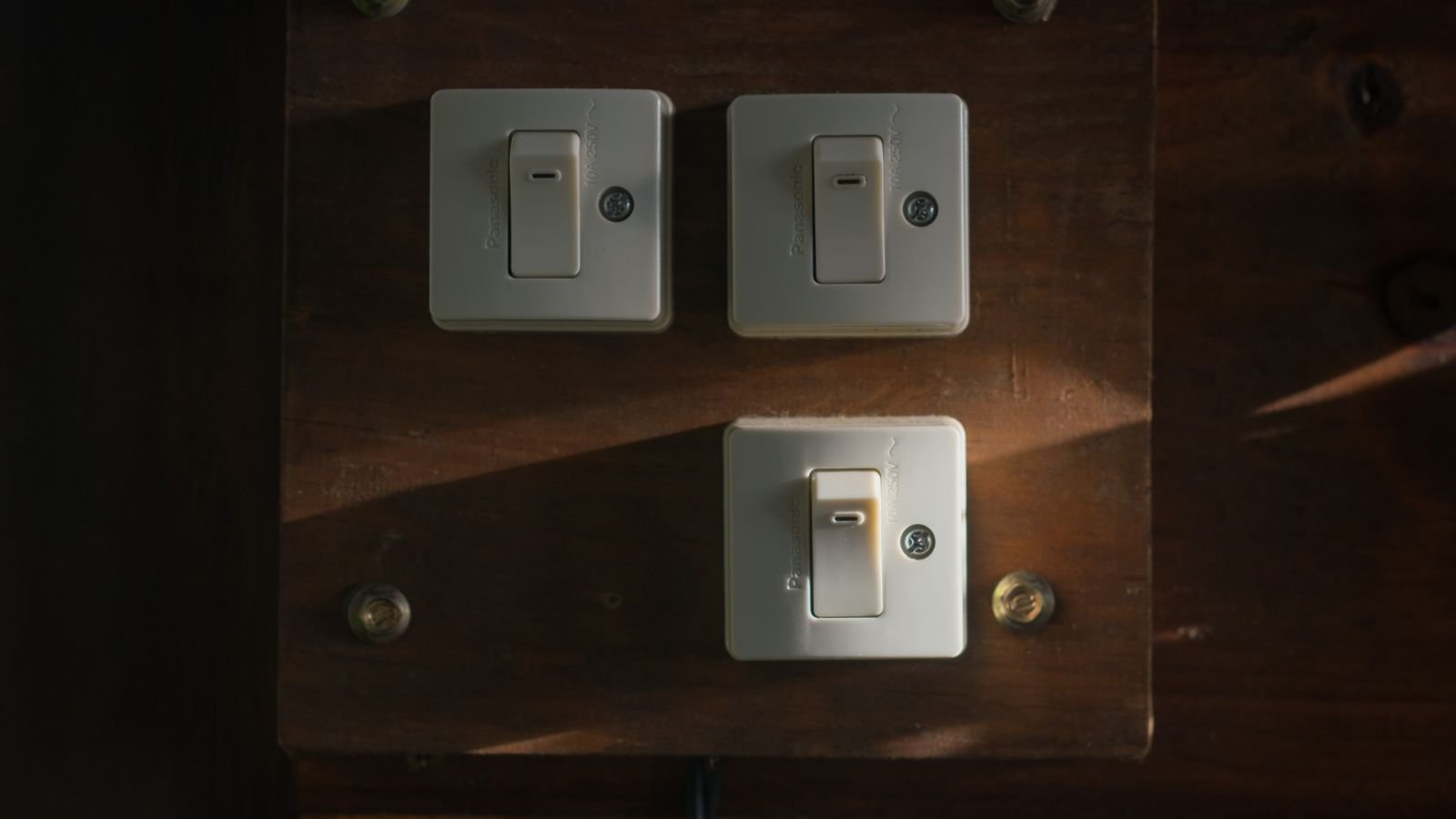
 Replacing a wall switch is the single most durable smart home upgrade you can make. Unlike a smart bulb, a smart switch keeps the physical control everyone in the house already understands, works with whatever fixture is wired to it, and cannot be defeated by someone flipping the switch off. The hard part is choosing a wireless protocol, because Wi-Fi, Zigbee, and Z-Wave behave very differently once you have more than a handful of devices. This smart switch buying guide compares the three protocols honestly, then covers wiring requirements, switch types, and the practical questions that decide whether an installation succeeds in 2026.
Why Switches Beat Smart Bulbs
Smart bulbs are cheaper to try and easier to install, but they have a structural flaw: they need constant power. The moment a guest, a child, or a cleaner flips the wall switch off, the bulb disappears from your automation system and every schedule attached to it fails silently. Households solve this by taping over switches, which is a poor experience in a home meant to feel more capable, not less.
A smart switch inverts the problem. The intelligence lives in the wall, the wall control keeps working exactly as expected, and every bulb downstream becomes controllable regardless of type. One switch also handles a fixture with six bulbs for the price of one device rather than six. Where smart bulbs still win is colour changing and rental situations where you cannot modify wiring. For most permanent installations, switches are the better foundation, and a broad look at the best smart switches shows how much capability now fits in a standard wall box.
Check Your Wiring Before Anything Else
The most common reason a smart switch project stalls is the neutral wire. Traditional switches only interrupt the live conductor, so many older boxes contain no neutral at all. Almost every smart switch needs continuous power to run its radio, and continuous power usually requires a neutral.
Open a switch plate, kill the breaker first, and look for a bundle of white or blue conductors joined at the back of the box. If they are there, you have full choice. If not, you have three routes: choose a no-neutral switch that trickles a tiny current through the load, fit a bypass capacitor at the fixture, or have an electrician run a neutral. No-neutral switches work well with incandescent and many LED loads but can cause faint flicker or glow with very low-wattage LEDs, which the bypass resolves.
Two other wiring realities matter. Box depth is a real constraint, because smart switches are physically deeper than a mechanical toggle and a box already crowded with conductors may not close. Three-way circuits, where two switches control one light, need either a matched companion switch from the same manufacturer or a model designed to work with an existing dumb switch. Buying one smart switch for a hallway with two switch locations almost always ends in a return.
Wi-Fi: Simple, Hub-Free, and Occasionally Fragile
Wi-Fi switches connect directly to the router you already own. There is no hub to buy, setup takes minutes through a phone app, and the switch is reachable from anywhere without extra infrastructure. For someone installing three or four switches, this is genuinely the easiest path, and the best wifi light switches are widely available and competitively priced.
The limitations emerge at scale. Each switch consumes a DHCP lease and an association slot on your access point, and consumer routers start behaving unpredictably somewhere between twenty and forty devices. Most Wi-Fi switches use the crowded 2.4GHz band, which competes with microwaves, baby monitors, and every neighbour’s network. Many also route commands through the manufacturer’s cloud, meaning an internet outage or a discontinued service can break automations that ought to be entirely local. Look specifically for models advertising local control or local API support if independence matters to you.
Zigbee: Low Power, Mesh Networking, Wide Support
Zigbee is a low-power mesh protocol operating on 2.4GHz. It requires a hub or coordinator, but that hub keeps device traffic off your Wi-Fi entirely. The mesh aspect is the real advantage: every mains-powered Zigbee device, including each switch you install, acts as a repeater. A house with fifteen Zigbee switches has fifteen relay points, so coverage improves as the network grows rather than degrading.
Zigbee devices are typically inexpensive, respond quickly, and come from a very large ecosystem of manufacturers. Because it shares 2.4GHz with Wi-Fi, careful channel selection matters; setting your Zigbee coordinator to a channel that does not overlap your Wi-Fi channel eliminates most interference complaints. Cross-brand compatibility is generally good but not guaranteed, so check that a given switch is supported by your specific hub before buying a dozen. Buyers building a mesh from scratch usually start by comparing the best zigbee light switches that their chosen coordinator lists as tested.

Z-Wave: Reliable, Interference-Free, Strictly Certified
Z-Wave also builds a mesh and also needs a hub, but it operates on sub-GHz frequencies around 900MHz depending on region. Being off the 2.4GHz band entirely means it never competes with Wi-Fi, Bluetooth, or microwave ovens, and the lower frequency penetrates walls and floors noticeably better. In large houses with dense construction, Z-Wave often simply works where 2.4GHz devices struggle.
Certification is mandatory for every Z-Wave device, which produces unusually strong cross-brand interoperability: a switch from one manufacturer will work with a hub from another. The trade-offs are cost, since devices tend to be more expensive, and a smaller catalogue than Zigbee. There is also a regional frequency split, so a switch bought for one country will not work on another country’s hub. Households that value reliability over price often standardise on Z-Wave for lighting, and the best z-wave switches are usually the longest-lived devices in a smart home.
Choosing Between the Three
A short decision framework covers most situations. Choose Wi-Fi if you want fewer than about ten smart switches, do not want to own a hub, and are comfortable with cloud dependence. Choose Zigbee if you plan a whole-home rollout on a budget, already own a hub or a smart speaker with a built-in coordinator, and want a self-healing mesh with a huge device catalogue. Choose Z-Wave if your house is large or thick-walled, your 2.4GHz spectrum is already congested, and you prioritise long-term reliability and interoperability over price.
Mixing protocols is perfectly normal. Many households run Z-Wave for lighting, Zigbee for sensors, and Wi-Fi for a few high-bandwidth devices, all unified in one hub or automation platform. The newer Matter and Thread standards aim to make this choice less consequential over time, and switches advertising Matter support hedge against future ecosystem shifts.
Switch Types and Configurations
Beyond the radio, decide what the switch physically does:
- On/off switches handle non-dimmable loads such as fans, outlets, and appliance circuits.
- Dimmers add brightness control, but only for dimmable bulbs and only within a compatible wattage range.
- Three-way and multi-way sets control one fixture from two or more locations using a companion switch.
- Scene controllers replace a single switch with several buttons that trigger whole-house scenes rather than one circuit.
- Motion-sensing switches turn lights on automatically and are excellent in hallways, pantries, and laundry rooms.
- Fan controllers are purpose-built for ceiling fan motors; a standard dimmer on a fan motor will hum and can damage it.
Paddle versus toggle is largely aesthetic, but consider whether the switch keeps a satisfying mechanical click. Some smart switches use a momentary rocker that always returns to centre, which is unfamiliar to guests and confusing in a rental.
Ecosystem, Voice Control, and Local Automation
Confirm compatibility with the assistant your household actually uses before buying in bulk. Alexa, Google Home, and Apple Home each have their own certification programmes, and generic claims of app support do not guarantee voice integration. If you run a local automation platform, check whether the switch exposes a local API or requires the vendor cloud for every command.
The genuinely useful automations tend to be modest rather than dramatic: porch lights on at sunset and off at midnight, bathroom lights limited to a low brightness after 11 p.m., a stairwell light that triggers on motion, and an all-off scene by the front door. A well-integrated switch also reports state accurately, so the app knows when someone used the wall control. State reporting is easy to overlook and immediately noticeable when it is missing.
Installation Realities and Safety
Installation is within reach of a confident DIYer, but the rules are non-negotiable. Turn off the breaker, not just the switch, and verify with a non-contact tester at the box. Photograph the existing wiring before disconnecting anything. Match conductors by function rather than colour alone, since older installations frequently reuse white as a switched live. Confirm the load type and wattage sit within the switch’s rating, especially for LED dimmers where the minimum load can matter as much as the maximum.
Where local regulations require licensed work on fixed wiring, or where the box lacks a neutral and you are unsure, bring in an electrician. The cost of one visit to add neutrals to several boxes is often less than the accumulated cost of no-neutral workarounds.
Budget Tiers and Rollout Strategy
Entry-level Wi-Fi switches are the cheapest way to start and are perfectly serviceable for a few rooms. Mid-range devices add reliable dimming, energy monitoring, better LED compatibility, and local control. Premium switches bring scene buttons, adjustable LED indicators, matched multi-gang aesthetics, and long firmware support.
Rather than converting every switch at once, start with the four or five you touch most: the front entry, the main living space, the kitchen, the bedroom, and any outdoor light. Those deliver nearly all the daily benefit. Expand once you know which protocol behaves well in your particular building. Standardising on one family also matters aesthetically, since mismatched paddle shapes and indicator LEDs in a multi-gang plate look worse than most people anticipate.
Frequently Asked Questions
Can I use a smart switch without a neutral wire?
Yes, with a no-neutral model or a bypass capacitor fitted at the fixture. Be aware that very low-wattage LED loads can flicker or glow faintly with no-neutral designs, which the bypass usually corrects.
Do Zigbee and Z-Wave switches work if the internet goes down?
Local automations continue to run, since the hub handles logic on the local network. You lose remote app access and cloud-based voice commands until connectivity returns. Many Wi-Fi switches, by contrast, lose everything except the physical paddle.
Can I use a smart dimmer with any bulb?
No. The bulb must be explicitly dimmable, and the total load should sit within the dimmer’s stated range. Non-dimmable LEDs on a dimmer will buzz, flicker, or fail early.
How many devices can a mesh network handle?
Zigbee and Z-Wave both scale to well over a hundred nodes in practice, and each mains-powered switch extends coverage. Wi-Fi is the protocol that runs into limits first, typically at the router rather than the devices.
Will I need to replace everything if I switch hubs later?
Z-Wave devices are certified and generally move between hubs cleanly. Zigbee devices usually do too, though some brands add proprietary extensions. Cloud-locked Wi-Fi switches are the hardest to migrate, which is a good argument for preferring local control.
Final Thoughts
Decide the protocol first, verify the neutral wire second, and confirm three-way requirements third. Those three checks eliminate almost every problem people report after installation. If you want simplicity and only a few switches, Wi-Fi is fine. If you are wiring a whole house, a mesh protocol will serve you far better as the device count climbs, with Zigbee winning on price and catalogue size and Z-Wave winning on interference immunity and range. Start with the switches you use daily, standardise on one family for consistency, and expand from a foundation you have already proven works in your walls.