Owen Bradley
 Small home offices heat up fast, especially when a desktop computer, multiple monitors, and a closed door all combine to trap warm air in a limited space. Overheating isn’t just uncomfortable, it can slow down your equipment, shorten the lifespan of your computer’s components, and make it hard to focus during long work sessions. This guide covers practical, step-by-step ways to keep a small home office cool without needing to renovate the room.
What You’ll Need
- A room or desk fan, or dedicated PC cooling fans
- A thermometer or smart temperature sensor, optional but helpful
- Cable ties or clips to organize wiring behind your desk
- A door draft stopper or small vent fan, if your office lacks good airflow
Step-by-Step Guide to Cooling Down Your Office
- Identify your main heat sources. Walk around your office and note anything that generates heat: your computer tower, monitors, chargers, lamps, and even direct sunlight through a window. Knowing the sources helps you target fixes rather than guessing.
- Improve airflow around your computer tower. Make sure there is at least a few inches of clearance on all sides of your desktop case, and avoid tucking it into a fully enclosed cabinet where hot air has nowhere to escape.
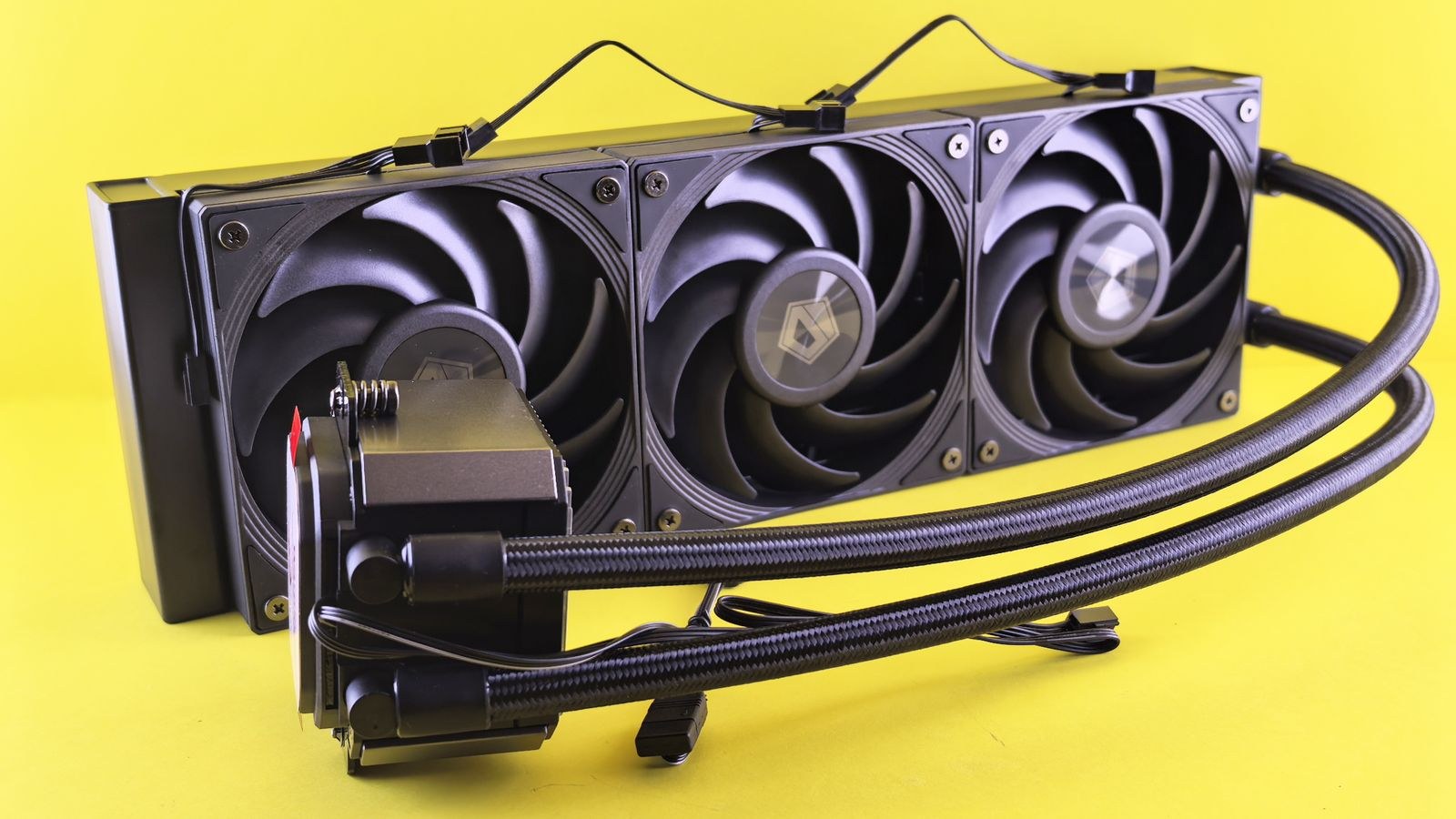
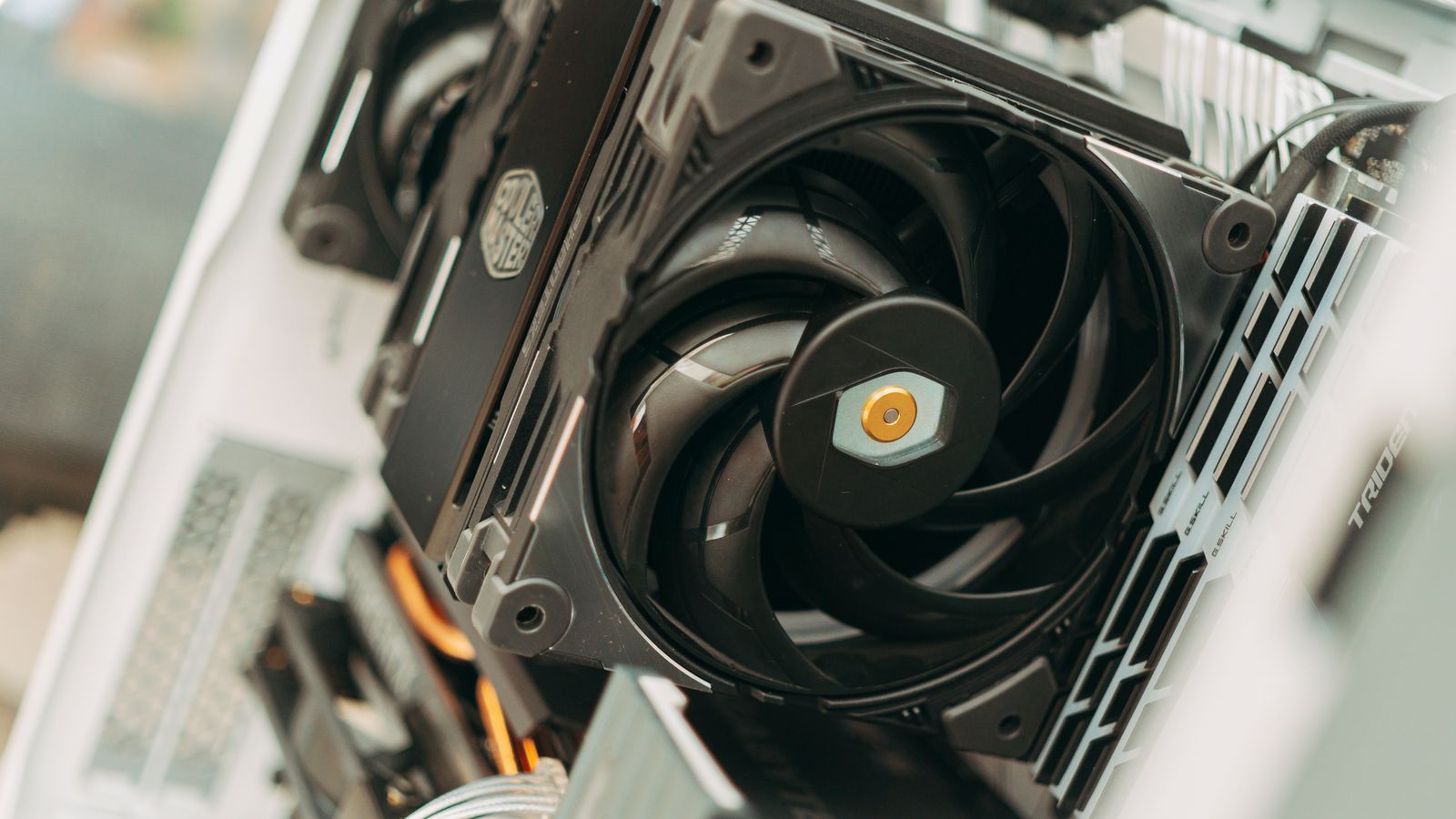
- Add or upgrade PC cooling fans. If your desktop runs hot under regular use, additional case fans or a better CPU cooler can significantly lower internal temperatures and reduce the heat radiating into the room. Browsing the best cooling fans for PCs is a good starting point if your current setup struggles under load.
- Position a room fan for cross-ventilation. Place a fan so it pulls cooler air in from a doorway or hallway rather than simply recirculating the same warm air. If you have two doors or a window, position fans to create a through-breeze.
- Block direct sunlight during peak hours. Close blinds or curtains during the sunniest part of the day, since direct sunlight through a window can raise a small room’s temperature significantly within an hour.
- Declutter cables and equipment. Tangled cables behind your desk trap heat and block airflow around your tower and power strip. Use cable ties or clips to route wiring neatly and leave breathing room around your equipment.
- Turn off unused electronics. Monitors, printers, and chargers left on standby still generate a small amount of heat continuously; switch off or unplug anything you aren’t actively using.
- Crack the door or add a vent fan. If your office door stays closed most of the day, even a small gap or an inexpensive vent fan can dramatically improve air circulation with the rest of the house.
- Monitor the room temperature. Use a simple thermometer or a smart sensor to track how warm the room gets during your typical workday, and adjust your cooling setup based on real data rather than guesswork.
- Reassess your furniture layout. Make sure your desk and computer tower aren’t positioned directly against a heating vent, radiator, or a wall that gets warm from sun exposure on the other side.
Tips for Long-Term Comfort
- Clean dust out of your computer’s vents and fans every few months, since dust buildup is one of the biggest causes of rising internal temperatures.
- Choose light-colored curtains or blinds, which reflect more heat than dark ones.
- Consider a small portable air conditioner or evaporative cooler for offices that consistently run hot, especially in summer months.
- Keep your desk away from direct contact with exterior walls that absorb outdoor heat.
Common Mistakes to Avoid
- Placing the computer tower on thick carpet or inside a closed cabinet. Both restrict airflow to the intake fans and trap heat around the case.
- Relying on a single fan pointed directly at yourself. This cools you but does little to move hot air out of the room; cross-ventilation is far more effective.
- Ignoring dust buildup in fans and vents. A dusty cooling fan works much less efficiently and can push internal temperatures noticeably higher.
- Leaving blinds open all day during summer. Even a couple of hours of direct sun can undo the cooling effect of a fan or air conditioner.
What temperature is too hot for a home office?
Most people start feeling uncomfortable and less productive once a room climbs above roughly 77-80°F (25-27°C), and sustained heat above that range can also stress computer components over time.
Do more case fans always mean a cooler computer?
Not necessarily. Airflow direction matters as much as fan count; a poorly balanced setup with too many intake fans and not enough exhaust can actually trap heat inside the case. A well-planned two or three fan configuration often outperforms a cluttered high fan count.
Is a small portable air conditioner worth it for a home office?
If your office consistently runs hot despite better airflow and cable management, yes. A portable unit sized for a small room can bring noticeable relief, especially in offices without central air conditioning access.
Does a laptop overheat less than a desktop in a small office?
Laptops generally generate less total heat than a full desktop tower with a dedicated graphics card, but they concentrate that heat in a smaller chassis and can throttle performance when airflow is blocked. A laptop cooling stand and keeping vents clear help just as much as the room-level fixes in this guide.
How much does an overheated room affect computer performance?
When ambient temperature rises, your computer’s internal components have a harder time shedding heat, which can trigger thermal throttling that deliberately slows the CPU or GPU to protect them. Keeping the room cooler directly translates into more consistent performance under sustained workloads.
Understanding Why Small Offices Trap Heat
Small rooms heat up faster than large ones for a simple reason: there is less air volume to absorb the heat your equipment produces, so the temperature climbs quickly. A desktop computer under load, two monitors, a charging laptop, and a bright lamp can together output a surprising amount of heat into a confined space, and a closed door prevents that warm air from mixing with the cooler air in the rest of your home. Add afternoon sun through a window and the room can become several degrees warmer than the hallway just outside it.
Recognizing this helps you prioritize the right fixes. The two most powerful levers are reducing the heat you generate and improving how quickly warm air leaves the room. Everything in this guide, from decluttering cables to creating cross-ventilation, targets one of those two goals. When you combine several of these changes rather than relying on a single fan, the cumulative effect is far greater than any one adjustment on its own.
Balancing Cooling With Noise and Comfort
- Choose larger, slower fans over small fast ones. Bigger fans move more air at lower speeds, which means better cooling with less noise, an important consideration during video calls.
- Avoid pointing a fan directly at paperwork. Position airflow to move heat out of the room rather than scattering documents across your desk.
- Mind humidity as well as temperature. In humid climates, an evaporative cooler may add moisture to the air; a portable air conditioner or dehumidifier can be more comfortable.
- Schedule heavy tasks for cooler hours. If you render video or run demanding workloads, doing so in the morning when the room is naturally cooler reduces peak heat buildup.
Final Thoughts
Preventing overheating in a small home office usually comes down to a combination of better airflow, smarter equipment placement, and keeping dust and clutter under control. If your desktop still runs hot after making these changes, upgrading to one of the best cooling fans for PCs can make a meaningful difference in both your comfort and your equipment’s longevity.