
 Owen Bradley
 Every control device in a house sits somewhere on a spectrum between hardwired and wireless. A hardwired switch is joined to its load by copper and does exactly one thing forever. A wireless switch is a radio transmitter that can be moved, regrouped, and reprogrammed, but depends on batteries and a receiver somewhere else. Neither is universally better, and the most satisfying homes use both deliberately rather than defaulting to one. This whole-home buying guide sets out how each technology behaves, where each belongs, and how to plan a mixed installation that stays reliable for years.

What “Wireless Switch” Actually Describes
The term covers three quite different products, and confusing them causes most of the disappointment in this category.
A battery-powered scene controller has no wiring at all. It sticks to any surface and sends a radio command to a receiver, a hub, or a smart bulb. It cannot control a circuit directly.
A wireless-controlled switch is wired into the circuit normally but also receives radio commands. The wall paddle works conventionally; the radio adds remote and automated control.
A kinetic or self-powered switch generates its own operating energy from the press itself, needing neither wiring nor batteries. These are elegant but limited in the commands they can send.
Roundups of the best wireless switches cover all three, and reading them with these distinctions in mind makes the specifications far easier to interpret.
The Case for Hardwired Control
Copper is boring and that is its virtue. A hardwired switch has no batteries to replace, no pairing to lose, no firmware to update, and no radio interference to troubleshoot. It works during an internet outage, works for a guest who has never seen your house, and will still work when the manufacturer has gone out of business.
Hardwiring also handles load properly. A switch in the circuit can carry substantial current, control motors and heaters with the right rating, and interrupt power completely — which matters for maintenance safety. Wireless systems that switch a load via a relay module can do the same, but only if the module is correctly rated and accessible.
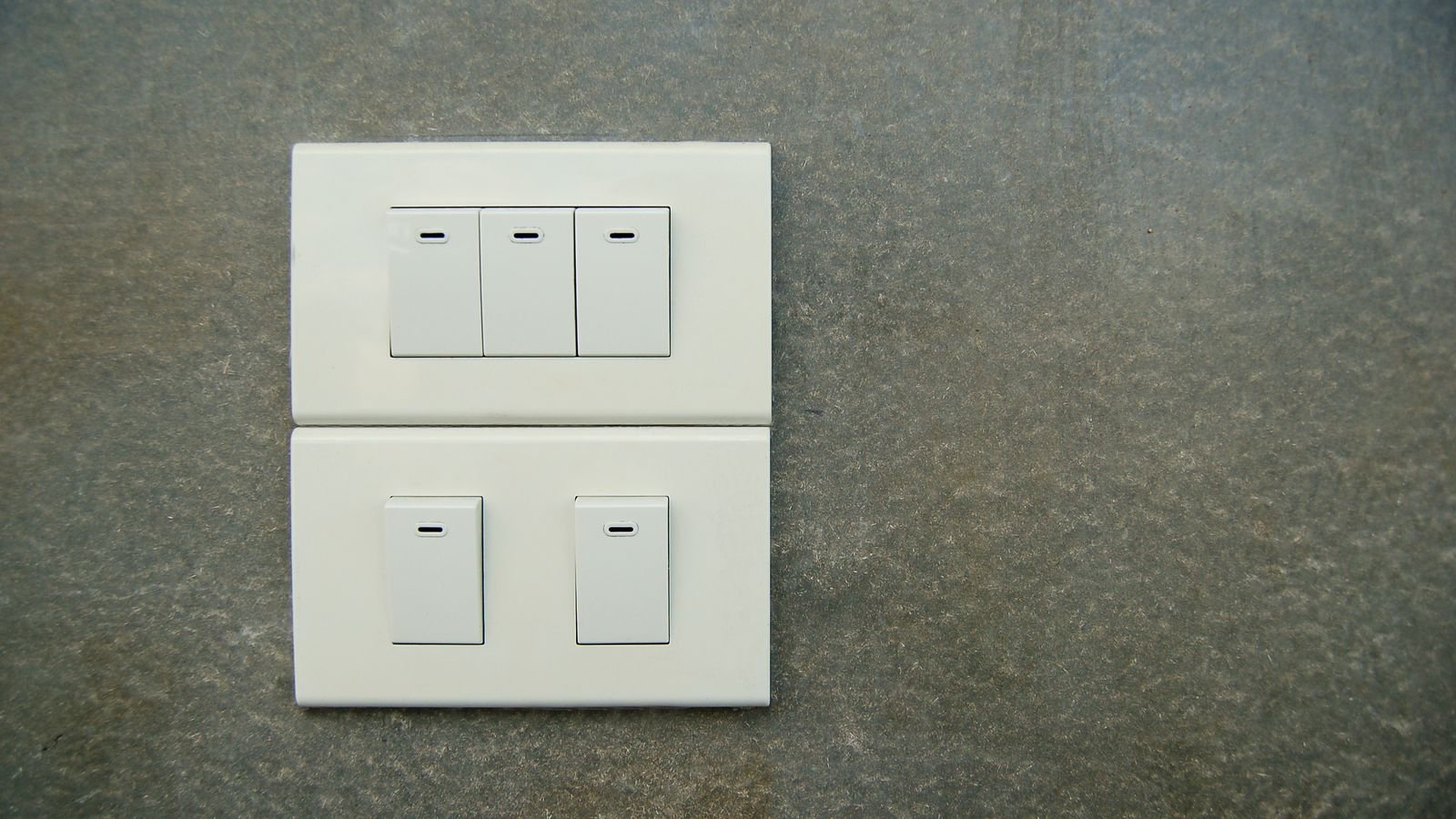
For anything you use daily, anything safety-relevant, and anything a stranger might need to operate, wired remains the default. General guides to light switches are the right starting point for these positions.
The Case for Wireless Control
Wireless wins wherever running a cable is expensive, disruptive, or impossible. A stone wall, a finished ceiling, a listed building, a rental agreement, a concrete floor — each turns a twenty-minute wiring job into a major project.
It also wins on flexibility. A wireless button can be moved after you discover the switch is on the wrong side of the door. It can control a group of devices that share no circuit. It can be reassigned entirely by software when the room’s use changes. And it can be added in quantity: three control points for one light is trivial wirelessly and awkward with travelers.
The costs are real. Batteries need replacing, typically every one to three years. Radio links occasionally need re-pairing. Latency is small but non-zero. And a wireless control point depends on a receiver being powered and healthy somewhere else in the house.
Batteries, Radio, and Long-Term Reliability
Two questions determine whether a wireless installation ages well. First, how many batteries will you be maintaining? Four wireless buttons is a minor chore. Forty is a recurring job, and they will not fail at the same time. Choose devices that report battery status to your hub so you replace them before they die rather than after.
Second, how robust is the radio link? Mesh protocols such as Zigbee and Z-Wave get stronger as you add mains-powered devices, because those act as repeaters. Point-to-point RF kits do not, so range depends entirely on the two endpoints. In a large or masonry home, a mesh built on wired switches with wireless buttons layered on top is far more dependable than a purely wireless system.
Doorbells and Chimes: The Same Decision in Miniature
Doorbells illustrate the trade-off perfectly. A traditional wired chime runs from a transformer through a push button to a mechanical or electronic sounder. It never needs batteries, never loses pairing, and produces a sound that carries through a house better than most small speakers. Guides to wired door chimes cover these, and in a home that already has the wiring, they remain the most reliable option available.
Wireless chimes trade that reliability for placement freedom. You can put a sounder in the garden office, one upstairs, and one in the kitchen, all triggered by a single button, with no wiring at all. In a large or awkwardly shaped house, that coverage advantage often outweighs the maintenance. Options covered in roundups of wireless doorbells show how far this approach has come.
The pragmatic answer for many homes is both: keep the wired chime for its dependable primary sound, and add a wireless secondary sounder wherever the wired one cannot be heard.
Planning a Whole-Home Mix
A workable rule of thumb: wire the loads, wireless the controls. Put a proper wired switch or relay on every circuit so the physical control always works and the load is properly rated. Then add wireless buttons wherever you want additional control points — beside the bed, at the top of the stairs, by the back door, in the room the architect forgot.
This structure has three benefits. Every mains-powered switch strengthens the mesh. Every circuit retains a fail-safe manual control. And adding a new control point later becomes a five-minute job with adhesive backing rather than a wiring project.
Automation platforms built around this pattern are covered in guides to home automation switches, which typically pair mains-powered primaries with battery accessories from the same range.
Room-Level Recommendations
- Entry and hallways: Wired primary at the door, wireless secondary wherever a second control point is genuinely useful.
- Bedrooms: Wired at the door, wireless at the bedside. This is the single highest-value wireless addition in most homes.
- Kitchens: Wired throughout, since circuits are numerous and the wall space is available. Add one wireless scene button near the main entrance.
- Bathrooms: Wired only, with attention to load type for extractor fans and to local rules on switch placement in wet areas.
- Outbuildings and garden rooms: Wireless is often the only practical answer, but confirm the radio link reaches before committing.
- Stairs and landings: Wireless companions avoid running traveler cable through finished walls.
Installation Considerations for Each Approach
Wired work means turning off the breaker, verifying the circuit is dead, and understanding what each conductor does. Check for a neutral in the box, measure box depth, and identify three-way circuits before ordering. Electrical work is regulated differently depending on where you live, and some jurisdictions require a qualified person for anything beyond a like-for-like swap.
Wireless installation is trivial by comparison, but placement deserves thought. Test the radio link from the intended position before sticking anything down permanently, especially through masonry or across floors. Mount buttons at conventional switch height so guests find them instinctively, and consider a mounting plate rather than adhesive alone if the surface is textured.
Budget Tiers
- Entry level: Basic RF button-and-receiver kits with fixed channels. Cheap, effective for one or two lights, no automation.
- Mid range: Mesh-protocol wired switches plus matching battery accessories, with battery reporting, scene support, and companion-switch options for multi-location circuits. Compare against general smart switch roundups to see how the accessories pair.
- Premium: Multi-button keypads, kinetic battery-free controls, hub-based local automation, and engraved or customisable faceplates for whole-home consistency.
Common Mistakes to Avoid
- Buying battery scene controllers expecting them to switch a circuit directly.
- Building an all-wireless system with no mains-powered repeaters, then wondering why range is poor.
- Sticking a wireless button to a wall before testing the radio link from that spot.
- Ignoring battery reporting and discovering dead controls one at a time.
- Removing the physical wired control entirely, leaving no fallback for guests.
- Mixing three incompatible radio ecosystems across one house.
Frequently Asked Questions
Are wireless switches reliable enough for everyday use?
Modern mesh-protocol devices are, provided the network has enough mains-powered nodes to relay signals. Point-to-point RF kits are reliable over short distances but degrade quickly through masonry. Keeping a wired control on every circuit removes the risk entirely.
How long do wireless switch batteries last?
Typically one to three years for a scene controller used a few times a day, and considerably longer for lightly used buttons. Kinetic switches need no battery at all. Devices that report battery level to a hub make maintenance predictable rather than reactive.
Can I add a wireless switch to an existing wired circuit?
Yes. The usual approach is to fit a smart wired switch or an in-ceiling relay on the circuit, then pair one or more battery buttons to it. The original wall control keeps working exactly as before.
Do wireless switches work during a power cut?
The button transmits, but the receiver controlling the load needs mains power, so nothing switches. Wired switches have the same limitation. Neither technology helps when the supply itself is down.
Which is cheaper overall?
Wireless is cheaper to install because there is no labour and no disruption. Wired is cheaper to own because there are no batteries and fewer failure modes. Over a decade, a mixed installation usually costs less than either extreme.
Final Thoughts
The strongest whole-home designs are not a contest between the two technologies but a division of labour. Copper handles the load and guarantees a control that always works; radio handles convenience, extra control points, and everything the original wiring plan did not anticipate. Audit your house circuit by circuit, decide which positions need a physical fallback, and layer wireless on top of that foundation. A plan built that way in 2026 will still make sense long after individual products have been replaced.









