
 Owen Bradley
 Wall outlets are the most-used electrical hardware in any home and the least considered. Most people only think about them when a plug falls out of a loose socket, when the only free outlet is behind a sofa, or when a phone charger, a laptop brick and a lamp are all fighting for two slots. Matching outlets and extensions to the devices you actually own solves all three problems at once, and it is a cheaper upgrade than almost anything else in a house. This guide covers outlet types, load ratings, USB integration, extension safety and placement planning so the sockets you choose in 2026 match how your household really uses power.
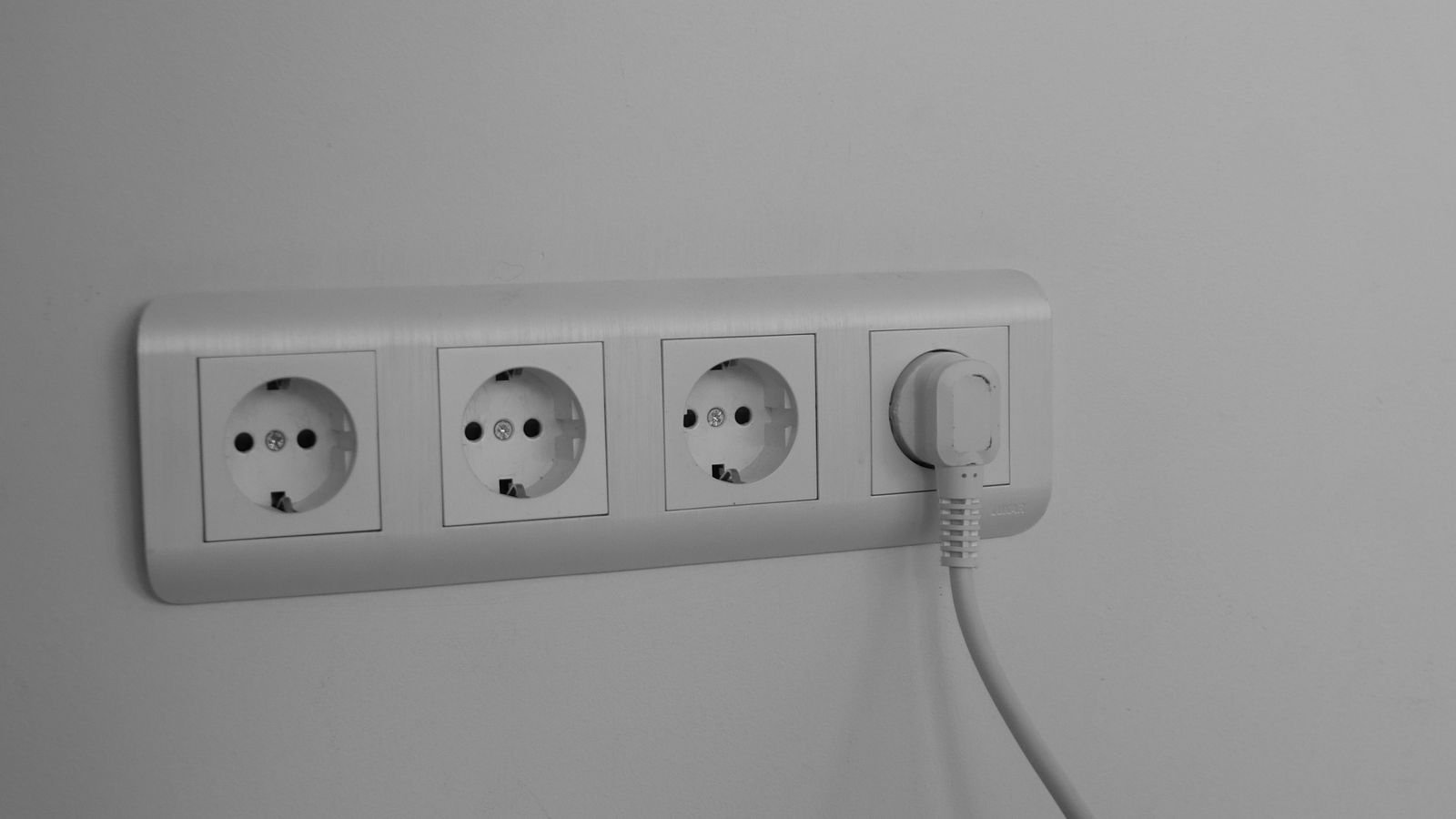
Know What You Are Actually Plugging In
Start by listing what each room powers, because device profiles differ enormously. A bedroom typically runs two lamps, two phone chargers, a clock and occasionally a fan. A home office runs a laptop charger, two monitors, a router, a printer and several USB devices. A kitchen runs high-draw appliances such as kettles, toasters and microwaves that pull heavy current in short bursts.
Those three profiles need different hardware. Low-draw bedrooms benefit from integrated USB charging and fewer physical sockets. Offices need many sockets on a well-managed circuit. Kitchens need standard high-capacity outlets with no adapters daisy-chained together, because high-draw appliances are exactly where cheap extensions overheat.
Once you have that list, count how many things are permanently plugged in versus occasionally plugged in. Permanent devices should own a socket; occasional ones can share.
Outlet Types and Where Each Belongs
- Standard duplex outlets. The default two-socket unit. Cheap, reliable, correct for the majority of positions.
- USB-integrated outlets. Combine mains sockets with built-in USB ports, removing the need for charger bricks entirely. Ideal beside beds, desks and kitchen counters.
- Tamper-resistant outlets. Internal shutters block foreign objects. Required by code in many regions for new work and strongly advisable in any home with young children.
- GFCI or RCD-protected outlets. Cut power on detecting a fault current. Essential near sinks, in bathrooms, in garages and outdoors.
- Weatherproof outdoor outlets. Sealed, gasketed and rated for exposure. See the best outdoor outlets for the units that survive real weather rather than just a light shower.
- Smart outlets. Add scheduling, remote control and energy monitoring at the socket. Best in positions where you want to control a lamp or appliance without changing the appliance.
For the ordinary positions that make up most of a house, the best wall plugs and the wider survey of the best plugs cover build quality differences that matter more than the price gap suggests.
Grip, Contacts and Why Cheap Outlets Fail
The most common outlet failure is a plug that no longer stays in. Inside every socket are spring contacts that grip the plug’s pins. Cheap outlets use thin, soft brass that loses tension after a few hundred insertions, especially with heavy chargers that hang from the socket.
Better outlets use thicker contacts and a back-wired clamp rather than a push-in stab connection. Push-in terminals, where the wire is simply pressed into a hole, rely on a small spring and are a well-known cause of loose connections and heat over time. Screw-clamped terminals are worth the extra minute during installation.
A loose socket is not merely annoying. Poor contact means higher resistance, higher resistance means heat, and heat is how a nuisance becomes a hazard. Any outlet that feels warm, is discoloured, or lets a plug droop should be replaced rather than tolerated.
USB Charging Built Into the Wall
Built-in USB has become the single most appreciated outlet upgrade in bedrooms and offices, because it frees both mains sockets and eliminates a drawer of chargers.
Three specifications matter. First, port type: USB-A still suits older cables, but USB-C is where everything is heading and supports far higher power delivery. Second, wattage: a 12W port charges a phone slowly and will not charge a laptop at all, whereas a 45W or higher USB-C Power Delivery port handles tablets and many laptops comfortably. Third, whether the stated wattage is per port or shared across all ports, because a shared 30W split four ways is not what the box implies.
If you are updating a desk or bedside position, the best usb wall outlets comparison shows how much real-world charging speed varies between models that look identical on the shelf.
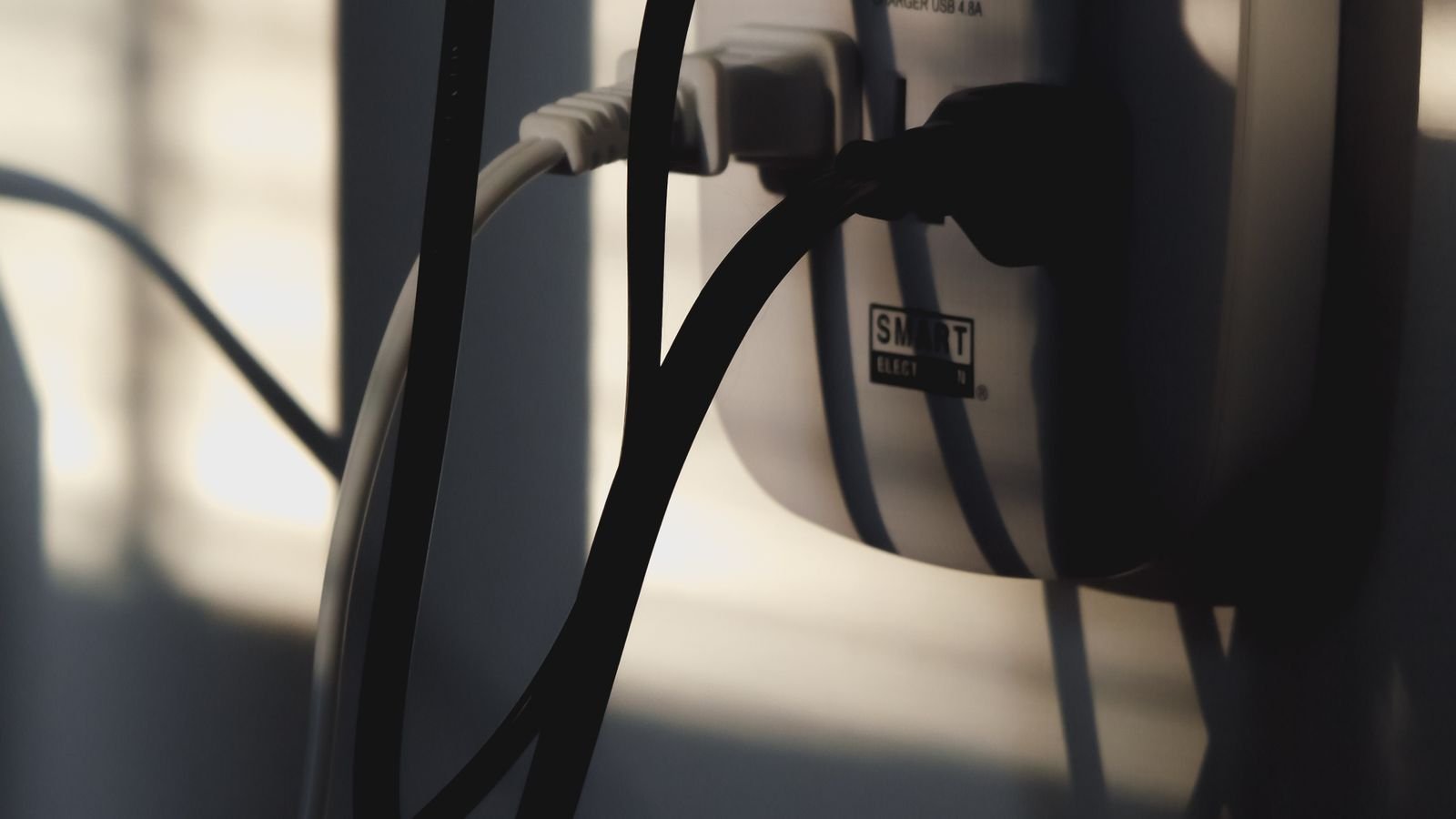
Extension Leads and Power Strips Done Safely
Extensions are not inherently unsafe; using the wrong one is. Most incidents trace back to three specific mistakes.
- Daisy-chaining. Plugging one extension into another multiplies the load on a single socket while the user loses track of the total. Never chain them.
- Running high-draw appliances through a light-duty strip. Heaters, kettles and irons should go directly into a wall outlet. A thin flex rated well below the appliance’s draw is the classic overheating scenario.
- Leaving a coiled extension coiled while loaded. A coiled cable cannot shed heat and can reach damaging temperatures at loads it would handle safely when unwound.
When buying, check the total current rating printed on the unit, look for a resettable overload cutout, and prefer strips with individually switched sockets so you can kill standby loads. Surge protection is worth having for computers, televisions and network equipment, though note that surge components degrade over time and a strip that has absorbed a serious surge should be replaced.
Spacing matters practically: sockets set at an angle or spaced widely apart accommodate large power bricks without blocking neighbouring outlets, which is the most common frustration with cheap strips.
Load, Circuits and Not Overloading a Room
Every outlet in a room usually sits on a shared circuit protected by one breaker. Adding sockets does not add capacity; it only adds places to draw from the same supply.
General-purpose circuits in most homes are rated at 15A or 20A. High-draw kitchen appliances alone can consume a substantial share of that, which is why kitchens commonly have dedicated circuits. If a breaker trips whenever two particular appliances run together, the answer is not a bigger breaker but redistributing the load or adding a circuit. For a broader look at socket capacity and specification, the best power outlets guide covers the ratings worth checking before you buy.
Planning Placement Room by Room
- Bedrooms. Two outlets per bedside, ideally with USB. Place them at bedside-table height rather than skirting level so cables do not trail.
- Home offices. Plan for at least six sockets and put them at desk height on the wall the desk will sit against. Retrofit is expensive, so overprovision.
- Kitchens. Outlets above counter height, well clear of the sink, with GFCI protection. Leave clear runs for appliances used in fixed positions.
- Living rooms. Cluster sockets behind the television position and add one on each remaining wall for lamps and vacuum cleaners.
- Hallways and stairs. One socket per level for cleaning equipment is easy to forget and painful to add later.
- Garage and outdoors. Weatherproof, protected, and mounted high enough to stay clear of standing water.
Mistakes to Avoid
Buying the cheapest outlets for a whole house saves a small amount and produces loose sockets within a few years. Installing standard outlets outdoors or near sinks creates a genuine safety risk. Hiding a power strip under a rug or behind soft furnishings traps heat and hides damage. Using travel adapters as permanent fixtures leaves an unsupported plug hanging from the wall. And relying on a single extension behind an entertainment unit for a television, console, sound bar and router usually means nobody has ever checked the total load.
One more subtle mistake: replacing a two-socket outlet with a four-socket one and assuming the circuit gained capacity. It did not. More sockets simply make it easier to exceed what the circuit can supply.
Frequently Asked Questions
Are USB wall outlets worth the extra cost?
In bedrooms, offices and kitchens, yes. They free both mains sockets, remove charger clutter, and modern USB-C Power Delivery versions charge phones and tablets as fast as a good standalone charger. In rarely used positions they are unnecessary.
Can I plug a power strip into an extension lead?
No. Chaining extensions concentrates load on a single wall socket and defeats the ratings printed on each unit. If one socket cannot serve the area, the correct answer is another wall outlet.
How do I know if an outlet needs replacing?
Replace it if plugs fall out or sag, if the faceplate is warm or discoloured, if you see scorch marks, if it sparks beyond a brief connection flash, or if it is an ungrounded two-slot type still serving modern equipment.
Do smart outlets work if the internet goes down?
The socket keeps supplying power and the manual button still works. Scheduling and remote control depend on whether the device processes locally or relies on a cloud service, so check that specification if the outlet controls something important.
Should outdoor outlets be switched off in winter?
Not necessarily, but they should be properly weatherproof, protected by a fault-current device, and fitted with a closing cover. Inspect the gasket each season, since a perished seal is the usual route for water ingress.
Final Thoughts
Outlets are infrastructure, and infrastructure rewards planning rather than reaction. Count what each room truly powers, put quality sockets where they get daily use, add USB where charging happens, protect anything near water or weather, and treat extensions as temporary tools rather than permanent solutions. Spend a little more per socket in the positions your household touches every day, and the whole house feels less cluttered, charges faster and stays measurably safer.









