Owen Bradley
 An anti-fatigue mat looks like the simplest accessory in a standing desk setup, which is exactly why so many people get almost no benefit from theirs. They unroll it, park it wherever it lands, stand on it barefoot for six hours, and conclude that standing desks just hurt. The mat is not the problem. Learning how to use an anti fatigue mat properly, where to place it, how thick it should be for your floor, and how it fits into a wider standing routine, is what turns a $60 slab of foam into the difference between finishing the afternoon comfortably and limping to the sofa. This guide walks through the whole thing, from placement to shoes to the mistakes that quietly ruin your feet.
What an Anti-Fatigue Mat Actually Does
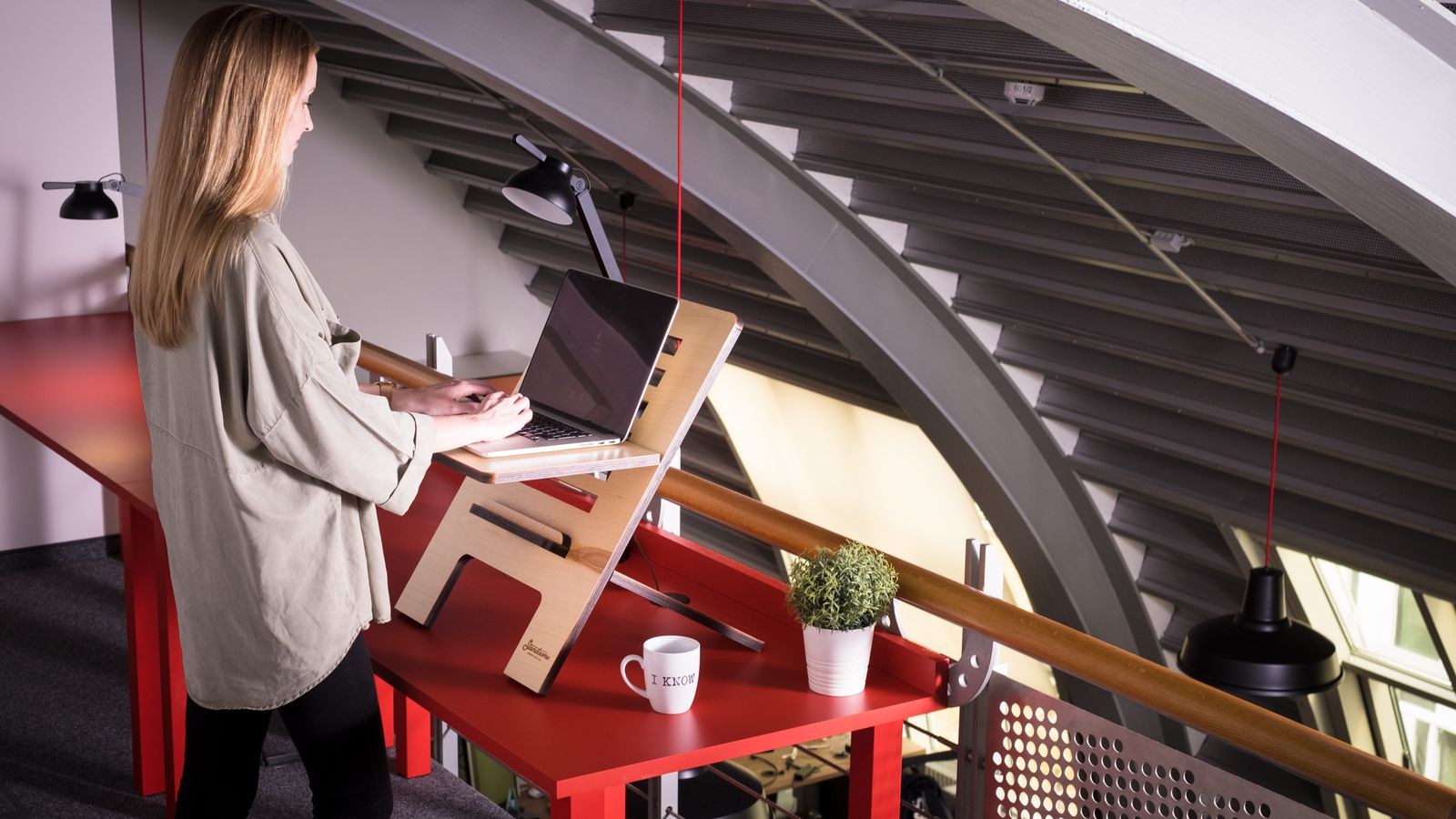
Standing still on a hard floor is far more tiring than walking. When your feet are planted and motionless, the muscles in your calves and feet contract statically, blood pools in your lower legs, and the shock that would normally be absorbed by movement goes straight into your joints. That is why an hour at a standing desk on tile can feel worse than an hour walking around a shop.
An anti-fatigue mat interrupts that cycle in two ways. First, it cushions, spreading pressure across the sole instead of concentrating it on the heel and ball of the foot. Second, and more importantly, it is slightly unstable. The compliant surface forces constant micro-adjustments in your ankles, calves and hips, which keeps muscles pumping and blood circulating. Those tiny involuntary shifts are the real mechanism. A mat that is too firm to deform does not create them, and a mat that is so soft you sink into it removes your stability altogether.
Before You Start: What You Need
- An anti-fatigue mat sized to your desk width, ideally 20 to 24 inches deep and at least 30 inches wide.
- A tape measure to check the footprint you have between desk and chair.
- Supportive flat shoes or firm house slippers.
- A timer or a calendar reminder app for sit-stand intervals.
- Optional: a small footrest or low stool for the leg-elevation trick covered later.
If you are still choosing hardware, start by matching the mat to the desk rather than buying blind. Our roundup of the best anti-fatigue mats for standing desks compares thickness, bevelled edges and contoured designs across a wide range of options, and the broader list of best mats for standing desks covers flat models better suited to rolling chairs.
How to Set Up and Use an Anti-Fatigue Mat
- Raise your desk to the correct height first. Set the surface so your elbows rest at roughly 90 degrees with shoulders relaxed. Do this before the mat goes down, then re-check afterwards, because a thick mat lifts you 3/4 inch or more and can throw the ergonomics out. Many people find they need to raise the desk by the mat’s thickness to keep wrists neutral.
- Clean and dry the floor underneath. Dust and grit trapped under polyurethane mats will scratch hardwood and laminate over time. On carpet, check that the mat sits flat rather than rocking on a thick pile.
- Position the mat so its front edge sits 2 to 4 inches back from the desk edge. Most people instinctively shove the mat right up against the desk, then end up standing on the very back of it. Placing it slightly back puts your body weight over the centre of the cushioned area, where the support is designed to be.
- Centre it on your monitor, not on the desk. Your feet should land directly below your screen so your neck stays square. If you use a dual-monitor setup, centre on the display you look at most.
- Check the edges lie flat. Curled corners are the number one trip hazard in a home office. Roll the mat the opposite way for an hour or lay a heavy book on the corner overnight if it arrived rolled up.
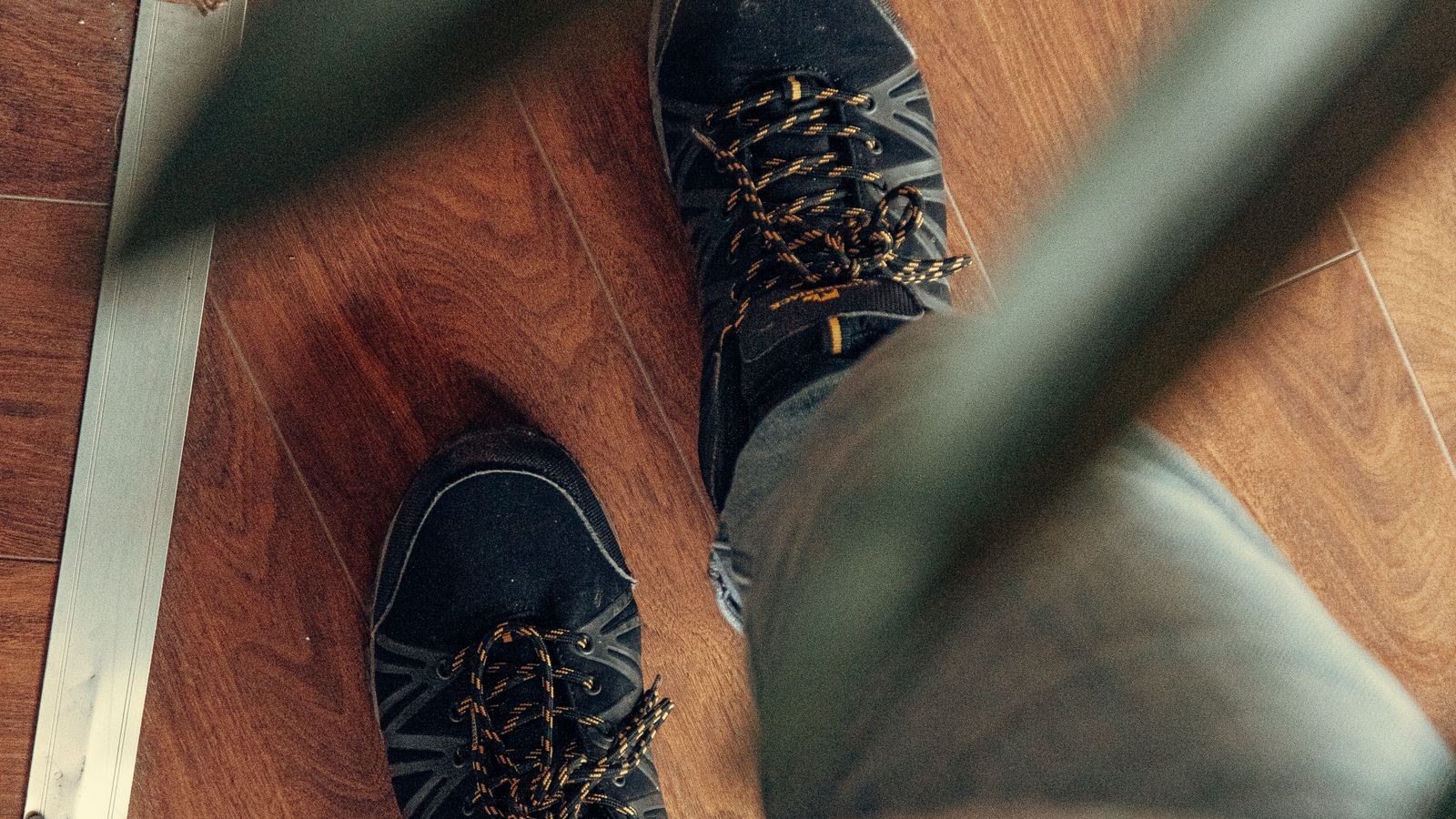
- Put shoes on. This is the step nearly everyone skips. Barefoot on foam gives you cushioning but no arch support, and the mat cannot substitute for the structure a shoe provides. Firm-soled shoes plus a mat is a far better combination than either alone, which is why the best standing desk shoes matter as much as the mat itself.
- Stand for 20 to 30 minutes, then sit. Do not try to stand all day on day one. Alternate in short blocks and build up over two or three weeks.
- Move deliberately while you stand. Shift weight side to side, roll onto the balls of your feet, rest one foot on the mat’s raised edge if it has one. The mat rewards movement; it does nothing for a statue.
Choosing the Right Thickness for Your Floor
Thickness is the single spec people misjudge. The right number depends almost entirely on what is under the mat.
- Concrete, tile or stone: go thick, 3/4 inch to 1 inch. Hard, unforgiving floors need the most cushioning, and a thin mat on concrete barely registers.
- Hardwood or laminate: 1/2 inch to 3/4 inch is the sweet spot. Enough give to promote micro-movement without feeling wobbly.
- Low-pile carpet: 1/2 inch is usually plenty, since the carpet already provides some compliance. A very thick mat over carpet can feel unstable.
- Thick or plush carpet: you may not need a mat at all for cushioning, though a firm mat can actually improve stability by giving you a defined, level standing platform.
Density matters as much as thickness. A dense polyurethane mat at 3/4 inch will outperform a cheap open-cell foam mat at 1 inch, because the cheap foam bottoms out under your heel within minutes and then behaves like a hard floor with extra steps. Press your thumb hard into the surface: if it compresses fully and springs back slowly, it will pack down permanently within months.
Flat, Contoured or Ridged?
Flat mats are the safest default, easiest to clean, and work with any footwear. Contoured mats add domes, edge ramps and massage points designed to encourage specific stretches, which some people love and others find intrusive after an hour. If you are new to standing work, start flat. Consider a contoured mat only once you have a stable standing habit and know you get bored of the same posture.
Fitting the Mat Into a Sit-Stand Routine
A mat does not change the fundamental rule: no single posture is good for eight hours. The most durable pattern for most people is roughly 20 to 30 minutes standing followed by 30 to 50 minutes sitting, repeated through the day, with a short walk every couple of hours. That works out to two or three hours of standing across a full workday, which is a realistic and well-tolerated target.
Build up gradually. Week one, stand for 15 minutes at a time, twice a day. Add five minutes per block each week. If your feet, knees or lower back ache the next morning, you increased too fast, so hold at the previous level for another week. Our walkthrough on how to transition to a standing desk without foot pain covers the ramp-up schedule in more detail, including what to do if you already have plantar fasciitis.
One useful trick: rest one foot on a low stool or the mat’s raised edge for a minute at a time, alternating sides. It unloads the lower back noticeably.
Caring for the Mat
Polyurethane and gel mats wipe clean with a damp cloth and mild soap. Avoid solvent cleaners, alcohol wipes and bleach, all of which degrade the top layer and cause it to flake. Never put a mat in direct afternoon sun, since UV yellows and hardens the surface faster than any amount of standing on it.
Rotate the mat 180 degrees every month or two, since wear concentrates wherever your heels land. Lift it weekly and let the floor underneath breathe, because trapped humidity can mark finished wood.
Common Mistakes
- Standing barefoot on it. The mat cushions, it does not support your arch. Shoes stay on.
- Not raising the desk after adding the mat. A 3/4 inch mat effectively lowers your desk by 3/4 inch. Re-check elbow height.
- Standing completely still. The mat works by encouraging micro-movement. If you lock your knees and freeze, you get very little from it.
- Buying too small. A 20 by 30 inch mat sounds fine until you step half off it. Wider is almost always better.
- Using a kitchen mat under a rolling chair. Soft mats destroy castor movement and can be a tipping hazard. If your chair rolls over the area, get a flat mat rated for chairs or move the mat aside when seated.
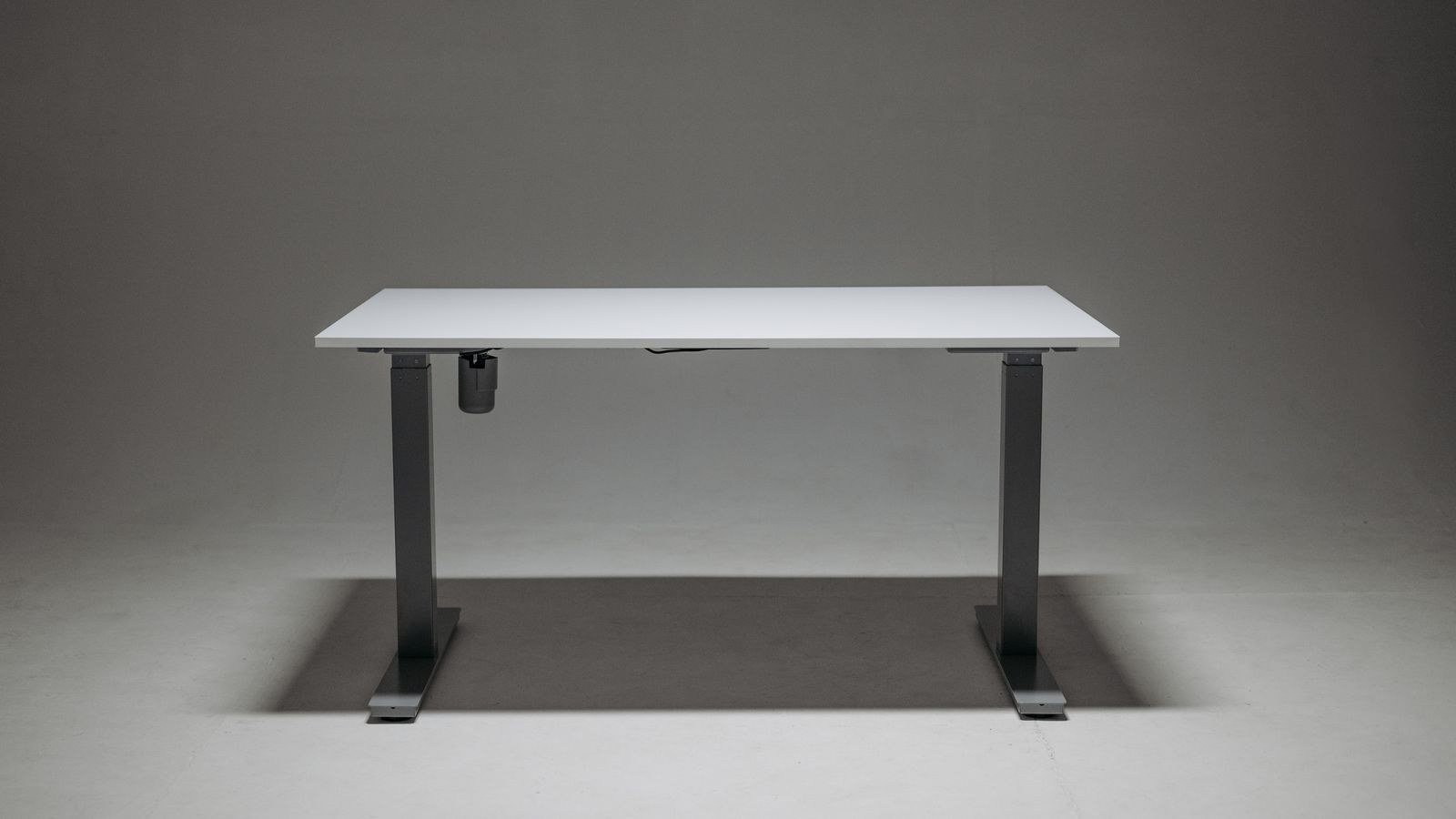
- Expecting the mat to fix a bad desk. If the desk wobbles or the height is wrong, no mat saves the setup. A stable frame from a list like the best standing desks matters more than the accessory on the floor.
Troubleshooting
My heels still ache. Usually a footwear problem rather than a mat problem, or a sign the mat has bottomed out. Try firmer shoes first. If the mat leaves a permanent heel dent that does not recover within a minute, the foam is spent.
I feel wobbly and it is distracting. The mat is too soft or too thick for your floor. Drop a thickness step, or move to a denser mat.
My lower back hurts, not my feet. That points to desk height or a locked-knee posture rather than cushioning. Raise the desk slightly, soften the knees, and use the one-foot-elevated trick.
The mat slides on hardwood. Look for a textured or rubberised underside, or add thin rug tape at the corners.
Frequently Asked Questions
Do I really need shoes on an anti-fatigue mat?
For sessions longer than about 15 minutes, yes. Cushioning and arch support are different things, and the mat only provides the first. Anyone with flat feet or a history of plantar pain should treat shoes as non-negotiable.
Can I use a yoga mat instead?
Not really. Yoga mats are thin and compress fully under a standing adult’s heel within seconds, so they neither cushion nor create useful instability. They also slide.
How long do anti-fatigue mats last?
A dense polyurethane mat used daily typically holds its resilience for three to five years. Cheap foam mats often flatten within a year. If the surface no longer springs back after you step off, replace it.
Will a mat protect my floor?
Mostly yes, though check the backing. Some rubberised undersides can leave marks on light vinyl or freshly finished wood, so lift and check the floor in the first few weeks.
Is a bigger mat always better?
Bigger helps until you start catching the edge when you sit or roll the chair. Cover your standing footprint plus room to shift weight, no more.
Final Thoughts
Using an anti-fatigue mat well comes down to four habits: place it slightly back from the desk and centred on your monitor, match its thickness to your floor, keep supportive shoes on, and keep moving while you stand. Do those and the mat quietly does its job for years. Skip them and you have an expensive rectangle of foam that gets blamed for aches it was never responsible for. Start with modest standing blocks, build up slowly, and let the mat support a routine rather than replace one.