Owen Bradley
 Refresh rate is the number every TV spec sheet shouts about and nobody explains. One set claims 60Hz, another 120Hz, a third promises 144Hz, and a fourth advertises something like “480 Motion Rate” that does not correspond to any real panel at all. This TV refresh rate guide walks through what those numbers actually mean, which sources in your living room can take advantage of them, and where the marketing stops matching the hardware. By the end you should be able to look at any TV listing in 2026 and know within seconds whether its refresh rate claim is meaningful for the way you watch and play.
What Refresh Rate Actually Measures
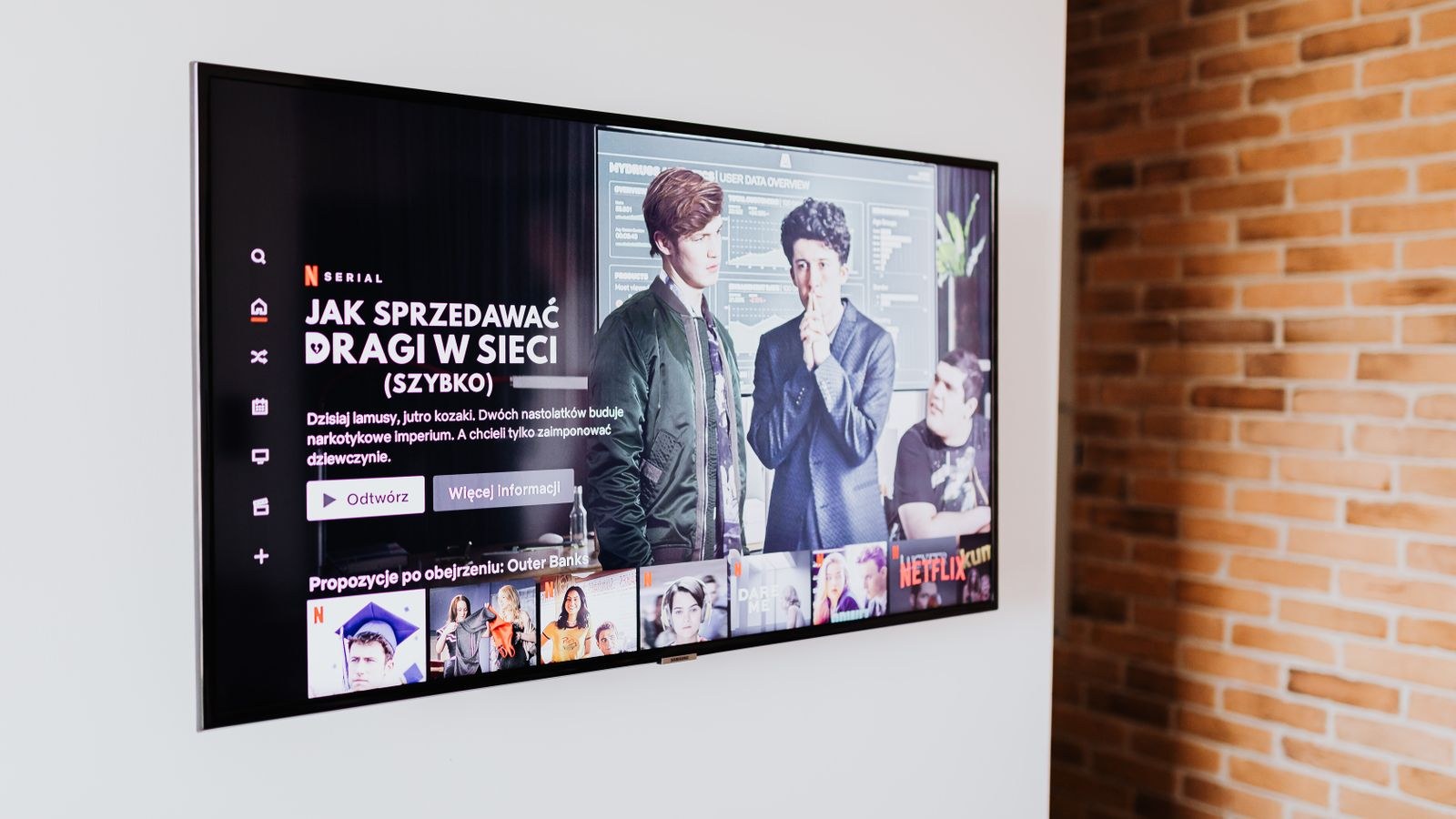
Refresh rate describes how many times per second the panel can draw a completely new image, expressed in hertz. A 60Hz panel redraws sixty times a second, which works out to a fresh frame every 16.7 milliseconds. A 120Hz panel halves that to 8.3 milliseconds, and a 144Hz panel trims it to roughly 6.9 milliseconds. Everything else in the marketing conversation, including interpolation, black frame insertion, and variable refresh rate, sits on top of that basic capability.
The important consequence is that refresh rate sets a ceiling, not a floor. A 120Hz TV can show 120 distinct images per second, but only if something feeds it 120 distinct images per second. Point a standard cable box at it and the panel still receives 60 frames or fewer. Refresh rate is potential; the source decides how much of that potential gets used.
Refresh Rate Versus Frame Rate
These two terms get swapped constantly, and the difference matters. Frame rate is what the source produces. Refresh rate is what the display can accept and show. A film shot at 24 frames per second is still 24fps on a 144Hz TV. A console locked to 60fps stays at 60fps no matter how fast the panel is. Buying a higher refresh rate does not add frames that were never rendered; it only removes a bottleneck that might otherwise have thrown frames away.
When frame rate and refresh rate do not divide evenly, you get judder. Twenty-four frames per second on a 60Hz panel requires an uneven repeat pattern, which is why panning shots in films sometimes look slightly stuttery on cheaper sets. On a 120Hz panel, 24 divides cleanly by five, so each film frame is held for exactly five refreshes and the cadence is smooth. That is one of the quiet, underrated benefits of a 120Hz panel that has nothing to do with gaming.
60Hz: Still the Right Answer for Most Viewing
A 60Hz TV is not a broken TV. Broadcast television, cable, most streaming series, most sports coverage, and every DVD or Blu-ray disc top out at 60 frames per second or below, and the vast majority sit at 24 or 30. For a household that mostly watches shows and movies, a well-built 60Hz set with good contrast, accurate color, and decent processing will look better than a mediocre 120Hz set that skimped on the panel to afford the faster refresh.
The place 60Hz starts to feel limiting is fast motion. Live sports with quick camera pans, motorsport, and hockey in particular can look slightly soft or smeary because each frame lingers longer on screen. Some of that is the panel’s response time rather than refresh rate, but the two combine. If sports are your main diet and you sit close to a large screen, a faster panel is a genuine upgrade rather than a spec sheet trophy.
Who Should Deliberately Buy 60Hz
- Viewers whose budget is fixed and who would rather spend it on contrast, brightness, or screen size.
- Households watching mostly scripted content, news, and streaming films.
- Secondary sets in guest rooms, kitchens, or basements where nobody games seriously.
- Anyone using a streaming stick as their only source, since almost nothing streams above 60fps.
120Hz: The Meaningful Step Up
One hundred twenty hertz is where the jump is real and easy to see. Current consoles output up to 120fps in supported titles, PC graphics cards happily push past 60fps at 1440p and 4K, and the panel’s ability to clear each frame faster reduces motion blur even when the content is only 60fps. Film cadence also becomes exact, which cleans up judder on movies without needing interpolation.
For gaming, 120Hz brings a second benefit that is arguably bigger than the smoothness: it halves the worst-case delay between a frame being ready and the panel showing it. Combined with a proper game mode, that is what makes a modern TV feel responsive rather than laggy. If you are shopping specifically for that combination, our roundup of the best 120Hz gaming TVs covers sets that support the full bandwidth rather than dropping resolution to reach the frame rate.
The caveat is that 120Hz requires a proper connection. A 4K signal at 120Hz needs an HDMI 2.1 port with enough bandwidth, and a cheap or old HDMI cable can silently limit you. Manufacturers sometimes fit only one or two 2.1 ports on a set with four inputs, so check which port you are using if the higher mode never appears.
144Hz and Beyond: A PC Feature on a Living Room Screen
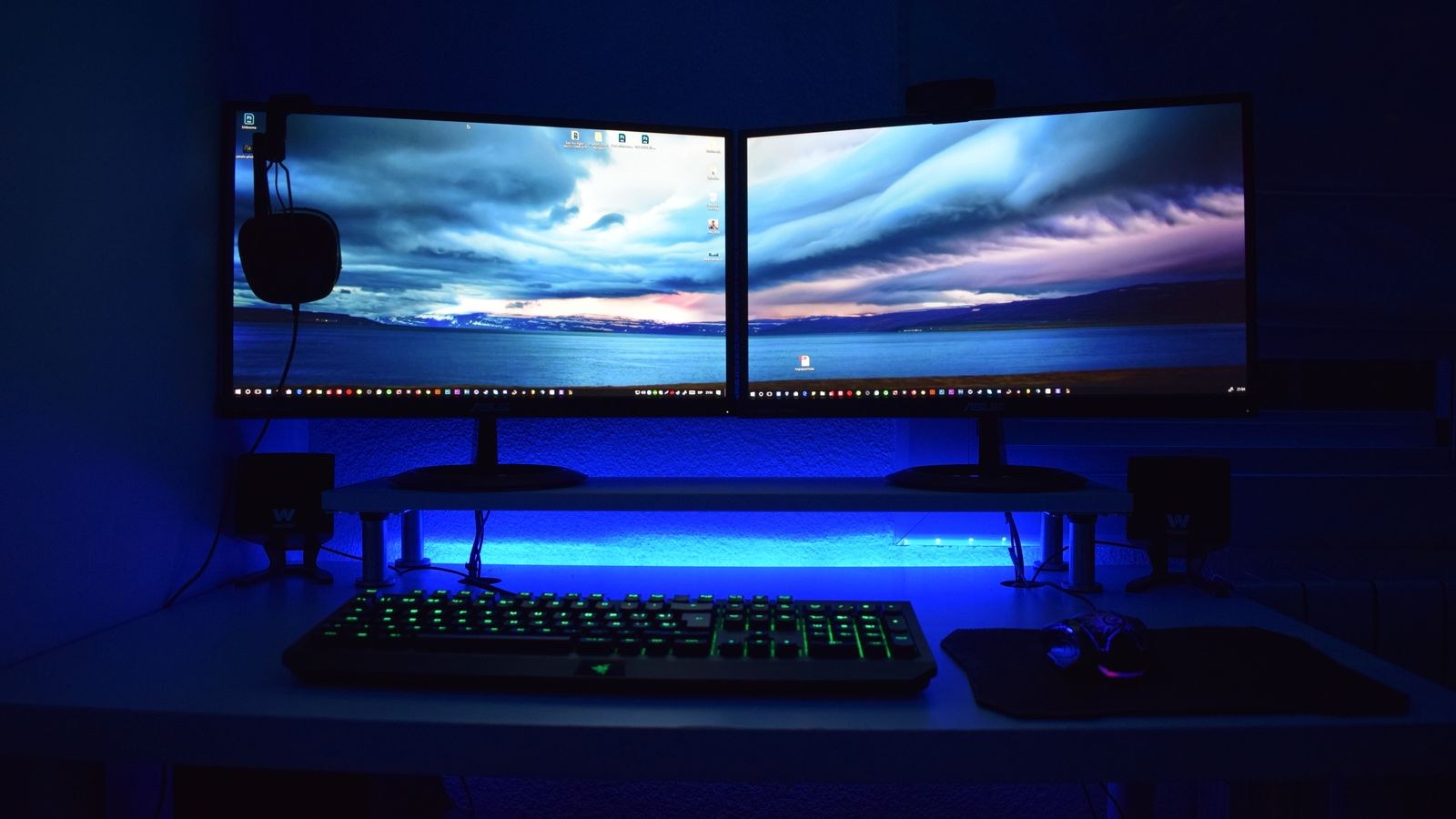
A growing number of large panels now accept 144Hz, and a few push higher. This exists almost entirely for people connecting a gaming PC. No console targets 144fps, no streaming service delivers it, and no broadcast standard approaches it. If your TV never sees a computer, the difference between 120Hz and 144Hz is close to invisible and definitely not worth a price premium.
If you do plan to drive the screen with a PC, the extra headroom is genuinely useful. Competitive shooters and racing titles at high frame rates feel noticeably crisper in motion, and the gap between 120 and 144 shows up in fast horizontal panning. Sets built for this use case tend to pair the refresh rate with low input lag and good variable refresh support, which matters far more than the raw number. Our list of the best 144Hz gaming TVs focuses on models where the whole chain works, and the broader best high refresh rate gaming TVs guide compares how different panel technologies hold up at speed.
Do Not Buy Refresh Rate You Cannot Feed
A 144Hz TV attached to a mid-range graphics card running a demanding title at 4K will spend its life displaying 50 to 70 frames per second. That is not wasted money exactly, since variable refresh rate still smooths out the delivery, but it does mean the headline number is doing nothing. Match the panel to the machine. If you are building around a PC, check our guide to the best gaming TVs for PC for sets that handle desktop text, chroma subsampling, and high frame rates without compromises.
The Marketing Numbers to Ignore
Manufacturers invented a whole vocabulary to make 60Hz panels sound faster. Terms like Motion Rate, Clear Motion Index, TruMotion, Motionflow XR, and Picture Quality Index are proprietary, unstandardized, and often double or quadruple the real panel refresh rate. A set advertised at “Motion Rate 240” is frequently a 60Hz panel using backlight scanning and frame interpolation to imply more.
The reliable check is to look for the native refresh rate in the detailed specifications, or to see whether the model supports 4K at 120Hz over HDMI. If every port maxes out at 4K 60Hz, the panel is 60Hz regardless of what the box says.
Motion Interpolation Is Not Extra Refresh Rate
Interpolation invents intermediate frames by guessing what happened between two real ones. It can smooth out judder, but it also produces the glossy, over-smooth look often called the soap opera effect, and it adds latency because the TV must buffer frames to do the math. For gaming it should be off. For films most enthusiasts turn it off too. Judge a TV by its native refresh rate and leave interpolation as a taste preference rather than a purchase reason.
Variable Refresh Rate and Input Lag
Variable refresh rate, sold as VRR, FreeSync, or G-Sync compatibility, lets the panel change its refresh timing on the fly to match whatever the source is producing. When a game dips from 60fps to 47fps, a fixed panel shows a torn or stuttering frame; a VRR panel simply refreshes slightly slower. On any TV used for gaming this feature is arguably more valuable than the difference between 120Hz and 144Hz.
Input lag is the separate measurement of how long the TV takes to process and display what it receives. A 120Hz panel with sloppy processing can feel worse than a 60Hz panel with a clean game mode. Look for sets that drop below roughly 15 milliseconds in game mode; the best low input lag gaming TVs roundup collects models measured for exactly this. Always confirm game mode is enabled, because most TVs ship with heavy processing turned on by default.
Matching Refresh Rate to Your Sources
- Cable, antenna, and most streaming: 60Hz is the ceiling. Anything faster is spent on cadence and motion clarity only.
- Blu-ray and 4K discs: 24fps content, which benefits from a 120Hz panel’s clean 5:5 pulldown.
- Current-generation consoles: up to 120fps in supported titles, so 120Hz is the practical target.
- Gaming PC: whatever your hardware can render, which is the only real case for 144Hz or higher.
- Sports-heavy viewing: 120Hz helps with motion clarity even though the broadcast is 60fps.
Budget Reality: Where the Money Goes
At the entry level, nearly everything is 60Hz, and the panel quality varies more than the spec sheet suggests. In the mid range, 120Hz becomes common but often on only two of the four HDMI ports, so plan your connections. At the upper end, 120Hz is standard and 144Hz appears on models aimed at PC users, usually alongside better brightness, better local dimming, and more refined processing.
If you have to choose between a larger 60Hz screen and a smaller 120Hz one, think about your primary use. For movie nights and general viewing, size and contrast usually win. For gaming, the faster panel wins almost every time. Spending extra purely to move from 120Hz to 144Hz makes sense only when a capable PC is the main source.
Common Mistakes When Shopping for Refresh Rate
- Trusting a marketing motion number instead of the native panel refresh rate buried in the specs.
- Assuming every HDMI port on a 120Hz TV supports 4K at 120Hz, when often only one or two do.
- Using an old HDMI cable that cannot carry the bandwidth, then blaming the TV.
- Leaving the input set to a standard mode instead of enabling the enhanced or full-bandwidth HDMI setting.
- Buying 144Hz for a console that cannot exceed 120fps.
- Ignoring input lag and VRR while obsessing over the hertz figure.
- Leaving motion interpolation on and concluding the panel looks unnatural.
Frequently Asked Questions
Can I see the difference between 60Hz and 120Hz?
Yes, in motion. Move a window across a computer desktop or watch a fast camera pan and the 120Hz panel holds detail that the 60Hz panel smears. On static scenes and slow dialogue, the two look identical.
Does a higher refresh rate make streaming look better?
Only marginally. Streaming caps at 60fps and usually delivers 24 or 30, so the benefit comes from cleaner film cadence and reduced blur rather than more frames.
Is 120Hz worth it if I only own a console?
Generally yes. Current consoles support 120fps modes in a growing library, and even in 60fps titles the faster panel reduces motion blur and shortens display latency.
What HDMI version do I need for 4K at 120Hz?
HDMI 2.1 with sufficient bandwidth, plus an Ultra High Speed certified cable. Confirm which specific ports on the TV carry the full bandwidth before wiring everything up.
Will a 144Hz TV work fine at 60Hz?
Absolutely. Higher refresh panels accept lower rates without issue, so a 144Hz set handles cable, streaming, and discs normally.
Final Thoughts
Refresh rate is worth understanding precisely because it is so easy to oversell. For a household that mostly watches shows and films, 60Hz remains perfectly reasonable and the money is better spent on contrast and brightness. For anyone gaming on a modern console, 120Hz is the sensible target and pays off in both smoothness and responsiveness. For PC gamers driving the screen directly, 144Hz adds real headroom. Everything above that, and every invented motion number on the box, is noise. Decide what will actually be plugged into the TV, buy the panel that matches those sources in 2026, and let the marketing figures pass you by.