
 Owen Bradley
 Smart TV software ages badly. A set that felt fast when it left the store often takes ten seconds to open an app three years later, drops support for the services you actually use, and buries your library under rows of promoted content. A separate streaming device fixes all of that for less than the cost of a decent HDMI cable in some cases. This streaming device buying guide compares sticks and boxes across the things that genuinely matter — processing speed, 4K and HDR support, storage, remotes, ports and network demands — so you can pick a player that makes an older TV behave like a new one and keep it feeling fast well into 2026.
Why Add a Streaming Device at All?
Built-in smart TV platforms are usually built to a price. The processor is chosen to be just fast enough at launch, memory is tight, and software updates taper off long before the panel wears out. Meanwhile the panel itself — the expensive part — is often still excellent. A streaming device separates the brain from the screen, so you can refresh the software experience for a fraction of the cost of a new television.
There are practical wins beyond speed. Dedicated players tend to receive new codec and format support earlier, offer more consistent app availability, and provide a single interface across every TV in the house. If you have a projector or a monitor with no smart features at all, a streaming device is the only sensible way to add apps without wiring up a computer.
The main reasons to skip one are simple: if your TV’s built-in platform is genuinely fast, current and carries every app you use, adding hardware only adds a remote to lose.
Stick vs Box: The Core Decision
Streaming Sticks
A stick plugs directly into an HDMI port and hides behind the TV, powered by a small USB cable. It is the cheapest, tidiest option and perfect for secondary televisions, bedrooms, dorm rooms and travel. The compromises are real but modest: less powerful processors, less memory, no wired network port, and sometimes weaker Wi-Fi reception because the antenna sits behind a large metal-backed panel.
Streaming Boxes
A box sits on the shelf and has room for better cooling, a faster chip, more memory, more storage and — critically — an Ethernet port. Boxes handle heavy interfaces more smoothly, load apps faster, hold more installed apps without evicting them from memory, and often add optical audio output, USB ports for local media and microSD expansion. For a main living room television, a box is almost always the better long-term purchase.
Which One Fits You
Choose a stick for a secondary screen, a tight budget, a travel kit or any TV where the HDMI ports are easy to reach. Choose a box for the primary TV, for a home theater setup with an AV receiver, for anywhere you can run an Ethernet cable, and for anyone who is bothered by half-second delays in a menu.
Performance: What Makes a Player Feel Fast
Nobody notices a processor specification, but everybody notices a menu that stutters. Three things determine responsiveness. The processor handles interface animation and video decoding. RAM determines how many apps stay loaded in the background — with too little, switching from one service to another means a full cold start every time. Storage holds installed apps and their caches; devices with minimal storage force you to uninstall things to install others, and a full cache slows everything down.
Look for at least 2 GB of RAM on a device you intend to keep several years, and prefer models with 8 GB or more of internal storage, or expandable storage via microSD or USB. These figures are unglamorous but they are the difference between a device that stays pleasant for five years and one that becomes annoying in eighteen months.
4K, HDR and Audio Formats
If your television is 4K, buy a 4K-capable streaming device. The price difference is small and a 1080p player permanently caps what you can watch. If your TV is 1080p, a cheaper HD player is entirely reasonable, though a 4K device future-proofs the purchase for your next screen.
HDR is where the details get fussy. HDR10 is the baseline and is supported almost everywhere. HDR10+ and Dolby Vision both add scene-by-scene metadata for better tone mapping, but they are competing standards and different TVs support different ones. Check which format your television handles and make sure the streaming device matches — a Dolby Vision player paired with an HDR10-only TV simply falls back to the baseline.
Audio deserves the same check. Dolby Atmos passthrough matters if you have a capable soundbar or receiver, and not every budget device passes the full bitstream. If audio quality is a priority, confirm the device supports passthrough of the formats your system decodes, and consider an optical output if your audio gear predates HDMI ARC. For matching the player to the right audio hardware, our guide to the best soundbar speakers explains which connection types and formats to look for.
Your Network Is Half the Experience
A streaming device can only be as good as the connection feeding it. Buffering, sudden resolution drops and long start-up delays are almost always network problems rather than device problems, and no amount of hardware upgrading fixes a weak signal.
4K streams typically require a sustained 25 Mbps, and multiple simultaneous streams multiply that. More importantly, the connection has to be stable — brief drops force the player to reduce quality, which is why a picture that starts sharp can turn soft mid-scene. Older routers handling a dozen smart home devices often cannot maintain a steady high-bandwidth stream to the living room.
If you stream in 4K regularly, a router built for the job makes a bigger difference than a faster player; the best routers for 4K streaming comparison covers throughput and band steering for exactly this scenario. The modem matters too, since it caps everything downstream — see the best modems for streaming for the channel bonding and speed tiers worth paying for. For whole-home planning, including where to place access points and how to prioritize video traffic, our overview of streaming optimized home networks ties the hardware choices together.
Wired vs Wireless
Wi-Fi is convenient and, on a modern router with a clear path, entirely capable of 4K streaming. Wi-Fi 5 handles it in most homes; Wi-Fi 6 and 6E help substantially when many devices compete for airtime or when the router is far from the TV.
Ethernet, though, is boringly reliable. A wired connection removes interference, congestion and range from the equation completely. If your entertainment center is anywhere near a router or you can run a cable through a wall, choose a box with an Ethernet port and use it. This single choice eliminates the majority of buffering complaints.
Remotes, Voice and the Interface
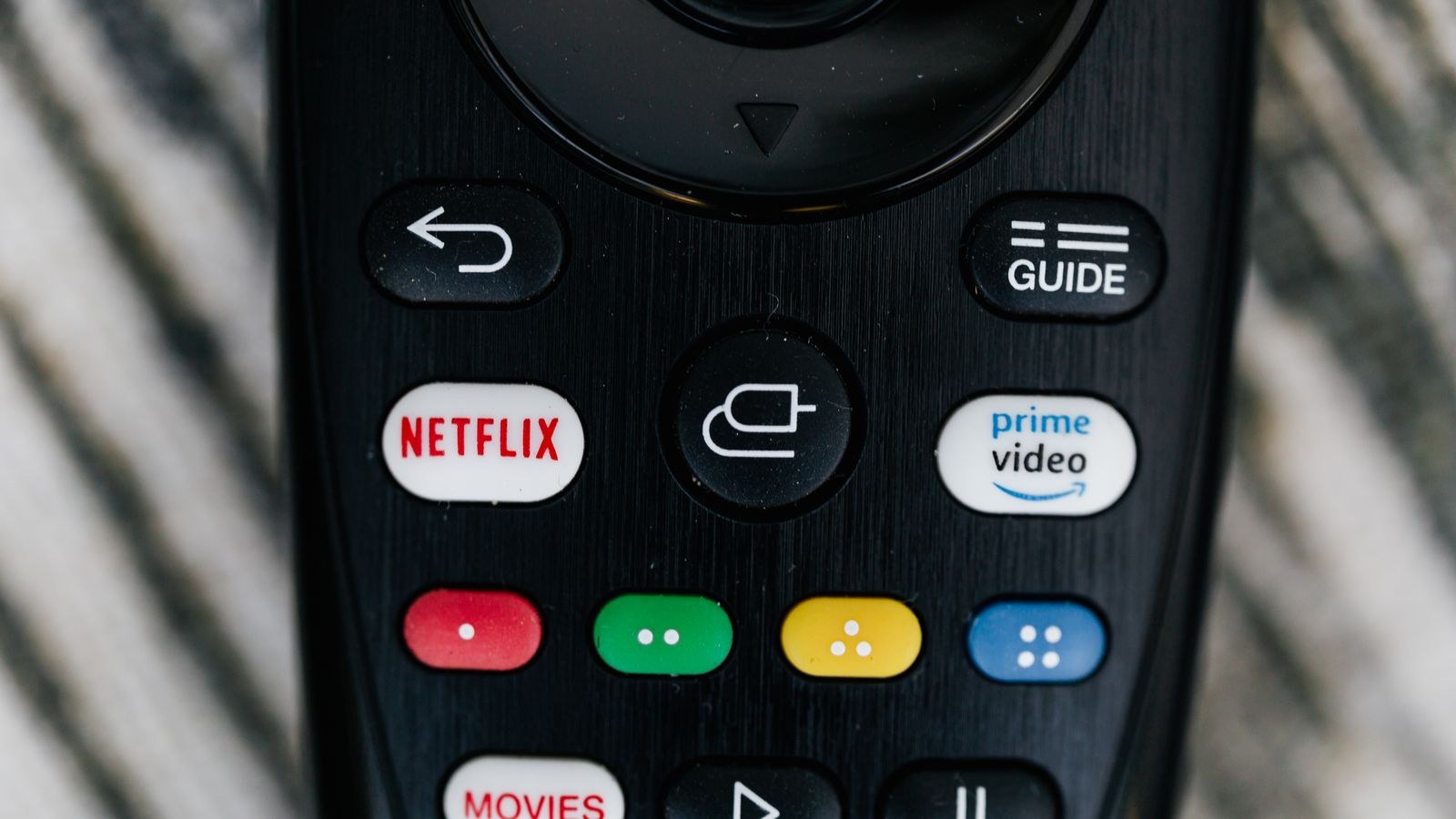
You interact with the remote far more than with any specification. Look for a remote with dedicated volume and power buttons that control your television over HDMI-CEC or infrared, so you can put the TV remote in a drawer. Backlit buttons are a small luxury that pays off every night. A find-my-remote feature is genuinely useful in a house with a sofa.
Voice search is now standard and works well for finding titles across services without typing on an on-screen keyboard. Consider whether you want an always-listening far-field microphone or a push-to-talk button on the remote; the latter is the more privacy-conscious option and is usually enough.
The interface itself is a matter of taste, but two things are worth checking: how heavily the home screen promotes content you do not subscribe to, and whether you can rearrange or hide app rows. A platform that lets you put your six services on the first screen will feel better every day than one with marginally faster hardware.
Gaming, Casting and Extra Features
Some streaming boxes now include cloud gaming apps and Bluetooth controller support, which turns the device into a casual games machine without a console. Performance depends almost entirely on your internet connection rather than the box, so treat it as a bonus rather than a reason to buy.
Casting from a phone is supported in some form by nearly every platform, though the implementations differ. If you frequently send photos or videos from a phone to the TV, confirm the device supports the casting standard your household’s phones use rather than assuming compatibility.
Other features worth noting: USB ports for playing local media files, support for private listening through headphones connected to the remote or phone app, and multi-user profiles so household members get separate recommendations. If you are also weighing whether to replace the television altogether, the best gaming TVs with smart features roundup shows what modern built-in platforms actually deliver.
Budget Tiers
Entry-level sticks cost very little and handle HD or basic 4K playback with a simple remote. They are excellent for a spare bedroom or a guest room, and the value is hard to argue with.
The mid range buys a faster chip, full 4K HDR support with Dolby Vision or HDR10+, a better remote with TV controls and voice search, and enough memory to keep several apps warm. This is the sweet spot for most main televisions.
Premium boxes add Ethernet, generous storage, Atmos passthrough, optical audio out, expandable storage and the smoothest interface performance. Buy this tier if the device feeds a real sound system or if you keep hardware for many years.
Common Mistakes to Avoid
- Buying a 1080p device for a 4K TV. The savings are trivial and the ceiling is permanent.
- Ignoring HDR format compatibility. Mismatched Dolby Vision and HDR10+ support quietly wastes the feature you paid for.
- Blaming the device for buffering. Check the network first; it is the cause far more often.
- Overlooking storage. A device that cannot hold your apps becomes a chore within a year.
- Forgetting the audio chain. Confirm passthrough support before assuming your soundbar will get Atmos.
- Skipping the remote. A remote without TV volume control means juggling two controllers forever.
Frequently Asked Questions
Do I need a streaming device if my TV is already smart?
Not if the built-in platform is fast and carries your apps. Add one when the TV feels slow, drops app support, or lacks a service you want.
How much internet speed do I need for 4K?
Around 25 Mbps sustained per 4K stream. Stability matters as much as raw speed, so a reliable 100 Mbps connection beats an erratic faster one.
Is Ethernet really better than Wi-Fi?
For a fixed device, yes. It removes interference and congestion entirely and is the simplest cure for intermittent buffering.
Will a streaming device improve picture quality?
It can, by supporting better HDR formats and higher bitrate streams than an aging built-in platform, but it cannot improve the panel itself.
Stick or box for a main TV?
A box, in almost every case. The Ethernet port, extra memory and audio outputs justify the modest price difference on the screen you use most.
Final Thoughts
Picking a streaming device is really three decisions in sequence. First, stick or box: sticks for secondary screens and travel, boxes for the main television where speed, storage and a wired connection pay off daily. Second, match the video and audio formats to the gear you already own — 4K to a 4K panel, the right HDR flavor for your TV, and the correct audio passthrough for your soundbar or receiver. Third, be honest about the network, because the fastest player in the world stutters on a weak connection. Get those three right and a small box on the shelf will keep an aging television feeling current for years, at a fraction of the cost of replacing it.









