Owen Bradley
 The smart plug vs smart outlet question sounds like a minor detail until you have bought the wrong one for six rooms. Both let you control power from an app, both handle schedules and voice commands, and both report energy use on better models. What separates them is everything around the electricity: whether you rent or own, whether you are comfortable working behind a wall plate, how much load you need to switch, and whether a protruding white block in the hallway will annoy you every day. This guide compares the two honestly so you can decide per room rather than committing to one type across the whole house.
Defining the Two Clearly
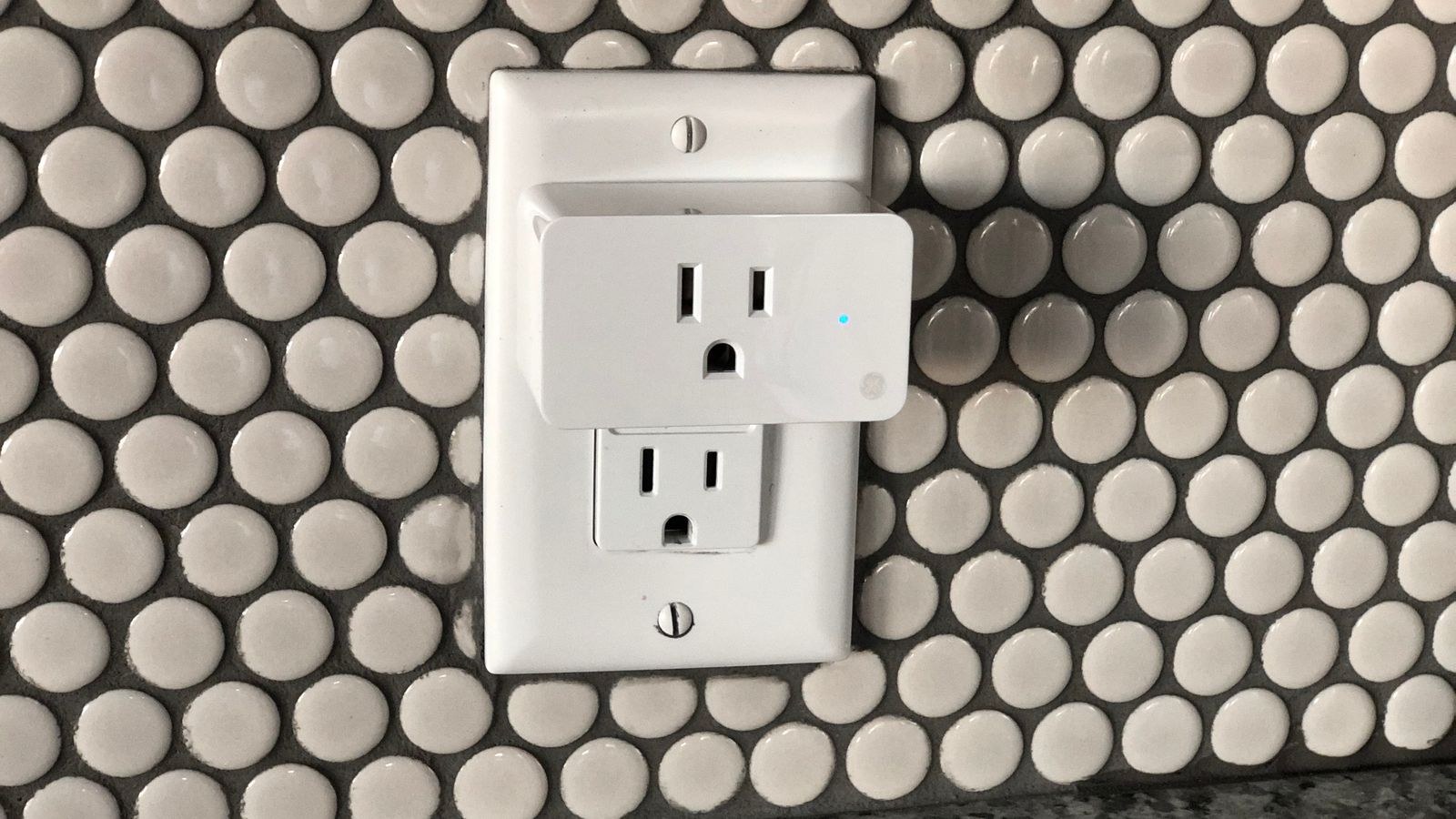
A smart plug is an adapter. It plugs into an existing receptacle, and your appliance plugs into it. There is no wiring, no tools and no permanence. Unplug it and the outlet is exactly as it was.
A smart outlet, sometimes called a smart receptacle, replaces the receptacle itself. It mounts in the electrical box behind your wall plate and is wired directly to the circuit. The result looks like an ordinary outlet, because it is one, with control electronics built into the body.
Functionally they overlap heavily. The difference is installation, appearance, capacity and permanence, and those four factors decide almost every real purchase.
Installation: Minutes Versus an Afternoon
A smart plug takes about ninety seconds: unbox, plug in, open the app, join Wi-Fi, name it. There is nothing to go wrong and no safety consideration beyond not overloading the circuit.
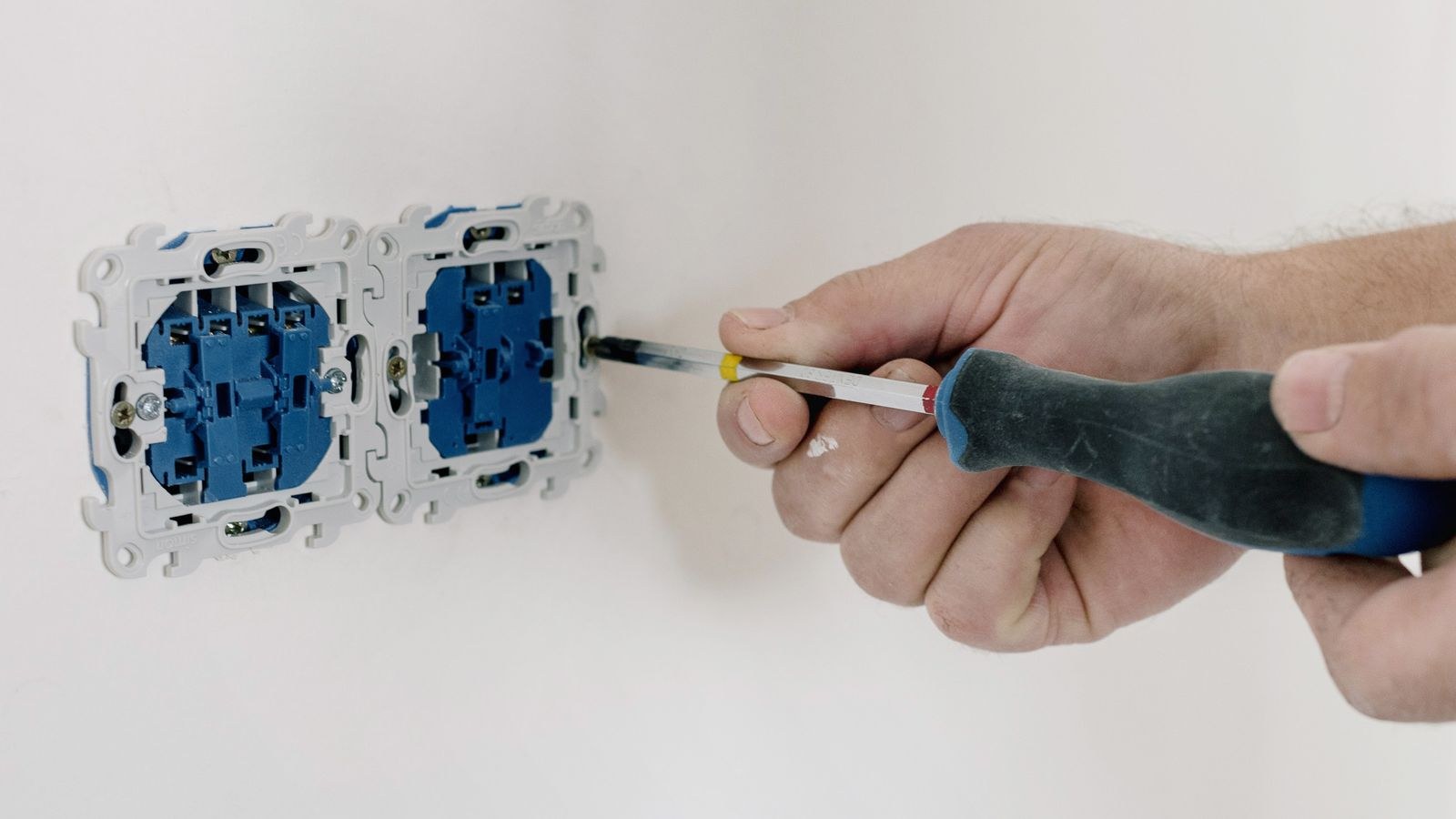
A smart outlet requires switching off the breaker, removing the wall plate and existing receptacle, identifying line, neutral and ground conductors, connecting the new device, folding everything back into the box and testing. For someone comfortable with basic electrical work it is a twenty-minute job per outlet. For someone who has never opened a wall box, it is a job for an electrician, and that labour cost often exceeds the price of the hardware.
Two practical obstacles catch people out. Older homes may have no ground wire in the box, and some smart outlets require one. And smart outlets are physically deeper than standard receptacles, so a shallow or crowded box may not accommodate one without replacement.
Appearance and Physical Space
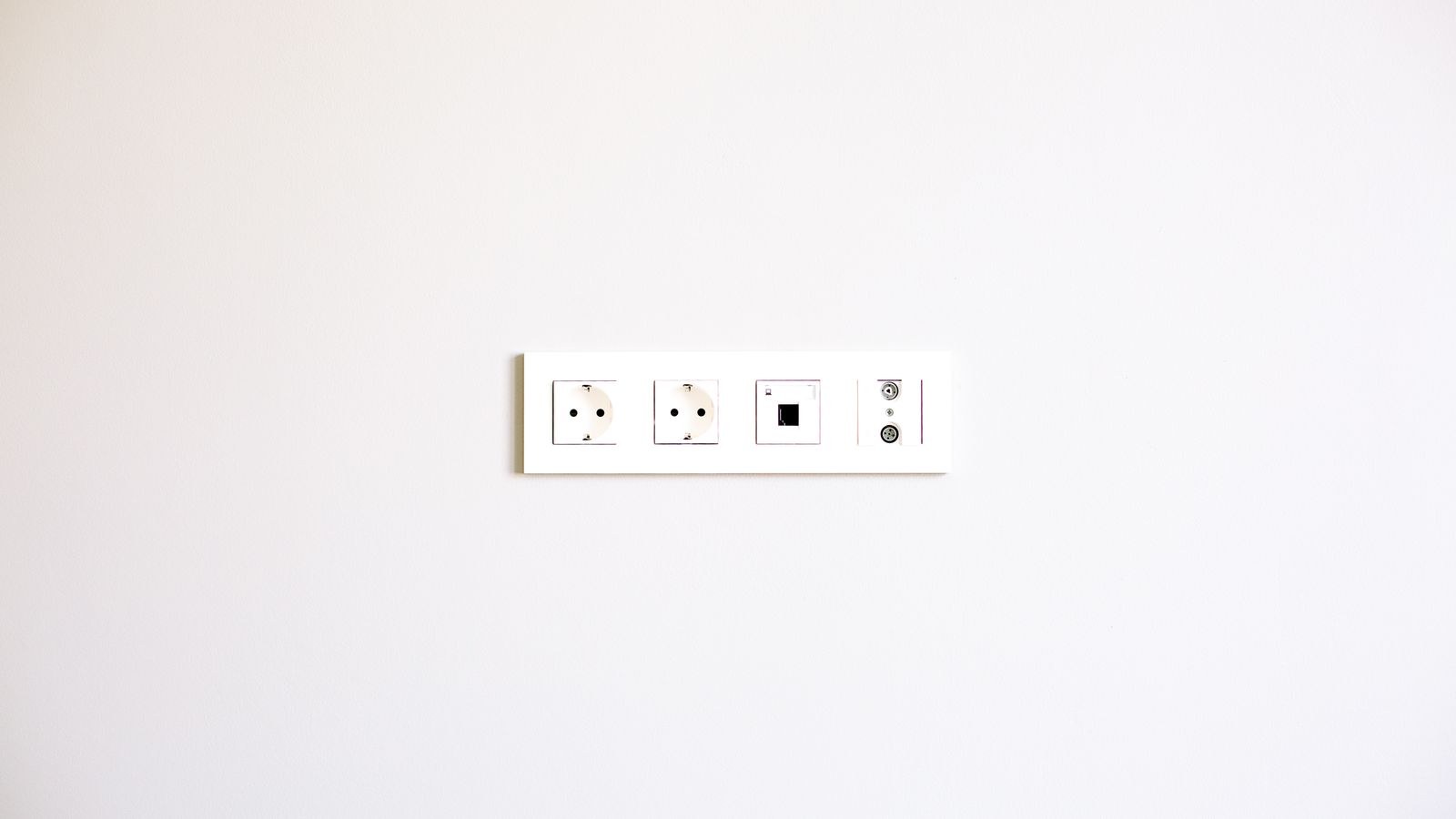
This is where outlets win decisively. A smart outlet is invisible in use. It sits flush behind a normal wall plate and looks like every other receptacle in the room, which matters enormously in living rooms, bedrooms and anywhere you have spent effort on how the space looks.
Smart plugs protrude. Older designs are bulky enough to block the second socket in a duplex receptacle, effectively halving your available outlets. Slim and side-mounted designs have largely solved this, but you should check dimensions before buying several. Behind furniture nobody cares; beside a bed or on a visible wall, most people do. The best smart plugs comparison notes which models are compact enough to leave the neighbouring socket usable.
Load Capacity and What You Can Switch
Capacity is the factor most buyers overlook. Smart plugs are rated for a specific maximum current, commonly 10 or 15 amps, and heavy resistive loads such as space heaters, window air conditioners and kettles push right up against those limits. Repeatedly switching a load near the maximum rating shortens the life of the internal relay and can cause the plug body to run warm.
Smart outlets, being wired into the circuit directly, generally handle higher sustained loads more comfortably and dissipate heat better because they sit in a metal or plastic box rather than a small plastic shell in open air. If your intention is controlling a heater or a large appliance, read the rating on the specific device carefully and prefer the wired option. For lamps, electronics, fans and chargers, either type is comfortably within limits.
Never Automate These
Regardless of which type you choose, do not put scheduled or remote switching on refrigerators, freezers, medical devices, sump pumps, or anything where an unexpected power loss causes harm. Space heaters deserve particular caution: remotely switching on a heater you cannot see is a genuine fire risk if something has been placed against it since you left.
Renting Versus Owning
If you rent, the decision is usually made for you. Replacing receptacles alters the property’s fixed wiring, which most tenancy agreements prohibit without permission, and you would need to reinstall the originals when leaving. Smart plugs move with you and leave no trace.
Homeowners have a free choice, and the sensible approach is mixed. Use smart outlets in permanent, visible locations where appearance matters and the controlled device rarely changes: a living room lamp circuit, a bedroom bedside pair, an outdoor-adjacent porch outlet. Use plugs everywhere temporary or experimental, including seasonal decorations, workshop tools and any device you are still auditing for energy use. Our guide to the best smart outlets covers which models offer independently controlled halves, a feature that changes how useful a single installation can be.
Individually Controlled Sockets
A standard receptacle has two sockets. Some smart outlets control both together as a single switch; better ones control each independently, which effectively gives you two devices for one installation. That distinction is worth checking before purchase, because a bedside pair where you can switch a lamp without cutting power to a phone charger is far more useful than an all-or-nothing pair.
Smart plugs sidestep this entirely since each plug is its own controlled device, though multi-socket smart power strips offer a similar idea with individually switched outlets in a single unit. Detailed feature comparisons across the wired category appear in our best smart wall outlets roundup.
Energy Monitoring
Both categories offer energy reporting on mid-range and higher models, and it is one of the most useful features available. Knowing that an old refrigerator in the garage draws more per year than the entire home office changes decisions.
Plugs have an advantage here in practice, not because they measure better, but because they are portable. Moving a single measuring plug from appliance to appliance for a week each builds a complete household picture at minimal cost. Outlets measure permanently, which suits loads you want to track continuously. Many households do both: plugs for auditing, outlets for the loads worth watching forever.
Connectivity and Ecosystem
Most devices in both categories use Wi-Fi, which requires no hub but adds a client to your network. A house with thirty Wi-Fi devices can strain a modest router, so if you plan a large deployment, consider models using a low-power mesh protocol with a hub instead, which handle high device counts more gracefully.
Whichever you choose, confirm native support for the voice assistant and app you actually use rather than relying on a bridge. Also check whether schedules run on the device itself or in the cloud, because cloud-dependent schedules stop working during an internet outage while locally stored ones continue. Broader ecosystem considerations are covered across our best smart home outlets comparison, which looks at hub requirements and local control alongside app quality.
Cost Comparison
Per unit, plugs are cheaper, and they are often sold in multipacks that bring the price down further. Outlets cost more individually and may add electrician labour, which is the dominant expense if you are not doing the work yourself.
The calculation changes with scale. Fitting one outlet professionally is poor value; fitting eight during a single visit spreads the call-out cost and starts to look reasonable. If you are already having electrical work done for another reason, adding smart outlets at the same time is the cheapest moment to do it.
Common Mistakes
The most frequent is buying bulky plugs that block the second socket, then needing more outlets than before. The second is exceeding the rating with a heater or air conditioner. The third is choosing outlets without checking box depth or the presence of a ground wire, which turns a quick job into a rewiring project.
Two more are worth naming. Deploying dozens of Wi-Fi devices on a router that cannot cope leads to unreliable control that gets blamed on the plugs. And automating devices that should never lose power creates problems far more expensive than any convenience gained.
Frequently Asked Questions
Which is safer?
Both are safe when used within their ratings and certified to recognised standards. A wired outlet handles sustained high loads more comfortably; a plug carries no installation risk. Choose based on the load and your comfort with electrical work.
Can I install a smart outlet myself?
Many people can, with the breaker off and a basic understanding of line, neutral and ground. If you find aluminium wiring, no ground, an overcrowded box or anything you do not recognise, hire an electrician.
Do they work without internet?
Manual pressing of the physical button always works. Remote control and voice commands require connectivity, and schedules continue only if they are stored on the device rather than in the cloud.
Will they work with dimmable lighting?
Neither type dims. They switch power fully on or off. For dimming you need a smart dimmer switch or smart bulbs, and switching a dimmable bulb abruptly is fine but gives no brightness control.
Can I mix both types in one home?
Yes, and most people should. Use outlets where appearance and permanence matter and plugs everywhere flexible, keeping them within one ecosystem so a single app controls everything.
Final Thoughts
Rent, and the answer is smart plugs. Own, and the answer is usually both, allocated room by room based on how visible the outlet is and how permanent the device is. Check load ratings before controlling anything that generates heat, check box depth and grounding before buying receptacles, and check ecosystem support before buying either.
For a deeper look at features and compatibility within each category, our smart plug buying guide and smart outlet buying guide walk through the specifications in detail. Start with two or three units, learn which rooms you actually automate, and expand from there.