Owen Bradley
 A modern home can easily run thirty connected devices without anyone noticing the number creep up. Each doorbell, plug, bulb, speaker and camera adds convenience, and each one also adds a small computer to your network that you did not write the software for, cannot easily inspect, and may never be able to patch. Smart home network security is the practice of accepting that reality and limiting what goes wrong when one of those devices misbehaves. This guide walks through the risks device by device, explains what data leaves your house and where it goes, and lays out the segmentation and habits that turn a single compromised gadget from a household emergency into a minor annoyance in 2026.
Why Smart Devices Are the Weakest Link
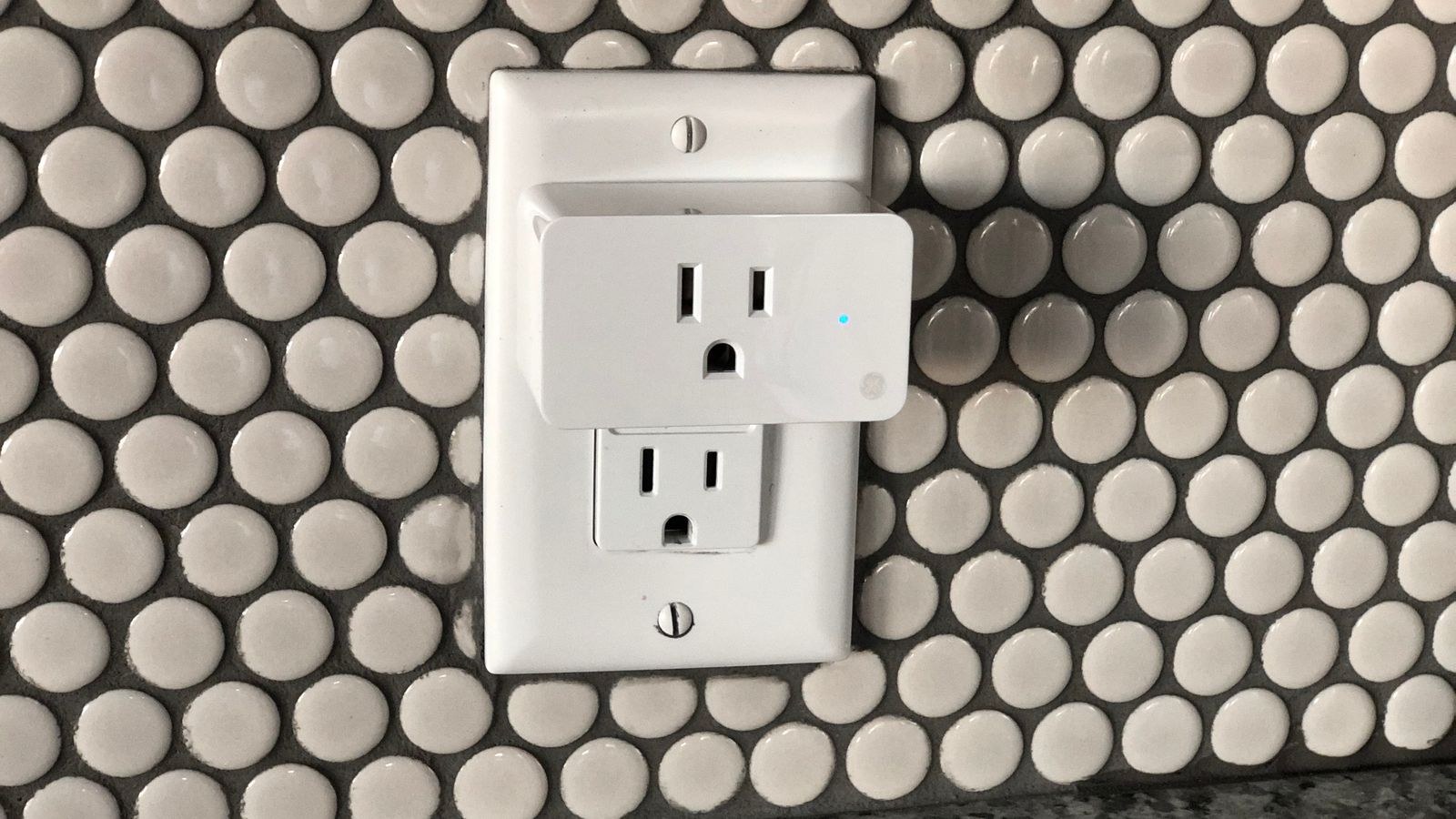
Your laptop gets security updates monthly, runs antivirus, and asks before installing anything. A twelve dollar smart plug gets whatever firmware it shipped with, possibly one update, and then nothing. The economics are unforgiving: margins on cheap connected hardware do not fund years of security engineering, so support windows are short and vulnerabilities linger.
These devices are also always on and always connected, which makes them ideal footholds. They rarely have screens, so a compromise produces no visible symptom. Nobody notices a camera behaving oddly for months. And because most home networks are flat, a device that gets taken over can immediately try to reach your file shares, your network printer, your router’s admin page and every other machine in the house.
The Three Failure Modes That Actually Happen
Real incidents cluster into three patterns. First, account compromise: someone reuses a password, it appears in a breach, and an attacker logs into the vendor app and gets full legitimate access to cameras or locks. Second, vendor-side breaches, where the company’s cloud leaks recordings or account data and nothing on your network could have prevented it. Third, exploitation of unpatched firmware, usually by automated scanning that recruits devices into botnets. Notice that only the third is a network problem in the traditional sense.
Risk by Device Category
Not all smart devices deserve equal worry. Cameras and video doorbells carry the highest consequence because a breach exposes video from inside or around your home, and they upload continuously to vendor servers. Smart locks and garage controllers matter because failure has physical consequences, though reputable models keep the mechanical key path intact and use properly encrypted commands.
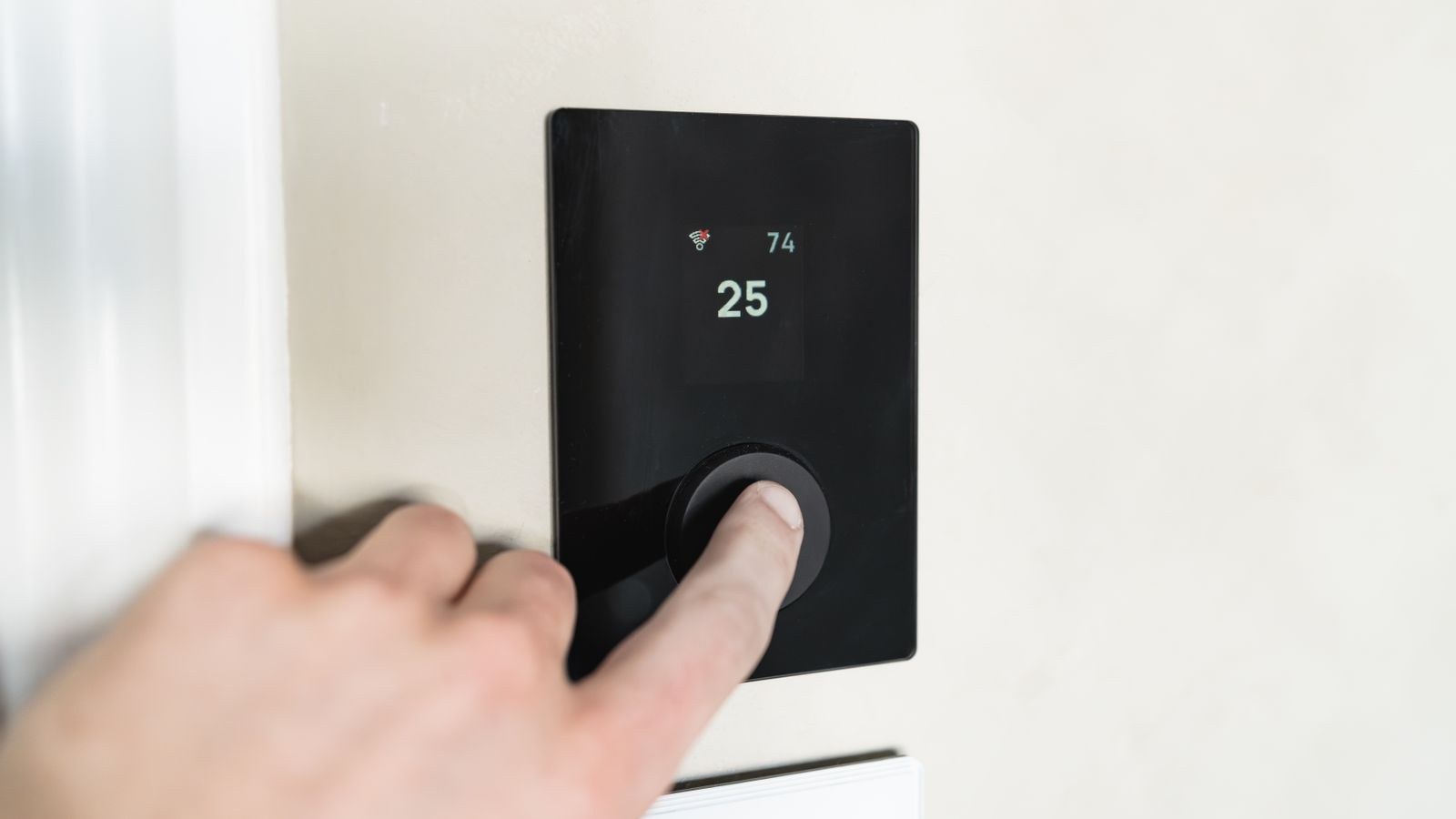
Speakers and displays sit in the middle. They listen for a wake word, and while reputable vendors process locally until triggered, recordings after the wake word do leave the house. Thermostats, plugs and bulbs carry low direct consequence: nobody is harmed by a light turning on. Their risk is indirect, as a stepping stone onto your network or as a source of occupancy data that reveals when the house is empty.
Hubs deserve special mention. They hold credentials for everything they control, sit permanently on your network, and often expose local APIs. A well-built hub with a real update programme improves security by keeping dozens of low-power devices off Wi-Fi entirely. A cheap one concentrates risk. Our roundup of the best hubs for smart homes favours platforms with strong update records and local control options.
What Data Actually Leaves Your House
Most smart devices talk to vendor cloud servers constantly, not just when you use them. That traffic typically includes device state, timestamps, firmware version, network details and your account identifier. Cameras add video or motion clips. Voice devices add audio after a trigger. Even a bulb reporting on and off events builds a precise picture of when people are home, awake and asleep.
The traffic itself is usually encrypted, so an eavesdropper on your Wi-Fi learns little about the contents. The exposure is at the other end: whatever the vendor stores, for however long, under whatever policies, subject to whatever breaches. That is why choosing manufacturers with clear data practices and local control options matters more than any firewall rule you can write at home.
Local Control Reduces Exposure
Devices that work locally, keeping automations running on a hub inside your house rather than round-tripping to a server, expose less data and keep functioning when your internet drops. Standards designed around local operation have made this far more achievable than it once was. When comparing products, treat local control as a security feature, not just a reliability one.

Segmentation: The Single Most Effective Fix
If you do one thing, do this. Put smart devices on a separate network from your computers and phones. A compromised plug on an isolated network can still misbehave, but it cannot scan your laptop, reach your backups, or attack your router’s admin interface. Segmentation does not prevent breaches; it caps the damage, which is a far more realistic goal.
Most modern routers offer at least one guest network with client isolation, and better ones support multiple named networks or proper virtual LANs with rules between them. The practical setup is three zones: a main network for computers and phones, an IoT network for smart devices, and a guest network for visitors. Where automations need to reach devices, allow that one direction rather than opening everything.
Hardware capability varies a lot here, and a router that chokes on forty simultaneous clients will make the whole system feel broken regardless of security. Our guide to the best routers for smart home networks focuses on models that handle high device counts and offer real segmentation controls, while the best secure WiFi routers list prioritises strong update records and built-in threat filtering. If you want rule-level control between zones, the best firewall routers roundup covers units with proper policy engines.
Watch the 2.4GHz Requirement
Many inexpensive smart devices only join 2.4GHz networks. If your router broadcasts one combined network name across both bands, pairing often fails. Creating a dedicated IoT network solves this neatly, since you can set it to 2.4GHz only and stop fighting band steering during every setup.
Account Security Beats Network Security
Most smart home breaches that make the news involve credentials, not clever network attacks. Someone reused a password across sites, it leaked elsewhere, and an attacker simply signed in. No amount of segmentation helps when the intruder uses the front door.
So the highest-value steps are unglamorous: a unique strong password for every vendor account, stored in a password manager, and two-factor authentication enabled everywhere it is offered. Review which family members and old housemates still have shared access. Remove integrations you no longer use, because each one holds a token that can act on your behalf.
This matters most for anything with physical consequences. Before adding connected entry hardware, check that the model supports two-factor authentication and encrypted communication, and that the manufacturer publishes updates. Our roundup of the best WiFi smart locks weighs those factors alongside everyday reliability.
A Practical Hardening Checklist
- Change every default password on devices and on the router itself before anything joins the network.
- Enable automatic firmware updates where offered, and check manually for gear that lacks them.
- Create an isolated IoT network and move every plug, bulb, camera and speaker onto it.
- Turn off universal plug and play and remove old port forwarding rules that expose device interfaces.
- Use a guest network for visitors with client isolation so their devices cannot see your gear.
- Audit connected accounts twice a year, removing unused integrations and stale user access.
- Retire abandoned devices once the manufacturer stops issuing updates, especially cameras.
Common Mistakes That Undermine Everything
The most common error is buying the cheapest available version of a sensitive device. A budget camera from an unknown brand with no update history is a genuinely different risk from a supported model, and the saving is small compared with the consequence. The second mistake is exposing a device to the internet directly through port forwarding so it can be reached remotely, which turns a local risk into a global one; use the vendor’s app or a proper tunnel instead.
A third is treating setup as a one-time job. Networks accumulate devices, guest passwords get shared widely, and forgotten gadgets keep running ancient firmware. A short annual review catches all of it. Finally, many people over-invest in network gear while reusing the same password across five vendor accounts, which inverts the actual risk order.
Frequently Asked Questions
Can someone really watch my smart camera?
It happens, almost always through a compromised account rather than a network attack. A unique password and two-factor authentication close off the realistic path. Choose brands that encrypt stored footage and publish security updates.
Is a separate IoT network worth the hassle?
Yes, and it is usually less hassle than expected. The main friction is casting and app discovery across networks, which most routers can permit selectively. The payoff is that one compromised gadget cannot reach anything that matters.
Do smart devices slow down my Wi-Fi?
Individually they use almost no bandwidth, but dozens of clients consume airtime and router memory. Cheap routers struggle with high device counts long before bandwidth becomes an issue, which is why device capacity matters more than headline speed.
Should I block smart devices from the internet entirely?
You can, and it maximises privacy, but most devices lose remote access, voice control and updates. A better compromise is local control via a capable hub, keeping only the hub connected outward.
What should I do with a device the maker abandoned?
If it handles video, audio or entry, replace it. For low-risk gear such as bulbs, keep it on the isolated network and accept the residual risk, or move it to a local-only protocol that never touches the internet.
Final Thoughts
Smart home network security is not about achieving perfection with hardware you cannot audit. It is about ordering your effort correctly. Strong unique passwords with two-factor authentication stop the attacks that actually occur. Segmentation limits the blast radius when a device is inevitably compromised. Buying from manufacturers who ship updates, and retiring gear once they stop, keeps the long tail of vulnerable hardware short. A capable router that supports multiple isolated networks and handles a large device count makes all of that practical rather than theoretical. Do those four things in 2026 and your connected home moves from a collection of unknown risks to a network where a single failure stays contained, which is the realistic definition of secure.