
 Owen Bradley
 The sticker price on a connected device is increasingly the smallest part of what it costs you. A doorbell advertised at $99 may need $8 a month to keep more than three days of video. A lock sold as a one-time purchase may put remote unlocking behind a plan. Add four or five of those together and a household is quietly paying $30 to $50 every month, forever, for features that used to be included. This guide breaks down where smart home subscription fees hide, which features are genuinely worth paying for, which brands still give you full functionality for free, and how to build a capable system in 2026 with little or no recurring cost. The goal is not to avoid every fee, but to know exactly what you are signing up for before the trial ends.
Why the Industry Moved to Subscriptions
Understanding the business model helps you predict which devices will eventually charge you. Hardware margins on connected products are thin, and the manufacturer carries an ongoing cost for every unit sold: cloud storage, servers, app maintenance, security patches and customer support. A device sold once but supported for eight years is a losing proposition at low margins.
That produces a predictable pattern. Products with a genuine ongoing server cost, principally anything that uploads video or runs machine-learning analysis in the cloud, almost always end up with a plan. Products that can operate locally, such as switches, plugs, sensors and most lighting, generally do not, because there is nothing recurring to charge for.
The useful heuristic: if the device sends data continuously to a company’s servers, expect a subscription eventually, even if there is not one today. Several manufacturers have introduced fees years after launch for features that were originally free, and buying on the assumption that today’s terms are permanent is how people get caught.
Cameras: The Biggest Recurring Cost
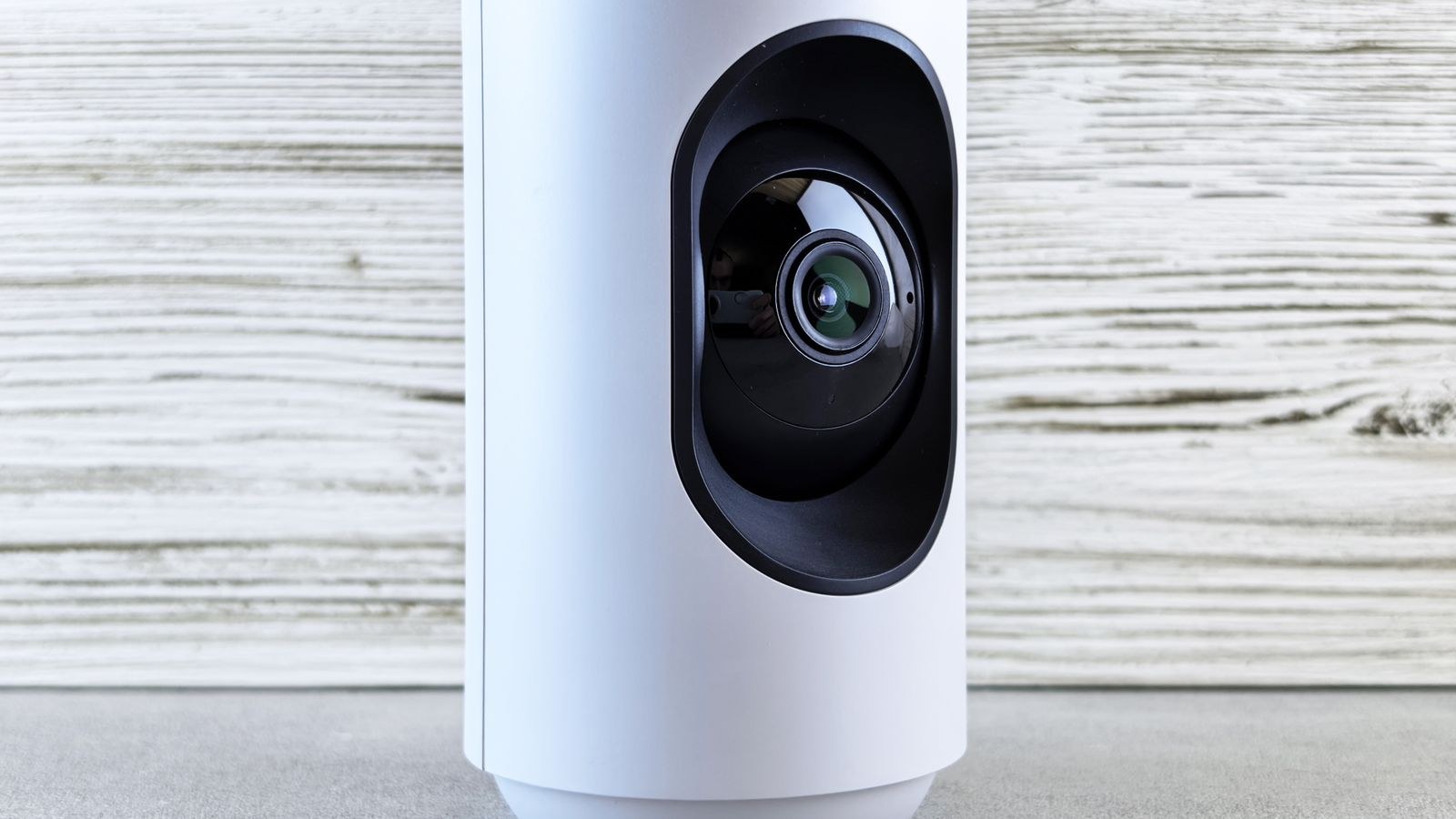
Video is where subscriptions concentrate, because video is expensive to store and process. Typical plans run from around $3 per month for a single camera to $15 or $20 per month for an unlimited household tier, and the difference between free and paid is usually stark.
What free tiers typically include: live view on demand, motion notifications, and either no recorded history or a short rolling window of a few hours to three days. What the paid tier adds:
- Extended video history, commonly 30 to 60 days rather than a few days.
- Smart detection that distinguishes people, vehicles, animals and packages instead of alerting on every shadow and passing car.
- Activity zones so the camera ignores the pavement and watches the driveway.
- Continuous recording rather than motion clips only, on models that support it.
- Rich notifications with a thumbnail, and downloadable clips for insurance or police.
Person detection is the feature most people find they cannot live without, because without it a busy street produces dozens of useless alerts a day and everyone stops reading them. That single feature is what converts most free users into paying ones. Our comparison of the best smart home cameras notes which models include detection on free tiers and which paywall it.
Count Cameras, Not Devices
Read the pricing structure carefully. Some brands charge per camera, which becomes punishing at four or five units. Others charge a flat household rate covering unlimited cameras, which is dramatically cheaper for anyone covering a whole property. A $5 per-camera plan and a $15 unlimited plan look similar on one camera and differ by hundreds of dollars a year on five. Our breakdown of cloud storage plans for security cameras compares the per-device and per-household structures side by side.
The Local Storage Alternative
The reliable way to avoid recurring video fees is to keep the footage in your house. Three approaches exist, with different costs and trade-offs.
- Onboard microSD storage. The card sits in the camera and records a rolling loop. Cheapest option, typically $10 to $25 for a card. The weakness is obvious: a thief who takes the camera takes the evidence.
- A base station or hub with local storage. Cameras stream to a small box inside the house that holds the recordings. Better protected, supports multiple cameras and usually keeps working during an internet outage. Adds $100 to $250 up front.
- A network video recorder or NAS. The full solution, storing weeks or months from many cameras and often running its own detection locally. Higher up-front cost and more setup, but zero ongoing fees and complete data ownership.
The arithmetic favors local storage quickly. A $15 monthly plan is $180 a year, which buys a capable base station in year one and costs nothing thereafter. The counterargument is convenience, since cloud plans work instantly and need no maintenance. If you lean toward keeping footage in-house, our roundup of the best local storage security cameras covers which models offer full functionality without a plan, and our guide to the best cloud security cameras covers the opposite case where the recurring cost is worth the simplicity.
Where Else Fees Hide
Cameras are the obvious case. These are the ones that catch people by surprise.
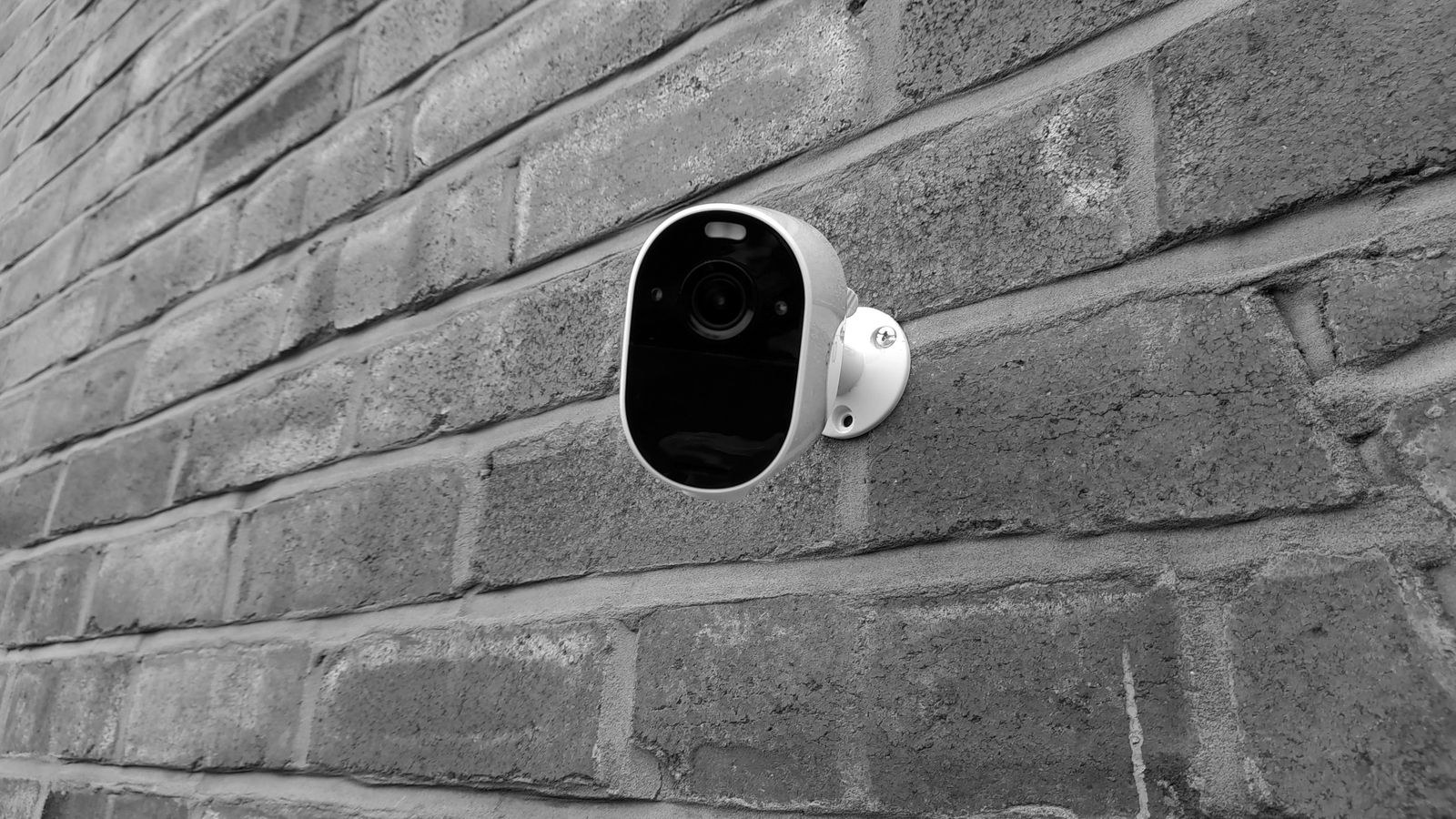
- Video doorbells. The same model as cameras, and the fee often matters more because a doorbell without recorded history cannot show you the package theft that happened while you were out.
- Smart locks. Core locking and unlocking is free on essentially every lock. Some brands paywall auto-unlock by geofence, activity history beyond a limited number of events, or integration with certain ecosystems. Check before buying if remote access matters to you. Our comparison of the best smart locks flags which features sit behind a plan.
- Professional monitoring. Genuinely a service rather than a paywall. $10 to $30 per month for a staffed center that calls emergency services. Worth it or not depending on whether you want that response, but at least you are buying something real.
- Thermostats and energy features. Basic control is free; some brands charge for detailed energy reporting or advanced scheduling.
- Robot vacuums. Increasingly gating persistent maps, object recognition or video streaming behind a plan on premium models.
- Cellular backup for alarm systems. A real ongoing cost since a SIM has a carrier bill behind it, but check whether it is bundled or extra.
- Ecosystem premium tiers. Platform-level plans that unlock extended history and advanced automation across all your devices at once. Sometimes cheaper than several individual plans, sometimes not.
Which Fees Are Actually Worth Paying
Not every subscription is a rent-seeking exercise. Judge each one against a simple test: does it cover a real ongoing cost to the provider, and does it deliver something you would notice losing?
Usually worth it: person and package detection on a camera pointed at a busy area, because without it the camera is a nuisance generator. Professional monitoring if you genuinely want a dispatch service. Extended video history on the one camera covering your main entry, which is the footage you would actually need. Cellular backup on an alarm system in a home you leave for long periods.
Usually not worth it: per-camera plans on cameras watching low-traffic interior spaces. Continuous 24/7 recording for a typical household, where motion clips cover everything that matters. Energy reporting you will look at twice. Advanced automation tiers if your automations are simple schedules that a free hub can run locally.
A sensible compromise many households land on is one paid plan for the front door and local storage for everything else. It concentrates spending where the footage actually matters.
How to Build a Zero-Fee Smart Home
It is entirely achievable if you accept some constraints and do slightly more setup work.
- Choose local-control devices. Switches, plugs, sensors, thermostats and locks that operate through a local hub have no ongoing cost by design.
- Run a local hub or controller. A hub that executes automations on the device rather than in the cloud removes the platform-fee risk entirely and keeps working during outages.
- Buy cameras with onboard or base station storage. Verify that motion detection and notifications remain available without a plan, since some models cripple alerts on the free tier.
- Prefer standards-based devices. Matter, Thread, Zigbee and Z-Wave hardware can be re-homed to a different controller if a vendor changes its terms.
- Read the terms before the trial ends. Set a calendar reminder for a week before any included trial expires so you decide deliberately instead of by default.
The trade-off is honest: you will spend more up front, do more configuration, and give up some polish in the app experience. In exchange you own your data and your monthly cost is zero.
Questions to Ask Before Buying Anything
- What exactly works without a subscription, feature by feature?
- Is the plan priced per device or per household?
- Is there local storage, and does the device keep recording if the internet drops?
- What happens to my saved footage if I cancel? Is there an export?
- Has this brand ever added fees to features that were previously free?
- Does the device still function as basic hardware if the company shuts down its servers?
That last question is the most important and the least asked. A lock that becomes a normal deadbolt is fine. A camera that becomes a plastic brick is not.
Frequently Asked Questions
How much does a typical household pay per month?
Households that accept the default plans commonly land between $15 and $45 per month once a doorbell, two or three cameras and perhaps a monitoring plan are combined. Households that choose local storage deliberately often pay nothing at all.
Do cameras still work without paying?
Live view and basic motion alerts almost always continue. What you lose is recorded history, smart detection filtering and activity zones, which together are most of what makes a camera useful after an incident rather than during one.
Can a company add a fee after I buy?
Yes, and several have. Terms of service permit changes to cloud services, and existing owners are sometimes but not always grandfathered. This is the strongest argument for devices that store and process locally.
Is an annual plan cheaper than monthly?
Almost always, typically by the equivalent of two months. Only commit annually after you have run the device through a full month and confirmed it suits the location, because refunds on annual plans are uncommon.
Does professional monitoring reduce home insurance?
Some insurers offer a discount for a monitored system, occasionally enough to offset a meaningful part of the fee. Ask your insurer for the specific requirements before assuming any given system qualifies.
Final Thoughts
The honest way to compare connected devices is on five-year cost, not sticker price. A $99 doorbell with an $8 monthly plan costs $579 over that period; a $200 doorbell with local storage costs $200. Neither is automatically the right answer, but only one of them looks cheap on the shelf. Decide before you buy which footage genuinely matters to you, pay for that specific capability, use local storage everywhere else, and favor standards-based hardware that keeps working regardless of what a company decides about its business model next year. Approach it that way and you can run a fully capable connected home for a fraction of what the default configuration would charge you.









