Owen Bradley
 The garage is the most neglected room in most smart homes, which is strange given that it contains the largest moving object in the house, the most valuable items outside the living room, and the door people most often forget to close. A smart garage door controller is one of the few upgrades that answers a question you genuinely ask yourself in the car: did I leave it open? Add sensors, lighting, and a few careful automations and the garage stops being a blind spot. This guide covers how the controllers work, what to check for compatibility, the safety rules that govern remote closing, and the supporting devices that make the space actually useful.
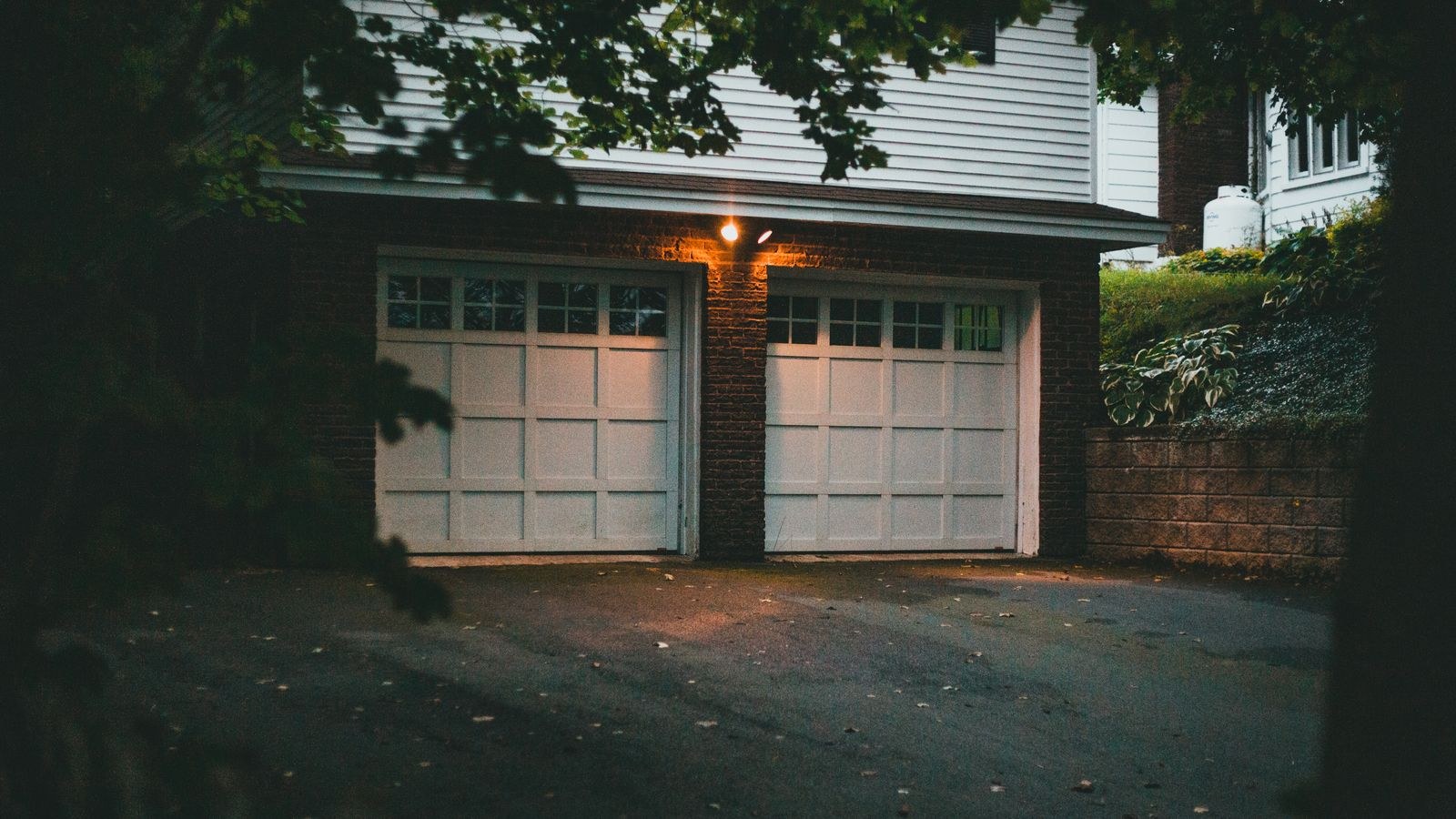
How a Smart Garage Door Controller Works
You do not usually replace the opener. A controller is a small box that mounts on the ceiling near the existing motor unit and does two things: it electrically taps the same terminals your wall button uses, so it can trigger the door, and it monitors a sensor that reports whether the door is actually open or closed. The app then shows real status and lets you open or close remotely.
The status sensor is the important half. A controller that only triggers the door without knowing its position is nearly useless, because the whole point is answering “is it open right now?” from three miles away. Most systems use a tilt sensor mounted on the top panel of the door, which reports vertical when closed and horizontal when rolled up. Some use a magnetic contact sensor on the rail instead. Either works; tilt sensors are more common because they are easier to align.
Wired Versus Fully Wireless
Wired controllers connect two low-voltage leads to the opener’s terminals. This is a reliable, universal approach and works with almost any opener regardless of age or brand. Wireless controllers pair with the opener’s radio protocol instead, which means no wiring at all but tighter compatibility requirements. If your opener is more than a decade old, wired is usually the safer bet.
Compatibility: Check This Before Buying
Garage openers are not standardized, and a few specific traits determine whether a given controller will work.
- Security rolling code systems. Openers made after the early 1990s use rolling codes for the remote. Wired controllers bypass this entirely by using the wall button circuit, but some wireless controllers need explicit support for your opener’s protocol.
- Proprietary wall consoles. Some newer openers use a data-signaling wall console rather than a simple dry contact. These require an adapter or a manufacturer-blessed controller, and a generic wired unit will not work.
- Built-in connectivity. Many recent openers already include Wi-Fi. Check the motor unit for a network status light before buying anything; you may only need to download an app.
- Wi-Fi coverage. Garages are often at the far edge of the network, behind a masonry wall or across a breezeway. Test signal strength at the ceiling near the opener before you buy. A mesh node or access point in the garage is frequently a prerequisite.
- Available power. Most controllers need a standard outlet near the ceiling. Many older garages have only the opener plugged into the single ceiling receptacle, so plan for a second outlet or an outlet splitter rated for the load.
Safety Rules for Remote Closing
This section is the one that matters most. A garage door is a heavy powered object, and closing it when you cannot see the opening is a genuine hazard. Regulations in most regions require that any remotely operated door provide a warning before it moves.
- Never disable the audible and visual warning. Compliant controllers sound a beeper and flash a light for several seconds before a remote-initiated close. That delay exists so a child or pet in the doorway has a chance to clear it.
- Verify your photo-eye sensors work. The two small sensors near the floor on each side of the door reverse it if the beam is broken. Test them monthly by waving an object through the beam as the door closes. If the door does not reverse instantly, do not use remote closing at all until it is repaired.
- Test the mechanical reversal. Place a solid object such as a length of 2×4 flat on the floor in the door’s path. A properly adjusted door should contact it and reverse. If it keeps pushing, the force setting is wrong and needs adjustment.
- Never automate closing based on presence alone without a camera. A geofence that closes the door when your phone leaves can trap a pet or catch someone carrying boxes. If you automate it, pair it with a camera view you check, or with a long delay and a notification you can cancel.
- Keep the manual release cord accessible and know how to use it. Teach everyone in the household. Do not leave the cord where it can be hooked from outside through the top panel gap.
A reasonable default configuration is: allow remote opening freely, allow remote closing with the warning intact, and use a notification-plus-reminder pattern rather than fully automatic closing. “The garage has been open for 20 minutes” is nearly as good as automatic closing and carries none of the risk.
Sensors Worth Adding
The controller answers one question. A few cheap sensors answer the rest and turn the garage into a room the house actually knows about.
Motion sensors are the workhorse. Mounted in a corner facing the parking area, one can trigger lighting the moment you step out of the car, alert you to activity while you are away, and drive automations like turning on the mudroom light as you walk in. Placement is the whole skill: aim across the space rather than at the door, keep the sensor out of direct sunlight, and mount it high enough that a car’s heat plume does not trigger it. Looking through the best motion sensors shows the difference between basic passive infrared units and models that better distinguish people from vehicles and pets.
Contact sensors on the interior door between garage and house tell you when someone enters, which is often more useful for daily routines than the big door itself. Leak sensors near a water heater, softener, or utility sink catch a failure in a room nobody visits daily. Temperature and humidity sensors matter if you store anything sensitive, from paint to batteries to a second refrigerator, and they can trigger a fan or dehumidifier when levels drift.
Lighting the Garage and Driveway
Garage lighting is usually one weak bulb attached to the opener, which shuts off two minutes after the door closes. Replacing that with proper controlled lighting is one of the most immediately satisfying upgrades in the whole house.
Inside, run bright lights on a motion trigger with a generous timeout, since a two-minute timeout while you are working on a project is maddening. Set 10 to 15 minutes. Outside, motion-triggered floodlights cover the driveway and approach. They deter opportunistic prowlers, light your way from the car, and pair well with the garage door controller so opening the door at night automatically lights the driveway. Comparing the best smart flood lights is mostly about lumen output, beam spread, and whether you want an integrated camera; aim them down at the driveway surface rather than out toward the street to avoid annoying neighbors.
Anything you plug in outside the garage, such as landscape lighting, a trickle charger, or seasonal decorations, needs weatherproof control rather than an indoor plug run through a cracked door. The best outdoor smart plugs carry proper ingress protection ratings and sealed covers, and they should always be on a GFCI-protected circuit.
Fitting the Garage Into the Wider System
The garage is the natural trigger point for arrival and departure routines, because the door opening is a far more reliable signal than a phone’s location. Opening the door in the evening can light the driveway, the garage, and the hallway inside. Closing it as you leave can arm sensors, drop the thermostat, and switch off the lights you forgot.
To make that work, the garage devices need to live in the same ecosystem as the rest of the house. Check platform support before you buy rather than after, since a controller that only works in its own app cannot participate in routines. A survey of best smart devices across categories helps identify which brands integrate broadly, and a broader look at best devices for smart homes is useful if you are building the garage layer alongside the rest of the house rather than bolting it on later.
Common Mistakes
The most frequent is skipping the network check and discovering the controller drops offline daily because the garage sits at the edge of Wi-Fi range. The second is mounting the tilt sensor on the wrong panel or at an angle, producing false status readings that make every automation unreliable. Mount it on the topmost panel, oriented exactly as the instructions specify.
Another is running low-voltage control wire alongside mains wiring, which can induce interference and cause phantom triggers. Keep them separated. And finally, people frequently install a controller and never test the safety reversal system, which is precisely backwards: remote operation raises the stakes on those safety features, so they deserve more attention after the upgrade, not less.
Frequently Asked Questions
Do I need to replace my garage door opener?
Almost never. A wired controller works with the great majority of existing openers by tapping the wall button terminals. Replacement is only necessary if the opener is failing mechanically or uses a proprietary console with no available adapter.
Can I close the garage door from anywhere?
Yes, with a compliant controller that sounds a warning first. Whether you should is a judgment call: closing a door you cannot see is safe only if the photo eyes and auto-reverse are verified working.
What happens during a power outage?
The controller and the opener both lose power, so the door cannot be operated electrically. Use the manual release cord to disconnect the trolley and lift the door by hand. Some openers include a battery backup that keeps basic operation available.
Will a tilt sensor work on a roll-up or one-piece door?
Tilt sensors need a panel that changes angle, so they suit sectional doors. For one-piece tilt-up or roller doors, a magnetic contact sensor mounted at the closed position is the better choice.
Is a camera in the garage worth adding?
If you plan to close the door remotely on a regular basis, yes. Being able to confirm the opening is clear before triggering a close removes essentially all of the risk in that action.
Final Thoughts
A smart garage is one of the rare upgrades that pays back immediately and keeps paying. The controller ends the “did I leave it open” question permanently, sensors turn an unmonitored room into one the house understands, and proper motion lighting makes the space usable after dark. Check compatibility and Wi-Fi coverage before buying, respect the safety rules around remote closing, and lean toward notifications rather than fully automatic operation. Set up that way in 2026, the garage quietly becomes one of the most reliable parts of the whole system.