
 Owen Bradley
 Security cameras are the rare household purchase you install once and then hope never to think about again. That is exactly why so many of them quietly stop being useful. A lens hazes over with pollen, a mount drifts a few degrees after a windy month, a firmware update never installs, and a memory card silently stops writing. Nobody notices until the one night footage actually matters, and the clip is a blurred grey smear pointing at the neighbour’s fence. A simple security camera maintenance schedule prevents all of that in under an hour per season. This guide sets out what to check monthly, what each season demands, and how to verify your system is genuinely recording rather than merely powered on throughout 2026.
Why Cameras Degrade Faster Than People Expect
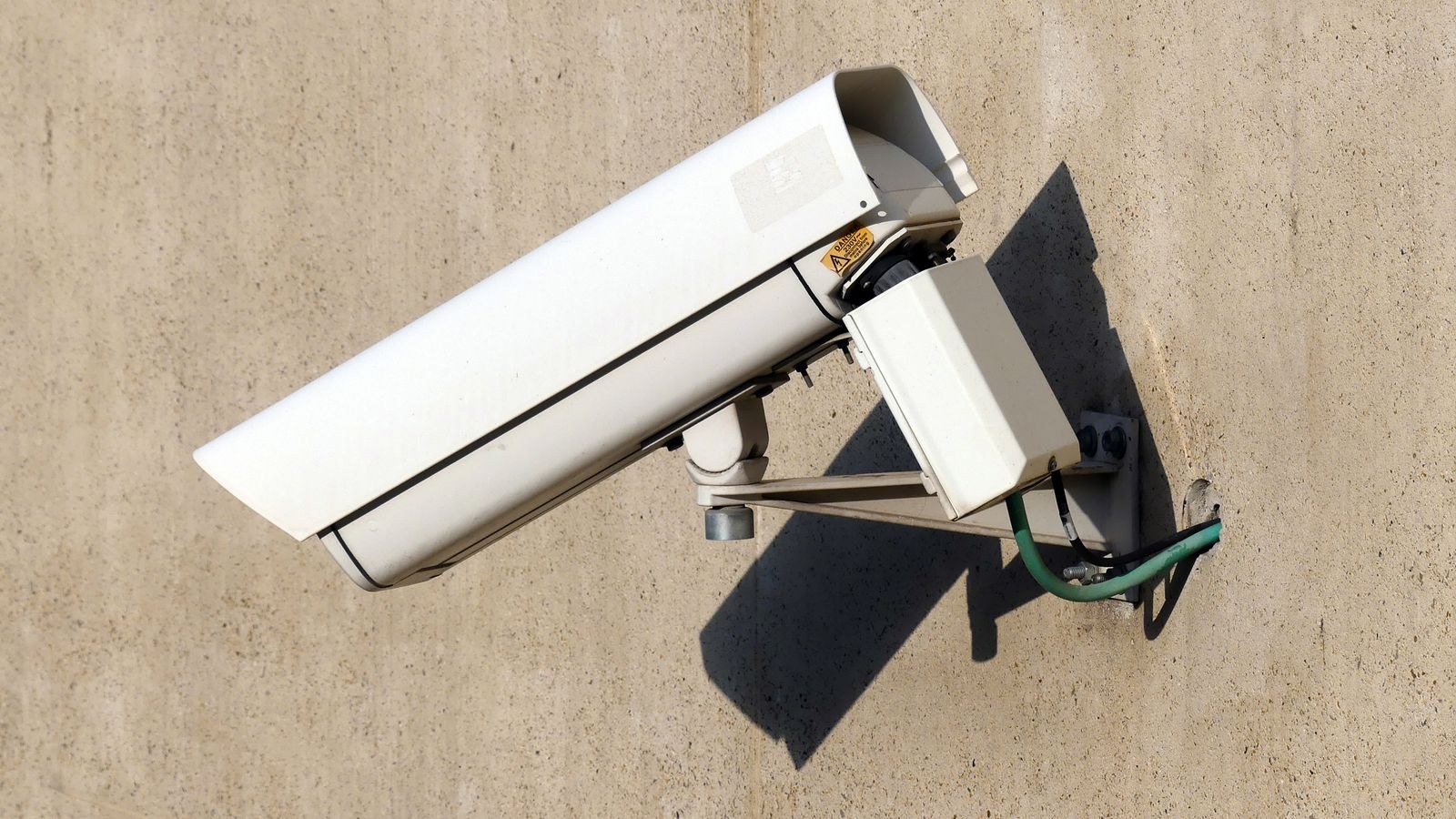
Outdoor cameras live in the harshest environment of any device you own. They endure direct sun, freeze-thaw cycles, driving rain, insects attracted to infrared light, spiders that build webs directly across the lens, and constant vibration from wind or a slamming door. Each of those forces works slowly, so image quality declines gradually and your eye adapts without registering the change.
Internally, the picture is similar. Storage cards endure continuous overwriting and eventually develop bad sectors. Wireless signal strength shifts as neighbouring networks appear. Battery chemistry loses capacity in cold weather. Apps push updates that reset notification settings. None of these produce an obvious alarm, which is why a scheduled check beats waiting for a failure to announce itself.
The Single Most Important Habit
If you adopt only one routine, make it this: once a month, pull up recorded footage from three days ago, in both daylight and darkness, and watch thirty seconds of each. Live view proves the camera has power. Only playback proves the entire chain, from sensor to storage to retrieval, is intact. Countless systems pass the live-view test while recording nothing at all.
The Monthly Ten-Minute Check
Monthly tasks are quick and require no ladder in most cases. Work through them in the same order each time so nothing is skipped.
- Confirm every camera is online. Open the app and check that no device shows as offline or unreachable.
- Play back old footage. Retrieve a clip from several days ago, day and night, and confirm it is sharp and correctly timestamped.
- Check storage health. Verify the card or recorder still has capacity and is overwriting normally rather than reporting an error.
- Test motion alerts. Walk through each detection zone and confirm the notification arrives promptly on your phone.
- Review battery levels. Note any battery camera below roughly 30 percent and recharge before it dies unnoticed.
- Glance at framing. Compare the live view against what you remember; a shifted angle is the most common silent failure.
Spring: Clean, Realign, and Reassess Coverage
Spring is the deep-clean season. Winter leaves grime, salt residue, and moisture damage behind, and the arriving growing season is about to change your sightlines entirely.
Start with the lenses. Use a microfibre cloth and, where needed, a lens-safe cleaner. Never use household glass cleaner or an abrasive cloth on a plastic dome, which scratches easily and permanently hazes the image. Clear away spiderwebs, wasp nests, and insect debris from around the housing, and check the infrared LEDs are clean, since a dirty IR array wrecks night footage far more than it hurts daytime clarity.
Next, realign. Loosen the mount, restore the intended framing, and retighten firmly. Then reassess coverage against new foliage, because a branch that was bare in January can completely block a driveway view by May. Trim anything that intrudes, and adjust motion zones so swaying leaves do not generate dozens of false alerts. If your outdoor units have visibly deteriorated, our comparison of the best outside cameras covers the weather ratings and housings that survive multiple seasons.
Check Seals and Cable Entries
Water ingress is the most common cause of premature outdoor camera death. Inspect gaskets for cracking, confirm cable glands are tight, and make sure every cable enters its connection from below with a drip loop so water runs off rather than tracking into the housing. Re-seal any exterior penetration where the caulk has split over winter.
Summer: Heat, Sun Glare, and Firmware
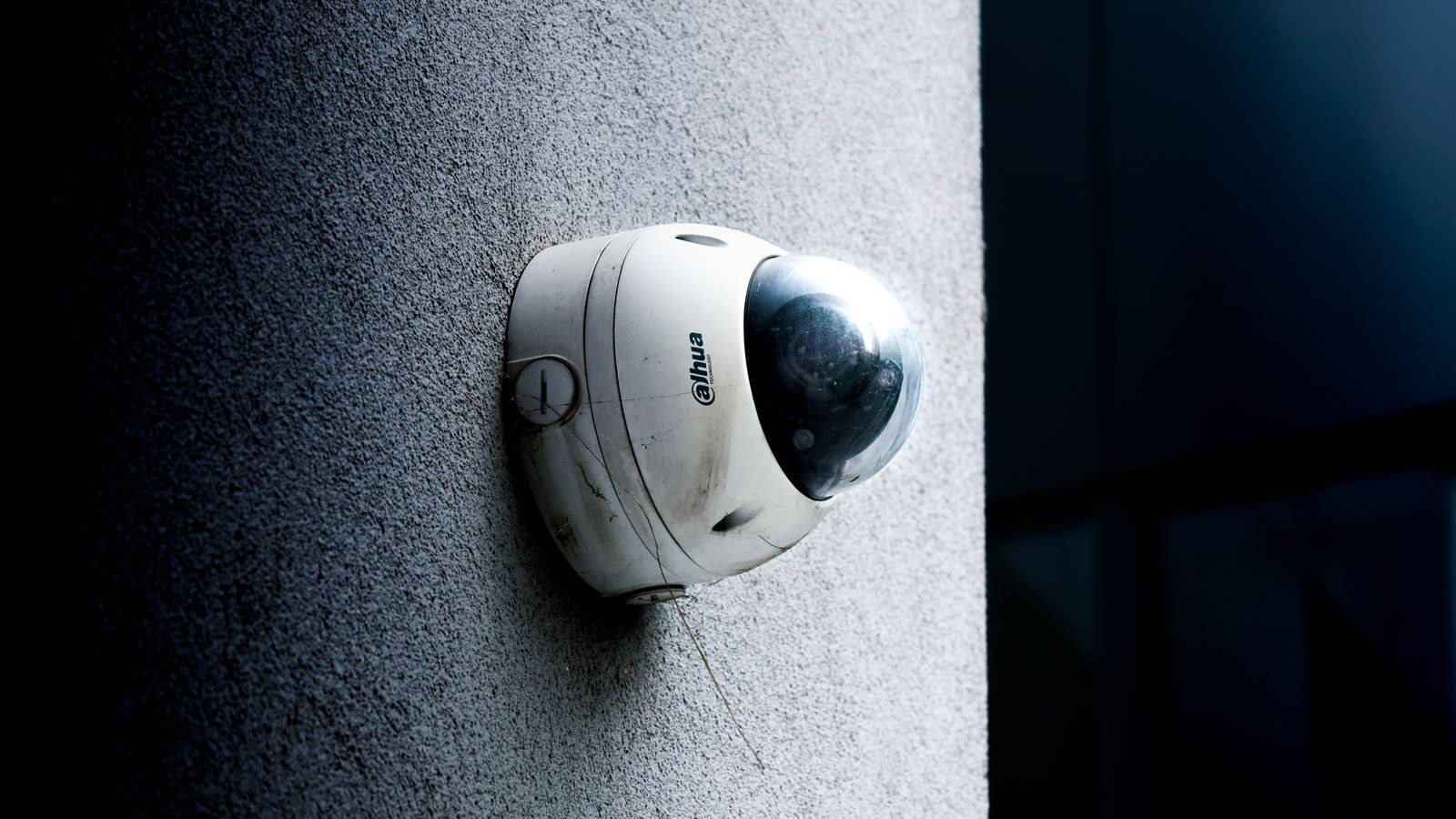
Summer stresses cameras thermally. Direct sun on a dark housing can push internal temperatures well beyond ambient, which causes sensor noise, image artefacts, and in extreme cases automatic shutdowns. If a camera sits in full afternoon sun, a small sun shield or a repositioned mount under an eave costs almost nothing and extends component life considerably.
Sun angle also changes dramatically between seasons. A camera perfectly exposed in winter may stare straight into low summer sun for an hour each evening, washing out the image exactly when you want it. Check each feed at different times of day during the longest weeks and adjust angle or enable wide dynamic range where the contrast is extreme.
Summer is also the natural time for the firmware and account audit. Install pending updates on cameras, hubs, and recorders, confirm passwords are unique and strong, enable two-factor authentication, and remove any old app accounts belonging to former housemates or installers. If your setup has outgrown standalone units, the guide to the best home CCTV systems explains how a central recorder simplifies both storage and updates.
Autumn: Storage, Leaves, and Falling Light
Autumn brings shorter days, so a growing share of your recordings become night footage. This is the season to test infrared performance seriously. Stand at the edge of each camera’s range after dark and confirm you can be identified rather than merely detected. If IR reach has dropped, the usual culprits are a dirty lens, a dirty IR window, or a nearby reflective surface bouncing light back into the sensor.
Falling leaves cause two problems: they trigger constant motion alerts, and they accumulate on horizontal housings and in gutters near mounts, holding moisture against the equipment. Clear debris, refine motion zones to ignore tree canopy, and consider raising detection sensitivity thresholds temporarily during the heaviest weeks.
Autumn is also the right time for a full storage review. Rotate or replace memory cards approaching a year of continuous recording, verify hard drive health in any recorder, and confirm your retention period still matches your needs. If storage capacity has become the limiting factor, our roundup of the best security camera systems compares recorder capacity and expandability across common setups.
Test Your Backup Path
Ask yourself what happens if someone removes a camera. If footage lives only on a card inside that camera, it leaves with the device. At least one camera covering your main approach should push clips to cloud storage or to a recorder located somewhere less obvious than a hallway shelf.
Winter: Cold, Condensation, and Battery Drain
Cold is brutal on battery cameras. Lithium cells can lose a large share of usable capacity below freezing, turning a three-month charge cycle into three weeks. Check battery levels weekly rather than monthly through the coldest period, and bring spare packs indoors to warm before swapping them in.
Condensation is the other winter enemy. Rapid temperature swings pull moist air into imperfectly sealed housings, and the resulting internal fog looks exactly like a dirty lens but cannot be wiped away. If a camera fogs internally, bring it inside to dry fully, then reseal before remounting. Silica gel packets inside the housing help in persistently damp climates.
Snow and ice add mechanical stress. Clear accumulation from housings gently, never with hot water, which can crack a cold lens. Confirm mounts have not loosened under wind and ice loading. For a full cold-weather routine, our step-by-step notes on how to winterize home security cameras walk through sealing, battery handling, and mount inspection in detail.
The Annual Overhaul
Once a year, treat the system as a whole rather than as individual devices. Set aside an afternoon and work through the deeper checks that never fit into a monthly routine.
- Audit coverage against your current property. New sheds, fences, parking arrangements, and landscaping all change where entry is easiest.
- Verify recording quality settings. Updates sometimes reset resolution or bitrate to lower defaults without any notice.
- Replace ageing storage. Cards and drives under constant write load are consumables, not permanent parts.
- Confirm time synchronisation. An incorrect clock undermines the evidentiary value of every clip you record.
- Review network health. Check signal strength at each camera and confirm your router firmware is current.
- Reassess the hardware itself. Cameras more than five or six years old often lag well behind current image quality, and our list of the best security cameras is a sensible starting point when replacement makes more sense than repair.
Common Maintenance Mistakes
The most frequent error is trusting the live view. A crisp live feed says nothing about whether clips are being written, retained, or retrievable. The second is cleaning lenses with the wrong materials, which permanently hazes plastic domes and does more damage than the dirt it removed. The third is ignoring notification fatigue: when a camera generates dozens of pointless alerts, people mute it, and a muted camera is effectively switched off.
A quieter mistake is leaving default passwords and skipping firmware updates because the system appears to work. Unpatched cameras are among the most commonly exploited devices on home networks, and an exposed feed turns a security measure into a privacy problem. Treat updates as part of maintenance, not as an optional extra.
Frequently Asked Questions
How often should camera lenses be cleaned?
Quarterly is enough for most homes, with an extra clean after storms, heavy pollen, or any construction work nearby. Cameras near roads, farms, or coastal salt spray may need monthly attention to keep night footage usable.
How long do memory cards last in a security camera?
Continuous recording wears cards quickly. Even high-endurance cards designed for surveillance typically warrant replacement after one to two years of constant use. If clips start showing gaps or corruption, replace the card immediately rather than reformatting and hoping.
Do wired cameras need less maintenance than wireless?
They need no battery care and rarely drop offline, but they still require lens cleaning, seal inspection, mount checks, and firmware updates. The physical outdoor tasks are identical; only the power and connectivity chores differ.
Why does my night footage look worse than it used to?
The usual causes, in order, are a dirty lens, dirty or failing infrared LEDs, a new reflective surface bouncing IR back at the camera, and a resolution setting reset by an update. Work through them in that sequence before assuming the camera has failed.
Should I reboot my cameras regularly?
A monthly reboot of cameras and the recorder clears memory leaks and resolves many minor glitches before they become failures. Many systems offer a scheduled restart, ideally set for a quiet hour when nobody is coming or going.
Final Thoughts
A camera system is not an appliance you install and forget; it is closer to a vehicle that needs regular servicing to be there when you need it. Ten minutes monthly for online status, playback, and alerts, plus one seasonal session for cleaning, sealing, storage, and firmware, keeps every device delivering usable footage rather than reassuring lights. Put the monthly check on a recurring calendar reminder, tie the seasonal tasks to something you already do like changing the clocks or clearing gutters, and keep brief notes on what you replaced and when. Follow this security camera maintenance schedule through 2026 and the footage will be there and legible on the one occasion it truly counts.









