
 Owen Bradley
 Every home security camera project eventually reaches the same fork in the road: run cable, or go wireless. Power over Ethernet cameras pull data and electricity down a single network cable, while Wi-Fi cameras talk to your router over the air and draw power from a nearby outlet or a battery. Both approaches record video, both look similar on a shelf, and both can serve a house well. What separates them is reliability under real conditions, the effort of installation, and what happens on the day something goes wrong. This guide compares PoE and Wi-Fi security cameras honestly, so that when you buy in 2026 you know exactly which one belongs on which wall.
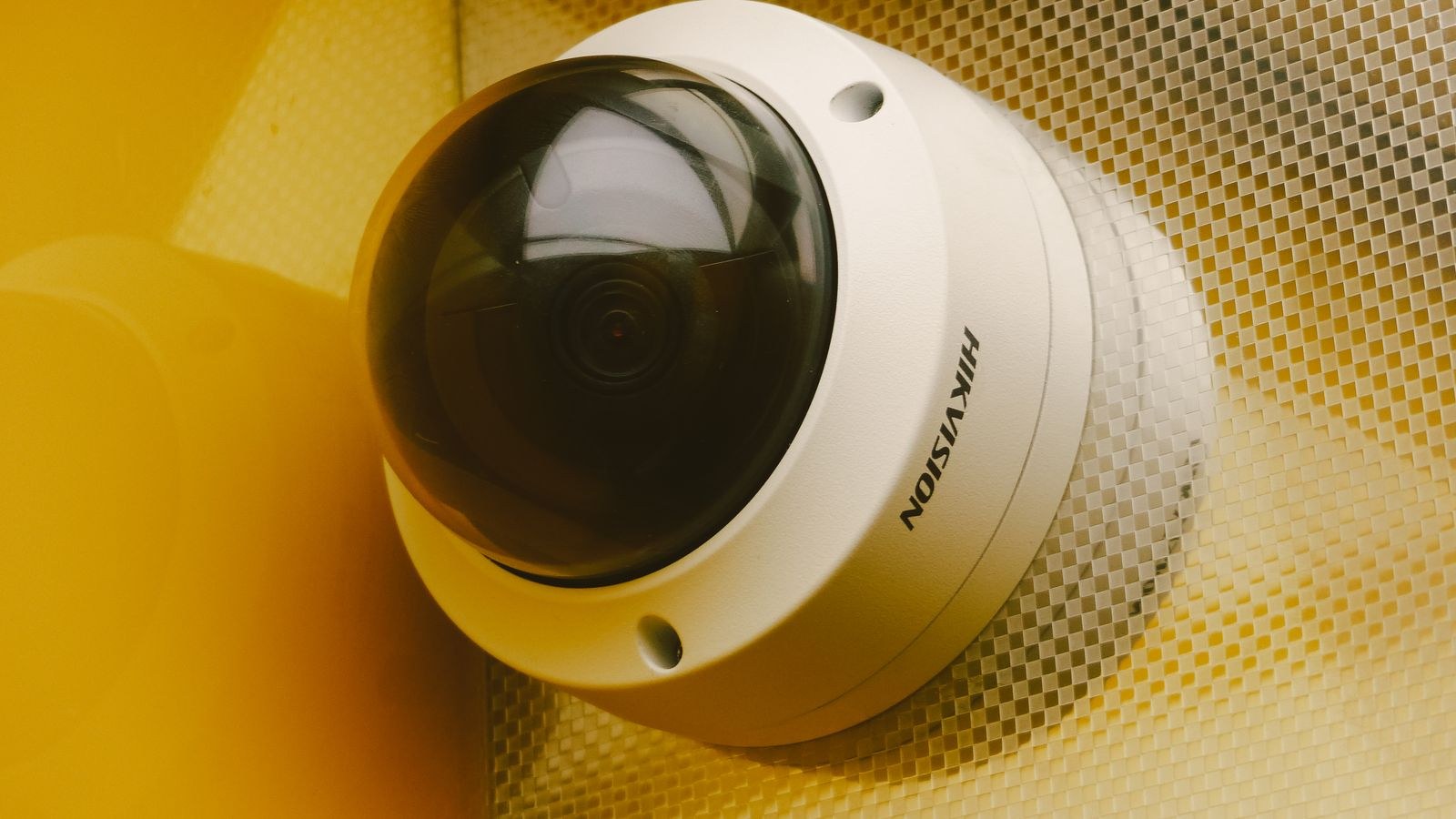
How PoE and Wi-Fi Cameras Actually Differ
A PoE camera is a wired network device. One Cat5e or Cat6 cable carries the video stream to a switch or recorder and carries power back to the camera, which is why a single run replaces both a data cable and a power adapter. There is no radio link in the chain at all, so the video never competes for airtime with phones, laptops, or a neighbour’s access point.
A Wi-Fi camera splits those jobs. Video travels over the 2.4GHz or 5GHz band to your router, while power comes from a plug-in adapter or an internal battery. That decoupling is exactly what makes wireless cameras easy to place: anywhere with an outlet and a decent signal is a candidate. It is also the source of nearly every complaint owners have, because two separate things now have to keep working instead of one.
Battery Cameras Are a Third Category
Battery-powered wireless cameras deserve their own mention. They remove the outlet requirement entirely and install in minutes, which makes them the only realistic option for sheds, rental properties, and walls with no power nearby. The trade is duty cycle: to preserve battery life they wake on motion rather than record continuously, so they capture events rather than a complete timeline. If you want an unbroken record of a driveway, a battery camera is the wrong tool no matter how convenient it looks.
Reliability: Where Wired Pulls Ahead
Reliability is the reason professional installers still pull cable. A PoE camera has one failure point, the cable, and cable failures are rare and permanent rather than intermittent. Wi-Fi cameras add radio interference, signal attenuation through walls, router reboots, channel congestion, and firmware quirks to the list of things that can drop a feed. None of those are dramatic on their own, but they compound.
The practical symptom is not usually a camera going fully offline. It is degradation: the stream drops from 4K to a soft, blocky image because the camera detected a weak link and lowered its bitrate. You often do not notice until you go looking for footage and find the one clip that mattered is unreadable. Wired cameras hold their full bitrate regardless of what else is happening on the network, which is why the same sensor frequently produces visibly better recordings over PoE than over Wi-Fi. If image quality is the priority, our overview of the best IP security cameras covers models that make the most of a wired connection.
Distance and Wall Penetration
Ethernet reliably carries PoE about 100 metres, which covers almost any house, garage, and garden run without a repeater. Wi-Fi has no such guarantee. Signal drops sharply through brick, stone, foil-backed insulation, and metal siding, and the outdoor cameras you most want to trust are precisely the ones sitting furthest from the router with the most walls in between. A mesh node or outdoor access point solves this, but that is extra hardware and extra cost, which narrows the price gap that made wireless attractive in the first place.
Installation Effort and Cost
This is where Wi-Fi wins convincingly. A wireless camera can be mounted, plugged in, and paired to an app in under fifteen minutes with a drill and a ladder. There is no cable to route through a loft, no hole to drill through an exterior wall, and no decision about where the recorder lives. For renters, for people who move often, or for anyone covering a single entrance, that simplicity is worth a great deal.
PoE installation is a project. You need cable, a route from each camera position back to a central point, a PoE switch or recorder, and the patience to terminate connectors or buy pre-made runs. Budget a full day for a four-camera house if you are doing it yourself, and considerably more if the cable has to cross finished ceilings. The payoff is that once it is done, it stays done for a decade with no batteries to change and no re-pairing after a router swap.
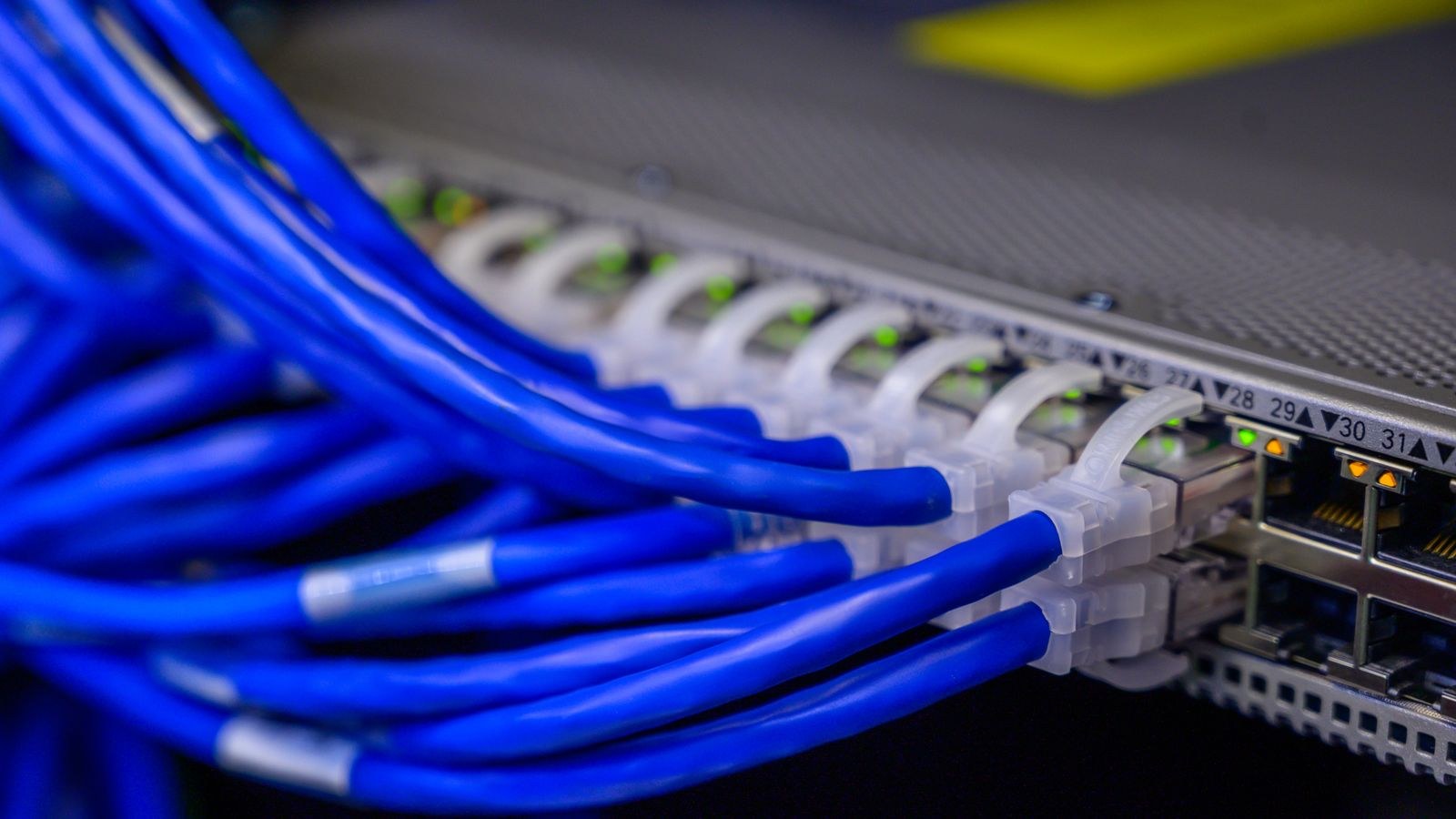
The Hardware You Need on Each Side
- PoE setup: cameras, Cat5e or Cat6 cable, a PoE switch or PoE-capable NVR, and a storage drive. Check the switch’s total power budget, not just its port count.
- Wi-Fi setup: cameras, outlets or batteries, a capable router, and either cloud storage or local microSD cards in each camera.
- Shared: mounting hardware, weatherproof gaskets for outdoor units, and a plan for where footage actually lives.
Note that a PoE build front-loads its cost into infrastructure you buy once. A wireless build spreads cost into subscriptions and battery replacements that recur every year, which often makes wireless the cheaper option on day one and the more expensive option by year four.
Bandwidth: The Hidden Cost of Wireless Cameras
A single 4K camera streaming continuously can consume 8 to 12 Mbps, and even a 1080p camera runs 2 to 4 Mbps. Multiply that by four or six cameras and a wireless system is pushing serious sustained traffic through the same radio your household uses for video calls and streaming. Wi-Fi is a shared medium, so every camera transmitting slows everything else, and airtime spent on cameras is airtime unavailable to laptops.
Wired cameras remove that pressure entirely. Their traffic stays on switch ports and never touches the wireless spectrum. If you are set on wireless, the fix is a router with strong tri-band capability so cameras can be pushed onto a band of their own; our guide to the best WiFi home security cameras flags models with efficient encoding that lightens this load. For wired builds, choosing among the best PoE routers and switches determines how many cameras you can power from one box before you need a second.
Upload Bandwidth Matters for Cloud Recording
If your cameras upload to the cloud rather than a local drive, your internet upload speed becomes the bottleneck regardless of camera type. Many home connections offer generous download and meagre upload, and several cameras uploading at once can saturate it, making video calls stutter. Local recording sidesteps the problem completely, which is one more reason wired systems with an on-site recorder feel more dependable in daily use.
Power, Outages, and Backup
PoE has a genuinely underrated advantage here. Because every camera draws power from the switch or recorder, putting a single uninterruptible power supply on that one box keeps the entire camera system running through a blackout. With plug-in wireless cameras you would need a UPS at every outlet, plus one for the router, to achieve the same result.
Battery cameras keep filming during an outage but usually lose their upload path when the router dies, so events are recorded to onboard storage at best and missed at worst. Whichever system you choose, ask yourself what happens when the power fails, because a determined intruder cutting power is not a hypothetical scenario in a security plan.
Which Should You Choose? Match the System to the Site
The honest answer is that most homes end up with both. Use the criteria below rather than picking a side on principle.
- Choose PoE when you own the property, want continuous recording, need more than three or four cameras, care about maximum image quality, or plan to keep the system for many years.
- Choose Wi-Fi when you rent, need coverage in weeks not months, want one or two cameras at obvious entry points, cannot route cable, or value app-first simplicity over absolute uptime.
- Mix them when the perimeter and driveway justify wired reliability but a shed, garage, or side gate is impractical to cable.
If wireless suits your situation, complete kits keep configuration simple, and our roundup of the best wireless camera security systems compares bundles that ship with matched cameras and a hub. If you are still weighing the underlying technology rather than the connection type, the comparison of CCTV versus IP security cameras explains how analogue and network platforms differ before you commit to either.
A Quick Decision Checklist
- Can I run cable to every camera position? If yes, PoE is almost always the stronger long-term choice.
- Do I need 24/7 recording or event clips? Continuous recording strongly favours wired.
- How far is each camera from the router? Two or more walls is a warning sign for wireless.
- Am I willing to pay a monthly fee? Wireless leans on cloud plans; wired leans on a local drive.
- Will I still live here in five years? Permanence justifies the install effort.
Common Mistakes Buyers Make
The most frequent error is testing Wi-Fi signal from a phone standing at the camera position and calling it good. A phone has a larger antenna and more power than most cameras, so a bar or two of signal on your handset can mean an unusable link for the camera. Test with the camera itself, in place, before you screw the bracket down.
The second mistake is undersizing the PoE budget. A switch may have eight PoE ports but only enough total wattage for five cameras with heaters and infrared illuminators running. Add the per-camera maximum draw, not the idle figure, and leave headroom. Third, people run cheap unshielded cable alongside mains wiring, then blame the cameras for noise and dropouts. Keep data separated from power runs where you can, and use proper outdoor-rated cable for exterior sections.
Finally, many buyers focus so hard on the connection debate that they neglect placement. A perfectly wired camera aimed at a hedge is worth less than a wireless one covering the front door properly. Decide what each camera must actually capture first, then choose the technology that can be installed there without compromise.
Frequently Asked Questions
Are PoE cameras really more secure than Wi-Fi cameras?
They are harder to disrupt, because there is no wireless signal to jam and no wireless credentials to intercept. Both types still need strong passwords, current firmware, and sensible network isolation, so wiring alone is not a substitute for good security hygiene.
Can I add a PoE camera without buying an NVR?
Yes. A PoE switch plus recording software on a computer or NAS works well, and many cameras also record to an onboard microSD card. A dedicated recorder simply makes storage, retention, and playback easier to manage.
How much slower is Wi-Fi video in practice?
On a strong link the difference is small. On a marginal link the camera lowers its bitrate and frame rate automatically, which is where the visible quality gap appears. Wired connections avoid that adaptive downgrade entirely.
Do battery cameras work in cold weather?
They work but run down noticeably faster, since low temperatures reduce usable battery capacity. In cold climates plan for more frequent charging or choose mains-powered units for critical positions.
Can I convert existing Wi-Fi cameras to PoE later?
Generally no, because the camera hardware lacks an Ethernet port and PoE circuitry. Treat the choice as a hardware decision rather than something to change with an adapter after the fact.
Final Thoughts
PoE and Wi-Fi cameras are not competing for the same job so much as suiting different circumstances. Wired systems reward the effort of installation with steady bitrates, simple power backup, no monthly fees, and years of unattended operation, which is why they remain the default for whole-property coverage. Wireless cameras trade a measure of that dependability for the freedom to put a camera anywhere in an afternoon, which is genuinely the right answer for renters, awkward outbuildings, and single-entrance homes. Decide what each position must capture, be realistic about signal and cable routes, and let the site rather than the marketing choose the technology. Do that and either system will serve you well through 2026 and long afterwards.









