
 Owen Bradley
 Keyboard and mouse still win for shooters and strategy, but the moment you launch a racing game, a platformer or anything designed for a console first, a gamepad stops being optional. The trouble is that PC controller support has grown into a tangle of standards, wireless protocols and driver layers where an expensive pad can perform worse than a cheap one simply because a game does not recognise it. This PC controller buying guide explains the compatibility layers that actually decide whether a pad just works, what hall effect sticks change about long-term reliability, how latency really behaves across connection types, and where the money is worth spending in 2026.
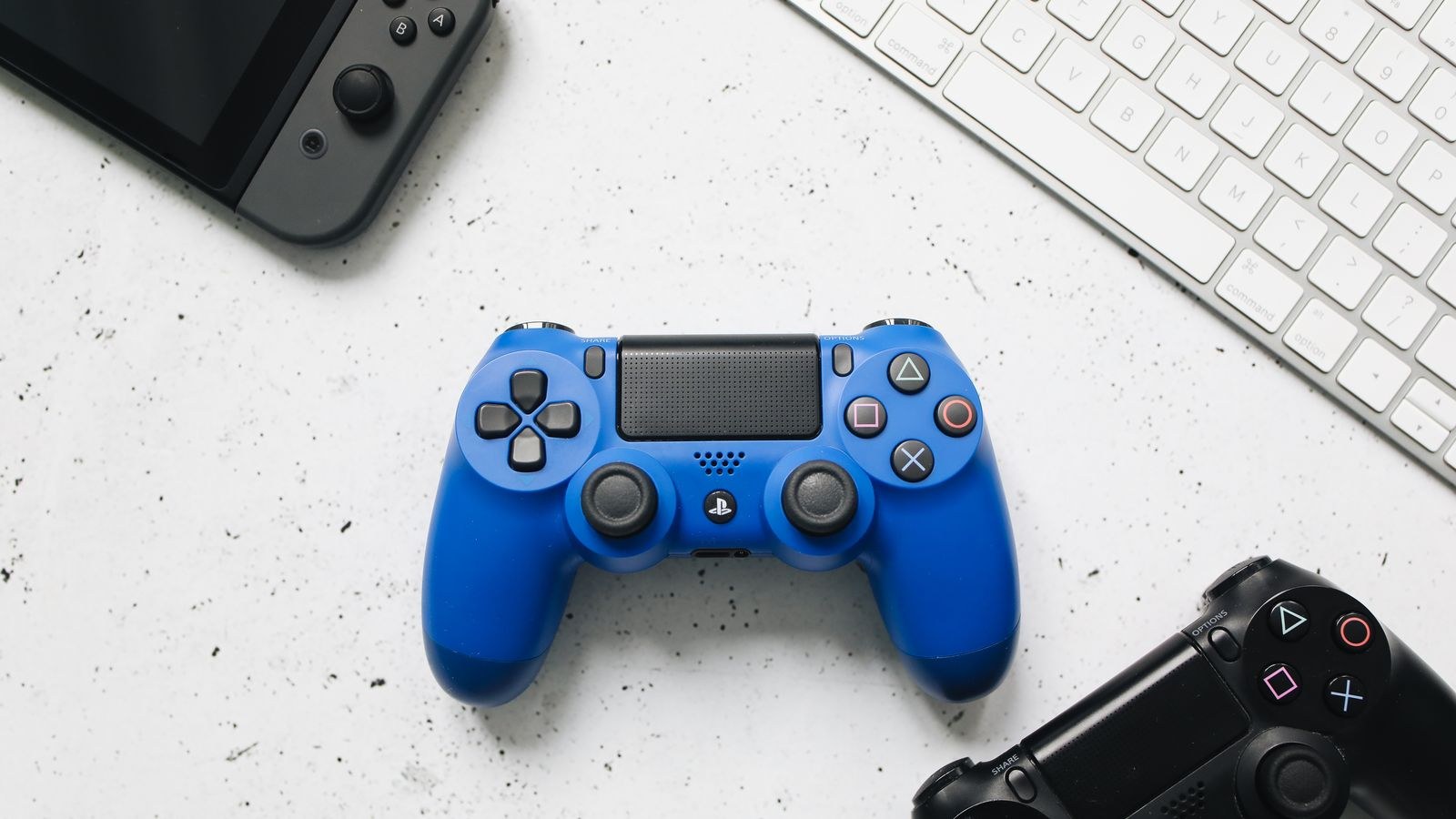
Compatibility Is the First Question
PC games generally speak one of two input languages. The first is the modern gamepad interface built into the operating system, which almost every game released in the last decade supports natively. Controllers that present themselves through this layer are recognised instantly, show the correct button prompts on screen, and need no configuration.
The second is an older generic joystick interface, still used by some emulators, older titles and flight simulators. Controllers offering both modes, usually via a physical switch on the underside, are the most flexible purchase because they cover both eras without software workarounds.
Controllers designed for other consoles occupy a middle ground. They work well in games with explicit support, and a translation layer built into major game platforms handles most of the rest, but you may see mismatched button prompts telling you to press a symbol your pad does not have. That is a cosmetic annoyance rather than a functional failure, though it wears thin during a long session.
The Practical Compatibility Test
Before buying, check whether the controller is described as working without additional software. Any pad requiring a permanently running background utility to be recognised is a pad that will break the day that utility stops being updated. Native recognition is worth more than any feature list.
Wired, Wireless Dongle or Bluetooth
Connection type affects latency, battery management and how much desk clutter you accumulate. All three approaches are viable, but they are not equivalent.
- Wired USB gives the lowest and most consistent latency, never needs charging, and never drops out. The cable is the only downside, and for a desk-based setup it barely matters.
- A dedicated 2.4GHz dongle comes within a millisecond or two of wired performance and is the best option for couch gaming. It occupies a USB port and the dongle is easy to lose, so a controller with a storage slot for it is worth seeking out.
- Bluetooth is the most convenient, needing no dongle and pairing with laptops and phones, but it carries the highest and least predictable latency. For slower games it is undetectable; for precise timing it is the weakest choice.
Controllers offering all three cover every scenario and let you play wired while charging. That flexibility is common in the mid-range and above, and it is one of the more genuinely useful reasons to spend beyond entry level.
Understanding Latency in Context
Controller latency is measured in single-digit milliseconds and is usually the smallest delay in the entire chain. Display response, frame rate and the game’s own input processing typically contribute far more. Chasing a controller a millisecond faster while playing on a 60Hz screen is optimising the wrong component.
If responsiveness genuinely matters to you, address the display first. A higher refresh panel reduces the interval between a frame being ready and appearing far more than any pad upgrade, and our roundup of the best computer monitors for gaming covers panels where response time is measured honestly rather than marketed optimistically. For a broader comparison of sizes and panel technologies, our guide to the best monitors for gaming is a useful companion.
Hall Effect Sticks and Stick Drift
Stick drift, where a character moves on its own with the stick untouched, is the most common failure in gamepads. Traditional analogue sticks use potentiometers, which rely on a physical wiper dragging across a resistive track. That contact wears, the readings become noisy, and the game interprets noise as movement. It is a wear-out mechanism, not a defect, which is why drift tends to appear after a year or two of heavy use.
Hall effect sticks replace the contact with a magnet and a magnetic sensor. Nothing touches, so nothing wears, and drift essentially stops being a concern. They also tend to offer a finer and more consistent response across the stick’s range, which helps in racing and flight games where small inputs matter.
The trade-offs are modest. Hall effect modules cost more and consume slightly more power, shortening wireless battery life a little. For anyone who plays regularly, particularly with games that hammer the sticks, the durability is worth the premium. For occasional play, a conventional stick will likely outlast your interest in the controller.
Triggers and Bumpers Deserve Attention Too
Analogue triggers with a long, smooth pull suit driving games, while a switch that converts them to short-throw digital clicks suits shooters. Controllers offering a physical trigger stop are effectively two pads in one. Bumpers vary more than people expect: mushy bumpers with a long travel are noticeably slower to actuate than crisp microswitch versions, and they are the control most likely to fail before the sticks do.
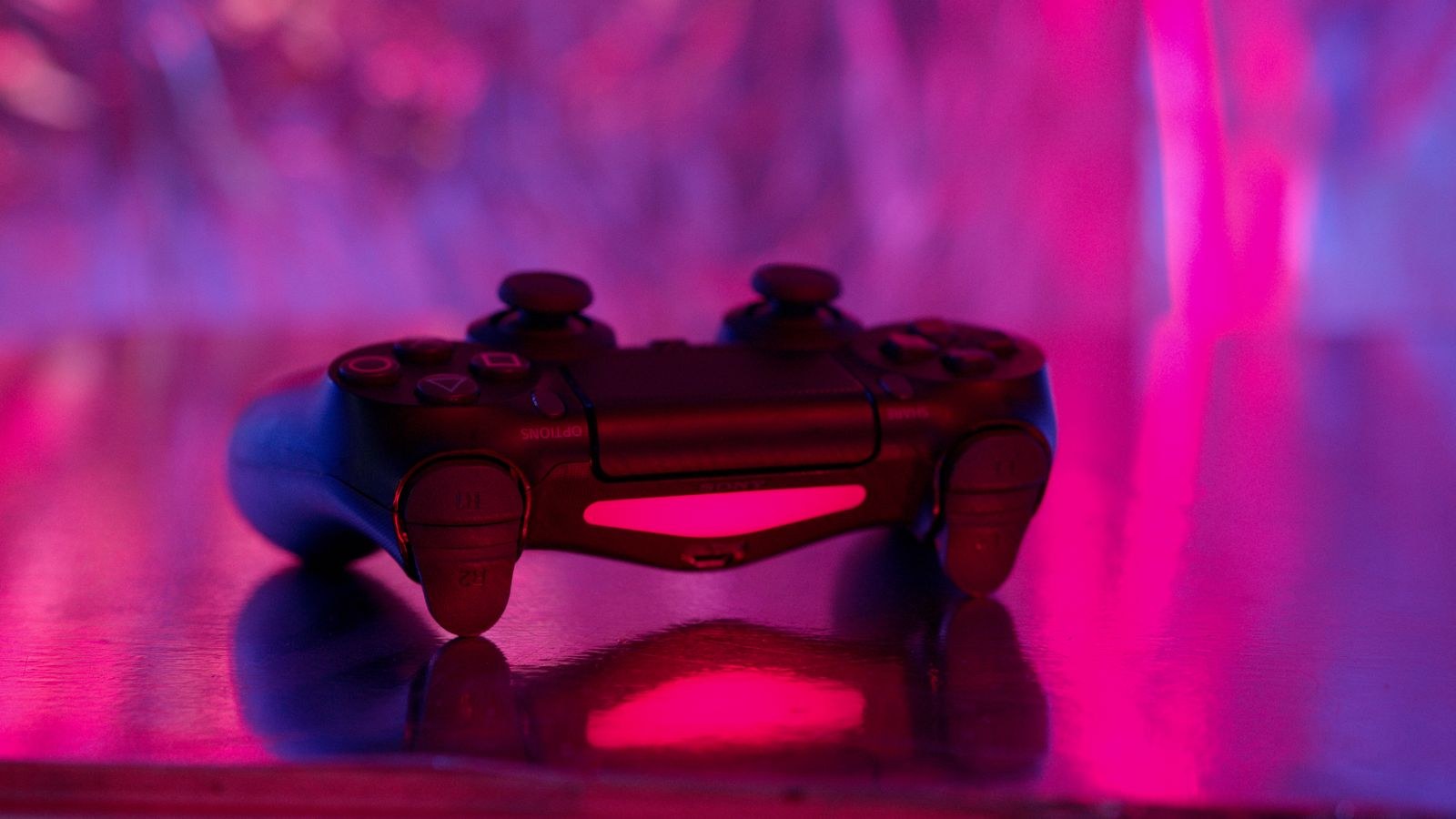
Standard, Pro and Third-Party Compared
The mainstream first-party pad is the safe default. It is recognised everywhere, button prompts always match, spare parts and replacements are easy to find, and the ergonomics are well proven. It is rarely the best value on paper and rarely the wrong choice in practice.
Pro-tier controllers add rear paddles, swappable stick tops and tension, adjustable trigger stops, onboard profile storage and usually a carrying case. The rear paddles are the standout feature, letting you jump or reload without lifting a thumb from a stick, which is a real competitive advantage once the muscle memory forms. The price is often triple the standard pad, and much of what you pay for goes unused by casual players.
Third-party controllers have improved dramatically and now lead on features per pound. Hall effect sticks, multiple connection modes, extra buttons and companion configuration software often appear at prices well below the pro tier. The variable is quality control and long-term support, so check whether the maker publishes firmware updates and how they handle warranty claims before committing.
Ergonomics and Build Quality
Hand size and grip style matter more than any specification, and they are the hardest thing to judge online. Larger pads with pronounced grips suit bigger hands and longer sessions, while compact designs work better for smaller hands but can cramp during marathon play. Weight is a personal preference: a heavier pad feels substantial but tires the wrists sooner.
Look for textured grips rather than smooth plastic, since sweat makes bare plastic slippery within an hour. Check the face button feel too, as membrane buttons are quieter and softer while mechanical buttons are crisper and louder. Neither is objectively better, but they feel completely different and you cannot change your mind after purchase.
Cable quality matters on wired models. A braided, detachable cable can be replaced when it frays; a moulded one turns a cable failure into a dead controller. Detachable cables also let you use a longer one for couch play without buying a new pad.
Features That Actually Change How You Play
- Rear paddles keep both thumbs on the sticks during movement and aiming, which is the single most impactful addition for competitive play.
- Adjustable stick tension lets you choose between light, fast movement and heavier, more precise control.
- Trigger stops shorten the pull for shooters, meaningfully reducing the time between decision and shot.
- Onboard profiles store your mappings in the controller itself, so they follow you to any machine without software.
- Motion sensing enables fine aim adjustment in games that support it, complementing rather than replacing stick aiming.
- A 3.5mm headset jack keeps audio at the controller, which is far tidier for couch play than running a cable to the PC.
That last point is worth dwelling on, since audio arrangement shapes couch gaming as much as the pad does. Our roundup of the best headsets for gaming covers models that work cleanly through a controller jack, and if you prefer to play without anything on your head, our comparison of the best gaming speakers covers desk and room options that suit a gamepad setup.
Budget Tiers and Where the Value Sits
The entry tier covers wired pads with conventional sticks and no extras. They work, they are recognised natively if you choose carefully, and they are ideal as a second controller for local multiplayer or as a first gamepad to test whether you enjoy playing this way at all.
The middle tier is where most people should shop. Expect multiple connection modes, decent battery life, better grips and increasingly hall effect sticks from third-party makers. This tier delivers most of the experience of a pro controller for a fraction of the price, and the durability improvement over entry level is real.
The top tier buys paddles, extensive customisation, premium materials and a case. It is justified if you play competitively, if you have specific accessibility needs that remapping solves, or if you simply play enough hours that the pad is a primary tool. It is not justified by wanting the best available.
Do Not Forget the Rest of the Setup
A gamepad rarely replaces a mouse entirely, since strategy games and shooters remain better with one. Most PC players end up keeping both within reach, and our guide to the best mouse for gaming is worth reading alongside this one so the two input methods complement rather than compete for desk space.
Common Mistakes to Avoid
- Buying a controller that needs background software to be recognised, which becomes a liability the moment support ends.
- Choosing Bluetooth for competitive play when a dongle or cable would be more consistent for the same money.
- Paying for paddles you never map, which is the most commonly wasted premium feature.
- Ignoring hand size and ending up with a pad that cramps after an hour.
- Overlooking battery format. Removable cells let you swap instantly, while built-in batteries eventually degrade and are rarely replaceable.
- Blaming the controller for input lag caused by a slow display or a low frame rate.
Frequently Asked Questions
Do I need hall effect sticks?
Not strictly, but they eliminate the most common controller failure. If you play several hours a week or have replaced a pad due to drift before, the extra cost pays for itself.
Will a console controller work on PC?
Most do, either natively or through a translation layer in major game platforms. The usual compromise is button prompts showing the wrong symbols in some games.
Is wireless too slow for serious play?
A dedicated 2.4GHz dongle is close enough to wired that almost nobody can detect the difference. Bluetooth is the connection worth avoiding when timing genuinely matters.
How long should a controller last?
Conventional sticks commonly show drift after one to three years of regular use, while hall effect sticks typically outlast the rest of the pad. Bumpers and triggers are usually the next components to wear.
Final Thoughts
Start with compatibility, since a controller recognised natively by the operating system removes an entire category of frustration before you play a single game. Then choose the connection that matches where you play, favouring a cable or a dedicated dongle at a desk and accepting Bluetooth only where convenience outweighs precision.
After that, spend on durability rather than features. Hall effect sticks, a detachable cable and comfortable grips will matter every session for years, whereas paddles and profile switching only pay off if you actually configure them. A mid-range pad chosen on those terms usually outperforms a premium one bought on specification alone.









