
 Owen Bradley
 Sometimes the wall you want your television on simply has no stud where you need one. Perhaps the studs land off-centre, perhaps the wall is a partition with awkward spacing, or perhaps a fireplace, window, or duct sits exactly where the bolts should go. Mounting a TV without studs is possible and safe, but only if you respect the limits. Drywall on its own has very little pull-out strength; the entire job depends on choosing the right anchor, spreading the load properly, and being honest about the weight your wall can carry. This guide covers the anchor types that genuinely work, the step-by-step process, and the point at which you should stop and find another wall.
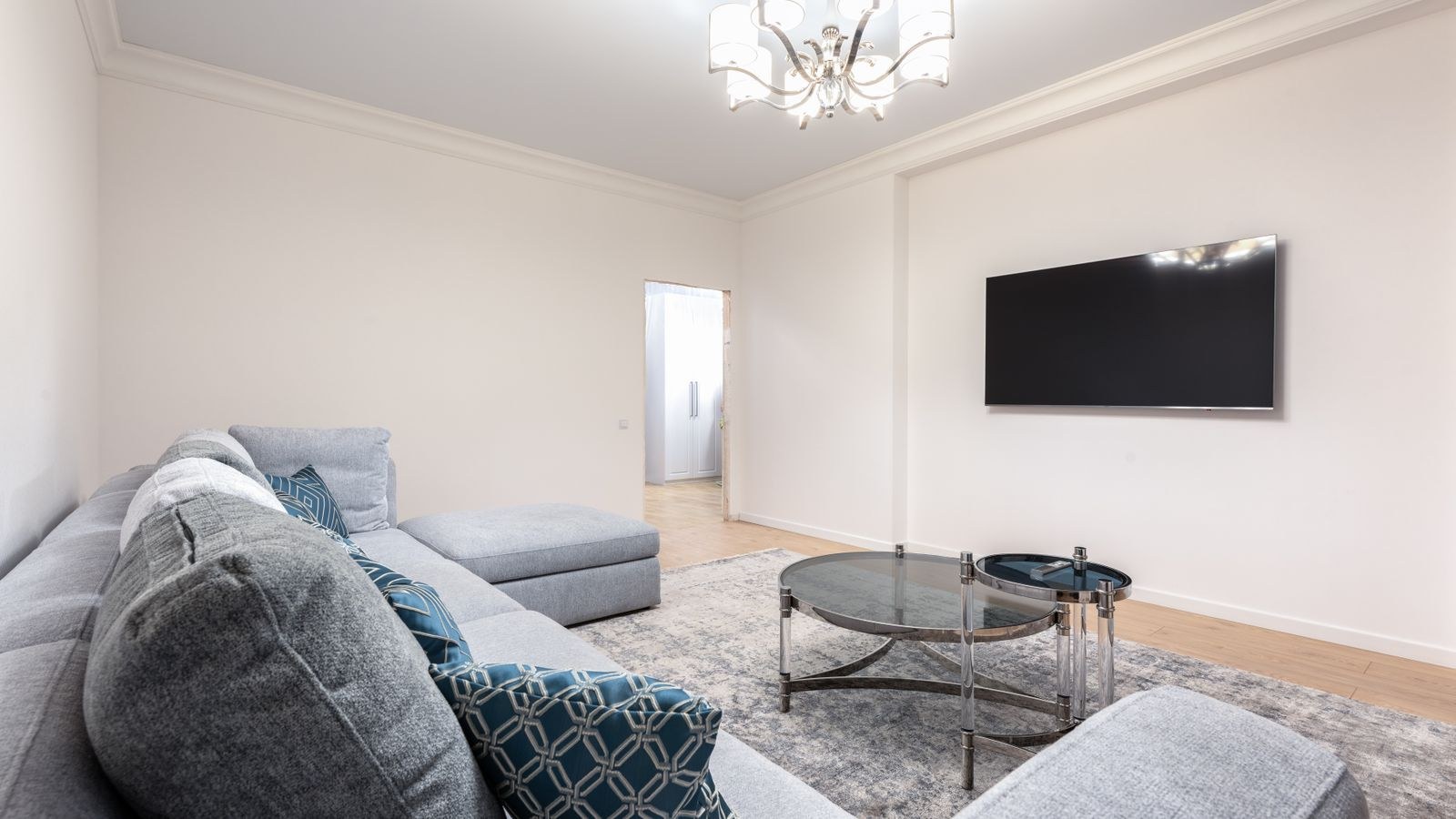
Understand the Real Limits First
Drywall is a gypsum core between paper faces, typically half an inch thick. It has decent shear strength but poor resistance to being pulled outward, and a wall mount applies exactly that outward pull because the TV hangs forward of the wall. The further the screen sits from the wall, the greater the leverage, which is why a full-motion arm stresses anchors far more than a flat, low-profile bracket carrying the same weight.
As a practical rule, a fixed flat mount on properly installed toggle anchors is realistic for a modest screen. A heavy large-format panel, or any mount with a swinging arm, is genuinely a stud or a mounting-plate job. Read the anchor packaging for its rated pull-out load in drywall specifically, not its shear rating and not its concrete rating, then apply a generous safety margin because ratings assume perfect installation.
Anchor Types That Actually Work
- Toggle bolts use a spring-loaded metal wing that opens behind the board and spreads the load over a wide area. These are the strongest common option for hollow drywall.
- Strap toggles, sometimes called snap toggles, use a metal channel pulled flat against the back of the board with a plastic strap. They are easier to fit than classic toggles, allow the bolt to be removed and refitted, and carry excellent loads.
- Self-drilling threaded anchors are quick and fine for pictures and shelves but are not appropriate on their own for a television.
- Plastic expansion plugs are entirely unsuitable for this job. They crush the gypsum and pull straight out under sustained load.
- A mounting plate or backer board made from plywood, screwed across several points, spreads load and gives the bracket a solid substrate.
Strap toggles are the default recommendation for most no-stud installations. They are widely available, forgiving to install, and rated well above the alternatives when fitted correctly in board of the right thickness.
Tools and Materials
- Stud finder, to confirm there really is nothing usable and to locate what to avoid.
- Cordless drill with the exact bit size the anchors specify.
- Spirit level, ideally a long one, plus a tape measure and pencil.
- Socket driver or spanner for the toggle bolts.
- The TV mount kit and the correct VESA screws for your screen.
- Plywood backer board if you are spreading the load, roughly three quarters of an inch thick.
- A helper, because lifting a panel onto a bracket alone is how screens get dropped.
Step-by-Step Installation
- Scan the whole wall area thoroughly. Sweep the stud finder well beyond your intended bracket footprint. You may discover a stud just outside your ideal position, and shifting the TV a few inches to catch even one stud transforms the safety of the install.
- Check for services before drilling anything. Use the electrical detection mode on the stud finder and think about what is likely behind the wall: switches and sockets have cables running vertically above and below them, and bathrooms or kitchens on the other side mean pipework. Never drill blind above or below an outlet.
- Weigh the situation honestly. Find your TV’s weight in the manual, add the mount’s weight, and compare with the anchors’ drywall pull-out rating multiplied across the number of anchors you will use. If the numbers are close rather than comfortable, change the plan.
- Decide between direct anchors and a backer plate. For anything but a light screen on a flat mount, cut a plywood plate wider than the bracket, fix it to the wall with six or more strap toggles spread across its area, then bolt the mount to the plywood. The plate converts several point loads into a distributed one and is by far the most robust no-stud approach.
- Mark the bracket position and level it. Hold the wall plate up, set your desired height, and mark through the mounting holes with the spirit level sitting on top of the bracket. Measure both ends from the ceiling as a cross-check, since ceilings and floors are rarely perfectly level themselves.
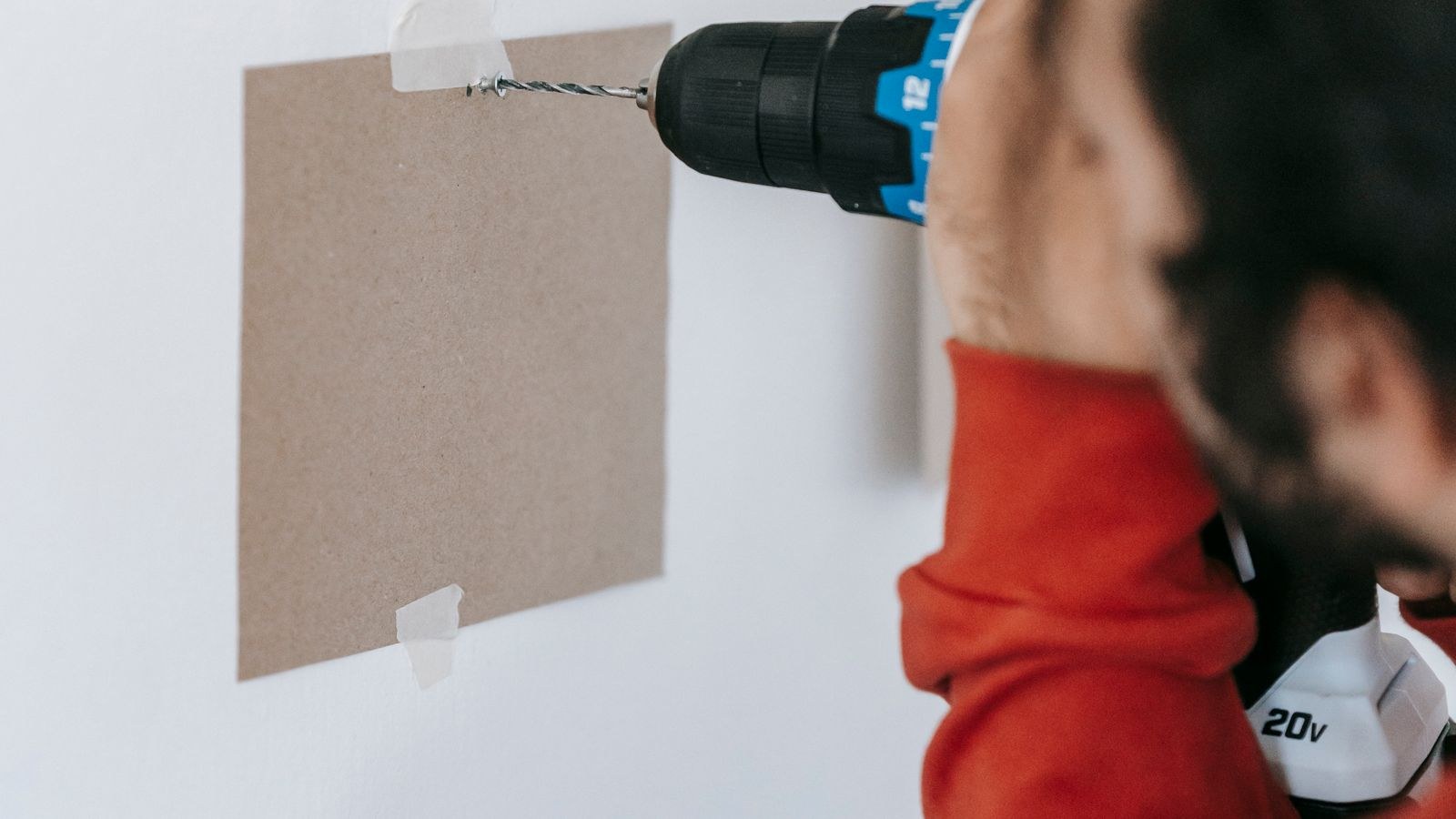
- Drill the anchor holes at the specified diameter. Use the size printed on the anchor packet, not the closest bit to hand. An oversized hole ruins a toggle’s grip and an undersized one prevents the wings deploying. Drill straight and square to the wall.
- Fit the toggles correctly. For strap toggles, feed the metal channel through the hole, pull the strap until the channel sits flat against the back face, slide the plastic cap down tight to the wall, and snap the straps off flush. For classic toggle bolts, thread the bolt through the bracket first, because the wing cannot pass back through the hole once deployed.
- Tighten evenly, not aggressively. Snug each bolt in a cross pattern so the bracket pulls up flat. Overtightening crushes the gypsum around the anchor and destroys exactly the strength you are relying on. Stop as soon as the bracket is firm against the wall.
- Test the bracket before the TV goes near it. Hang your body weight briefly on the bottom edge of the mounted plate with a downward and outward pull. Any movement, creaking, or crumbling means you stop and rethink. Better to find out now.
- Attach the arms to the TV. Lay the screen face down on a soft surface, fit the VESA brackets with the correct screw length, and do not overtighten into the plastic rear housing. Screws that are too long can damage the panel internals.
- Lift and hook the TV with help. One person takes each side, lift together, engage the hooks or slots on the wall plate, and confirm the safety catch or locking screw is engaged before letting go.
- Level, dress the cables, and check again a week later. Adjust any fine-tilt on the mount, route cables so they do not pull the screen, and re-inspect the anchors after several days of settling.
Matching the Screen to the Mount
Weight is the deciding factor in a no-stud install, and it varies a lot between models of the same size. If you are still choosing a set for a wall with limited fixing options, a lighter panel simply gives you more room to work with. Our comparison of the best 65 inch gaming TVs and the lighter best 55 inch gaming TVs lists panel weights alongside picture performance, which makes the trade-off easy to see before you commit.
Viewing distance and room layout matter as much as size, and the best living room gaming TVs guide covers how brightness and viewing angle behave in a bright shared space. Once the screen is up, backlighting softens the contrast between a bright panel and a dark wall; browse the best TV lights for options, and follow how to mount LED strip lights behind a TV to fit them without adding clutter to your cable run.
Safety Rules Worth Following
Never mount a television to a single anchor, and never rely on plastic plugs regardless of what the packet claims. Spread the load across at least four properly rated toggles, and prefer six or more with a backer plate for larger screens. Treat manufacturer weight ratings as upper limits under ideal conditions, not as targets.
Be especially cautious with full-motion arms. Extending a screen away from the wall multiplies the leverage on every anchor, and the load changes dynamically each time someone moves it. If you want articulation, find studs or fit a plywood backer that is itself anchored into framing. Finally, if the wall is lath and plaster, or a thin partition of unknown construction, get it assessed rather than guessing, because the anchor ratings printed on the box assume standard gypsum board.
Troubleshooting
The drill breaks through into nothing solid
That is normal for a hollow wall, but if the hole crumbles into a large ragged opening, the board is damaged or water-affected. Patch it, let it cure, and move the fixing point.
A toggle spins and will not tighten
The wing or channel is not seated flat behind the board. Remove it, check the hole size against the packet, and refit with a fresh anchor.
The bracket sits proud at one corner
An anchor cap is not fully flush or the wall has a bump. Loosen, seat the cap properly, and retighten evenly rather than forcing one bolt down.
Frequently Asked Questions
Can drywall alone really hold a TV?
With correctly fitted toggle anchors and a flat mount, a modest screen can be held safely. Heavy panels and articulating arms need studs or a plywood backer plate fixed into framing.
How many anchors do I need?
Four properly rated toggles is the practical minimum for a light screen. Six or more spread across a backer plate is far better for anything sizeable.
What if I find just one stud?
Use it. A single stud fixing combined with toggles at the remaining points is much stronger than toggles alone, and is well worth shifting the TV a few inches to achieve.
Final Thoughts
Mounting a TV without studs is a job where the preparation carries all the risk and all the reward. Scan the wall properly, know the real weight you are hanging, choose strap or spring toggles rather than plastic plugs, and spread the load across a plywood plate whenever the screen is large or the mount articulates. Tighten evenly, load-test the bracket before the television goes anywhere near it, and always lift with a second pair of hands. Do it that way and a stud-free wall will hold your screen securely for as long as you own it.









